
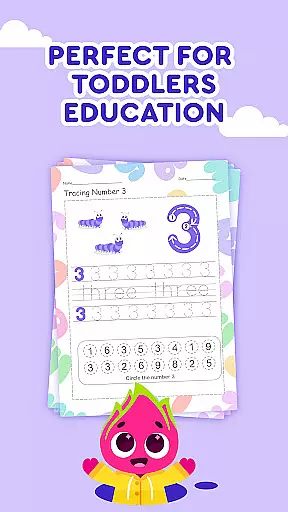

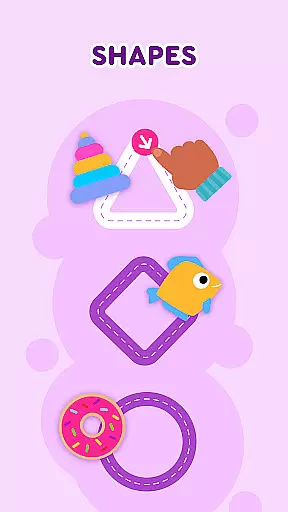
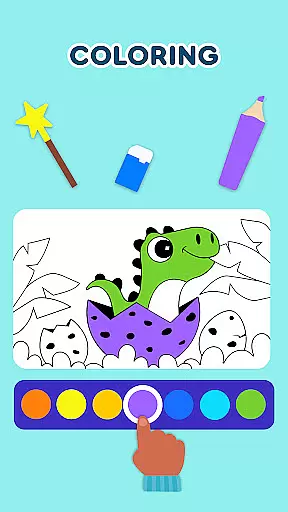
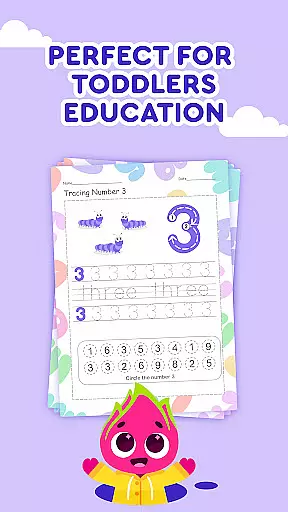
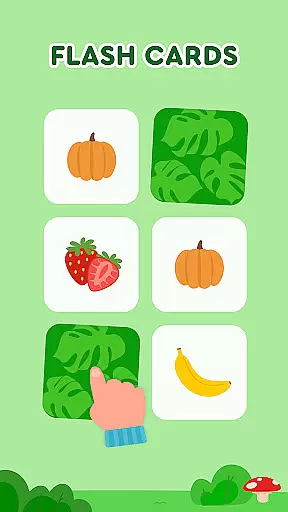

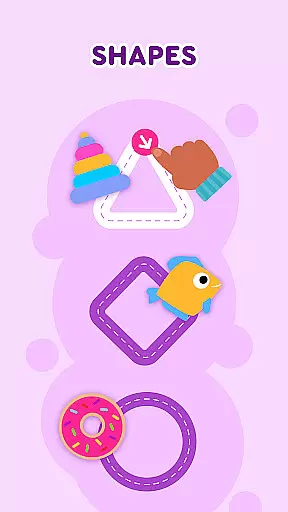
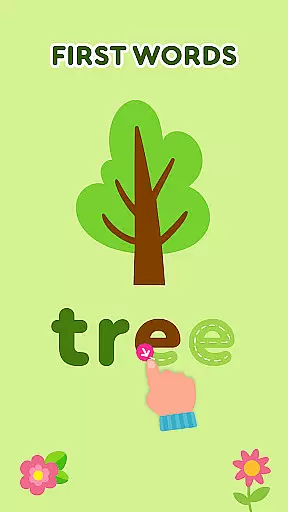
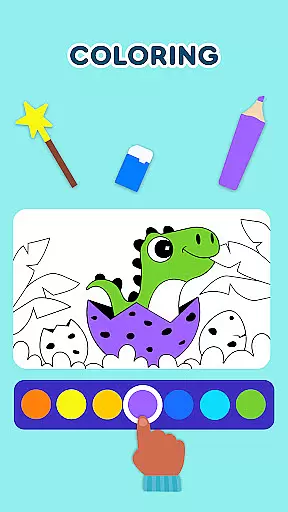
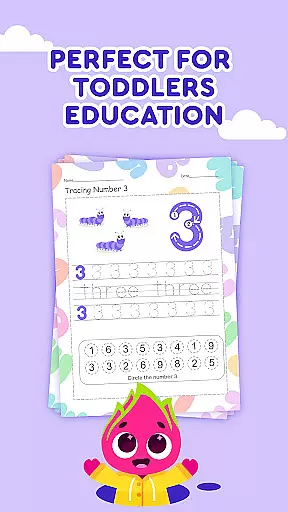

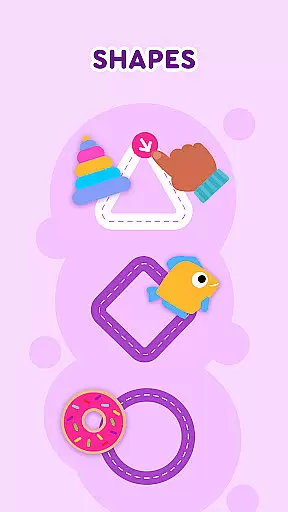
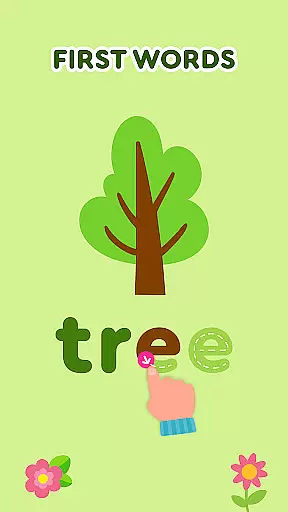
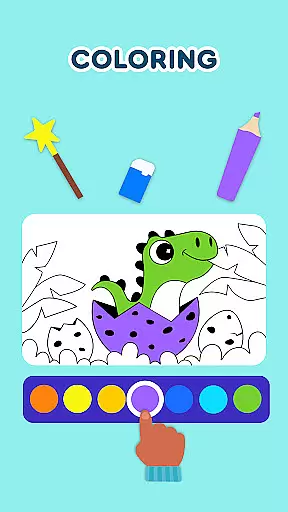
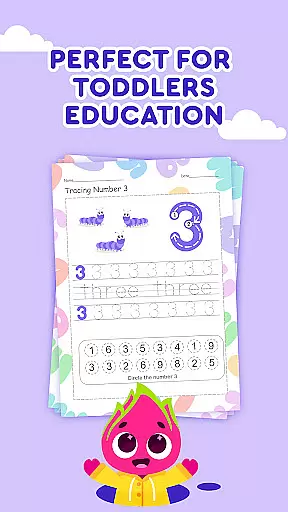

Keiki Learning Games for Kids is an educational app designed to make learning enjoyable and interactive for toddlers and preschoolers. The app offers a variety of activities including ABC games, math games, color and shape recognition, and puzzles that are crafted by child education experts. With its focus on early childhood development, Keiki provides a safe environment with no ads, where children can sing along to educational songs, learn the alphabet, and develop basic phonics skills.
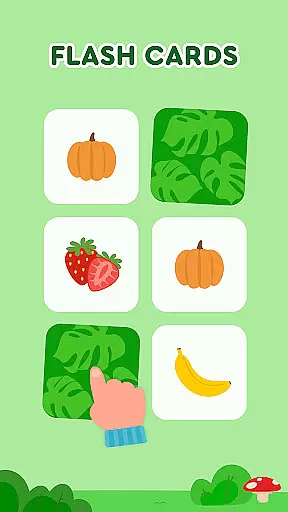
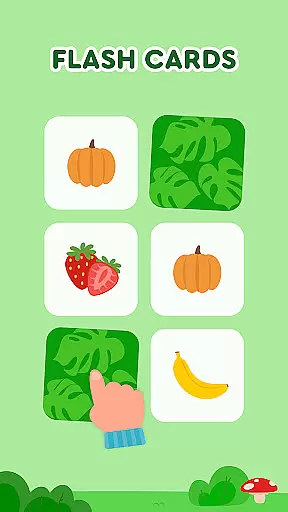
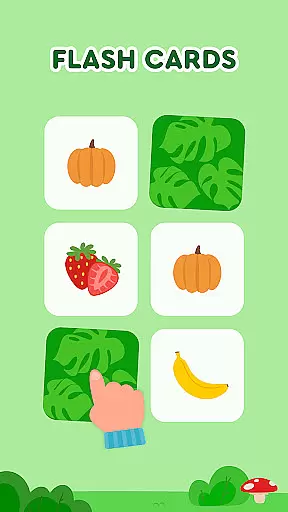
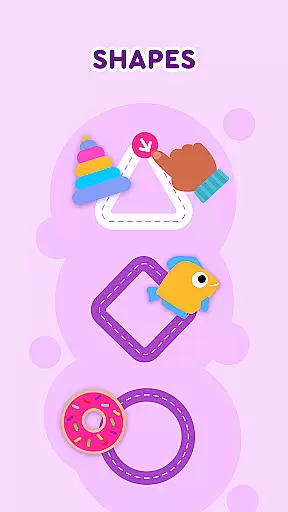
The app also features classic jigsaw puzzles with adjustable difficulty levels, memory card games covering various topics like animals and food, and fun mini-games such as 'Harvest' and 'Cooking'. These activities not only entertain but also help in training attention, alertness, and fine motor skills. Whether it's through tracing letters, matching shapes, or learning colors, Keiki ensures that screen time is both fun and educational, supporting cognitive development during crucial early learning years.
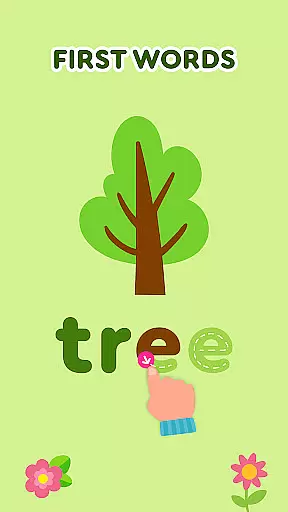
Keiki Learning Games for Kids stands out with its comprehensive suite of educational tools tailored for young learners. One of the key features is the collection of ABC puzzle games that train letter recognition and phonics, alongside tracing activities for writing practice. The Spin & Turn toddler puzzle games challenge children to solve puzzles by rotating pieces, enhancing their problem-solving skills. Additionally, the app includes entertaining songs that teach letters, numbers, and more, providing auditory learning opportunities.
Memory card games and the 'Catch It!' game further enrich the learning experience by improving memory retention and color recognition. Each feature within Keiki is designed to be engaging yet educational, ensuring that while children enjoy playing, they simultaneously develop essential skills such as attention, logic, and motor coordination. The colorful graphics and interactive elements keep kids motivated, making Keiki a valuable resource for parents seeking quality educational content for their children.
In the realm of educational gaming, content authority and curriculum alignment are paramount for ensuring that learning is both effective and credible. Keiki Learning games for Kids takes this responsibility seriously by developing its suite of ABC games, math games, and toddler puzzles under the guidance of child education experts. This guarantees that every interaction a child has with the game supports recognized educational standards and developmental milestones.
The application offers a variety of activities such as tracing ABC letters, memory card games, and phonics training, all designed to align with preschool and kindergarten curricula. These activities are not just about rote learning but also about understanding fundamental concepts through play. For instance, the app's approach to teaching the alphabet involves interactive puzzles that require children to recognize and place letters in the correct slots, reinforcing letter recognition and basic phonics.
Parents can be confident that their children are receiving age-appropriate content that mirrors what they might learn in a classroom setting. The app covers essential topics like numbers, colors, shapes, and the alphabet, which are the building blocks of early education. By integrating these subjects into various engaging formats, from funny songs to harvesting fruits and vegetables, Keiki ensures that screen time is not only enjoyable but also enriches the child's learning journey.
Keiki Learning games for Kids excels in gamification-learning integration, transforming traditional educational content into interactive experiences that captivate young minds. Through a blend of vibrant visuals, entertaining characters, and rewarding gameplay, the app makes learning an adventure that kids look forward to. Each game within the app is crafted to ensure that while children play, they simultaneously acquire new skills and knowledge, making education a seamless part of their entertainment.
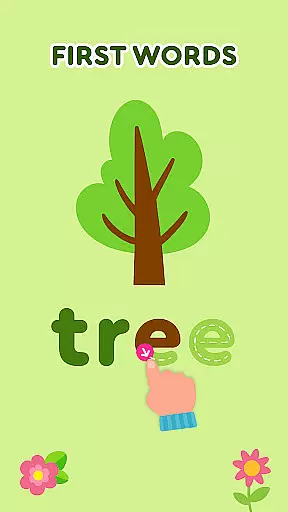
One standout feature is the inclusion of 'Didi Cartoons,' which combines storytelling with educational puzzles. Children engage with baby puzzles featuring cars and animals, enhancing their logic skills without realizing they're in an educational setting. Additionally, the app includes spelling games where children learn to combine letters into words, representing animal names or other preschool word puzzles. This method of learning through play helps solidify language acquisition and reading readiness in a fun environment.
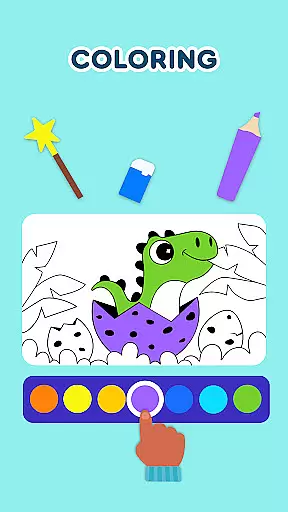
Moreover, the app provides adjustable difficulty levels across its suite of games, including memory games and color recognition challenges. This adaptability ensures that as children grow and learn, the app continues to present appropriate challenges that keep them engaged and motivated. With Keiki, learning games do more than teach; they instill a love for learning by proving that educational content can be as thrilling as any other form of play.
User-friendly interface
Educational content
Ad-free environment
Variety of activities
Safe for children
Limited to preschool level
No advanced features
Potential in-app purchases
May require guidance
Repetitive for older kids

Creating emotional connections
 4.2
4.2
Where the beloved world of Peppa Pig meets the creativity of LEGO DUPLO!
4.00
Animal games! Adopt virtual pet dog, cat & rabbit to create your pet world!
4.10
Glow Doodle! Baby Coloring & Drawing games for toddlers: Color and Learn! NoAds!
4.40
Join Rus and his friends to save Pear Island!
4.2
Help your child improve their number literacy with Numberblocks: Card Fun!
2.60
The kids phonics and reading app that's helped millions of kids learn to read
4.00
Expert-designed fun interactive learning games to prep kids (2-5) for preschool.
4.00
Coloring book for kids! Learn Color, paint, neon drawing with educational games.
4.40
Tons of kids safety games, cartoons, and stories are included in one kids app!
4.70
Toddler Learning Games, Learn: Colors, Shapes, Puzzles, ABC ... ►NoAds!◄
4.50
Monkey Preschool Fix-It is an early learning game for ages 2 to 5.
4.40
This will quickly become your kids' favorite animals game!
4.40
A cube building game for small (and large) builders.
4.40
Pretend play in Pepi City: become a doctor or a patient. Our city, your stories!
4.30
Build your own BRIO railway!
4.30
OG Trail - Lets you play the classic Oregon Trail simulation game on Android
4.20
Find the hidden Numberblocks, add them together and see what happens.
3.50
Fun step-by-step drawing & coloring app to learn and create art!
4.4


User Reviews