
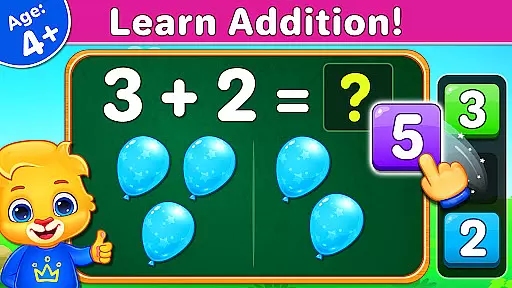
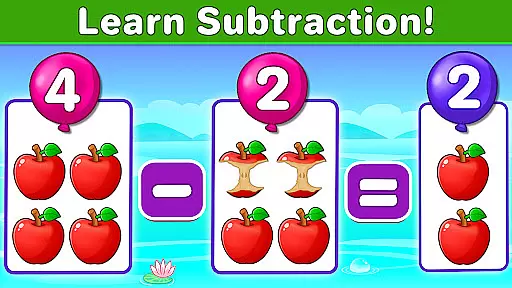
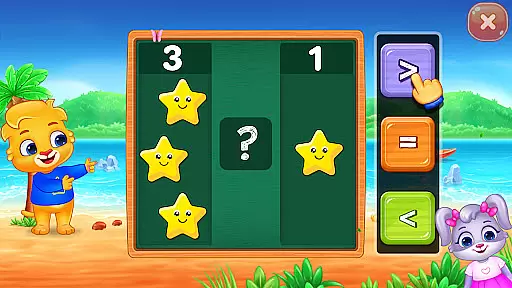
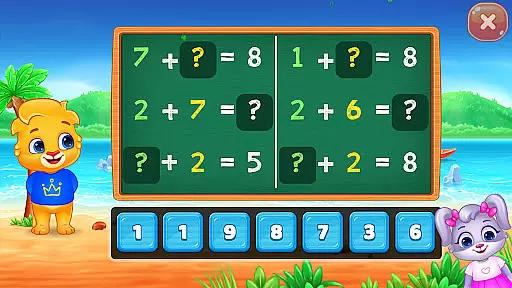
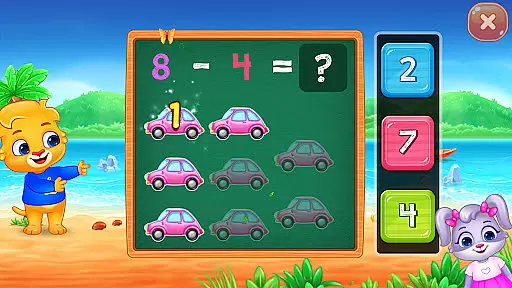
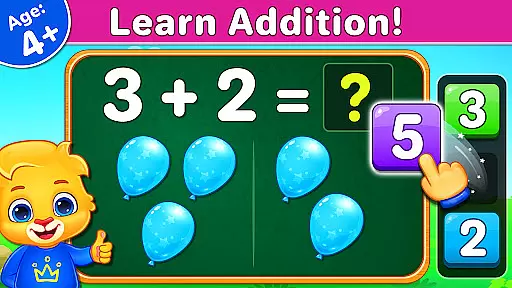
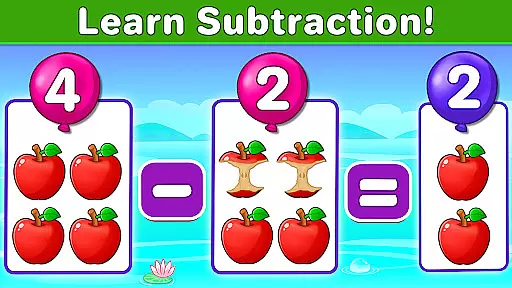
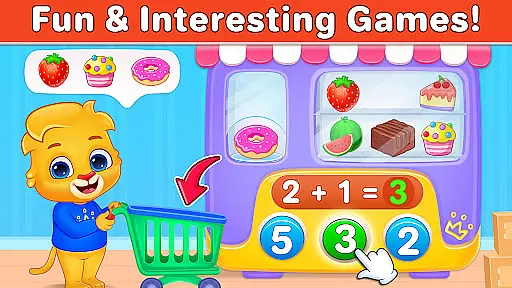
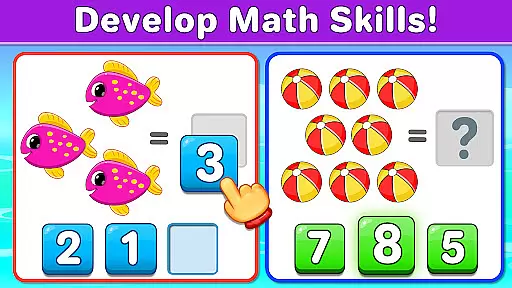
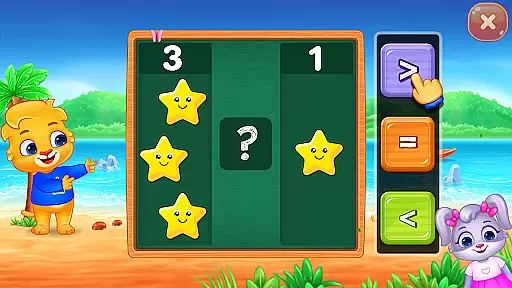
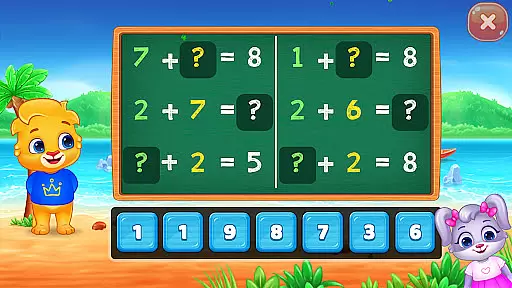
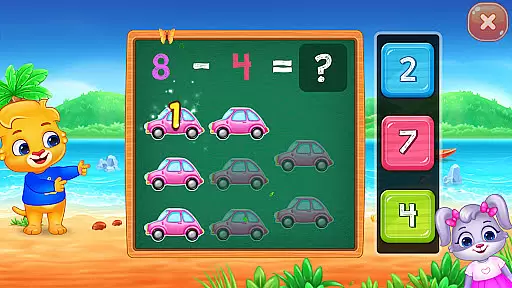
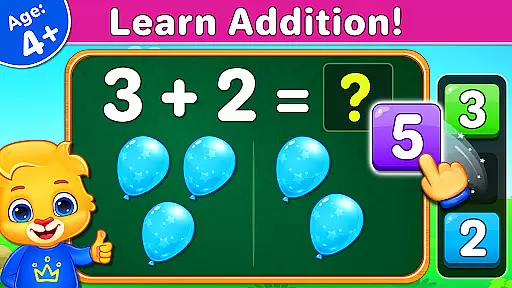
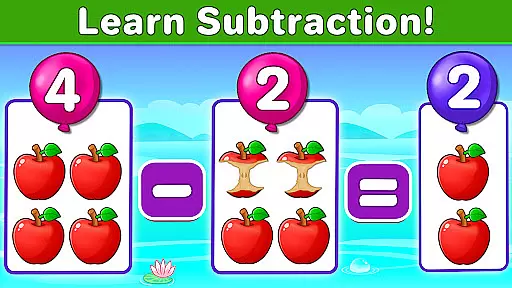
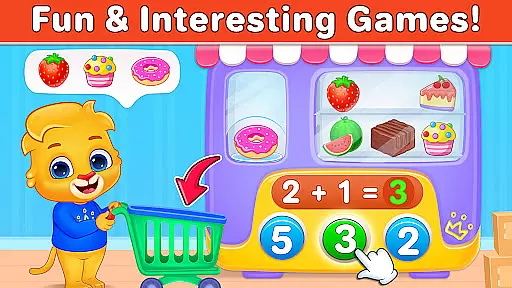
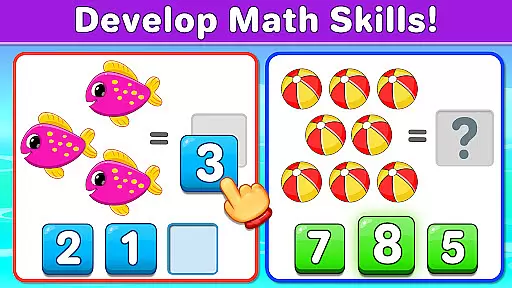
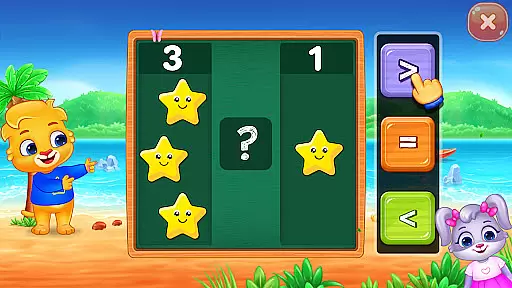
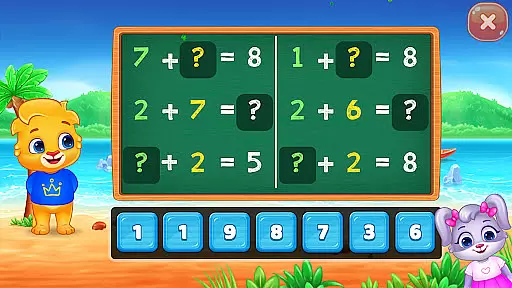
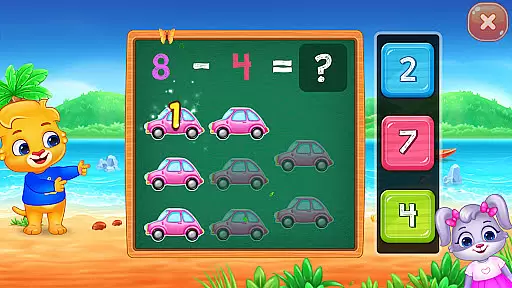
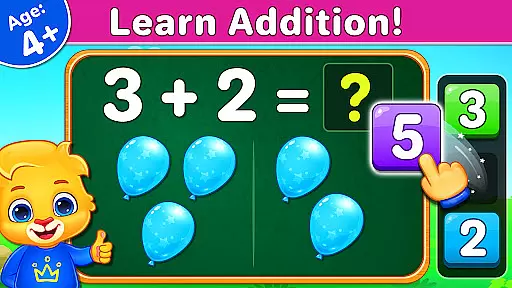
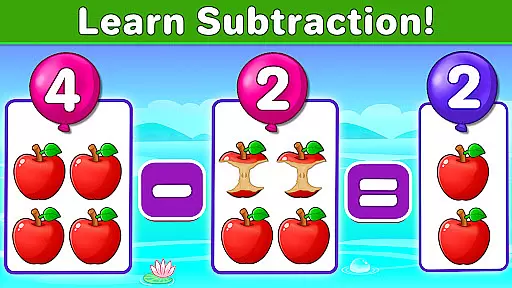
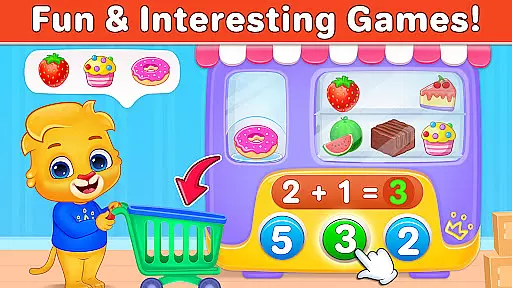
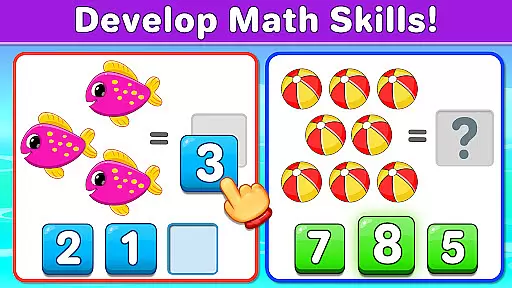
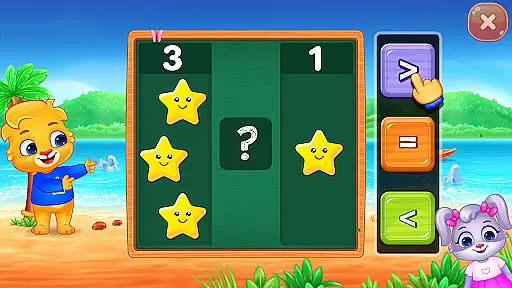
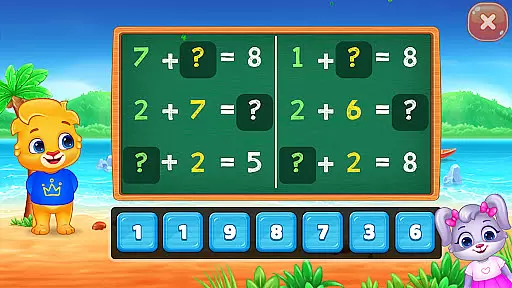
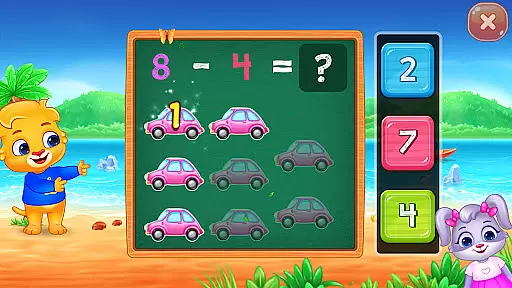
Math Kids is an educational app designed to teach young children fundamental math skills through engaging mini-games. The app targets preschoolers, kindergarteners, and early elementary students, offering a playful environment to learn counting, addition, and subtraction.
The app features multiple interactive games that combine learning with fun. Children can practice counting objects, solve addition and subtraction puzzles, and compare quantities. These activities are crafted to improve their mathematical abilities while keeping them entertained and motivated through sticker rewards.
Parents can customize the difficulty level and monitor their child's progress through report cards. Math Kids provides a solid foundation in mathematics, helping children develop essential cognitive skills while preparing them for academic success in a supportive and enjoyable way.
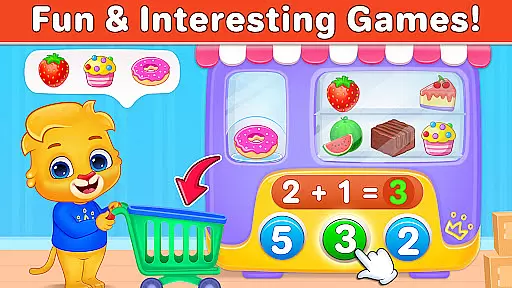
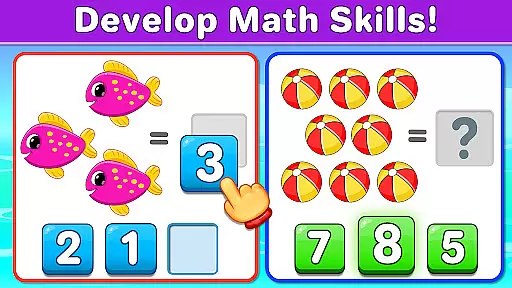
Math Kids offers a variety of features that make learning math both effective and enjoyable. One standout aspect is its collection of interactive mini-games, each focusing on different math skills such as counting, addition, subtraction, and comparison. These games utilize drag-and-drop mechanics and object counting to create hands-on learning experiences.
In addition to its gaming features, Math Kids includes parental controls that allow adults to adjust game difficulty and track their child's performance. The app provides report cards that display scores from previous rounds, enabling parents to monitor improvement over time. This combination of engaging gameplay and robust monitoring tools ensures that children remain challenged while progressing at their own pace.
Another notable feature is the app's completely free model, with no in-app purchases or third-party ads. This approach creates a frustration-free experience, making it an ideal choice for families seeking a safe and comprehensive math learning tool for their children.
When it comes to educational apps for children, content authority and curriculum alignment are crucial factors. Math Kids: Math Games For Kids ensures that the learning material is both accurate and aligned with educational standards suitable for preschoolers, kindergarteners, and early elementary students.
The app offers a variety of mini-games focused on counting, addition, subtraction, and comparison, which are core components of early math curricula. These games are designed by developers who understand the importance of adhering to educational guidelines, ensuring that every puzzle or quiz not only entertains but also educates.
Parents can be confident that their children are engaging with content that mirrors what they would learn in an educational setting. The activities within Math Kids are crafted to support the development of young learners' mathematical abilities in a structured way, providing a seamless transition to more formal education.
By integrating play with foundational math concepts, Math Kids provides a platform where children enjoy learning and can easily relate to their school curriculum, giving them a head start in their educational journey.
Gamification in learning has proven to be an effective method for increasing engagement and retention among students, especially young ones. Math Kids: Math Games For Kids leverages this approach by incorporating game-like features such as earning stickers and completing challenges, which make learning an enjoyable experience.
Each mini-game in Math Kids is crafted to balance fun with educational value, ensuring that children remain engaged while practicing essential math skills. As they progress through counting exercises, addition and subtraction puzzles, and quizzes, kids are rewarded for their achievements, which motivates them to continue learning.
This integration of gamified elements supports the development of a positive attitude towards mathematics from an early age. Children look forward to playing the games, directly correlating fun with learning math, which traditionally might not be seen as the most exciting subject.
Moreover, the ability to customize difficulty levels allows for adaptive learning paths tailored to individual needs, enhancing the effectiveness of gamification. This personalized approach helps maintain an optimal level of challenge and prevents frustration, keeping young learners motivated and invested in their educational progress.
User-friendly interface
Engaging mini-games
No in-app purchases
Parental monitoring tools
Fully free access
Limited advanced math topics
Graphics may feel basic
Repetitive for older kids
Occasional bugs reported
Offline-only functionality

Monkey Preschool Fix-It is an early learning game for ages 2 to 5.
 4.40
4.40
Stack the States® 2 makes learning US geography fun!
4.50
Absorbing, highly visual, effective learning of multiplication, division
4.0
Create stories and build your own virtual world for your avatar!
3.00
A world for little builders to create, imagine, and learn through play.
4.20
Tracing, phonics & spelling games for toddlers, preschool & kindergarten kids!
4.50
Play educational games for preschool toddlers—plus more to discover ►AdsFree◄
4.60
Creative beauty & fashion
4.50
Play pretend & explore at the doctor's & school in Daniel Tiger's Neighborhood.
3.30
Epic battles, interactive quests and exotic pets. Learn math with Prodigy today!
4.70
Fun phonics & alphabet tracing game for toddlers, preschool & kindergarten kids!
4.60
Fun educational games for kids that teach number tracing, counting with modes!
4.50
Pretend play in Pepi City: become a doctor or a patient. Our city, your stories!
4.30
Build your own BRIO railway!
4.30
Endless runner fun packed with animal facts, exciting wildlife, & adventure.
4.10 2.80
2.80
Help your child improve their number literacy with Numberblocks: Card Fun!
2.60
Creating emotional connections
4.4
Discover the infinite cycles of the universe
4.1


User Reviews