
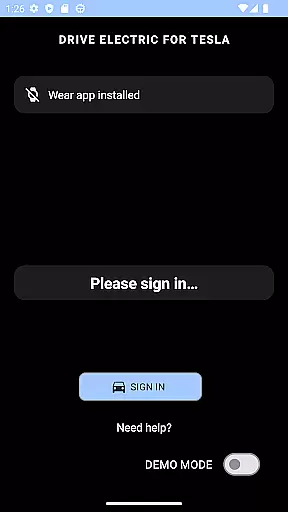
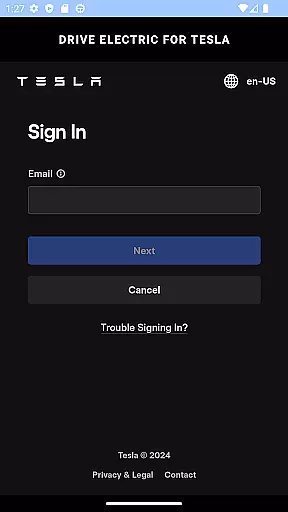
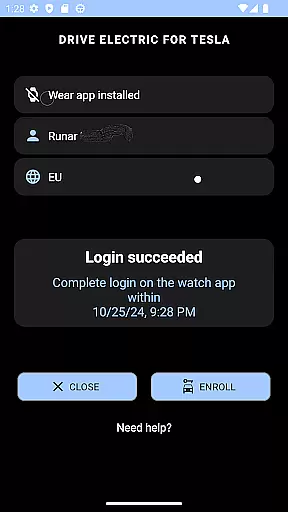
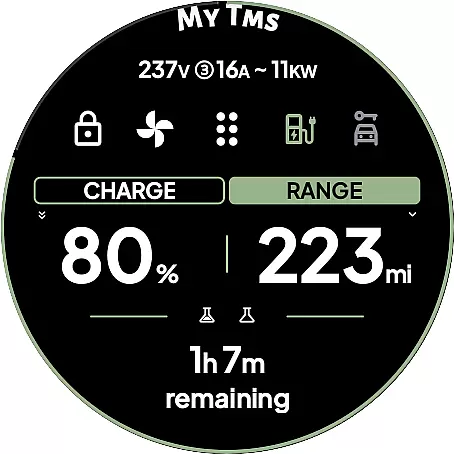
DRIVE Electric for Tesla is a cutting-edge Wear OS smartwatch application that transforms your wearable into a powerful key for Tesla vehicles. By integrating NFC, Bluetooth, and optional internet-based access, the app allows users to interact with their cars seamlessly without needing a phone nearby. This functionality is particularly beneficial for Model 3/Y and 2021 S/X owners who can utilize advanced features like unlocking, driving, or sending commands via BLE.
The app offers both basic functionalities, such as NFC and Bluetooth access, and premium options through a subscription model for remote access. With its innovative approach, DRIVE Electric ensures secure communication directly with Tesla's servers or the vehicle itself, making it an essential tool for modern Tesla drivers looking to enhance convenience and accessibility.
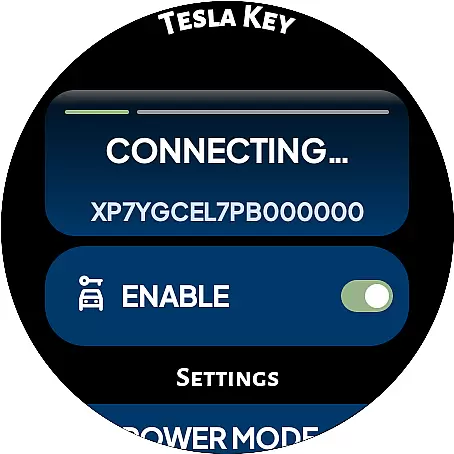
DRIVE Electric for Tesla stands out with its comprehensive feature set tailored for Tesla owners. The app supports both NFC and Bluetooth access, enabling users to unlock and drive their vehicles effortlessly when in proximity. A unique offering is the optional remote access via a monthly subscription, which allows control over the internet, ideal for older Tesla models without BLE hardware.
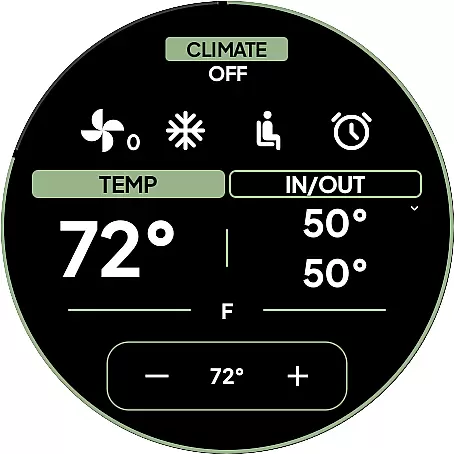
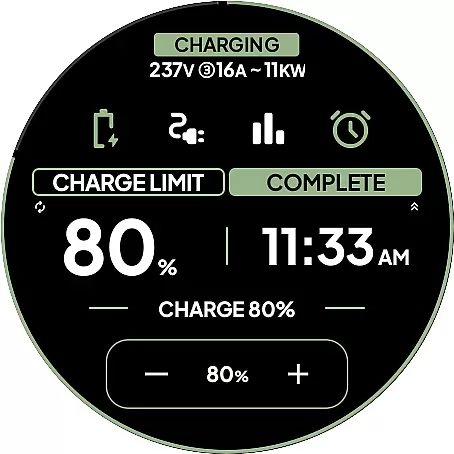
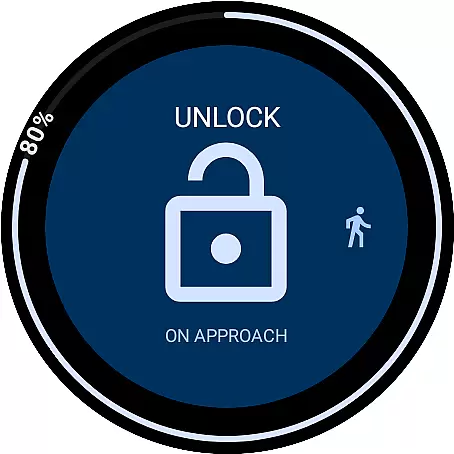
Additional highlights include six customizable tiles for quick command access, a watch complication displaying battery levels, and the On Approach feature, which delays actions until the user reaches the car. These capabilities ensure maximum convenience and security, while the absence of third-party server involvement guarantees data privacy. Such innovations make DRIVE Electric a reliable companion for managing your Tesla efficiently.
DRIVE Electric for Tesla exemplifies comprehensive lifestyle category coverage by addressing the needs of Tesla owners who value convenience and technology integration in their daily lives. The app combines NFC, Bluetooth, and internet access to provide users with a seamless connection to their vehicles directly from their Wear OS smartwatches.
The top features of this app cater to various aspects of a modern lifestyle. Users can unlock, drive, or send commands over Bluetooth Low Energy (BLE) when near their vehicle, eliminating the need to carry a phone. This feature is particularly beneficial for individuals who prefer a minimalist approach to their personal belongings while on the go.
In addition to basic functionalities, the app offers remote access through a subscription plan, ensuring that users can interact with their vehicles even when they are not nearby. This level of connectivity enhances the user experience by providing peace of mind and control over their vehicle's status and operations at all times.
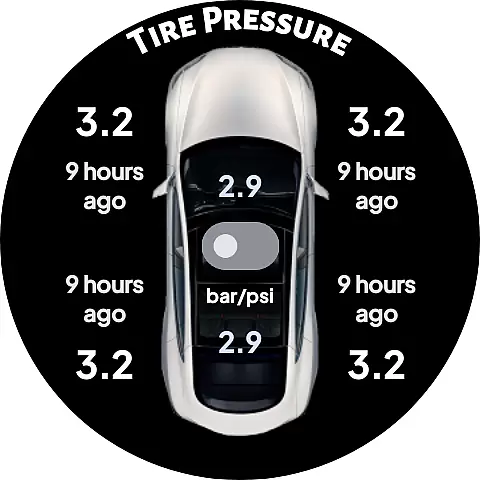
With added features like watch complications showing battery levels and tiles for quick access to commands, DRIVE Electric for Tesla ensures that users have all necessary information and controls readily available on their smartwatches. These capabilities contribute to a holistic lifestyle solution that aligns with the fast-paced, tech-savvy nature of today's Tesla drivers.
When it comes to content authenticity and expert credibility, DRIVE Electric for Tesla stands out as a reliable tool for Tesla owners. The app communicates directly with Tesla's servers or the vehicle itself using NFC or BLE, ensuring that no credentials are stored or proxied through third-party servers. This direct communication method guarantees that the information and commands sent through the app are authentic and secure.
The developers behind DRIVE Electric for Tesla have taken extra steps to ensure transparency and trustworthiness. They clearly state that the app is not affiliated with Tesla, Inc., and warn users about potential changes Tesla might make to its APIs, which could affect the app's functionality. By being upfront about these risks, the developers establish a level of credibility that reassures users about the app's legitimacy.
Furthermore, the app includes detailed instructions and FAQs, guiding users through setup processes and offering insights into how each feature works. This educational component adds to the overall expert credibility of the app, as it empowers users with knowledge and understanding of the technology they are utilizing.
Lastly, the emphasis on security measures such as optional PIN code access and local token storage in the encrypted key manager provided by the watch OS demonstrates the developer's commitment to protecting user data. These precautions reinforce the app's authenticity and reliability, making it a trustworthy choice for Tesla owners seeking to enhance their vehicle interaction experience.
Fast and reliable keyless access
Secure direct communication with Tesla
Innovative On Approach feature
Comprehensive tile options for commands
Strong focus on user privacy
Subscription required for remote access
Limited to compatible Tesla models
No Tizen OS support
Potential API access restrictions by Tesla
Location permission needed for full functionality

Design and brew great homebrewing beer, mead, cider and wine recipes on the go!
 3.60
3.60
Big bold digital watch face with 30 colors, 6 complications and AOD.
4.3
Smart controls for your Ember Smart Mugs
4.10
Pay your rent, submit work orders and much more with the RentCafe Resident App.
4.70
A watch face with transparency and fluid visuals inspired by liquid glass design
4.2
This app is intended to support professional EMDR therapy.
4.50
Smart home security protection
3.20
Communicate with your vehicles and Powerwalls anytime, anywhere
3.60
Simple, stylish & fresh watch face. Customize colors, gradients & complications.
4.70
Countdown to Christmas 2025 with festive games & activities in a virtual village
4.80
My Diary - Daily Journal with lock: Diary journal app and secret diary with lock
4.80
Have your Tehillim with you at all times
4.70
Smart & Healthy Living
4.60
Earn money & gift cards when you take surveys, play games, scan receipts & more.
4.50
Zodiac & Horoscope Launcher: Daily Sign Predictions & Astrology
4.40
Chat, meet genuine singles in your area. Real connections start with being real.
4.30
Fly your Solo like a boss.
4.10
View over 160,000 line dance stepsheets from the CopperKnob website.
3.30
The Miracle Box includes methods used by Steve Huff of Huff Paranormal.
3.20


User Reviews