
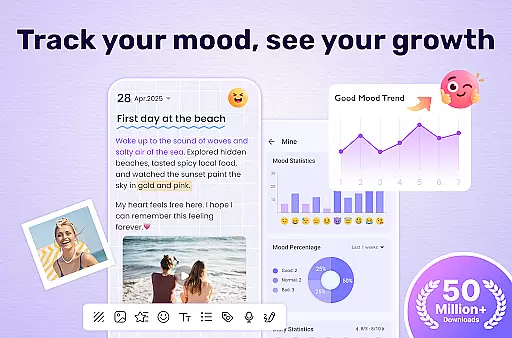
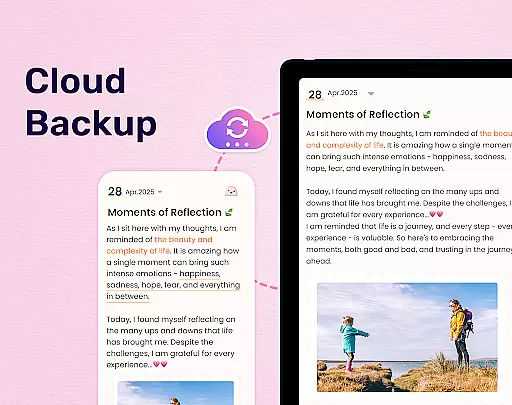
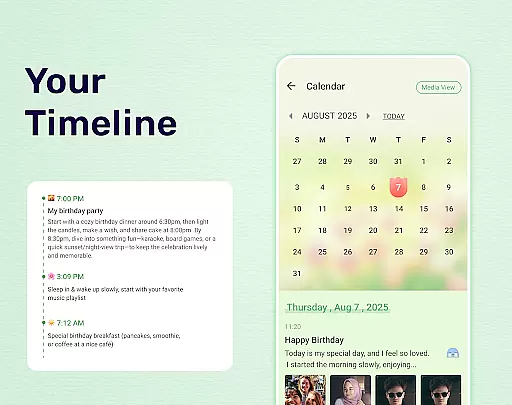
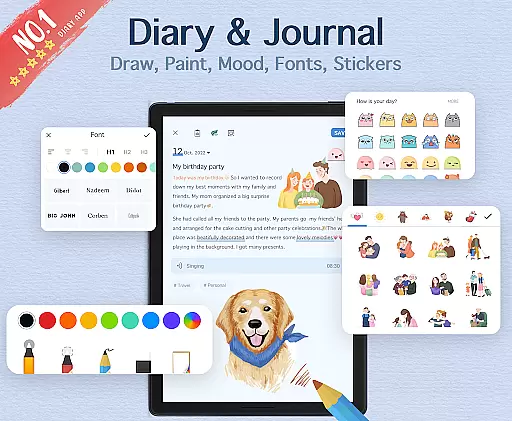
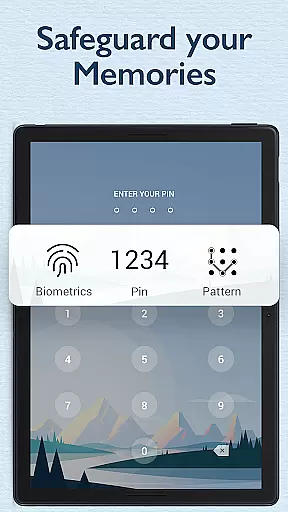
My Diary is a feature-rich digital journaling app designed for users who value privacy and creative expression. This lifestyle application allows you to document your daily life through text, photos, and videos while offering advanced security features like password protection and fingerprint authentication. The app's synchronization capabilities with Google Drive and Dropbox ensure your memories are safely backed up and accessible across multiple devices.
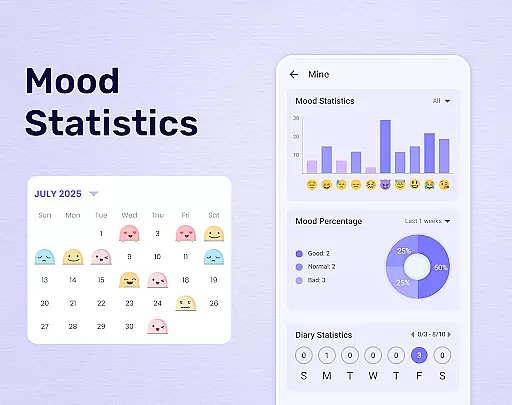
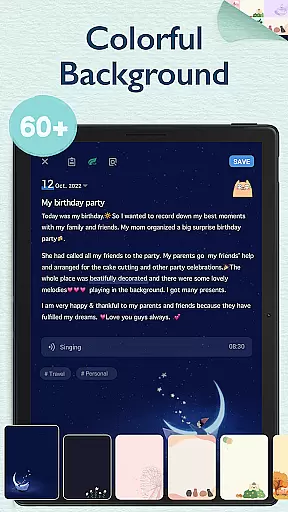
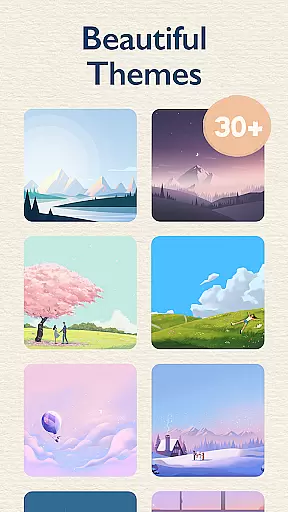
Beyond basic diary functions, My Diary provides customizable themes, stickers, and fonts that make journaling more engaging. Its unique mood tracking system and eye protection mode demonstrate thoughtful design, catering to both emotional well-being and physical comfort. Whether you're recording personal thoughts or creating detailed photo journals, this app offers a comprehensive solution for modern digital journaling needs.
The app's versatility makes it suitable for various journaling purposes, from travel logs to work records. With support for exporting entries to PDF or TXT formats and even printing capabilities, My Diary bridges the gap between digital convenience and tangible keepsakes. Its combination of security, customization, and practical features creates a valuable tool for anyone seeking a meaningful way to preserve their life experiences.
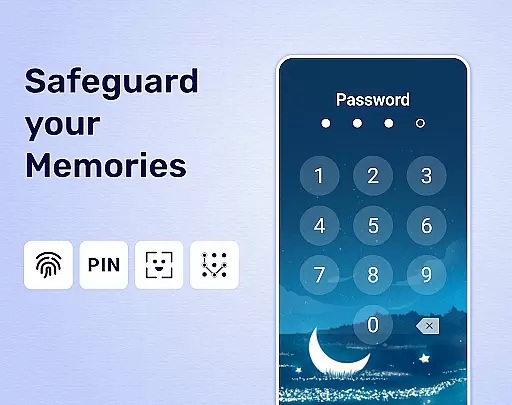
My Diary distinguishes itself through its extensive feature set tailored for secure and creative journaling. The app's core functionality includes robust encryption methods that protect user data through multiple layers of security - including passcode protection, fingerprint authentication, and automatic lock systems. These features ensure that sensitive personal information remains private while maintaining easy access for authorized users.
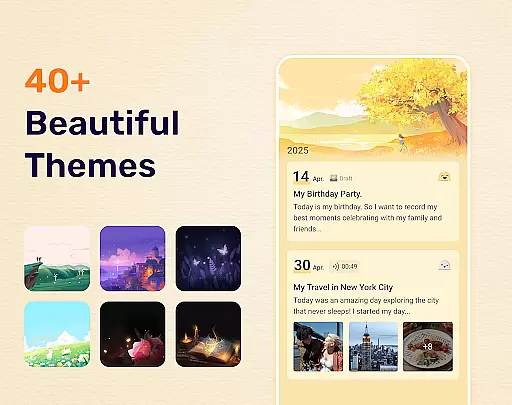
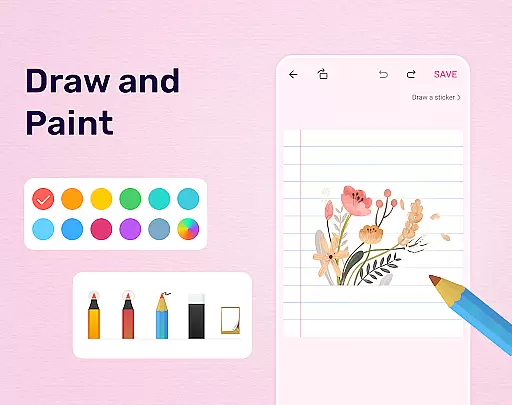
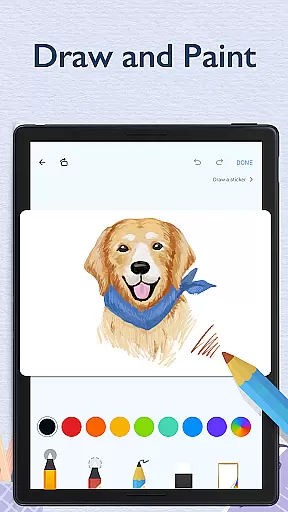
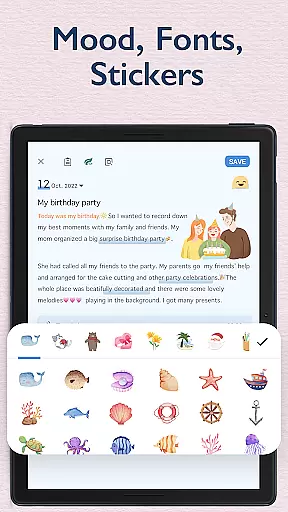
A key differentiator is its sophisticated content creation tools. Users can enhance their diary entries with customizable themes, artistic fonts, and an ever-expanding collection of stickers. The app supports multimedia integration, allowing seamless inclusion of photos and videos in journal entries. Advanced features like mood tracking, night mode, and eye protection demonstrate the developer's attention to user experience and well-being.
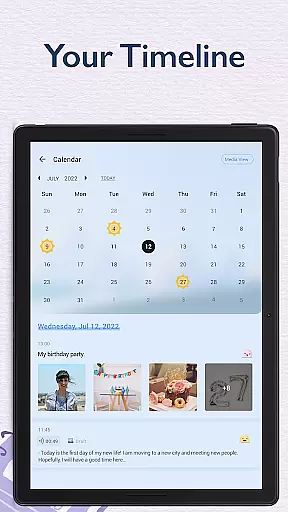
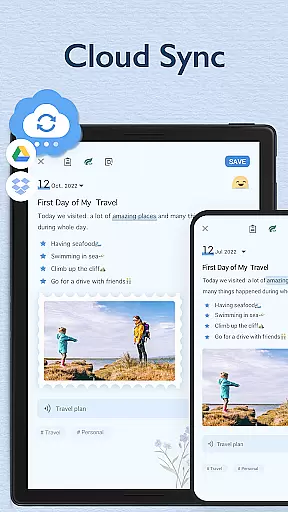
Practicality meets innovation with cloud synchronization capabilities across Google Drive and Dropbox platforms. This ensures data integrity while enabling cross-device access. The app's organizational tools, including tagging systems and calendar views, help users maintain structured journals. Additional features like export options to PDF/TXT formats and printing capabilities provide flexibility in managing and preserving personal records, making My Diary a comprehensive solution for modern digital journaling needs.
My Diary is a comprehensive lifestyle application designed to cater to various personal journaling needs. It covers multiple aspects of daily life, including recording journeys, moods, and private moments. The app provides users with the ability to add multimedia elements such as pictures and videos, making diary entries more vivid and engaging.
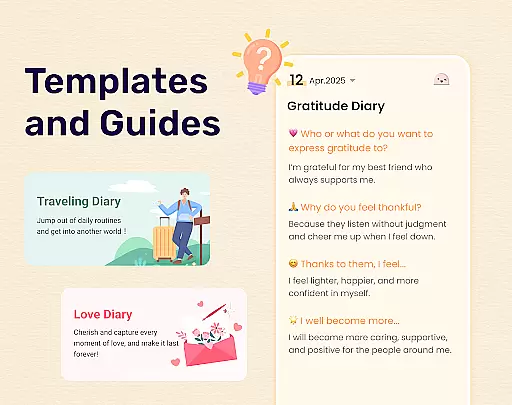
In addition to traditional text-based journaling, My Diary supports creative expression through customizable themes, stickers, and fonts. This allows users to personalize their diary entries, reflecting their unique style and preferences. Whether it's a travel diary, mood tracker, or a baby diary, the app offers diverse categories to organize and manage different types of journals effectively.
The inclusion of features like fingerprint lock, cloud sync, and eye protection mode demonstrates the app's commitment to security, accessibility, and user health. These functionalities ensure that users can maintain their diaries with peace of mind, knowing their memories are secure and accessible across devices. With continuous updates and a wide range of customization options, My Diary truly encompasses a broad spectrum of lifestyle journaling requirements.
Authenticity and credibility are at the core of My Diary's content offerings. As a dedicated journaling app, it ensures that all user-generated content, from personal thoughts to multimedia entries, remains genuine and unaltered. The app employs robust security measures, including passcode protection and fingerprint authentication, to safeguard the privacy and integrity of each diary entry.
Expertise in digital journaling is evident in the app's sophisticated design and feature set. My Diary incorporates professional-grade tools such as mood tracking symbols, artistic themes, and night dark mode, enhancing the overall journaling experience. These elements are carefully crafted to provide users with an immersive and trustworthy platform for documenting their lives.
Furthermore, the app's support for cloud backup via Google Drive and Dropbox guarantees that users' cherished memories are preserved accurately and securely. By allowing exports to formats like TXT and PDF, My Diary empowers users to maintain physical copies of their digital diaries, reinforcing its dedication to authentic and credible content management.
User-friendly interface
Strong security features
Customizable themes
Cloud backup options
Multimedia support
Premium features locked
Occasional bugs
Limited free storage
Ads in free version
Learning curve

Tap to the beat with interactive videos — warm up your reflexes & have fun
 4.70
4.70
A smart Siddur with halachic times
4.60
This minimalist yet classic board design brings a futuristic twist to your wrist
4.20
Do you want to communicate with spirits?
3.80
Connect to your Shark ROBOT™ from anywhere using the SharkClean™ App.
3.60
Your home in your hand
3.80
Zodiac & Horoscope Launcher: Daily Sign Predictions & Astrology
4.40
A smart Siddur with halachic times
4.50
Share opinions, get paid cash
4.30
Crochet made easy: step-by-step tutorials, beginner patterns & projects
4.60
The go to app for taking unlimited notes!
4.50
Fly your Solo like a boss.
4.10
Digital watch face design. Modern looking, hi-res & battery friendly.
4.00
Unique BIG BOLD TIME with amazing colors and customisations.
3.70
Design and brew great homebrewing beer, mead, cider and wine recipes on the go!
3.60
Unique Dark Analog style for Wear OS watches.
4.3
Duo Watch Face (animated)
4.2
A watch face with transparency and fluid visuals inspired by liquid glass design
4.3
A uniquely designed isometric digital watch face made for Wear OS
4.4


User Reviews