
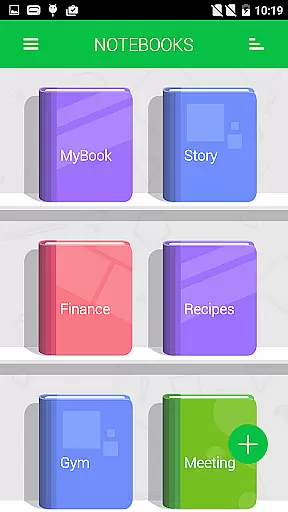
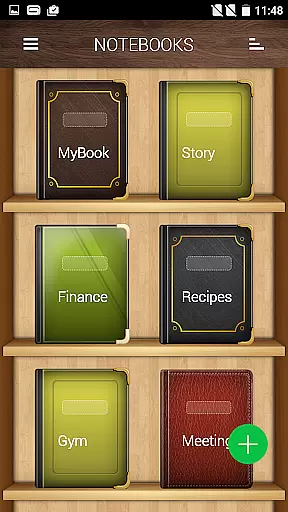
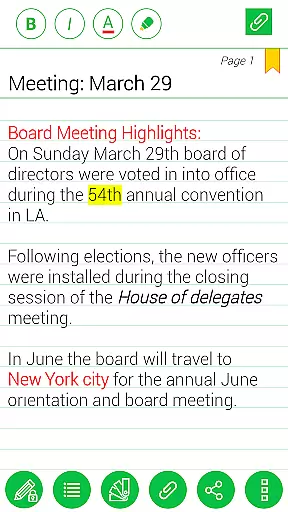
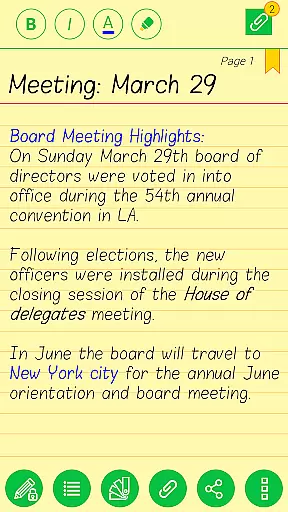
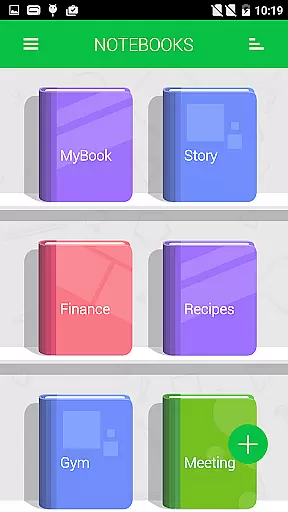
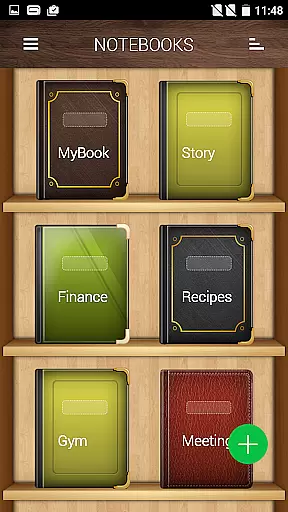
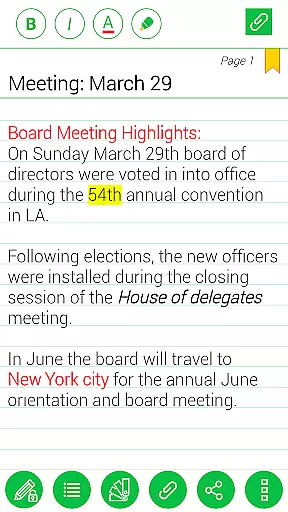
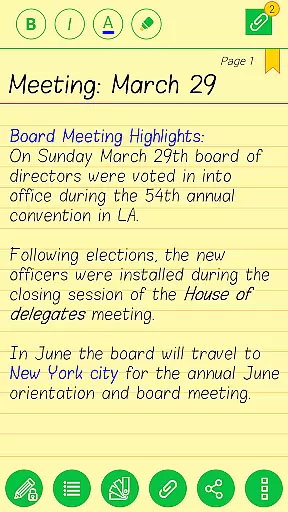
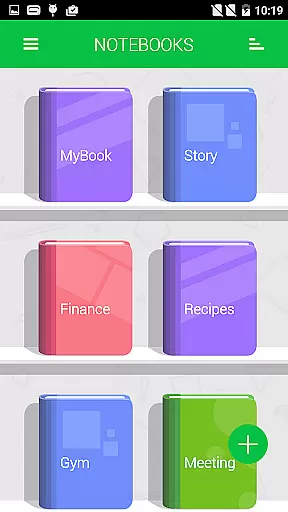
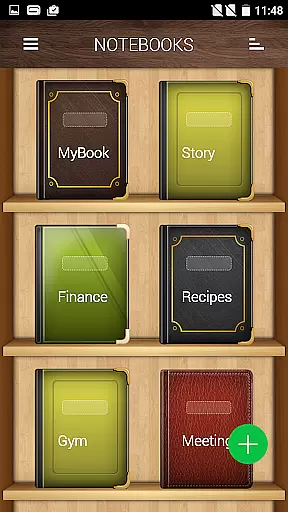
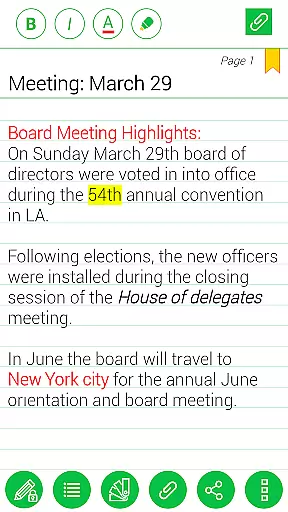
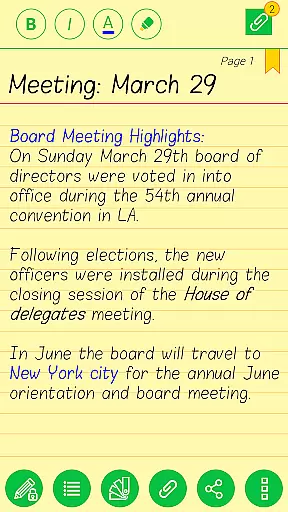
Notebooks Pro is a versatile note-taking application designed to cater to all your note-making needs. It allows users to create multiple notebooks for different subjects, each with customizable covers, titles, and page styles. The app supports password protection and fingerprint unlocking, ensuring the security of your notes.
With features like instant search, image attachments, freehand drawing, and bookmarking, Notebooks Pro offers a comprehensive solution for organizing and managing notes. Whether you're a student, businessman, or anyone in need of a reliable digital notebook, this app provides a paperless and stylish way to take notes.
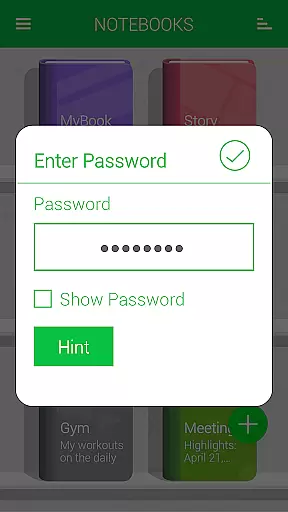
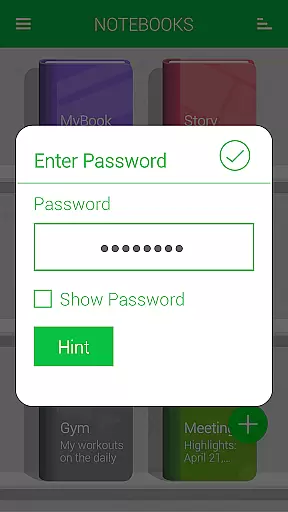
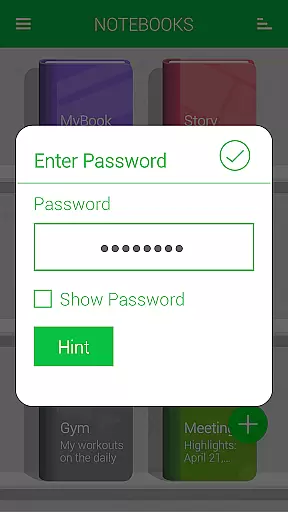
Notebooks Pro stands out with its rich feature set tailored for efficient note management. Users can create multiple notebooks, each with unique customizations such as cover design, title, and page style. The app also supports password protection and fingerprint unlocking, providing an added layer of security.
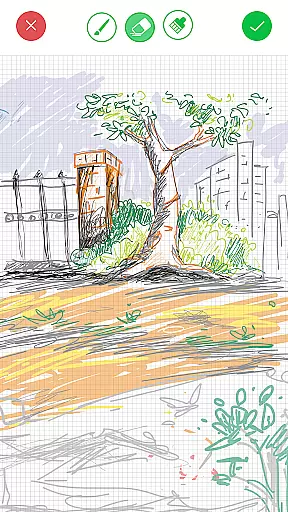
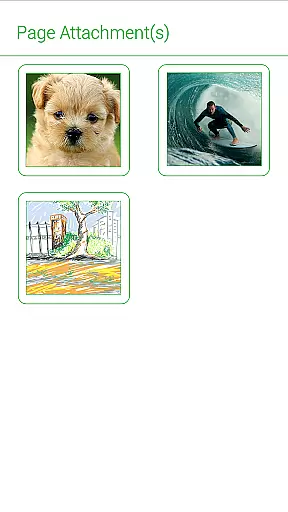
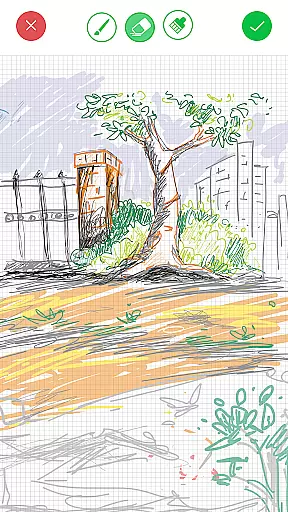
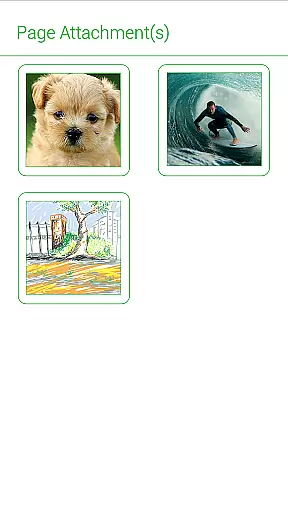
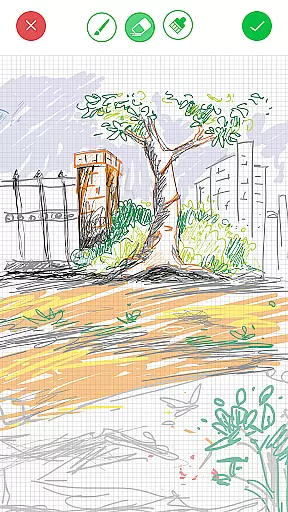
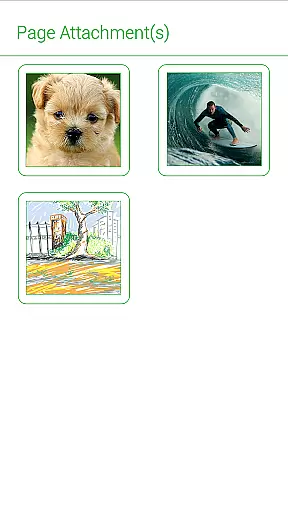
Additional features include the ability to attach image files, bookmark pages, and create freehand drawings. The app allows for easy navigation and searching within each notebook, custom fonts and themes per notebook, and exporting books or pages to PDF. With options for text styling and cloud backup to Google Drive or Dropbox, Notebooks Pro ensures that your notes are not only well-organized but also easily accessible and secure.
Notebooks Pro offers extensive coverage of lifestyle categories through its versatile note-taking capabilities. The app allows users to create multiple notebooks for different subjects, ensuring that all aspects of their lifestyle can be organized and documented effectively.
With customizable covers, titles, and themes for each notebook, users can tailor their note-taking experience to match various lifestyle needs. Whether it's for personal journaling, academic studies, or professional tasks, Notebooks Pro provides the tools necessary to keep information neatly categorized.
The inclusion of features such as password protection, fingerprint unlocking, and instant search within each notebook enhances the security and accessibility of lifestyle-related content. This ensures that users can maintain privacy while quickly retrieving important information when needed.
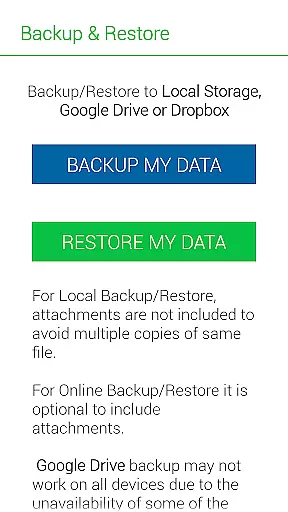
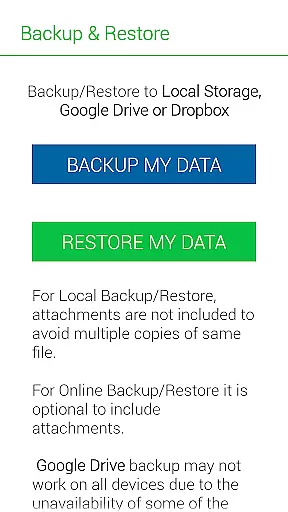
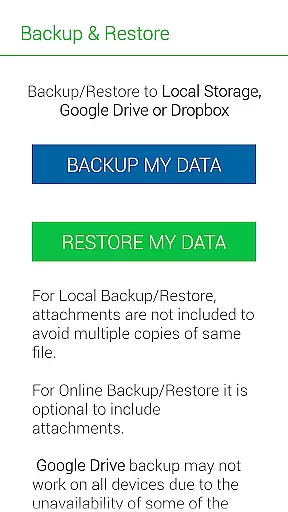
When it comes to content authenticity, Notebooks Pro stands out by offering reliable backup and restore options to Google Drive and Dropbox. This feature not only safeguards user data but also verifies the integrity of the stored information, ensuring that notes remain unchanged and credible over time.
The app is designed with input from experts in usability and data management, providing a trustworthy platform for storing sensitive information. Permissions like GET_ACCOUNTS and INTERNET are solely used for secure communication with cloud services, without storing account details within the app itself.
Additionally, Notebooks Pro supports exporting entire books or individual pages to PDF files with attachments, currently available in English. This functionality allows users to share authentic copies of their notes with others, reinforcing the credibility of the content created within the app.
User-friendly interface
Customizable notebooks
Secure with password
Cloud backup support
Versatile note-taking
Requires internet
Premium version cost
Complex settings
Limited language
Occasional bugs

Unique informative Dial with Live Moon Phase at a glance!
 3.60
3.60
Immerse yourself in the serenity of lavender fields and white butterflies
4.0
Bring the warm colors of fall directly to your wrist with Autumn Leaves!
4.1
Unique Dual Colors with 6 Custom Complications for Wear OS watches!
3.40
Play. Earn. Repeat. Get rewarded for playing mobile games. Welcome to Mobius!
4.80
Smart home security protection
3.20
LineLearner, the quick way to learn lines.
2.90
Redecor your home with Home AI interior design, room planner and home designer.
4.50
AAA Mobile provides on-the-go access to the services you know and trust.
4.60
See wait times and check into a hair salon ahead of time with Online Check-In.
4.80
A unique and customizable watch face which rotates its layout every minute.
4.80
Made To Order Faves
4.70
Stay connected with your loved ones & vehicles | Share live GPS location updates
4.60
Smart & Healthy Living
4.60
Retro animated weather with hourly forecast Watch Face for Wear OS
4.60
The all-new Cync app. The simple, connected app for Cync and C by GE.
4.50
Discounts, savings, and rewards
4.20
Creativity and savings for kids, beginners and experts in arts and crafts
3.50
A uniquely designed isometric digital watch face made for Wear OS
4.3


User Reviews