
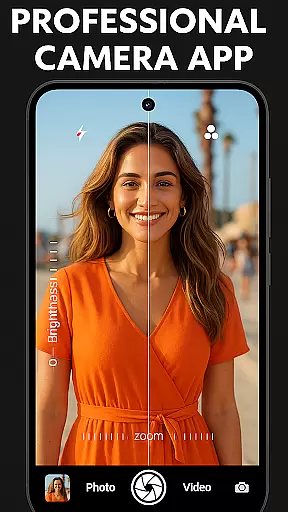
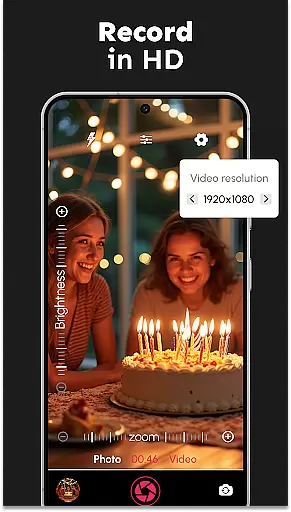
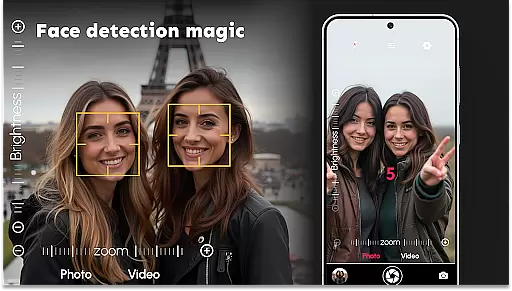
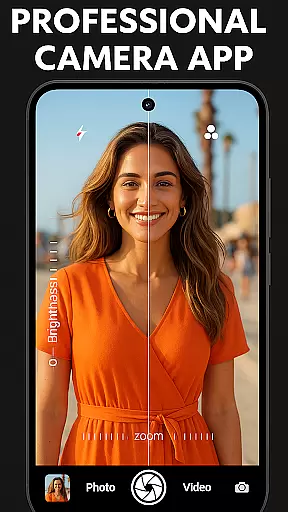
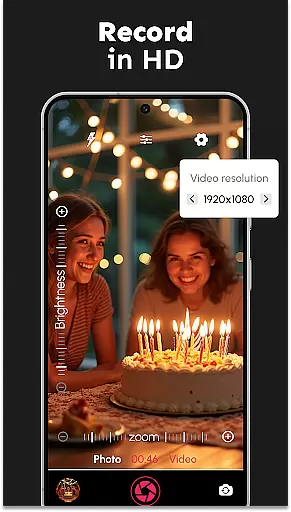
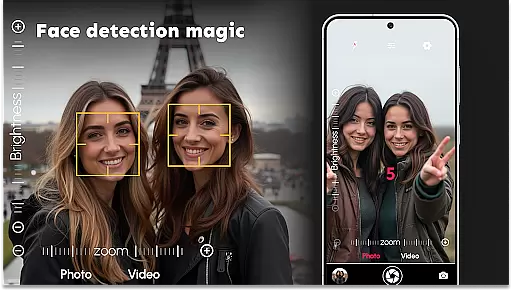
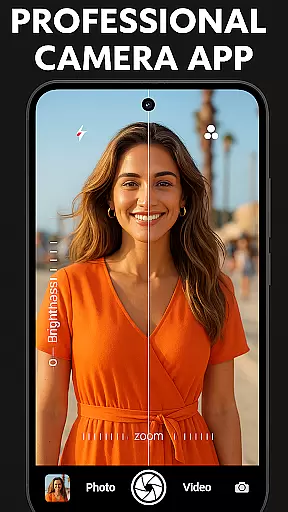
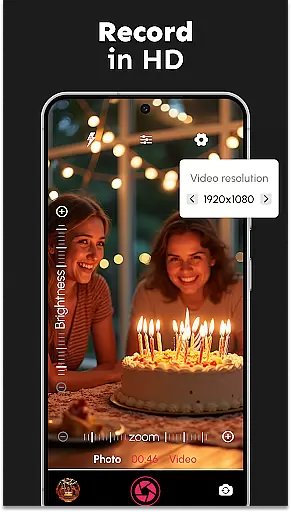
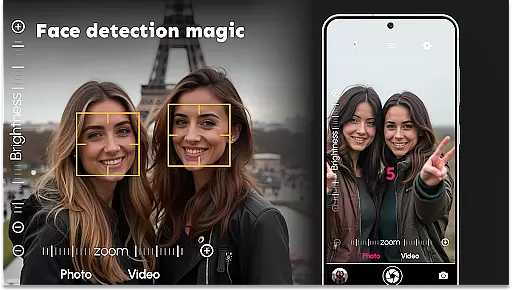

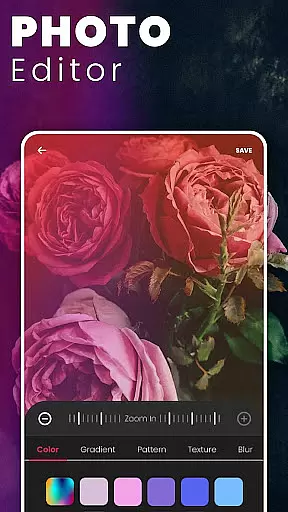
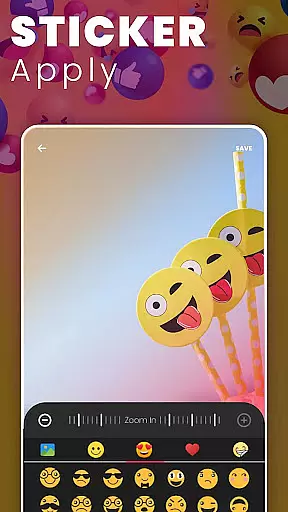
DSLR HD Camera is a professional-grade mobile photography app designed to transform your smartphone into a powerful DSLR-like camera. With support for 4K ultra-HD video recording and high-resolution image capture, this app delivers exceptional clarity and detail in every shot. Its innovative features include advanced face detection, multi-touch gesture controls, and customizable settings such as white balance, exposure compensation, and color effects.
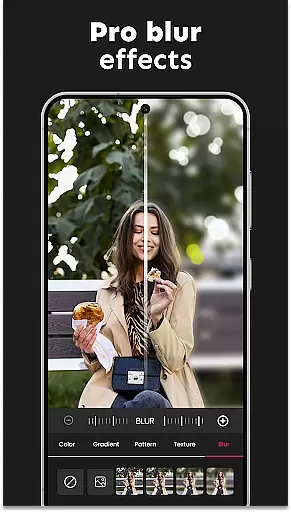
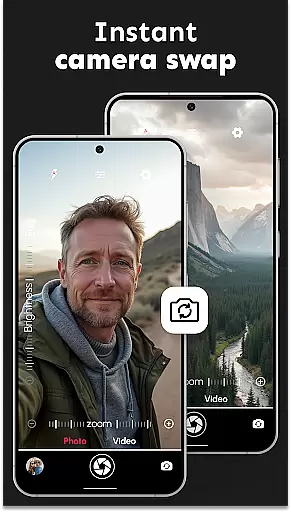
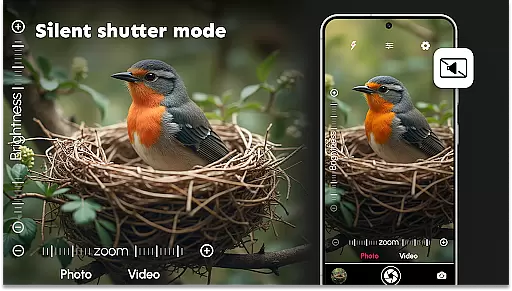
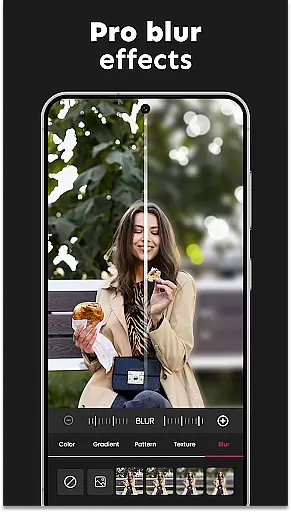
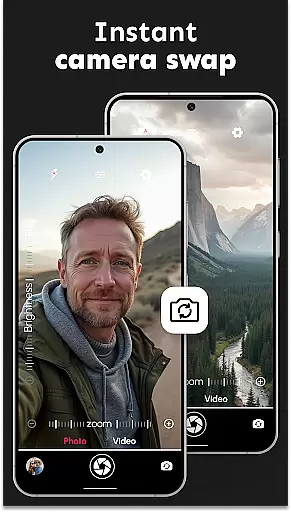
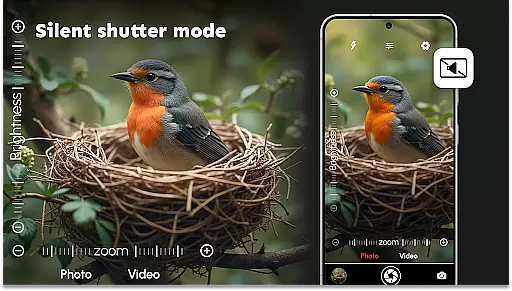
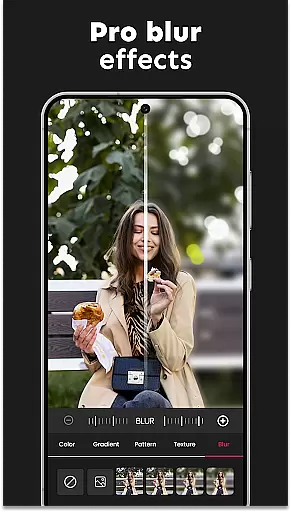
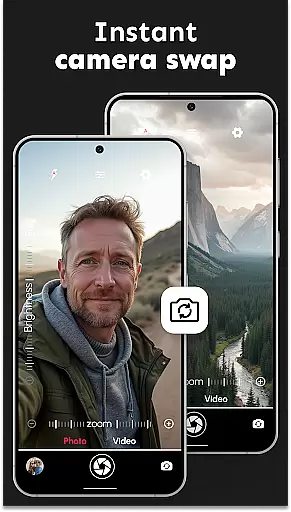
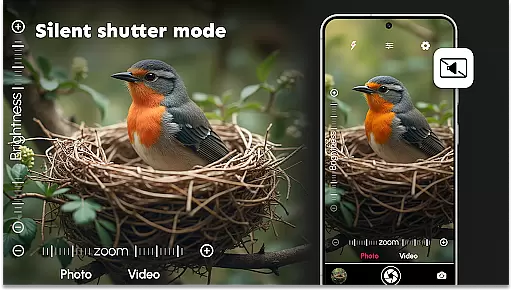
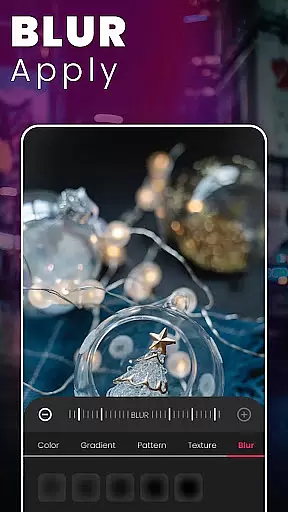
One standout feature is the Ultra Blur Effect, which allows users to create stunning portraits by effortlessly blurring backgrounds while keeping the subject in sharp focus. Whether you're capturing quick selfies or breathtaking landscapes, DSLR HD Camera ensures professional-quality results. The app also supports both front and rear cameras, adjustable resolutions, and silent shutter options, making it versatile for all photography needs.
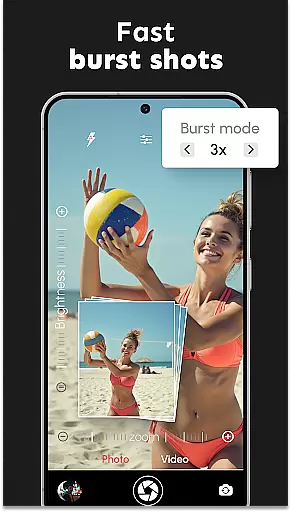
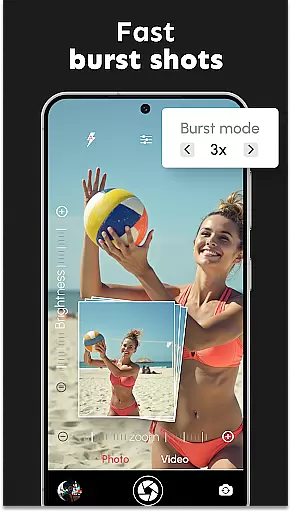
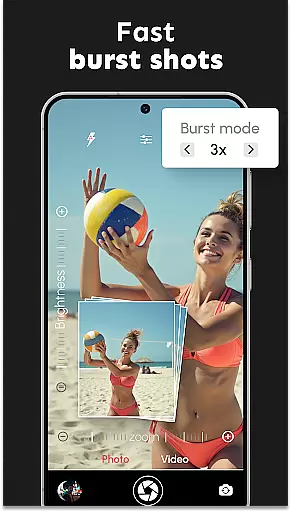
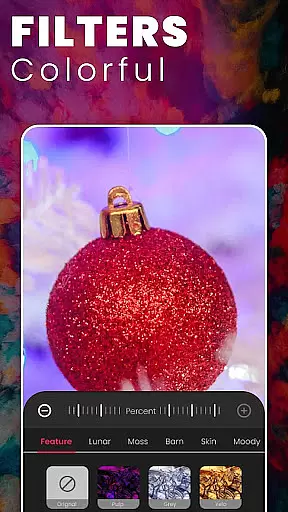
Ideal for both amateur and professional photographers, DSLR HD Camera enhances creativity with intuitive tools like burst mode, remote control timers, and precise zoom controls. By combining powerful digital filters with user-friendly functionality, this app ensures that every photo looks polished and professional, elevating your mobile photography experience to new heights.
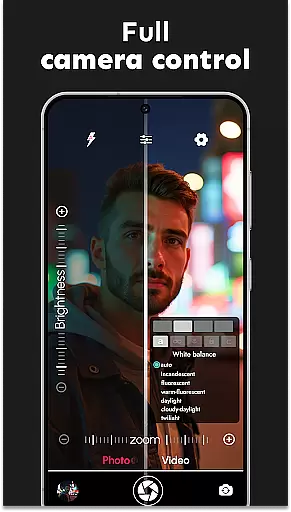
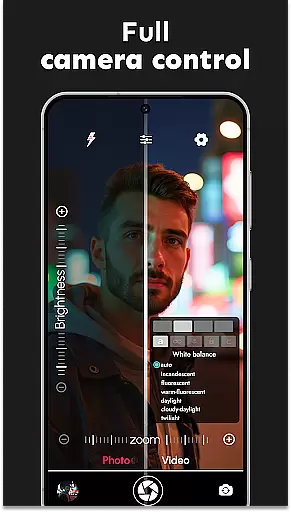
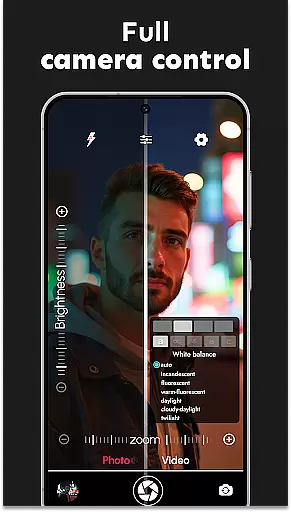
DSLR HD Camera stands out with its rich array of features tailored for photography enthusiasts. The app supports 4K video recording and 1080p photo resolution, ensuring ultra-clear visuals. Advanced face detection technology captures crisp shots even in challenging lighting conditions, while the dual-camera system allows seamless switching between front and rear lenses. Users can adjust settings like white balance, exposure compensation, and scene modes to match their creative vision.
A unique highlight is the Ultra Blur Effect, which lets users blur backgrounds with precision using an intuitive editor. This feature includes adjustable brush sizes and intensity levels, enabling detailed edits for professional-looking portraits. Additionally, the app offers burst mode for action-packed sequences, silent shutter options for discreet shooting, and multi-touch gestures for smooth zooming. Remote control timers add convenience, allowing hands-free operation during group photos or long-exposure shots.
With its comprehensive suite of tools, DSLR HD Camera empowers users to take full control over their photography. From customizable resolutions to artistic filters, this app caters to diverse needs, whether you're capturing everyday moments or working on creative projects. Its combination of innovation and usability makes it a must-have tool for anyone seeking to elevate their mobile photography game.
In the realm of mobile photography, having access to detailed information about camera functions and settings is crucial for capturing professional-grade images. DSLR HD Camera offers an extensive product database that dives deep into the specifics of its features, ensuring users understand the capabilities at their disposal.
This application provides comprehensive details on resolution settings, color effects, white balance adjustments, and exposure compensation. Each feature is meticulously explained, empowering users to make informed decisions while shooting. Whether it's adjusting zoom levels or selecting scene modes, the app ensures every option is clear and accessible.
Users benefit from this depth of information as it allows them to maximize the potential of their smartphone cameras. With easy-to-navigate interfaces and detailed descriptions, even complex settings like ultra-blur effects become manageable, enhancing the overall photography experience.
The true value lies in the ability to transform a standard smartphone into a powerful photography tool. By providing such an in-depth database, DSLR HD Camera not only educates but also elevates user confidence, enabling stunning, high-quality captures regardless of skill level.
Personalization is key in achieving the desired photographic outcome, and DSLR HD Camera excels in delivering precise customization options tailored to individual preferences. The app's advanced settings cater to both amateur enthusiasts and seasoned photographers looking for that perfect shot.
With DSLR HD Camera, users can fine-tune various aspects of their photos, including blur intensity, brush sizes for detailed edits, and multi-touch gesture controls for seamless zooming. These personalized adjustments ensure each photograph reflects the creatoru2019s unique vision and style.
The app's intuitive blur editor stands out by allowing users to effortlessly adjust background focus, making subjects pop with clarity. This level of precision in personalizing images enhances creativity and supports artistic expression without requiring extensive technical knowledge.
Ultimately, DSLR HD Camera's commitment to personalization precision empowers users to capture breathtaking images that align perfectly with their creative intentions. This tailored approach not only boosts user satisfaction but also significantly improves the quality of photos taken using a smartphone.
High-resolution 4K support
Intuitive blur editor
Versatile camera settings
User-friendly interface
Professional-grade filters
May drain battery quickly
Occasional lag in processing
Some features require premium
Interface can feel complex
Limited low-light performance

Color haircut changer style on
 3.30
3.30
Make beautiful Hairstyles for girls with your own hands in little bit of time
4.00
Design your nails, manicure and pedicure with nail paint art and nail idea app
3.90
Design unique tattoos and preview them on your body image using Tattoo Maker App
3.30
Face Makeup Camera: Photo makeup app and perfect Lipstick app, beauty lip filler
4.70
Beauty camera & Selfie camera for perfect selfie with filter, sticker, makeup
4.70
The all new Cosmo Prof app offers exclusive pro products, deals, and training.
4.00
For businesses, Booksy Biz allows you to manage your schedule & more on the go.
4.60
Top brand haircare & fragrance
4.60
Get Smart About Your Skin with Fully Personalized Beauty Tech!
4.80
Photo enhancer 360, image enhancement, restore old photos, colorize photo ai
4.70
Manage your daily skin care beauty regimen & track your skin's progress.
4.70
AI Stylist, Try On Millions Of Clothes In Any Brand & Style, AI Clothes Changer
4.70
Hair style app, Face shape finder, Face shape, Hair style, Face shape detector
4.30
True mirror app with zoom, LED light, for makeup & shaving anywhere!
4.20
Shop Smarter, Dress Better, and Shine Brighter!
4.10
Beauty/age defining ai coach guides you through the exercises in daily routine.
3.30
Enjoy convenience wherever you are with the Tune Up, The Manly Salon app.
3.20
Your Personal Stylist for Smart Shopping, Beauty & Styling Outfits.
4.0


User Reviews