
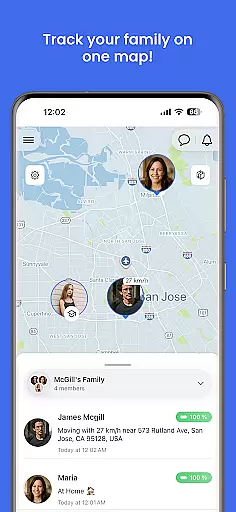
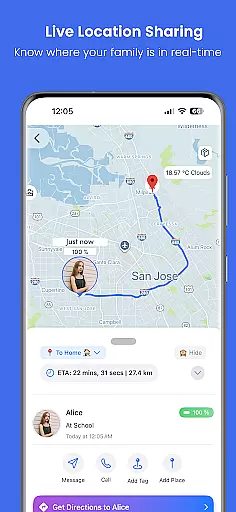
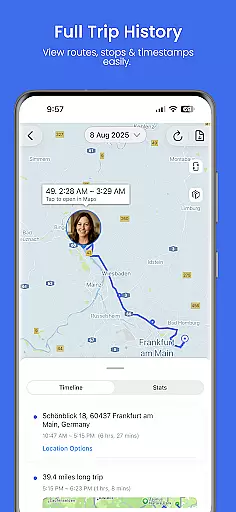
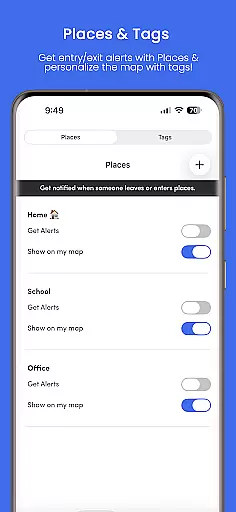
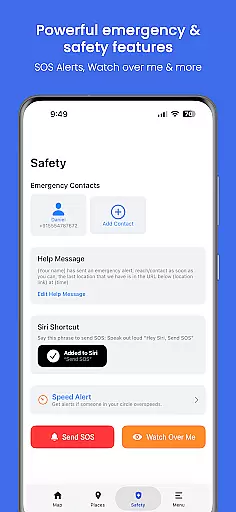
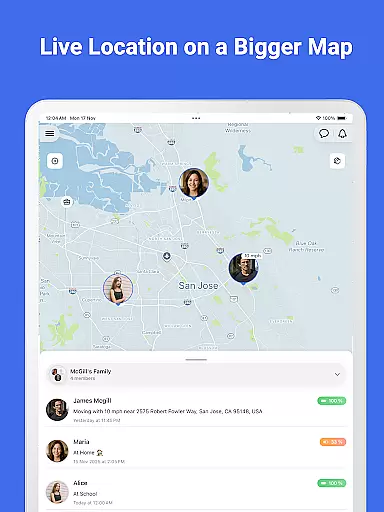
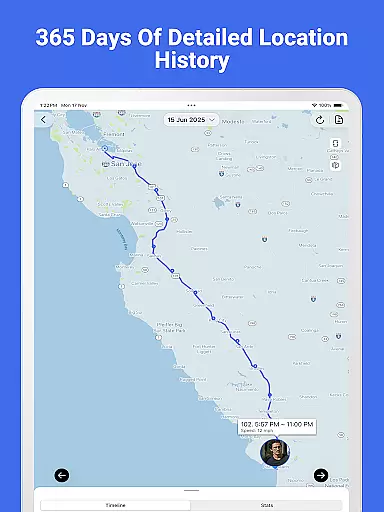
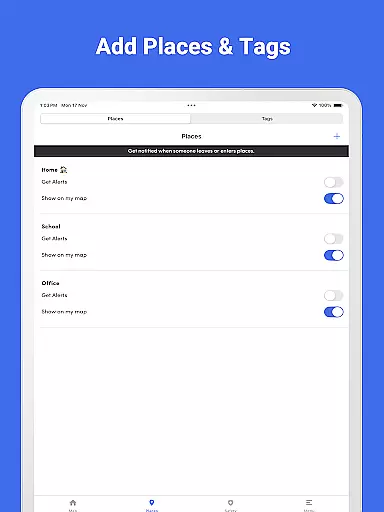

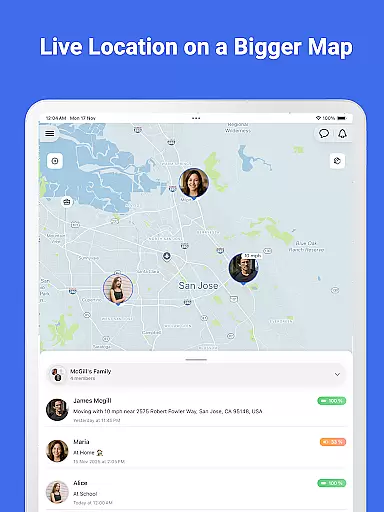
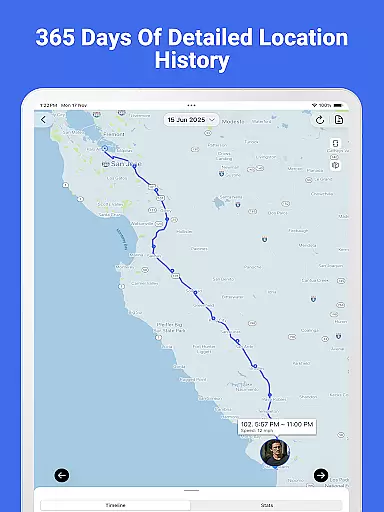
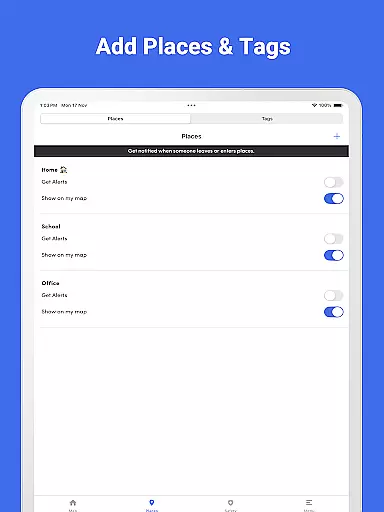
Family Nest is a secure child GPS tracker designed specifically for parents and legal guardians who want to ensure their children's safety. The app provides real-time location tracking with high GPS accuracy, allowing parents to monitor their child's whereabouts at any time. It also includes features like private Nests for organizing children, entry/exit alerts for safe zones, and trip history with detailed route patterns.
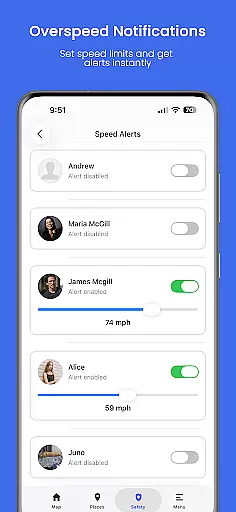
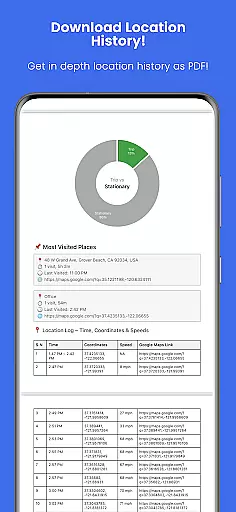
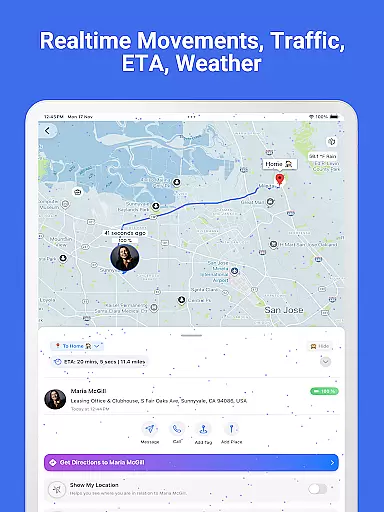
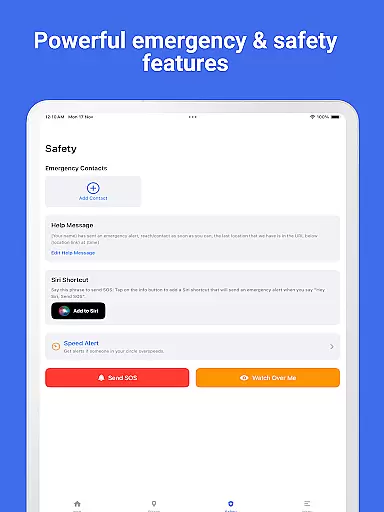
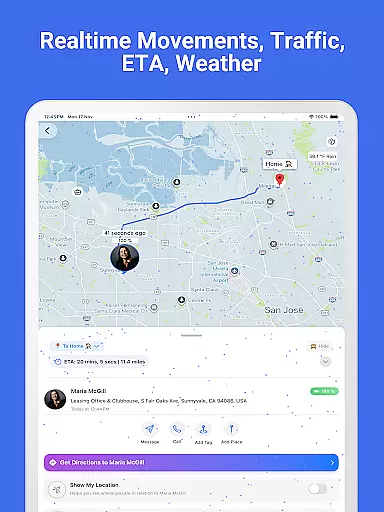
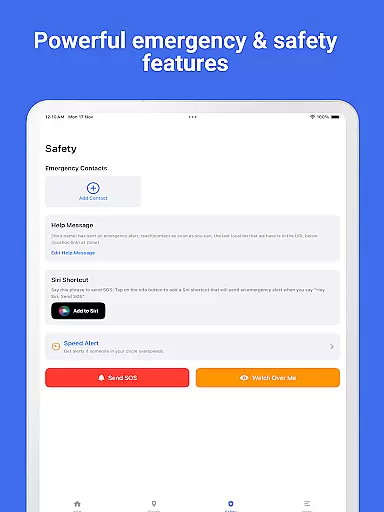
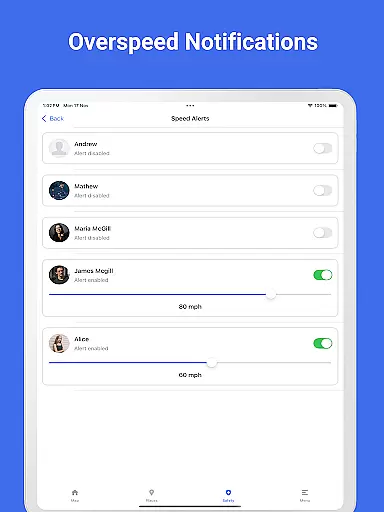
Beyond basic tracking, Family Nest offers advanced tools such as overspeeding notifications, detection of fake GPS usage, and an SOS emergency alert button. Parents can also access real-time traffic updates and export full location history as a PDF report. With its focus on privacy, the app ensures no ads or hidden data tracking, making it a reliable choice for ethical family use.
Family Nest stands out with its comprehensive set of parental control tools tailored for daily parenting needs. One of its key features is the ability to track a child’s live location in real-time using precise GPS technology. Parents can create private Nests to group and manage multiple children, ensuring better organization and monitoring.
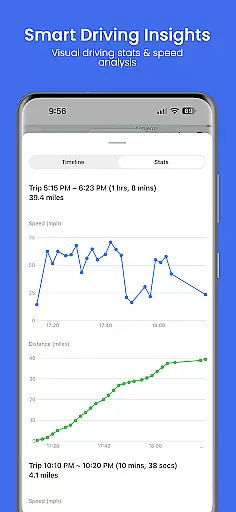
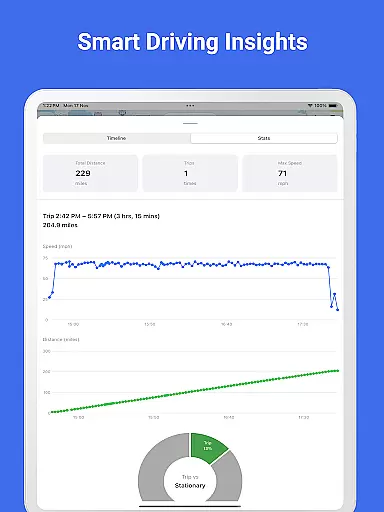
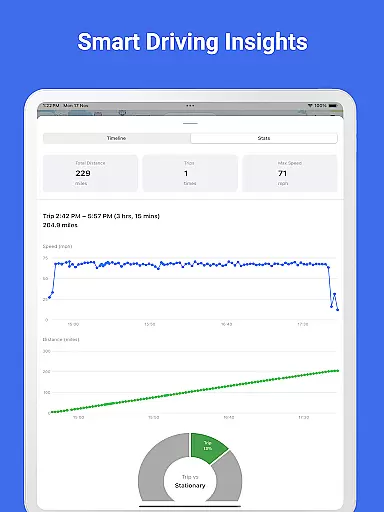
The app also excels in safety alerts and reporting. Users receive instant notifications for entry/exit events in safe zones, overspeeding incidents, and detection of mocked locations. Additionally, the app allows exporting detailed location history as PDF reports, complete with speed and distance graphs. These innovative features provide peace of mind to parents while maintaining full privacy protection without any ads or hidden data tracking.
Family Nest provides a reliable parenting solution with features designed and validated by experts in child safety. The app's functionalities, such as real-time GPS tracking, driving safety monitoring, and geofencing alerts, are developed based on proven methodologies to ensure accuracy and effectiveness.
The app strictly adheres to Google Playu2019s policies for location tracking and child safety, ensuring ethical and lawful use. This compliance is crucial for maintaining the trust of parents and guardians who rely on Family Nest to keep their children safe.
Parents benefit from tools like trip history analysis, speed monitoring, and SOS alerts, which are crafted to offer peace of mind while being easy to use. These features undergo regular updates and expert reviews to maintain high standards of reliability and performance.
Family Nest offers precise growth tracking through its advanced GPS technology, enabling parents to monitor their children's location with high accuracy. The app records detailed travel histories, including stops and routes, providing valuable insights into a child's daily movements.
With options to export location data as PDF reports, complete with graphs showing speed and distance metrics, Family Nest supports meticulous tracking of a child's activities over time. This feature helps parents identify patterns and make informed decisions regarding their child's safety.
In addition to location tracking, the app includes driving safety features that notify parents of overspeeding or unusual travel behaviors. Such comprehensive monitoring ensures that guardians can actively engage in their child's development while prioritizing security and well-being.
Real-time GPS tracking
Private Nest organization
Entry/exit alerts
Overspeeding notifications
SOS emergency button
Premium features costly
Limited to parental use
Requires constant internet
No adult tracking
Geofencing limits

AI Motion Video Maker & Ideas
 4.3
4.3
Little loved one's monitoring, Sleep tracking and Parenting content.
3.80
Learn according to the age of your child and consult with other moms.
4.20
Keep track of your stored breastmilk
4.40
Introduce real food to baby with First Foods® Database, baby led weaning BLW
4.80
Parental control App for Location, Remote Camera, Screen Mirroring, Block Apps.
4.60
Speech Therapy Exercises For All!
4.40
Reliable phone tracker by number & locate phone app. Protect your family.
4.50
FamilyAlbum helps you share, save, and remember your child's special moments.
4.80
Pinardin - Smart Parental Control, Online Safety & GPS Tracking!
4.80
Sleep better with white noise app! Discover rain sounds, fan noise and more.
4.70
All-in-one pregnancy app, contraction timer, kick counter & due date calculator
4.40
Join over 1MM parents & professionals who've used OFW to navigate co-parenting
4.40
Cherish every beat - capture your baby's heart sounds with our app
4.30
Pregnancy and baby formula tips for moms, plus Enfamil coupons & cash back
4.10
Educational resource for parents to inspire creativity in their children.
4.00
Play activities, milestones, expert-led classes, baby tracker, and more!
3.00
Lullabies, Night Light & Age-based Routines to help your baby fall asleep
4.0
Track pregnancy health and wellness with pregnant tracker from healthcare advice
4.5


User Reviews