
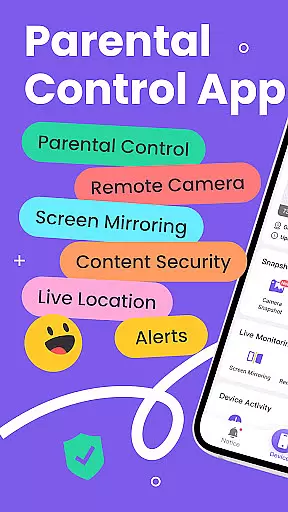
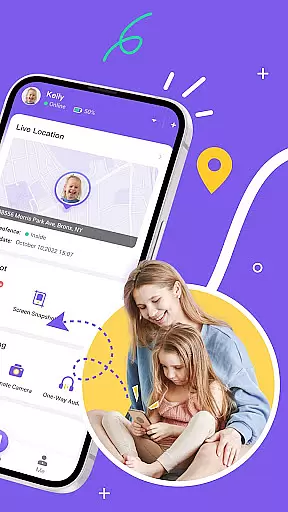
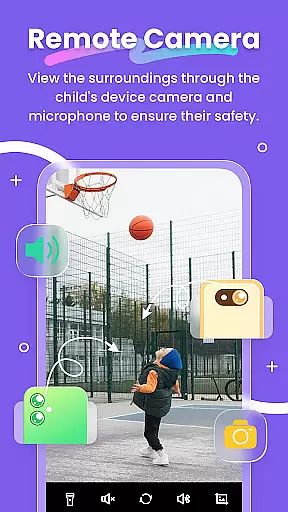
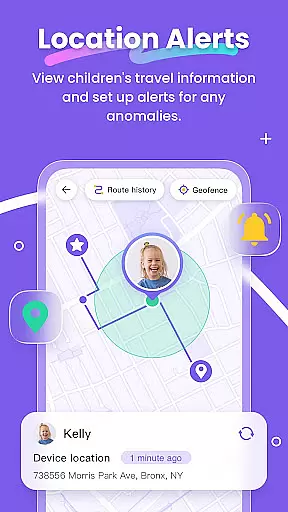
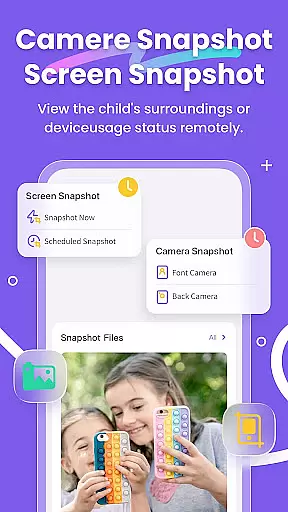
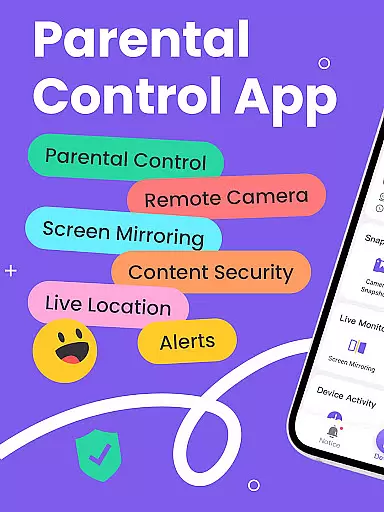
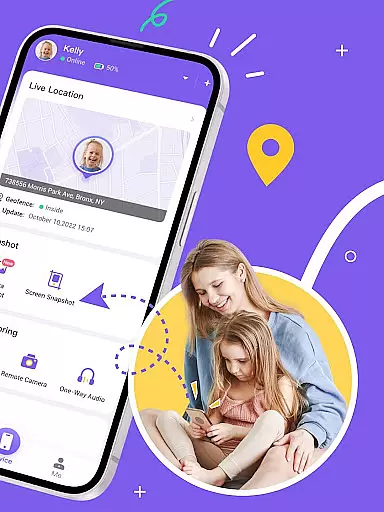
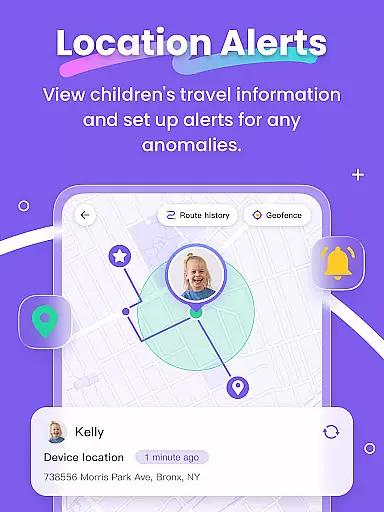
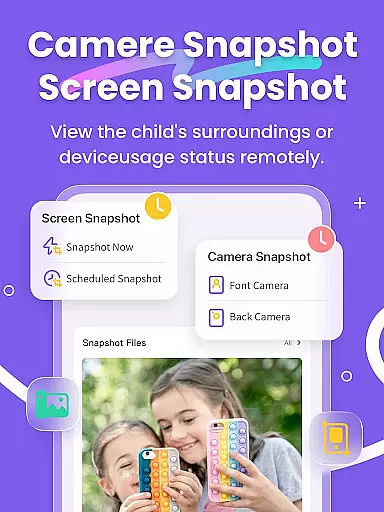
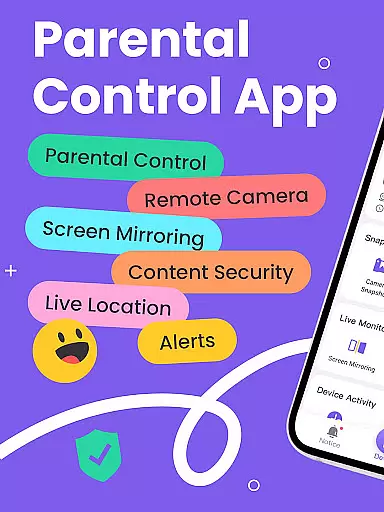
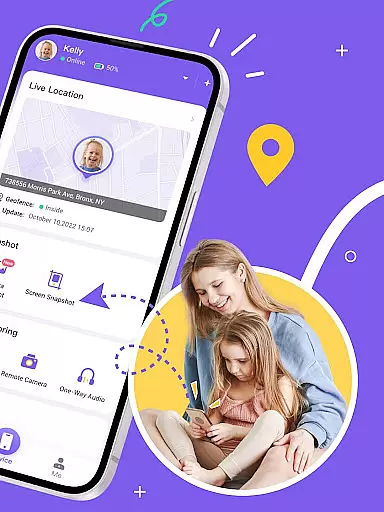
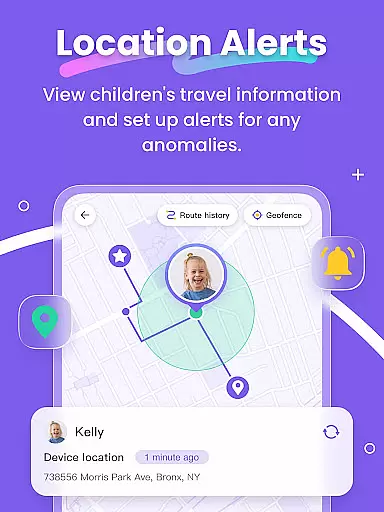
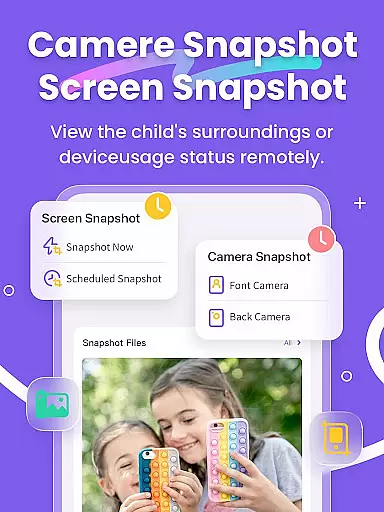
FlashGet Kids is a comprehensive parental control application designed to help parents ensure their children's safety and develop healthy digital habits. The app offers real-time location tracking through its high-precision GPS feature, allowing parents to monitor their child's whereabouts and set up geofencing alerts. With functions like Remote Camera and One-Way Audio, parents can stay connected and informed about their child's environment.
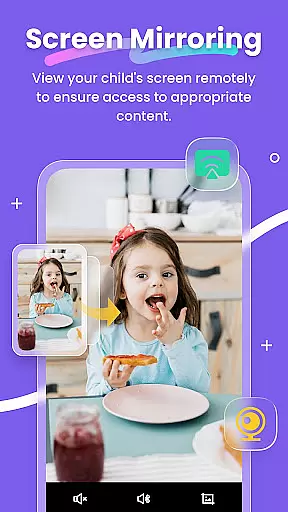
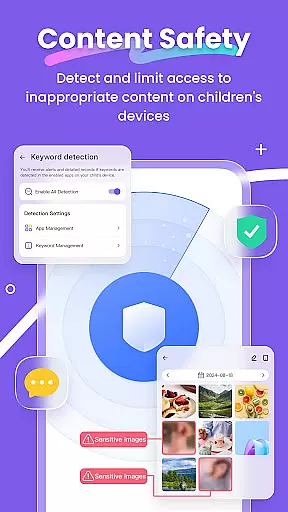
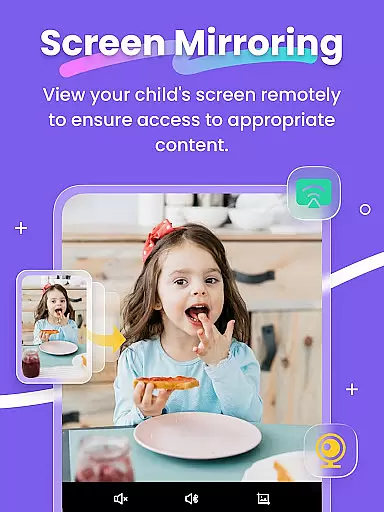
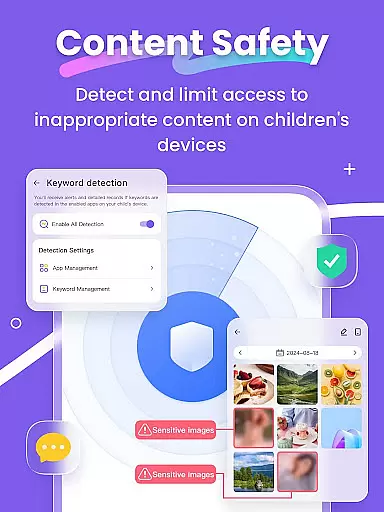
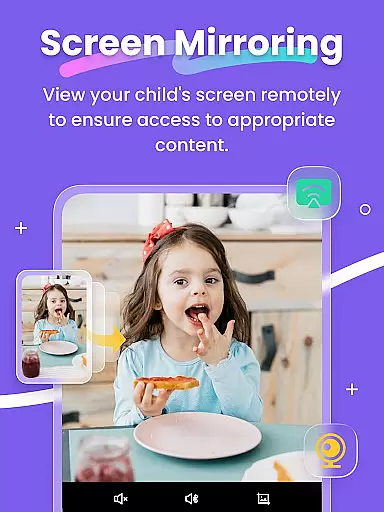
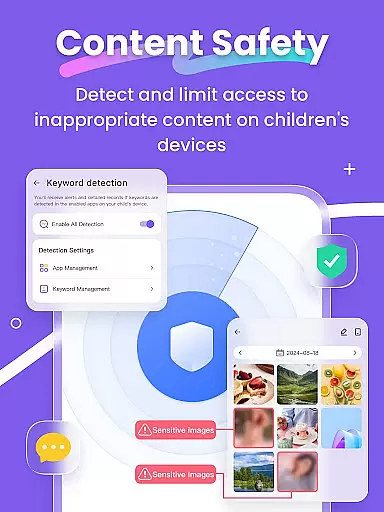
In addition to location tracking, FlashGet Kids provides tools for monitoring digital activities. Screen Mirroring projects the child's device screen onto the parent's phone, while Screen Snapshot and Recordings assist in reviewing device usage. The app also includes Usage Safety features that detect sensitive content on social media platforms and support Browser Safety to filter inappropriate websites, ensuring a safer online experience for children.
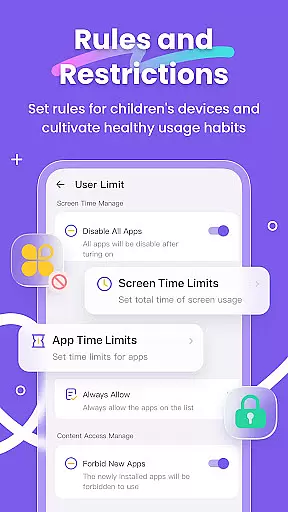
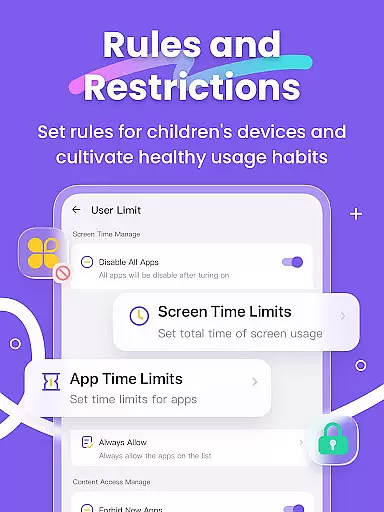
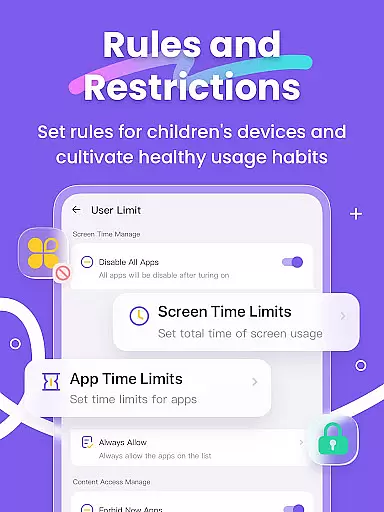
The app fosters responsible device usage by enabling parents to set Screen Time Limits and App Rules, restricting access to certain apps or features. Live Painting adds an interactive element, allowing parents to send handwritten notes. Unlike invasive spy apps, FlashGet Kids focuses on strengthening family bonds and promoting safe, age-appropriate digital interactions, making it an essential tool for modern parenting.
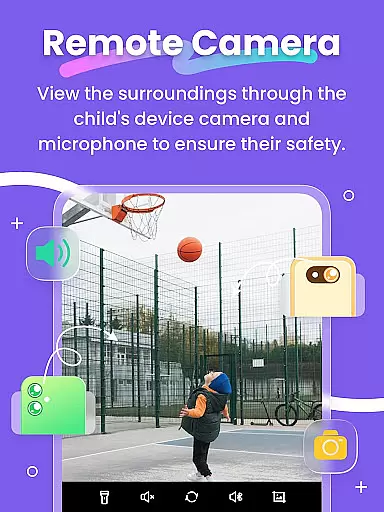
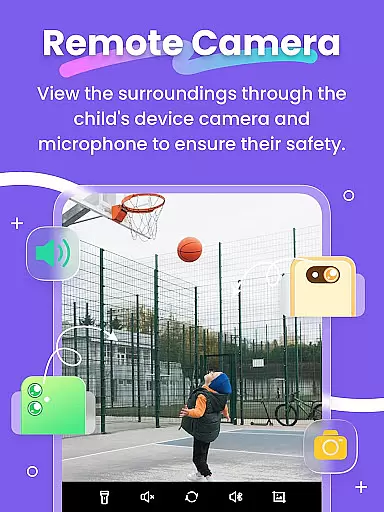
FlashGet Kids stands out with its robust set of features tailored for parental peace of mind. The Live Monitoring function provides real-time insights into a child's surroundings through Remote Camera and One-Way Audio capabilities. This ensures that parents are always just a tap away from understanding their child's situation and providing immediate support if needed.
Screen Mirroring and Scheduled Record features give parents visibility into their child's app usage and digital behavior. Parents can view their child's screen in real time and schedule recordings to review later. These features help identify any potentially harmful apps or browsing habits. Additionally, Sync App Notifications keep parents updated on their child's social media interactions, protecting them from cyberbullying and online threats.
Advanced controls such as Screen Time Limits, App Block, and Sensitive Content Detection empower parents to manage their child's digital environment effectively. Customizable settings allow restrictions on app usage and website access, promoting healthier device habits. The intuitive interface and family-friendly approach make FlashGet Kids an indispensable tool for fostering a safe and balanced digital lifestyle for children.
Parenting content credibility refers to the reliability and accuracy of information provided by apps like FlashGet Kids. This app ensures that all features are designed with safety in mind, offering parents peace of mind when monitoring their children's digital activities.
FlashGet Kids provides a range of functionalities such as Live Monitoring, App Block, and Sensitive Content Detection, which are developed based on expert recommendations and industry standards. These tools help parents track real-time location, monitor app usage, and detect inappropriate content, ensuring a secure digital environment for children.
The app also includes Screen Mirroring and Scheduled Record features, allowing parents to project their child's device screen onto their own and take snapshots or recordings. This helps in understanding the context of their child's digital interactions and guiding them away from potentially harmful content.
By using FlashGet Kids, parents can foster good phone usage habits and protect their children from cyberbullying and online scams. The app's credibility is further enhanced by its alignment with privacy policies and terms of service, ensuring transparency and trustworthiness.
Growth tracking accuracy involves the precise monitoring of a child's development and behavior patterns through digital means. FlashGet Kids excels in this area by providing high-precision GPS location tracking and detailed activity reports, helping parents understand their child's daily routines and movements.
The app's Live Location feature offers real-time tracking and historical route data, enabling parents to set up geofencing rules that alert them when their child enters or leaves specific areas. This constant vigilance acts as a virtual bodyguard, ensuring the child's safety at all times.
Additionally, FlashGet Kids supports Sync App Notifications, which allows parents to stay updated on their child's social media activities. By receiving real-time alerts about chat activities and app installations, parents can guide their children away from inappropriate content and potential online threats.
With customizable settings for screen time limits and app usage rules, FlashGet Kids empowers parents to manage their child's digital habits effectively. These features not only enhance growth tracking accuracy but also promote healthy device usage, contributing to the overall well-being of the child.
Real-time GPS tracking
Comprehensive app monitoring
Parental control over screen time
Sensitive content detection
Interactive live painting feature
Requires child's device permission
Premium features need subscription
Dependent on internet connection
Limited without child's cooperation
Setup process may be complex

Daily Routine & Timer for kids, ADHD, & Autism
 4.80
4.80
Track Pregnancy, Baby Feeding, Sleep, Diaper Changes, Postpartum Health & More!
4.80
Pregnancy and baby formula tips for moms, plus Enfamil coupons & cash back
4.10
Little loved one's monitoring, Sleep tracking and Parenting content.
3.80
Limit screen time, Block Apps & Games, Monitor with Parental control app
4.20
Join over 1MM parents & professionals who've used OFW to navigate co-parenting
4.40
Findnumber: Real-time location tracker for ultimate family security
4.20
Speech Therapy Exercises For All!
4.40
Reliable phone tracker by number & locate phone app. Protect your family.
4.50
All-In-One Pregnancy Tracker, Your Baby's Milestones, Growth Stages & Parenting.
4.90
Track baby’s development & growth week by week with BabyCenter’s pregnancy app!
4.90
Fun Ideas for Parents
4.70
Kids story books for children. Baby reading books with audio for pre-k toddlers
4.70
All-in-one pregnancy app, contraction timer, kick counter & due date calculator
4.40
Protect kids online safety through GPS tracking,screen time control,app blocking
4.20
Learn according to the age of your child and consult with other moms.
4.20
Save money on diapers. Get the Pampers Rewards app.
3.90
Screen Time, App and Web Block & Monitoring, Location Tracker
3.60
AI Motion Video Maker & Ideas
4.2


User Reviews