
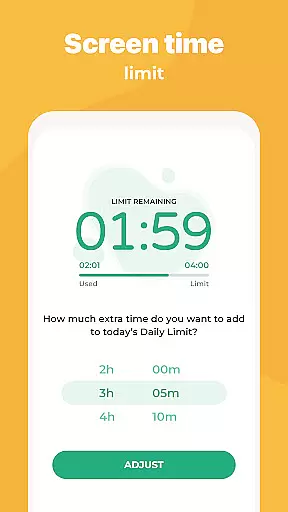
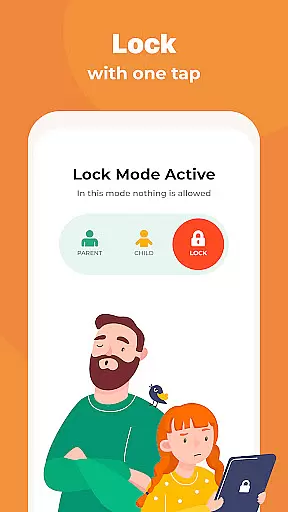
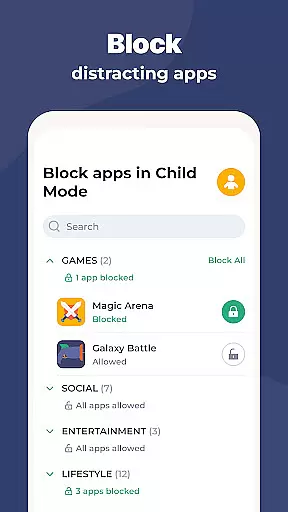
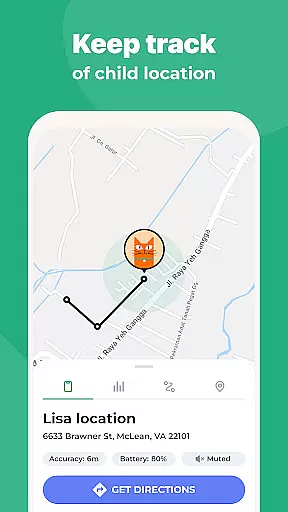
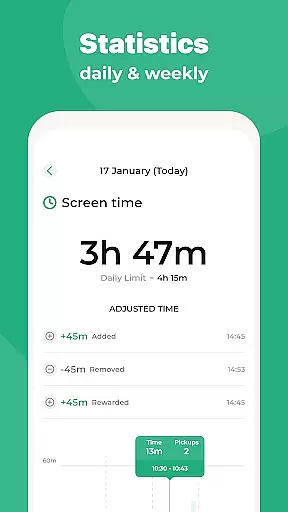
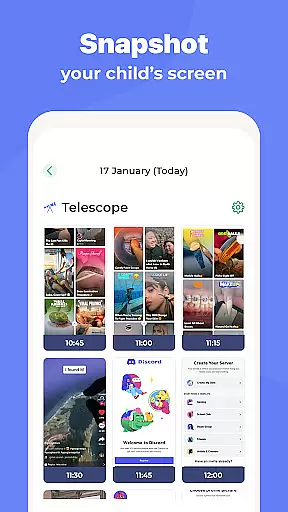
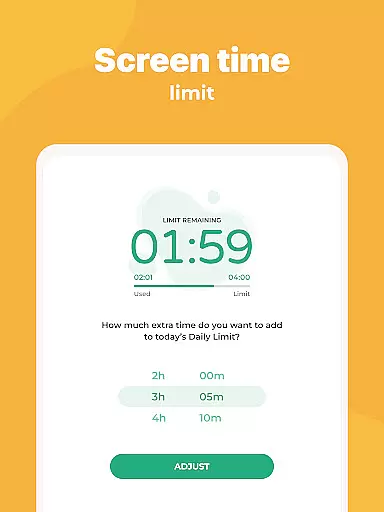
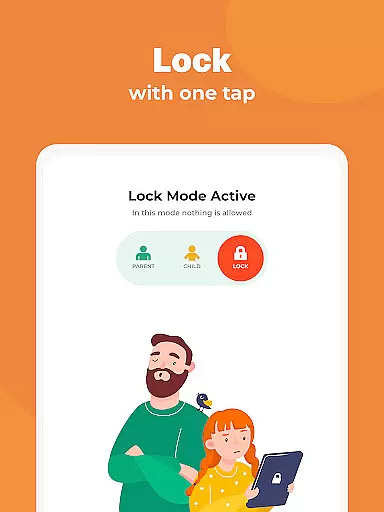
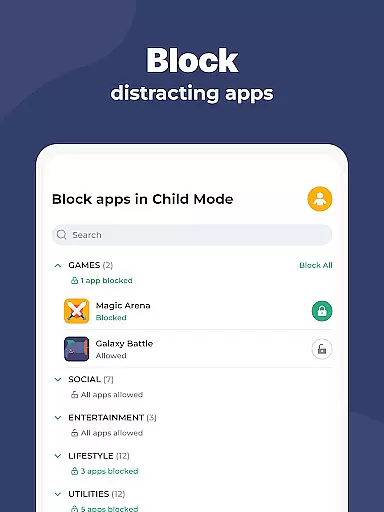
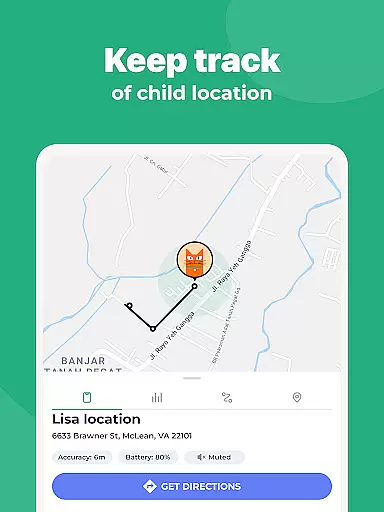
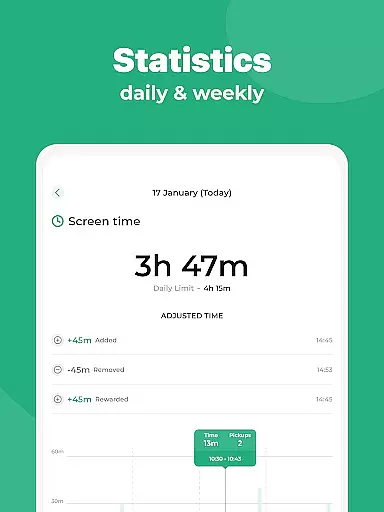
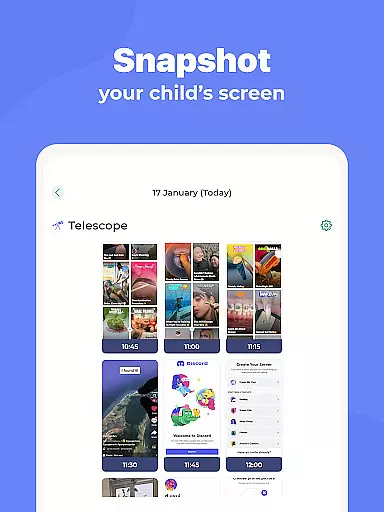
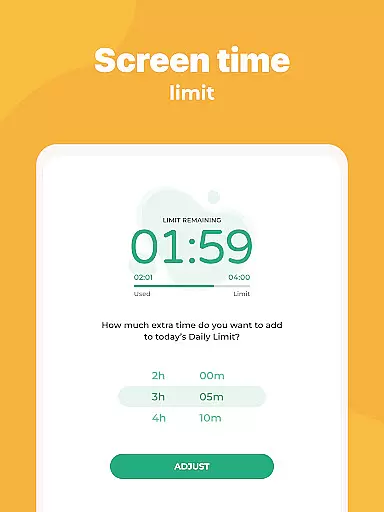
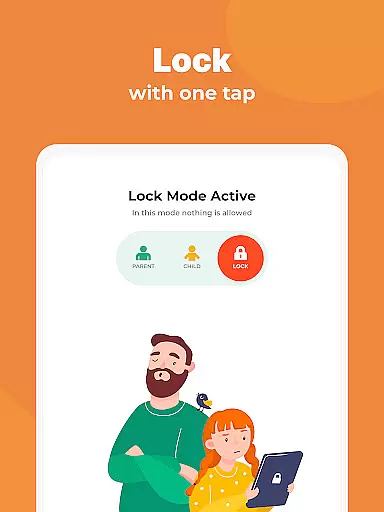
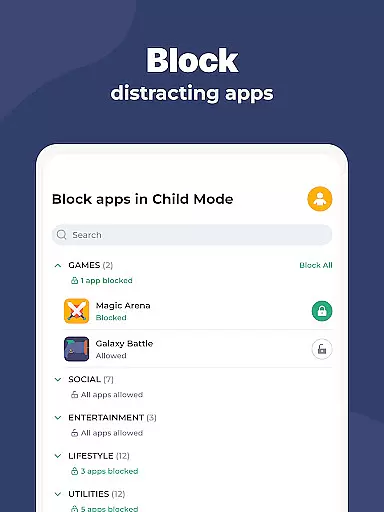
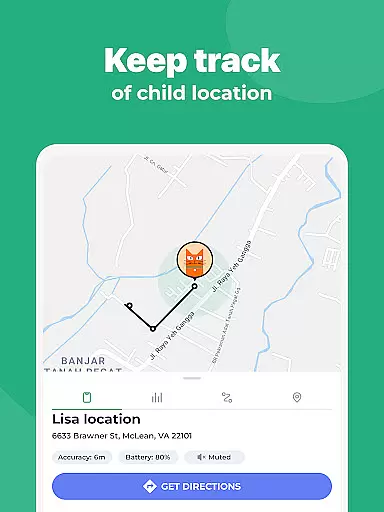
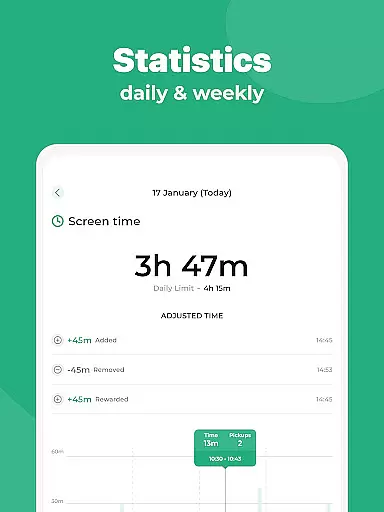
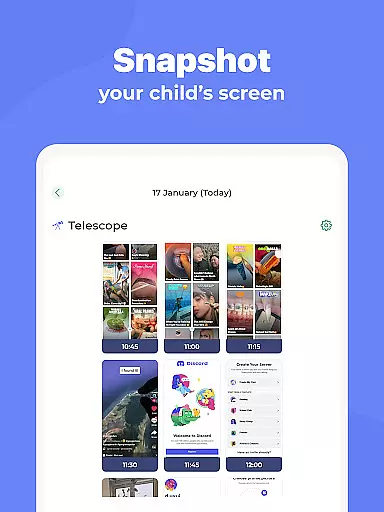
Kidslox Parental Control App is a comprehensive solution for parents seeking to manage their children's digital habits effectively. This app allows parents to control screen time, track location, and monitor app usage on both Android and iOS devices. With features like instant lock, screen time scheduling, and daily time limits, Kidslox ensures that children use their devices within safe boundaries.
Beyond basic controls, Kidslox offers advanced tools such as location tracking via GPS, content filtering to block inappropriate material, and the ability to set custom modes that align with parenting styles. The app also supports multiple platforms, including desktop versions for Windows and Mac, making it versatile for family use. Parents can rest assured knowing they have full oversight of their child's digital environment while promoting healthy device habits.
Kidslox stands out with its robust feature set tailored for modern parenting challenges. One key aspect is its ability to remotely lock apps on both Android and iPhone devices, giving parents immediate control over their child's access. Screen time schedules allow setting specific periods when the child can use their smartphone, ensuring a balanced routine.
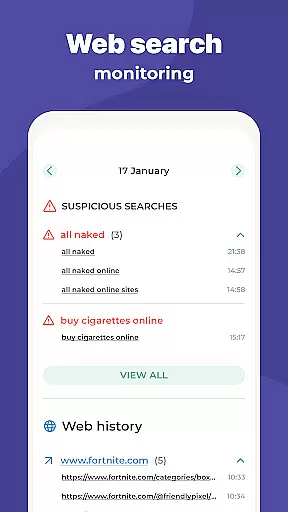
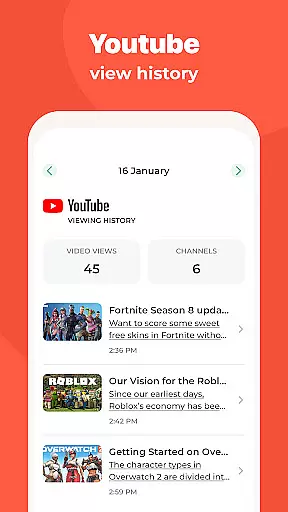
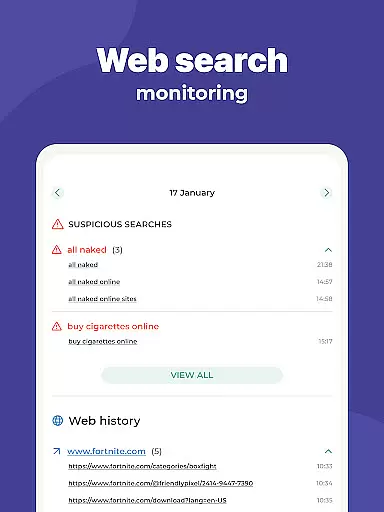
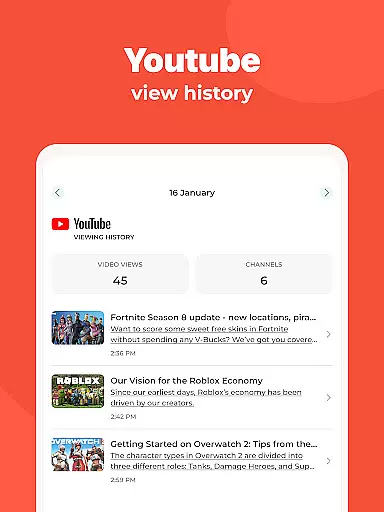
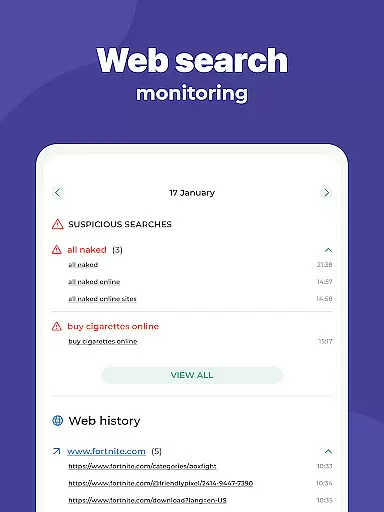
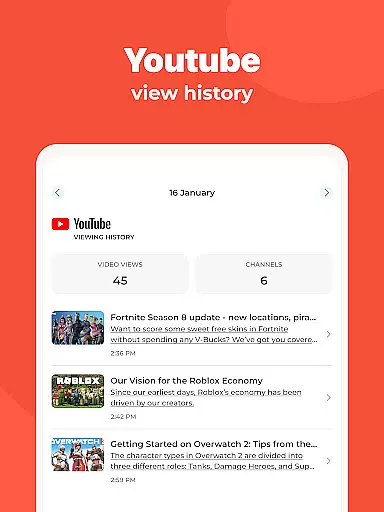
The app also includes daily time limits, which automatically lock the screen once the allocated time is reached, preventing overuse. Additionally, Kidslox provides activity monitoring, enabling parents to view app usage, web history, and overall screen time. Location tracking adds another layer of safety by notifying parents when their child enters or leaves designated areas. These features collectively empower parents to guide their children's digital experiences responsibly.
When it comes to parenting apps, the credibility of content and expert validation are paramount. Kidslox Parental Control App understands this need and provides a secure environment for parents to manage their children's digital activities. The app is designed with input from child psychology experts and digital safety professionals, ensuring that its features align with best practices in both parenting and cybersecurity.
The app offers multiple layers of protection and control, including screen time management, location tracking, and content filtering. These features have been carefully developed based on expert recommendations to address common concerns such as excessive screen time, exposure to inappropriate content, and online safety risks. Parents can trust that the controls provided by Kidslox are not only effective but also grounded in professional guidance.
By using Kidslox, parents gain access to a suite of tools that have been validated by experts in the field of digital parenting. This includes features like instant lock, daily time limits, and custom modes that allow tailored control over app usage. The app's ability to monitor activities and track locations further reinforces its credibility as a comprehensive parental control solution.
Ultimately, the expert-backed design of Kidslox ensures that parents can confidently use the app to create a safer digital environment for their children. With regular updates informed by ongoing research and expert feedback, Kidslox remains a reliable partner in modern parenting.
Growth tracking in the digital age goes beyond physical development to include a child's digital habits and behaviors. Kidslox Parental Control App excels in providing accurate growth tracking through its comprehensive monitoring features. By observing app usage, web activities, and screen time patterns, parents can gain valuable insights into their child's digital behavior and development.
The app's detailed reporting tools allow parents to track important metrics such as time spent on different apps, websites visited, and frequency of device usage. This data provides an accurate picture of a child's digital habits, enabling parents to identify potential issues early and guide their child towards healthier usage patterns. The accuracy of these reports is ensured through direct device monitoring and real-time data collection.
Kidslox also offers features like location tracking and geo-fencing, which contribute to a more complete understanding of a child's daily activities. These tools help parents verify their child's whereabouts and ensure their safety while providing additional data points for behavioral analysis. The combination of digital activity tracking and physical location monitoring creates a holistic view of a child's growth and development.
With its precise tracking capabilities, Kidslox empowers parents to make informed decisions about their child's digital education and development. The app's commitment to accuracy in growth tracking makes it an invaluable tool for modern parents seeking to balance technology use with healthy development.
Comprehensive parental controls
Multi-platform support
Real-time location tracking
Customizable screen time settings
Content filtering for safe browsing
Requires constant internet connection
Paid subscription model
Permissions may raise privacy concerns
Limited free trial period
Interface might feel complex for some users

Block apps, set screen time limits, and customize usage schedules
 4.50
4.50
With BabyCam you can monitor your baby using your mobile phone, tablet, PC or TV
4.40
Track Pregnancy, Baby Feeding, Sleep, Diaper Changes, Postpartum Health & More!
4.80
Parental Control including Screen time control, GPS tracking, App/Game blocker.
3.90
Family parental control app: limit screen time, block apps, GPS tracker.
4.20
Keep Your Family Safe with Pollog Family Assistants
4.10
Live Location, Alerts & 2-Way Voice for Kids and Adults with Special Needs
4.60
Keep track of your stored breastmilk
4.40
Findnumber: Real-time location tracker for ultimate family security
4.20
Introduce real food to baby with First Foods® Database, baby led weaning BLW
4.80
Family GPS locator app — child location tracker. GPS kids tracker, family safety
4.70
The Most Trusted Co-Parenting App.
4.60
It is a screen time management tool for games and mobile applications
4.50
Find unique + popular baby names for your little peanut.
4.30
Protect kids online safety through GPS tracking,screen time control,app blocking
4.20
Educational resource for parents to inspire creativity in their children.
4.00
Save money on diapers. Get the Pampers Rewards app.
3.90
The Baby’s Bounty App is your hub to register for our diaper banks in Nevada
3.70
Play activities, milestones, expert-led classes, baby tracker, and more!
3.00


User Reviews