
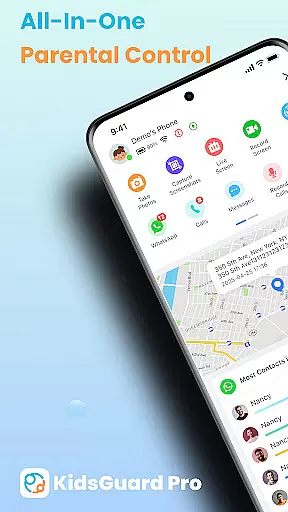
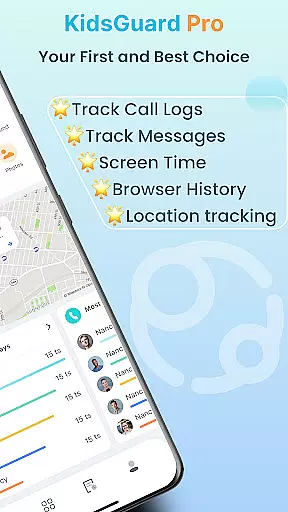
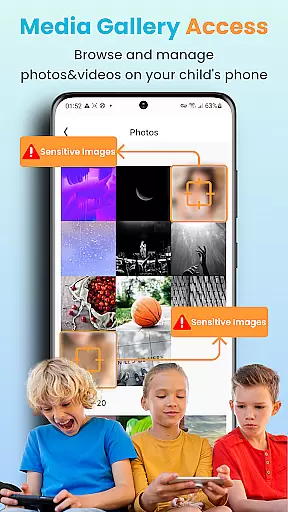

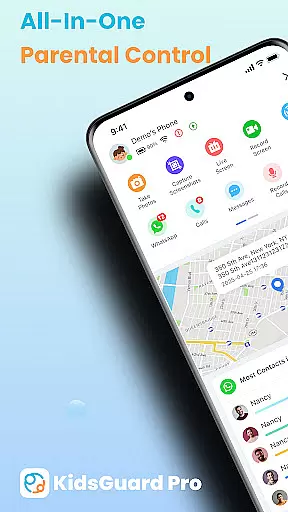
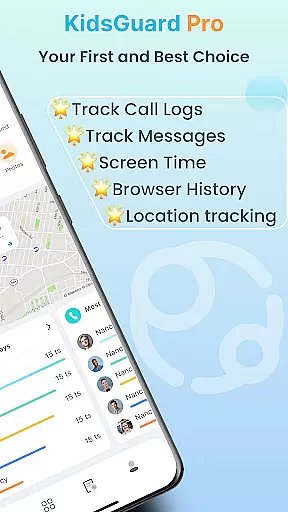
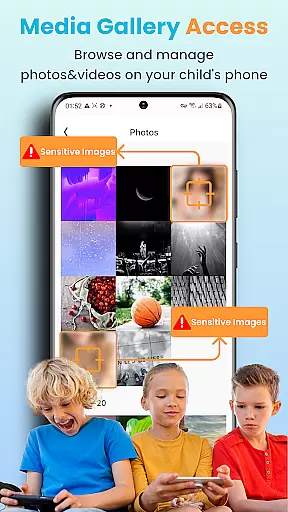
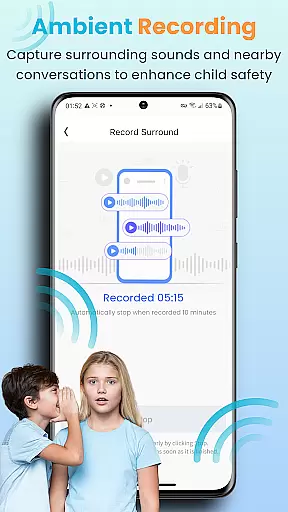
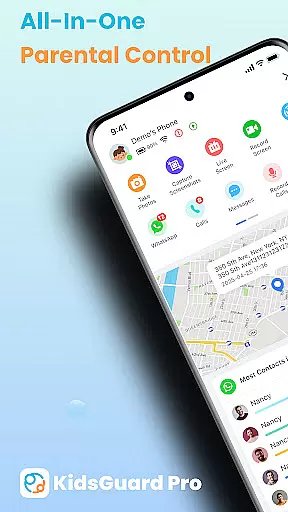
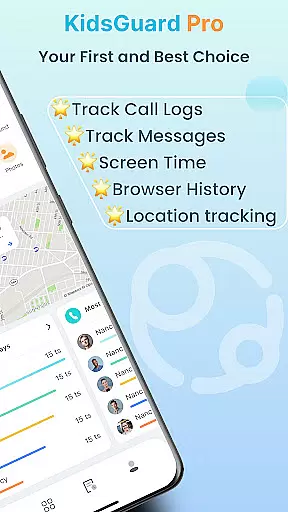
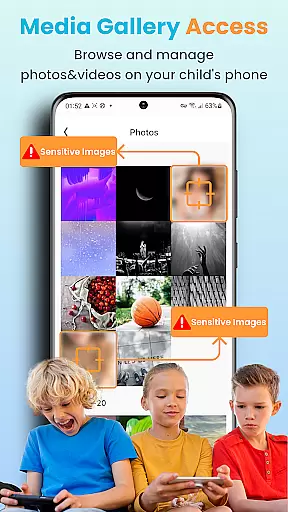
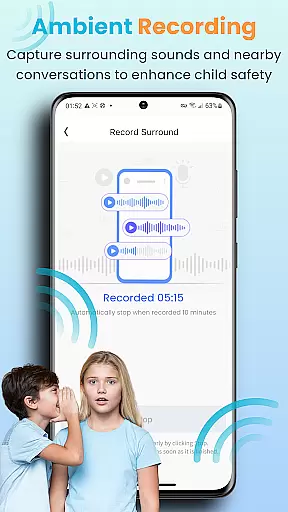
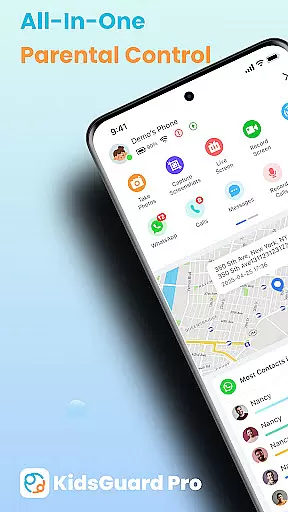
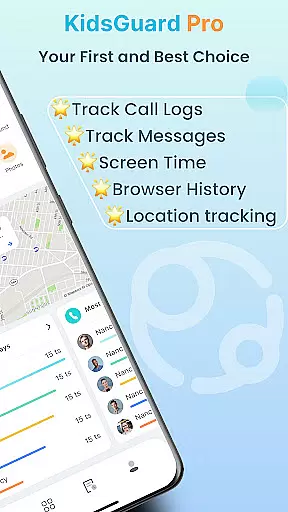
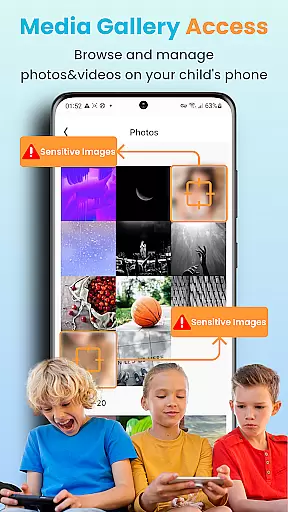
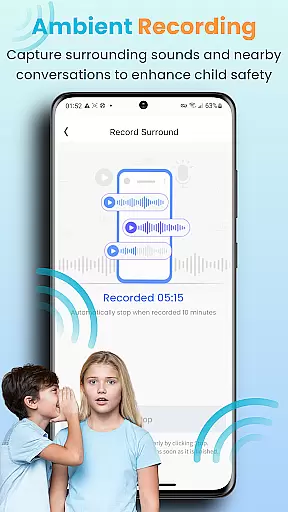
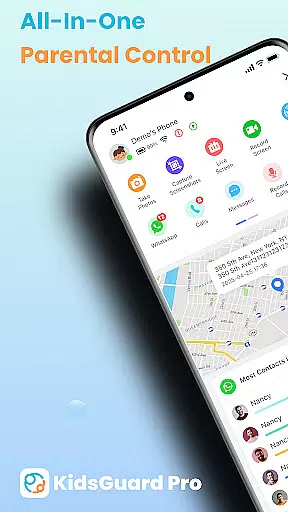
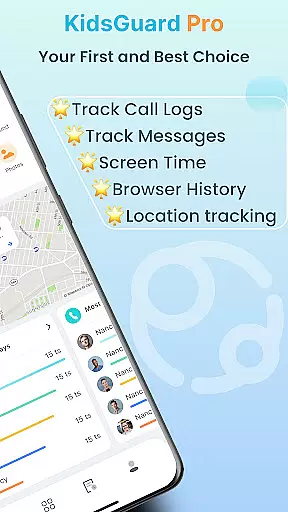
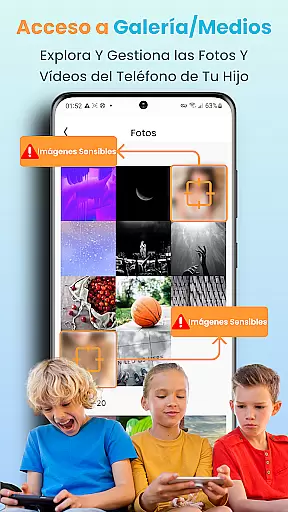
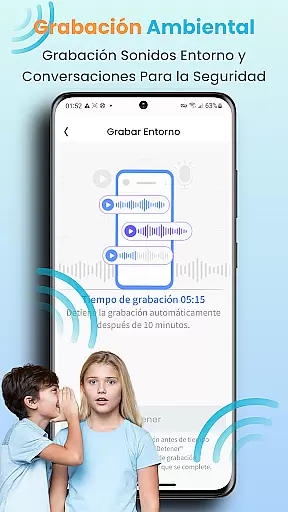
KidsGuard Pro is a comprehensive parental control app designed to help parents monitor and protect their children's online activities. With support for both Android and iPhone devices, this remote monitoring tool provides real-time tracking of location, social media usage, and sensitive content detection.
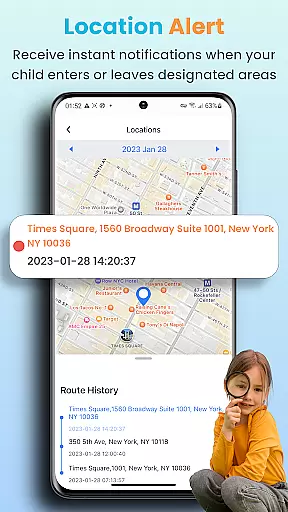
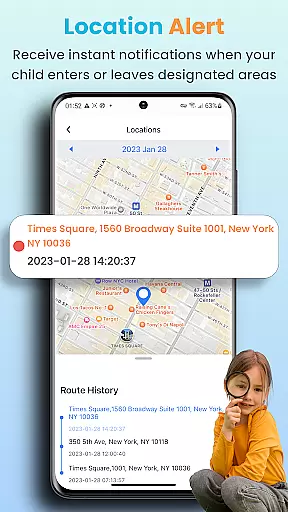
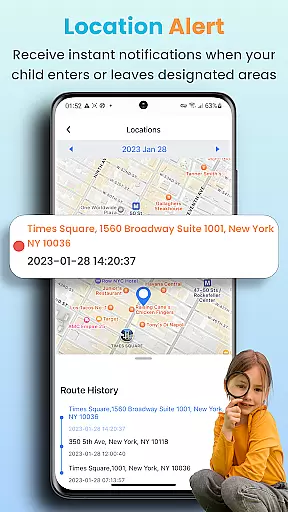
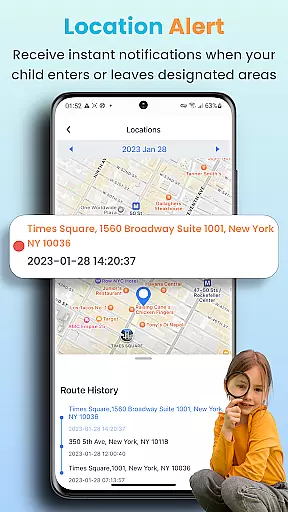
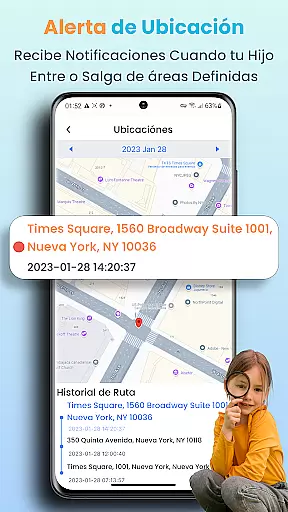
The app's key features include TikTok and YouTube history tracking, suspicious text detection across multiple messaging platforms, and instant screenshot capabilities. Parents can also set up geofences to receive alerts about their child's whereabouts. These functionalities ensure a safer digital environment for children while giving parents peace of mind.
Parents can utilize KidsGuard Pro to maintain awareness of potential online threats such as bullying or exposure to inappropriate content. By providing detailed usage reports and maintaining undetectable operation, the app serves as an essential tool for safeguarding children's physical and mental well-being in today's digital age.
KidsGuard Pro offers an impressive array of monitoring features that set it apart from other parental control applications. The app's real-time location tracking system allows parents to monitor their child's movements throughout the day while setting up customizable geofences for specific areas.
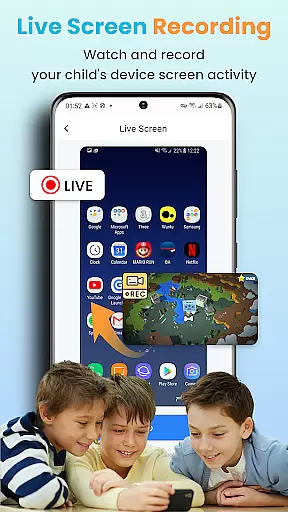
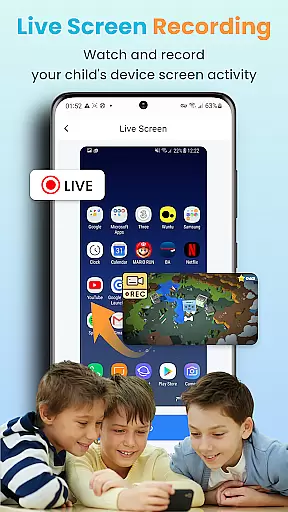
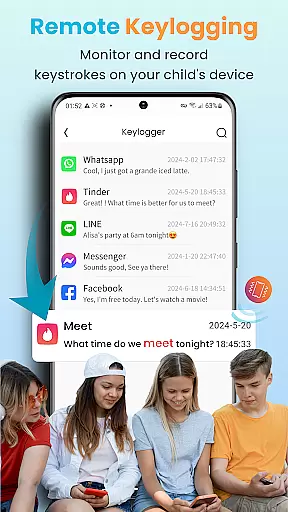
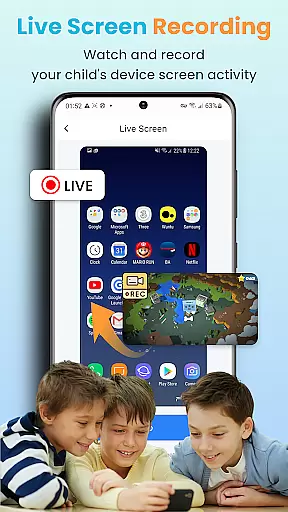
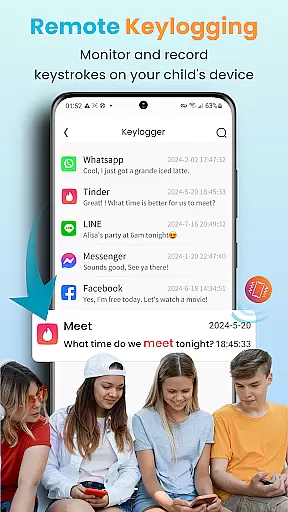
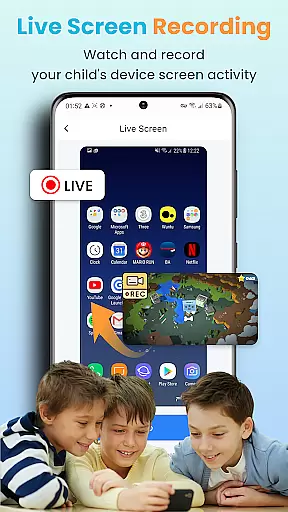
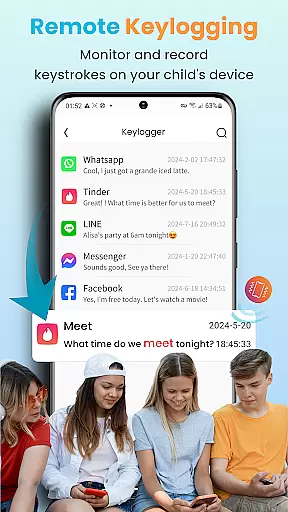
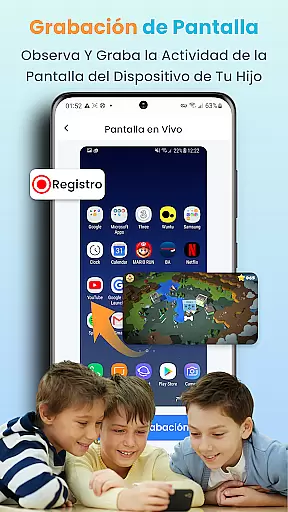
One of the app's standout capabilities is its comprehensive social media monitoring feature. Parents can view their child's TikTok and YouTube history, track time spent on these platforms, and detect suspicious conversations across various messaging apps including WhatsApp, LINE, and Facebook. The app also enables remote screenshot capture and screen recording with just one tap.
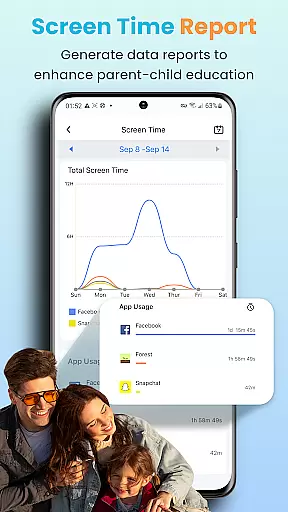
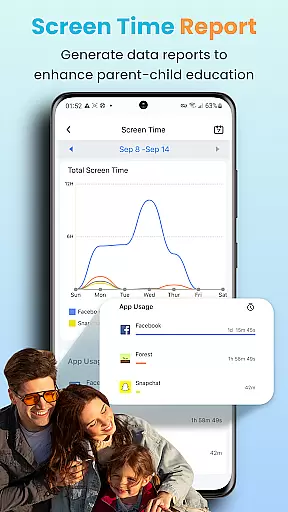
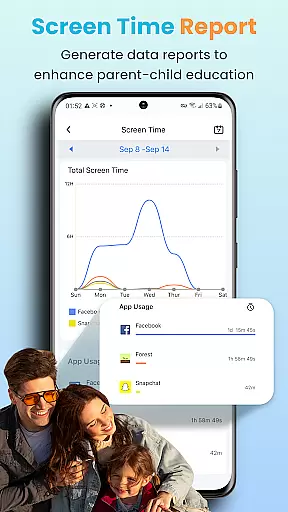
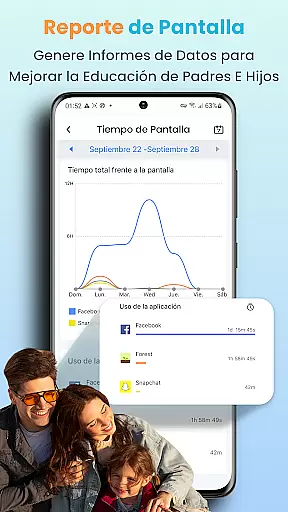
Additionally, KidsGuard Pro provides detailed daily activity reports that give parents insights into their child's device usage patterns. The app's sensitive keyword detection system alerts parents to potentially dangerous conversations or search terms. These robust features work together to create a comprehensive monitoring solution that helps parents protect their children from online threats while respecting their privacy.
When it comes to parenting apps, the credibility of content and expert validation are paramount. KidsGuard Pro takes these responsibilities seriously by providing features that are designed with both parental control and child safety in mind. The app includes functionalities like monitoring TikTok and YouTube history, detecting suspicious texts, and tracking real-time location, all of which are crucial for safeguarding children's online and offline activities.
The app is developed by ClevGuard, a global leader in application software development. Their expertise ensures that the features offered are not only advanced but also reliable. For instance, the app allows parents to set up sensitive keywords to monitor potentially harmful conversations across various social media platforms. This feature has been thoughtfully integrated to alert parents without infringing on the child's privacy excessively.
Parents using KidsGuard Pro can benefit from its thorough usage reports and instant screenshot capabilities. These features provide a comprehensive overview of how children are using their devices daily. With expert validation backing these tools, parents can make informed decisions regarding their child's device usage and overall digital well-being.
Growth tracking accuracy is essential for any parenting app focused on child development. KidsGuard Pro offers precise tracking features that help parents monitor their children's growth in the digital world. One of the standout features is the real-time location tracker, which provides accurate data about the childu2019s whereabouts, ensuring they are safe and where they are supposed to be.
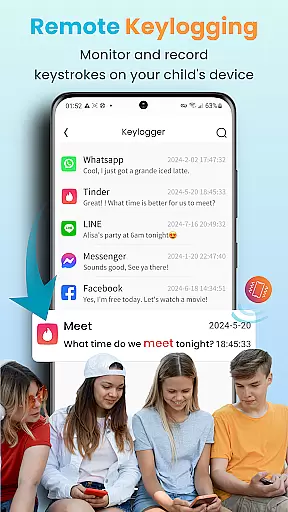
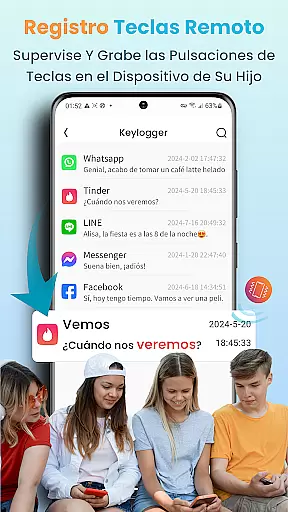
In addition to location tracking, the app excels in delivering detailed activity reports. These reports cover various aspects such as screen time, app usage, and even keystrokes. Such comprehensive data allows parents to understand their child's digital habits better and take necessary actions to ensure balanced growth. The accuracy of these reports is backed by robust algorithms that process data efficiently.
Another significant feature is the ability to remotely capture screenshots and record screens. This functionality enables parents to get real-time insights into their child's online activities, making it easier to guide them appropriately. With these accurate tracking mechanisms, KidsGuard Pro empowers parents to foster a safer digital environment for their children, promoting healthier growth and development.
Comprehensive monitoring
Real-time location tracking
Social media oversight
Instant alerts system
User-friendly interface
Paid subscription model
Requires installation
Limited free features
Device compatibility
Privacy concerns

Comprehensive Parental Control & Child Safety — Hear & Protect Your Child World
 4.30
4.30
With BabyCam you can monitor your baby using your mobile phone, tablet, PC or TV
4.40
Cherish every beat - capture your baby's heart sounds with our app
4.30
Live Location, Alerts & 2-Way Voice for Kids and Adults with Special Needs
4.60
Limit screen time, Block Apps & Games, Monitor with Parental control app
4.20
Introduce real food to baby with First Foods® Database, baby led weaning BLW
4.80
Track your labor contractions
4.90
Track pregnancy health and wellness with pregnant tracker from healthcare advice
4.2
App/Game blocker & GPS tracker
4.50
FamilyAlbum helps you share, save, and remember your child's special moments.
4.80
Track your pregnancy & your baby's growth in 3D. Get support from our community
4.60
Track your pregnancy, kick & contraction counter, baby & mom's heartrate monitor
4.60
GPS phone tracker: find kids on map. Location tracking and parental control.
4.50
Block apps, set screen time limits, and customize usage schedules
4.50
GeoLog - Real-Time Location Tracker
4.40
Magic chalkboard coloring and drawing!
4.20
Watching baby, helping parents
4.10
The 10 development leaps of your baby | newborn milestones & leap days tracker
4.10
Play activities, milestones, expert-led classes, baby tracker, and more!
3.00


User Reviews