


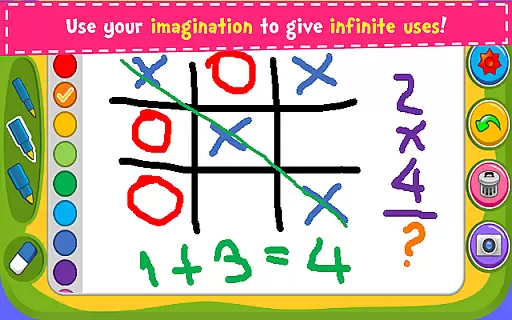

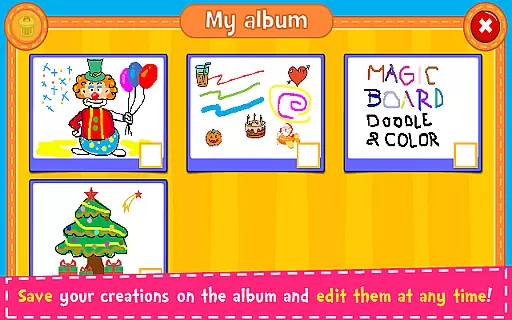





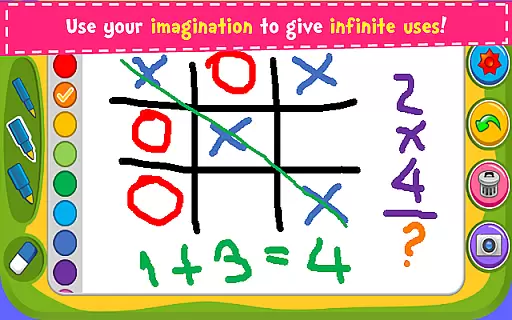

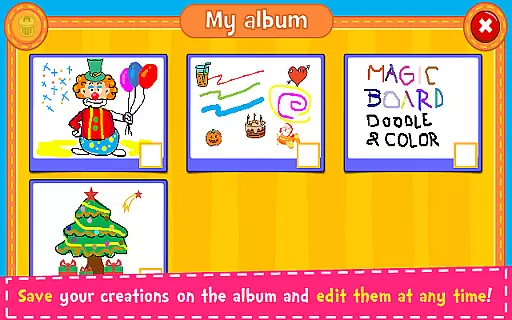





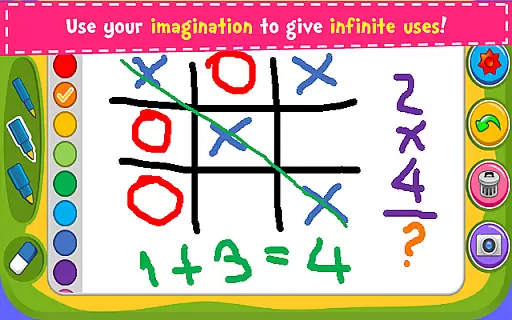

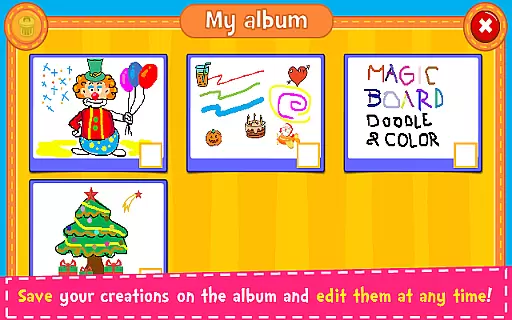



Magic Board is an engaging drawing and coloring game designed for users of all ages. This app offers a realistic drawing experience with various pencil strokes and colors, including a unique flash effect for endless bright colors. With over 100 stickers available, users can decorate their creations, save them in an album, and edit or share them anytime on social media platforms like Facebook, Twitter, and Instagram.
Designed to promote imagination, artistic skills, concentration, and fine motor skills, especially in children, Magic Board provides a simple and intuitive interface that works seamlessly across smartphones and tablets. Whether you're looking to unleash your creativity or help your child develop essential skills, this app serves as an excellent tool for artistic expression and fun.
Magic Board stands out with its rich set of features tailored for both casual doodlers and aspiring artists. The app supports multiple languages, including English and Spanish, making it accessible to a wider audience. Its standout feature is the dynamic color options, allowing users to experiment with endless bright colors through the flash effect function.
In addition to diverse coloring tools, Magic Board offers practical functions such as an eraser, undo option, and clear all button, ensuring ease of use while creating art. Users can save their artwork directly to an in-app album, enabling quick access for future edits or sharing via popular social media channels or messaging apps like WhatsApp and email. These comprehensive features make it a versatile choice for creative expression.
When it comes to parenting applications, the credibility of the content is paramount. Magic Board ensures that its features are not only engaging but also beneficial for child development. The app promotes imagination, art skills, and fine motor skills, which are crucial aspects of childhood growth.
The application offers a variety of drawing tools and stickers that are designed to be both fun and educational. These elements encourage creativity while ensuring that children are engaged in productive activities. With support for multiple languages including English and Spanish, it caters to a diverse audience, enhancing its reach and reliability as an educational tool.
Magic Board's dedication to being 100% free with no hidden charges adds to its authenticity. Parents can trust that they are providing their children with a resource that has been thoughtfully created to support cognitive and artistic development without any additional costs or advertisements that often come with free apps.
Growth tracking in parenting apps allows parents to monitor their child's developmental progress. Although Magic Board is primarily a creative platform, it indirectly supports growth tracking by promoting concentration and fine motor skills through its drawing and coloring activities.
The app includes features such as saving drawings in an album, which can serve as a digital portfolio of a childu2019s artistic journey over time. This feature enables parents to observe improvements and changes in their child's artwork, serving as a creative growth diary.
Additionally, the ability to share creations on social media platforms means that family and friends can also engage with the child's progress. This external engagement not only motivates the child but also provides a broader perspective on their developmental milestones, making Magic Board a valuable tool in a child's growth tracking process.
User-friendly interface
Variety of color options
Supports multiple languages
Comes with useful editing tools
Encourages creativity and skill development
Limited advanced tools
No premium version available
Ads may disrupt experience
Basic design aesthetics
Occasional performance lags

AI Motion Video Maker & Ideas
 4.1
4.1
All-In-One Pregnancy Tracker, Your Baby's Milestones, Growth Stages & Parenting
4.70
The Baby’s Bounty App is your hub to register for our diaper banks in Nevada
3.70
A simple way to track your baby’s breastfeeding, diaper changes, sleep patterns.
4.90
Fun Ideas for Parents
4.70
It is a screen time management tool for games and mobile applications
4.50
Pinardin - Smart Parental Control, Online Safety & GPS Tracking!
4.80
Speech Therapy Exercises For All!
4.40
All-In-One Pregnancy Tracker, Your Baby's Milestones, Growth Stages & Parenting.
4.90
3D Baby size, Fruit comparisons, Smart Checklist, Trending Names & Training.
4.90
Track your labor contractions
4.90
Track baby’s development & growth week by week with BabyCenter’s pregnancy app!
4.90
Pregnancy+ App has helped 80m moms track their pregnancy with info & support!
4.80
FamilyAlbum helps you share, save, and remember your child's special moments.
4.80
Block apps, set screen time limits, and customize usage schedules
4.50
Real-time family location with consent, check-ins & SOS—private by default.
4.40
Findnumber: Real-time location tracker for ultimate family security
4.20
Keep Your Family Safe with Pollog Family Assistants
4.10
Track pregnancy health and wellness with pregnant tracker from healthcare advice
4.0


User Reviews