
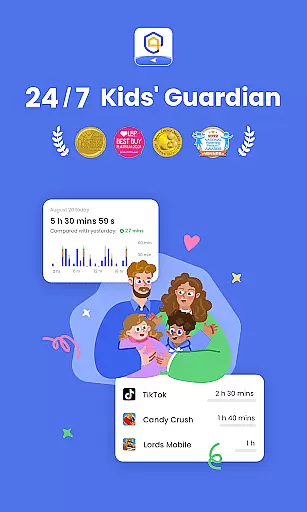
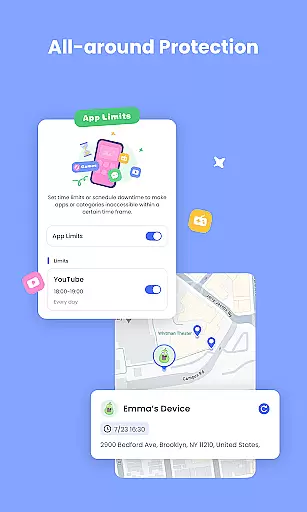
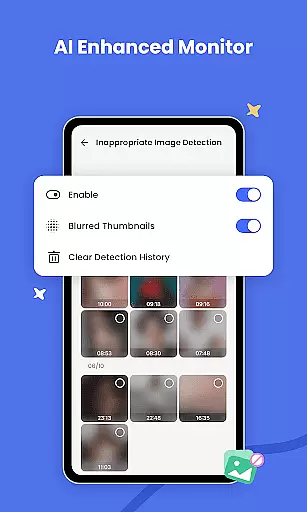
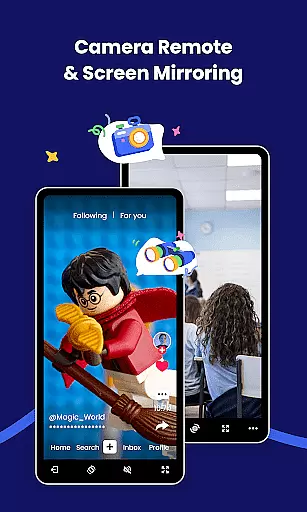
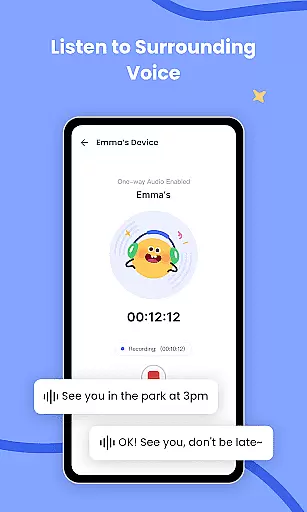

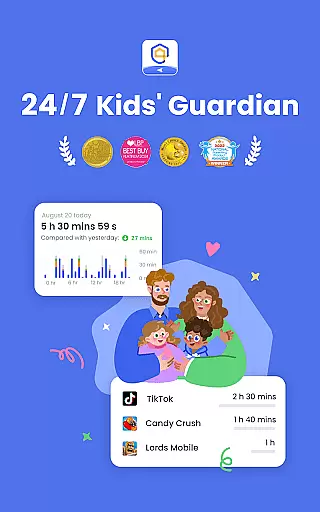
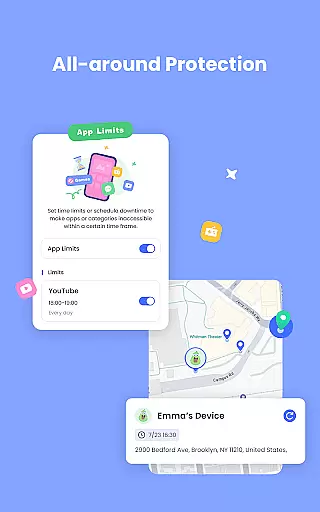
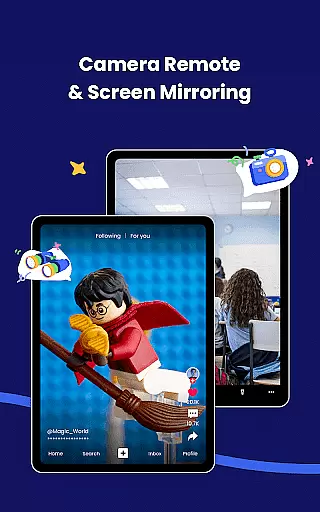
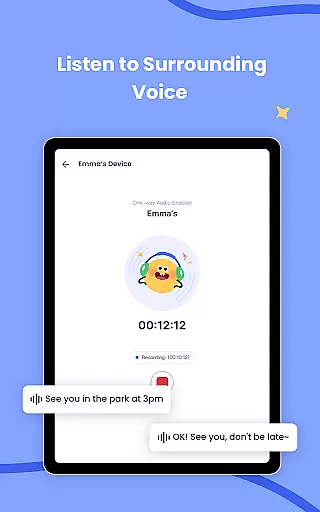
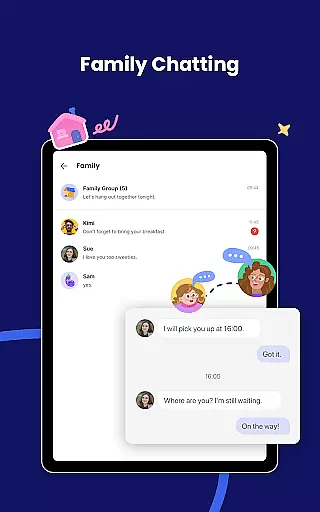
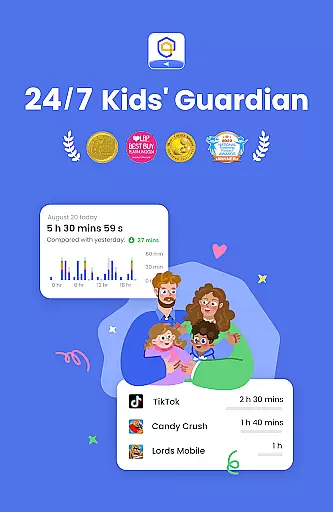
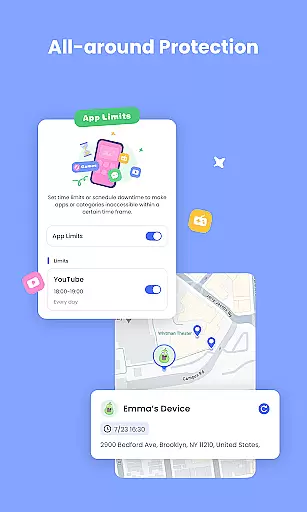
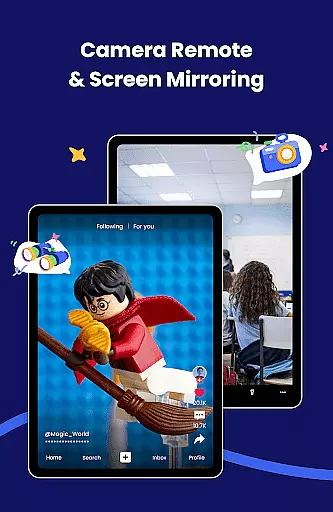
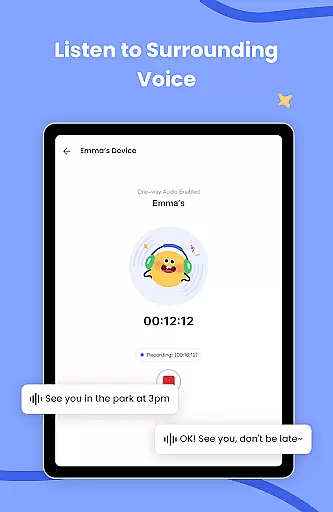
AirDroid Parental Control is a comprehensive safety solution designed to give parents peace of mind while their children navigate the digital world. This app allows real-time monitoring of your child's device, ensuring you're aware of their online activities and physical whereabouts. With features like screen mirroring, GPS tracking, and app usage controls, it creates a protective environment that balances freedom with security.
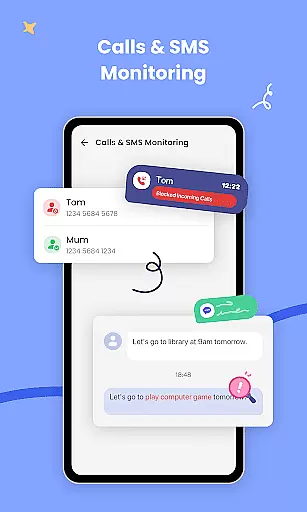
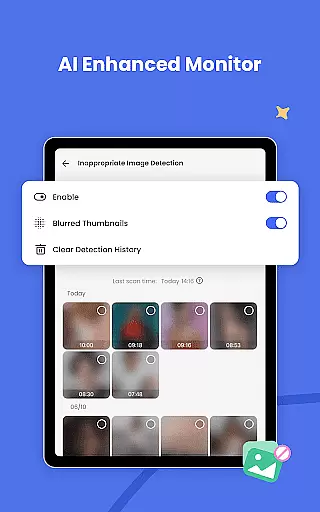
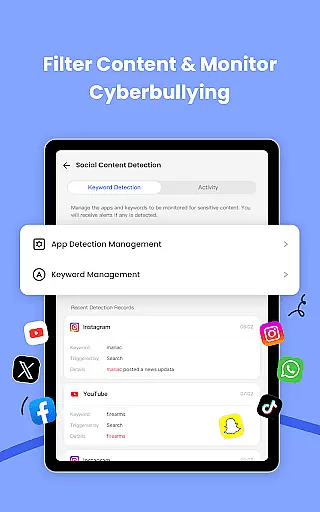
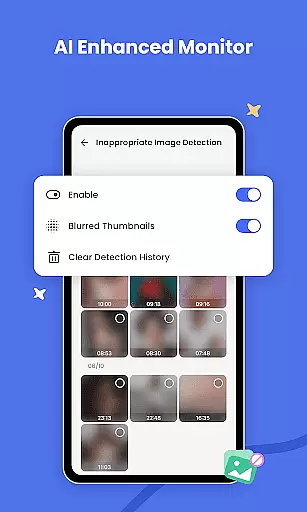
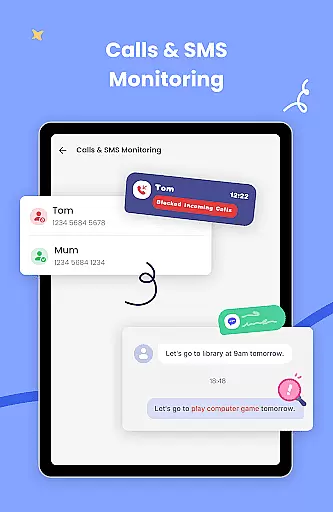
The app goes beyond basic monitoring by incorporating AI-driven content filtering and anti-cyberbullying measures. Parents can set up custom schedules for device usage, block inappropriate apps, and receive instant alerts about suspicious activities or location changes. Whether you're concerned about online threats or simply want to ensure your child maintains a healthy balance between screen time and real-world interactions, AirDroid Parental Control provides the tools necessary to keep them safe both online and offline.
AirDroid Parental Control stands out through its innovative use of technology to enhance child safety. The real-time screen mirroring feature lets you view exactly what your child is doing on their device, providing valuable insights into their app preferences and social media interactions. This functionality helps prevent excessive screen time and potential addiction to certain applications.
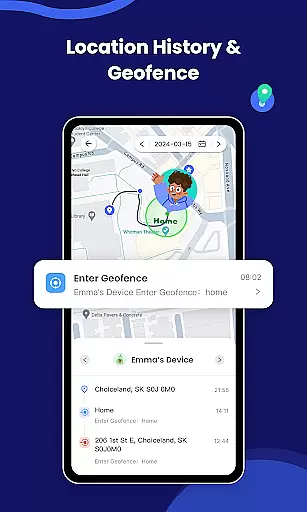
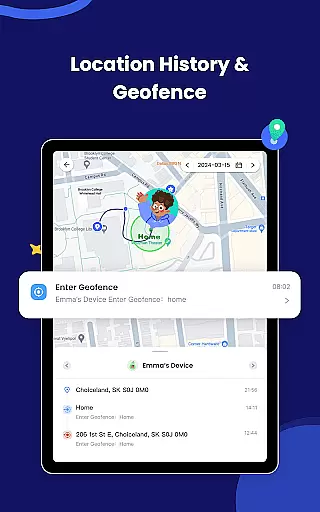
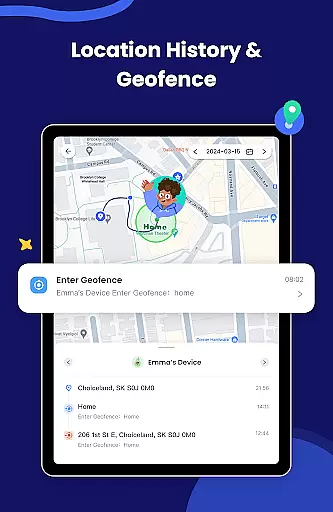
Beyond monitoring, the app offers robust control features such as app blocking and permission management. You can restrict access to specific applications and receive notifications when your child attempts to modify their app settings. The GPS location tracking system provides accurate real-time positioning and historical movement data, while customizable geofencing sends instant alerts when your child enters or leaves designated areas. These features work together to create a comprehensive safety net that adapts to your family's unique needs.
When it comes to parenting applications, the credibility of content and expert validation are paramount. AirDroid Parental Control ensures that all features are designed with the highest safety standards in mind. The app provides real-time monitoring, GPS location tracking, and an AI-enhanced content monitoring system, which have been developed based on extensive research and expert recommendations.
The app's intelligent context-aware filtering goes beyond simple keyword blocking, offering a sophisticated layer of online protection for children. This technology has been refined through rigorous testing and validation by cybersecurity experts. Additionally, the app includes features like screen time management and app blockers, which are endorsed by child psychologists to help prevent smartphone addiction and ensure healthy digital habits.
Parents can trust AirDroid Parental Control to provide accurate information about their child's online activities and location. The app's geofencing capabilities and location alerts offer peace of mind, knowing that any deviation from routine or entry into high-risk areas will be immediately communicated. These features have been validated by experts in child safety to ensure they contribute effectively to a child's overall well-being.
By choosing AirDroid Parental Control, parents are not only getting a tool for monitoring but also a comprehensive solution that is backed by expert knowledge in child psychology and digital safety. This ensures that every feature serves a meaningful purpose in safeguarding a child's physical and digital environment.
Growth tracking accuracy is essential for understanding a child's development over time. AirDroid Parental Control offers precise tools that allow parents to monitor various aspects of their child's digital life, ensuring they grow up in a safe and controlled environment. The app meticulously records usage patterns, location history, and social media interactions, providing a clear picture of a child's daily activities.
With real-time syncing of app notifications and mirroring of the child's device screen, parents can stay informed about how their children are interacting online. This level of detail helps track behavioral trends and identify potential issues early on. The data collected is presented in an organized manner, making it easy for parents to review and understand their child's growth trajectory within the digital space.
AirDroid Parental Control's battery check feature adds another layer of reliability to growth tracking. By alerting parents when the child's device is running low on power, it ensures continuous monitoring without unexpected interruptions. This consistent oversight contributes to more accurate tracking of a child's habits and movements.
Ultimately, AirDroid Parental Control empowers parents with accurate data to make informed decisions about their child's upbringing. Whether it's setting appropriate screen times or receiving instant alerts about suspicious online behavior, the app provides the tools necessary to guide a child's growth accurately and responsibly.
Real-time monitoring
AI-enhanced filtering
Comprehensive GPS tracking
Effective app management
Intuitive user interface
Paid subscription model
Requires multiple installations
Limited free trial period
Device compatibility issues
Privacy concerns with extensive monitoring

AI Motion Video Maker & Ideas
 4.2
4.2
Daily Routine & Timer for kids, ADHD, & Autism
4.80
Discover fun videos, kids songs, bedtime stories and games
3.60
Cherish every beat - capture your baby's heart sounds with our app
4.30
Pregnancy and baby formula tips for moms, plus Enfamil coupons & cash back
4.10
Magic chalkboard coloring and drawing!
4.20
Real-time family location with consent, check-ins & SOS—private by default.
4.40
Fun Ideas for Parents
4.70
Babysitting video camera - Turn your two phones or tablets into a single nanny.
4.40
Track Pregnancy, Baby Feeding, Sleep, Diaper Changes, Postpartum Health & More!
4.80
With BabyCam you can monitor your baby using your mobile phone, tablet, PC or TV
4.40
Free symptom & med tracker with expert-reviewed tips.
4.30
Limit screen time, Block Apps & Games, Monitor with Parental control app
4.20
Affirmations | Stories | Bible
4.10
Little loved one's monitoring, Sleep tracking and Parenting content.
3.80
A Coloring for the Whole Family! Discover the Joy of Family Love Through Colors!
3.60
Screen Time, App and Web Block & Monitoring, Location Tracker
3.60
SemLog aims to raise awareness among families and their children
3.40
Happiest Baby App replaces the SNOO App (the mobile companion to SNOO & SNOObie)
3.20


User Reviews