
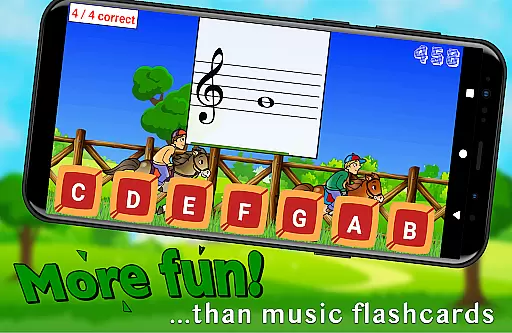
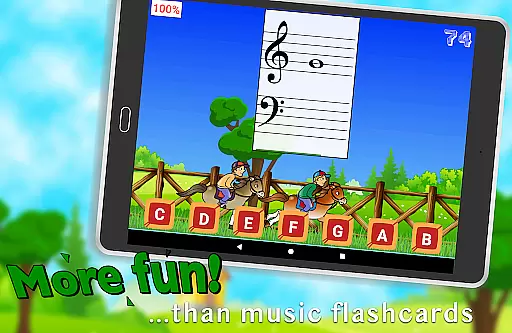
Flashnote Derby is an educational app designed to make learning music notes enjoyable for children. The core function of this app is to teach kids how to read music notes through a fun, interactive horse racing game. In each race, students identify different notes to move their horse towards the finish line, with correct answers advancing their position and incorrect ones causing them to fall behind.
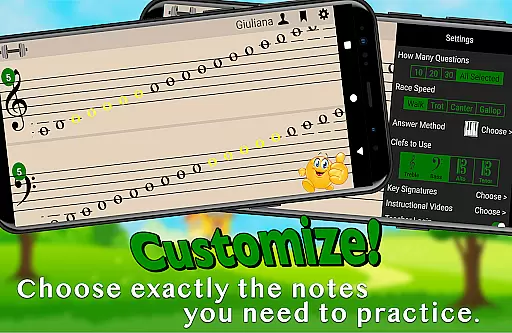
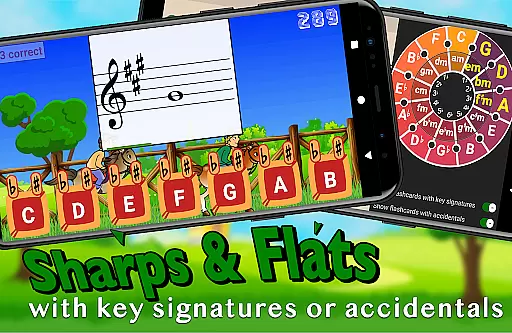
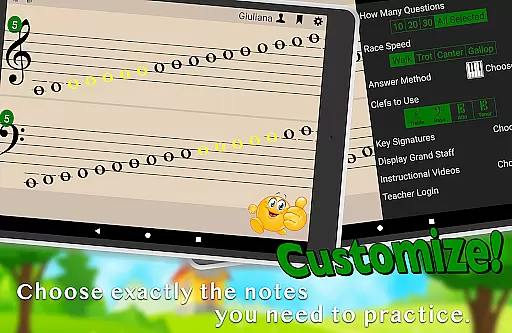
Beyond its core functionality, Flashnote Derby offers customization options that allow users to tailor the experience to specific learning needs. Notes can be selected from various clefs, and key signatures can be added to increase difficulty. This adaptability ensures that learners at all levels can benefit from the app's engaging approach to mastering the music staff.
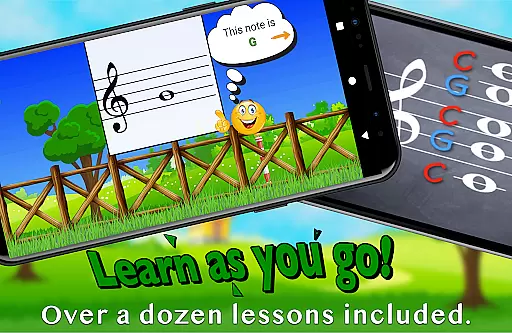
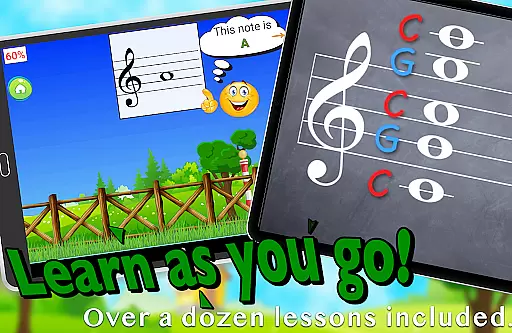
The app also includes over a dozen instructional video lessons accessible directly within the interface, making it suitable even for beginners with no prior music instruction. Teachers can utilize Flashnote Derby as a motivational tool during lessons and track student progress through performance records. By combining education with entertainment, Flashnote Derby helps maintain student interest in music learning, laying a foundation for future musical success.
Flashnote Derby stands out with its comprehensive set of features designed to enhance music education. One notable feature is the ability to customize note ranges and clefs, allowing users to focus on specific areas of improvement. Whether you're working on treble clef notes or need to practice ledger lines, the app adapts to your learning requirements.
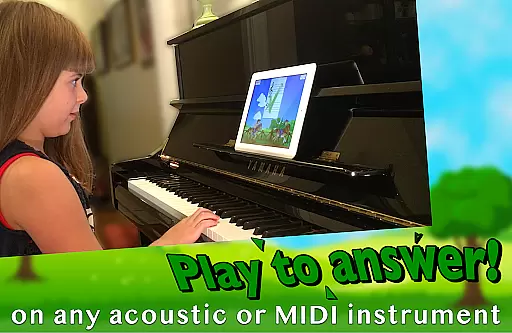
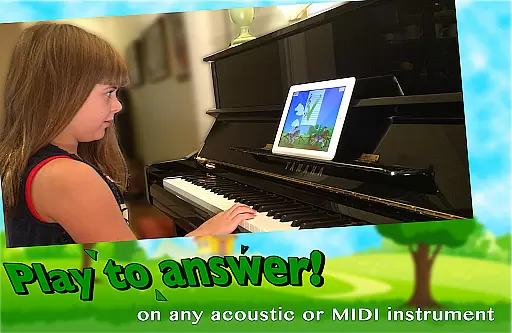
Another significant aspect is the multiple response methods available to players. Students can answer by playing their acoustic or MIDI instrument, tapping letter buttons, or using an on-screen piano. This flexibility caters to different learning styles and preferences, making the app versatile for various users, including piano students, band members, and singers.
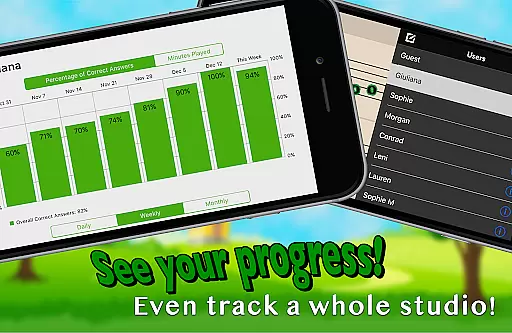
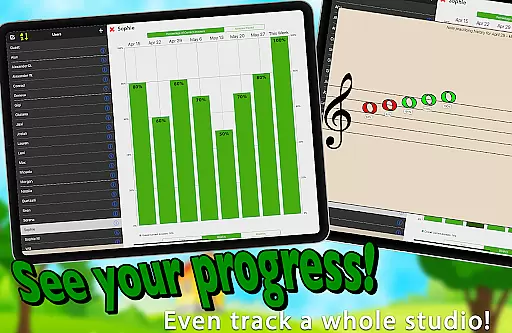
Additionally, Flashnote Derby incorporates a performance tracking system that records each player's progress. This feature enables both students and teachers to monitor improvement over time and identify areas needing further review. With adjustable difficulty settings and rewarding point systems, the app provides a structured yet entertaining path toward music reading mastery.
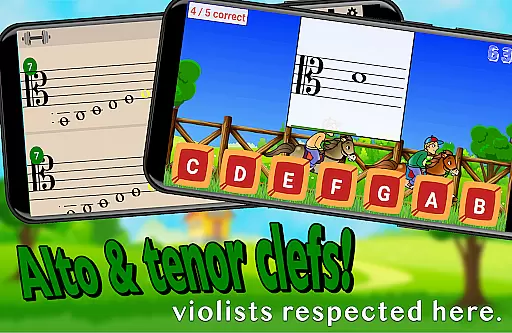
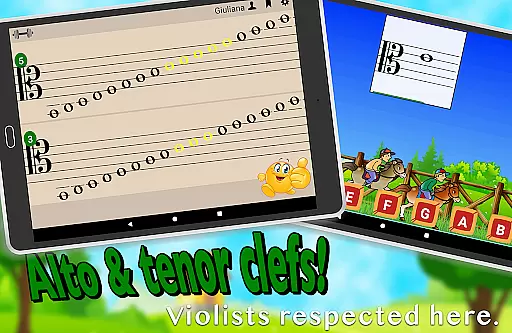
Flashnote Derby focuses on providing accurate and authoritative content for learning music notes. The game includes customizable settings that allow users to practice with notes in treble, bass, alto, or tenor clefs, ensuring a comprehensive understanding of different musical notations.
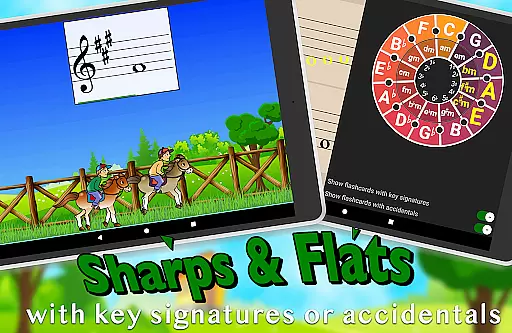
The inclusion of sharps, flats, and key signatures adds an extra layer of authenticity to the learning experience, catering to both beginners and advanced students. This attention to detail ensures that learners are exposed to correct representations of musical notes, which is crucial for their development as musicians.
By offering over a dozen instructional video lessons within the app, Flashnote Derby reinforces its commitment to authoritative content. These videos provide accessible guidance on fundamental concepts such as the music alphabet and staff recognition, enabling even those without prior instruction to begin their journey confidently.
Teachers can also utilize this app's reliable content by assigning homework through it, tracking student progress effectively. With precise feedback on performance, educators can identify areas needing review, thus enhancing the overall educational value provided by Flashnote Derby.
One standout feature of Flashnote Derby is its ability to create personalized learning paths tailored to individual needs. Users can customize note ranges and select specific notes they wish to focus on, allowing targeted practice sessions that address unique challenges faced by each learner.
This personalization extends to adjusting response times based on age and experience levels, making sure every user has adequate time to respond accurately. As players improve, they can gradually increase difficulty settings, mastering up to five and a half ledger lines above or below the staff.
The adaptive nature of Flashnote Derby encourages continuous engagement by rewarding more points for tackling harder configurations. This motivates learners to push beyond their comfort zones while still feeling supported throughout their musical journey.
Additionally, teachers benefit from this personalization by being able to email tailored assignments directly to students. By monitoring recorded performances, instructors gain insights into which notes require additional focus, further refining each studentu2019s personalized path towards mastery.
User-friendly interface
Customizable learning options
Engaging game mechanics
Performance tracking
Educational video content
Limited advanced theory
No multi-player mode
Basic visual design
In-app purchases
Occasional bugs

AR planetarium app that brings the solar system to you via XREAL Glasses.
 4.3
4.3
scanner body part for fun Prank friends realistic scan effects
3.00
Bebefinn and Baby Shark educational, animated videos & games for kids
3.40
Practice Casino Roulette Payouts for Table Game Dealers and Croupiers
4.40
Our most popular app series returns, better than ever!
3.90
The FE Clock is a way to track sun & moon around the circle of the earth.
4.30
A realistic sky map to observe stars, planets, satellites and constellations!
4.80
Learn Japanese in an immersive educational game set in Japan!
4.90
Educational Activities for 2-8
3.70
Gain new skills in 10 minutes
4.70
AI Language tutor: Speak fluently with Lucy’s personalized coaching
4.70
Perform physics experiments with your phone. (by the RWTH Aachen University)
4.70
Professional Award-Winning Astronomy Star Map App With Telescope Control
4.40
Break Language Barriers with AI—Learn Language Anytime, Anywhere!
4.00
Deal Craps (Practice Craps Payouts)
3.80
Hasbro's Classic Board Game - Make Cavity Sam better or get the buzzer!
3.50
Quiz App to help case managers studying for CCMC Certification, 200+ Questions
3.40
MONOPOLY JUNIOR brings Hasbro's classic the board game to life.
3.00
Animals pop up and make sounds—learn names and noises in Peekaboo Barn!
4.1


User Reviews