
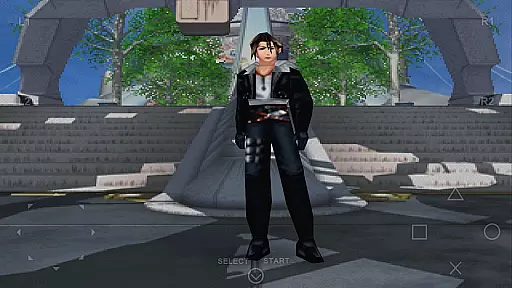
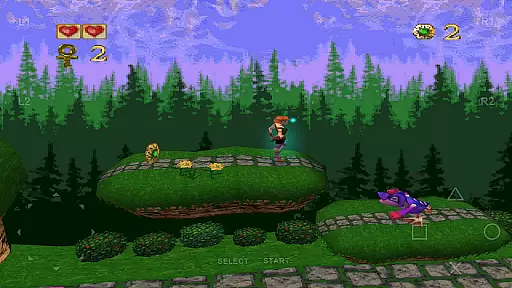
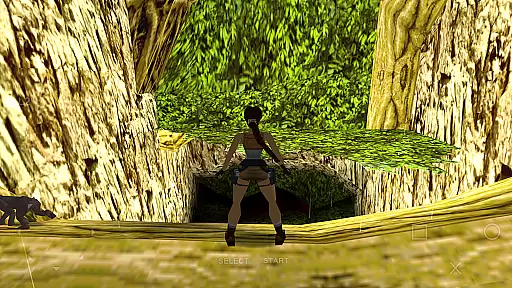
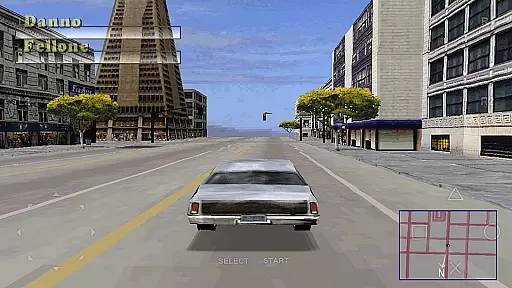
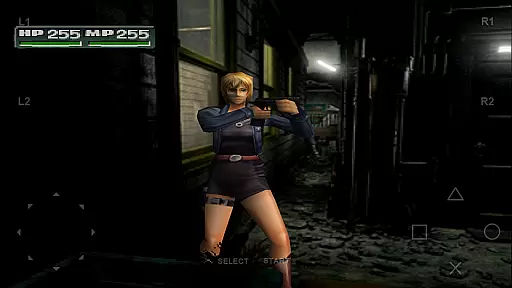
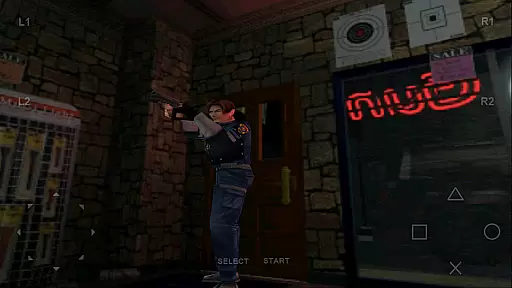
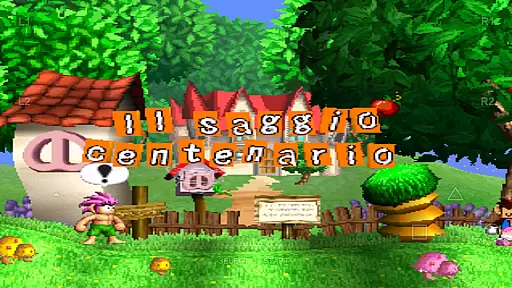
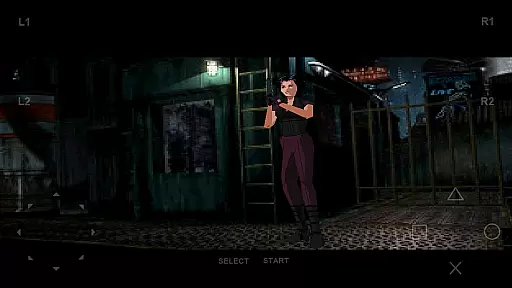
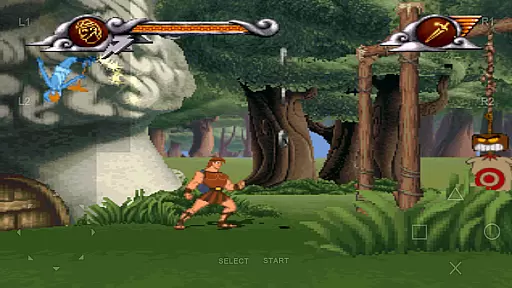
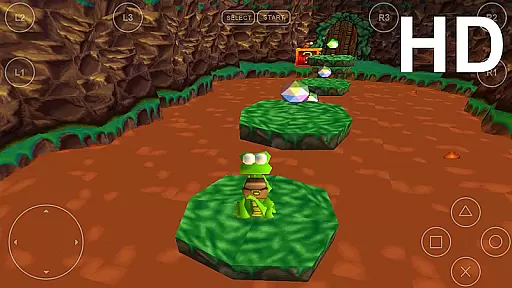
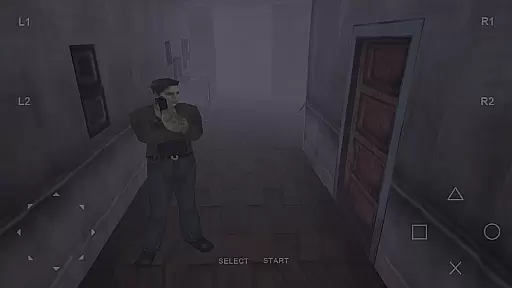
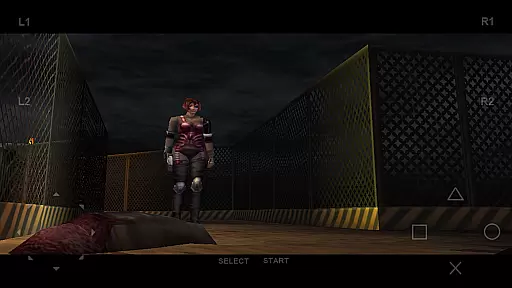
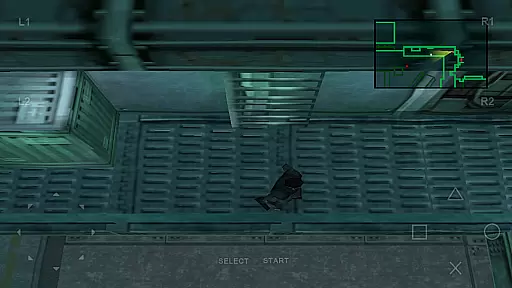

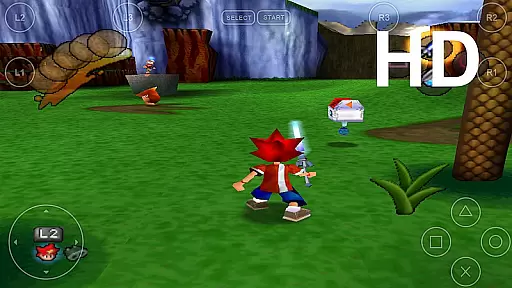
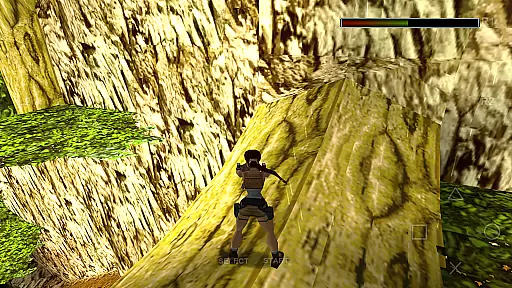
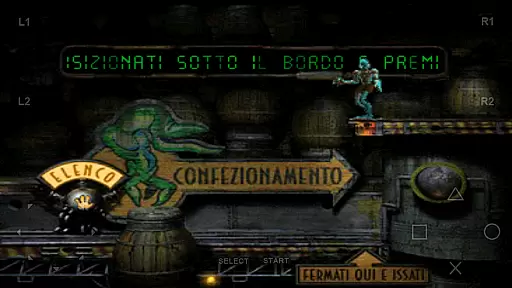
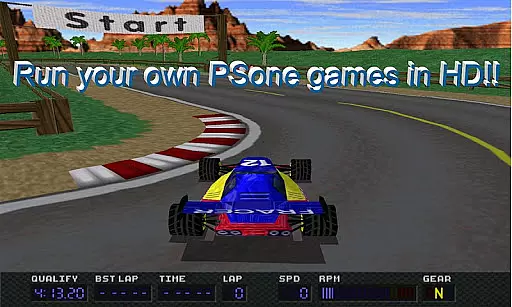

FPse for Android devices is a premier PlayStation 1 emulator, bringing classic gaming to modern smartphones. It supports a wide range of Android versions and offers high-resolution graphics through OpenGL, ensuring an enhanced visual experience. The app's interface automatically scans local storage for PSone games and displays their covers, providing easy access.
This emulator stands out with its compatibility and performance across devices, even on older hardware. Users can enjoy features like savestates, force-feedback, and emulation of audio tracks using .cue files. With support for multiple file formats and external controllers, FPse delivers a versatile gaming experience. Its exclusive multiplayer LAN mode and experimental VR support make it a top choice for casual gamers.
FPse boasts an array of features that cater to both casual and hardcore gamers. It includes three different menus displaying game covers and video samples, enhancing the user interface. The app supports various file extensions and disc image formats, making it highly versatile for different gaming preferences.
Advanced functionalities such as OpenGL support, software renderer in high definition, and automatic cheat code search engine provide users with an enriched gaming experience. Additionally, FPse offers multi-player modes using multiple devices, allowing friends to join in on the fun. With native NFS protocol support and smart extraction of compressed files, accessing and playing games has never been easier.
FPse for Android offers a streamlined and intuitive experience for playing PlayStation 1 games on mobile devices. The app's interface is designed to automatically scan local storage for compatible game files, presenting them with their original cover art. This effortless discovery process ensures users can quickly access their favorite titles without complicated setup procedures.
The emulator supports a wide range of file formats including .iso, .bin, and .cue, allowing for broad compatibility with various PSone game backups. With support for both touchscreen controls and external gamepads, FPse provides flexible control schemes that cater to different user preferences. These features combine to create a seamless and accessible gaming experience on Android smartphones and tablets.
One of the key advantages of FPse is its ability to run smoothly even on lower-end devices while delivering enhanced performance on newer hardware. The application maintains high compatibility with PSone titles, ensuring that most games play correctly regardless of the device's specifications. This combination of broad game support and optimized performance makes the core gameplay experience both simple and enjoyable for casual gamers.
Understanding the needs of mobile gamers, FPse for Android implements several features that enhance session length flexibility. The emulator's save state functionality allows players to save their progress at any point during gameplay, enabling them to pause and resume sessions according to their schedule. This feature is particularly valuable for casual gamers who often play in short bursts throughout the day.
The application's optimized performance ensures that gaming sessions can be started quickly, without lengthy loading times. Users can efficiently switch between different games or pause their current session thanks to the app's efficient resource management and fast state switching capabilities. These technical optimizations contribute to a more flexible gaming experience that accommodates various play styles and time constraints.
Additionally, FPse's support for both landscape and portrait modes, along with its automatic screen adjustment features, allows players to comfortably enjoy gaming sessions in different environments. Whether commuting or relaxing at home, users can adapt their gaming experience to fit available time slots, making it an ideal solution for casual gaming on Android devices.
High compatibility
Excellent performance
Versatile file support
Multiplayer options
Automatic game scanning
Complex setup required
Interface not intuitive
Occasional bugs
Ads present
Paid version needed

Plan, craft and compete—an idle RPG with a smart Forge and Eternal cards.
 4.20
4.20
Aim-Shoot-Blast: Perfect Shot
4.0
Start with a simple lemon stand and grow into a business tycoon!
5.00
Style your hair with Hair salon, Spa Beauty salon - Make up doll game
4.50
Funny Italian Brainrot games for antistress. Unwind with Italian Meme games.
4.70
Talking Tom and pets bring adventure to this fun virtual cat game.
4.30
Unfurl tent flaps, cut through bushes, slam doors, and poke some crocodiles!!!
4.70
Embark on a colourful hand drawn journey of discovery through the ages!
4.40
Puppy rescue meets puzzle escape! Save pups, dodge traps & build a dream shelter
4.50
Search for hidden objects scattered around hand-drawn worlds.
4.70
Enjoy the craft without the mess
4.50
Enjoy satisfying games, tidy up your virtual space in addictive cleaning games!
4.50
Short and sweet incremental mining game!
4.40
All-in-one tricky challenges, viral trending mini games. Stay calm & relax.
4.20
Classical snake game style for Wear OS
4.00
Five new incredible party games to liven up any gathering!
3.30
Compete with opponents through precise archery skills
3.20
Relive those 8 bit glory days
4.4
Just shoot and drop blocks.
4.4


User Reviews