
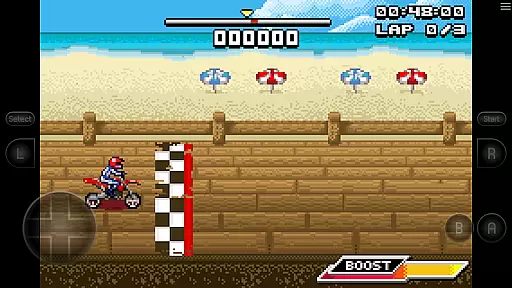
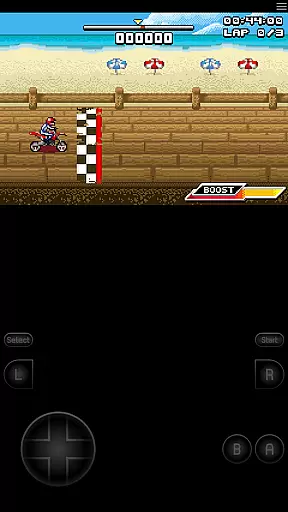
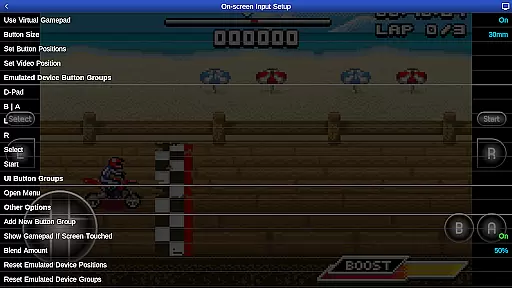
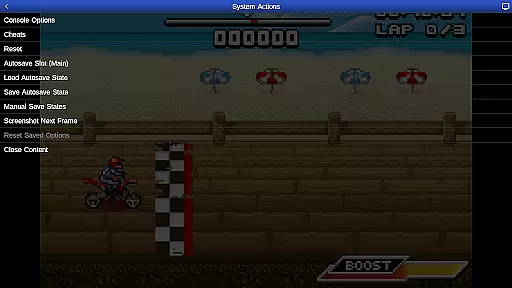
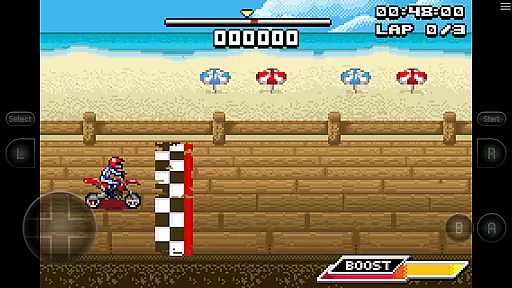
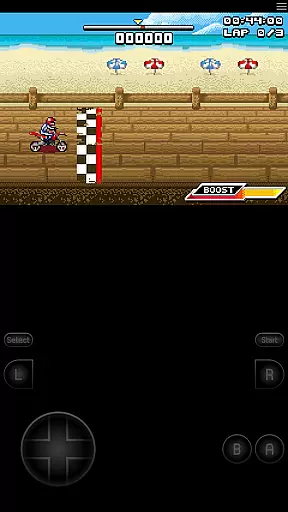
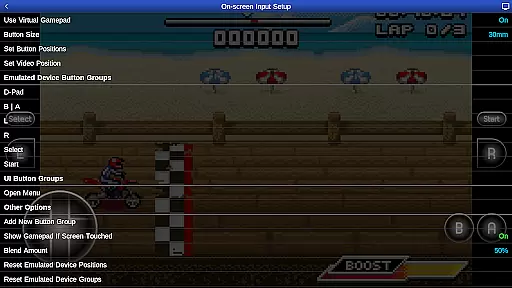
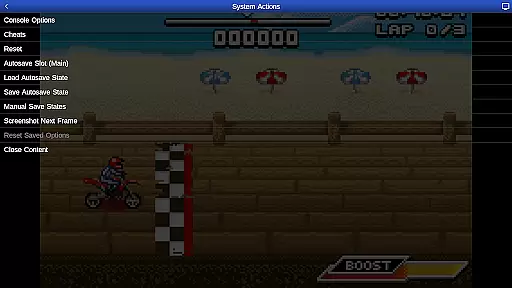
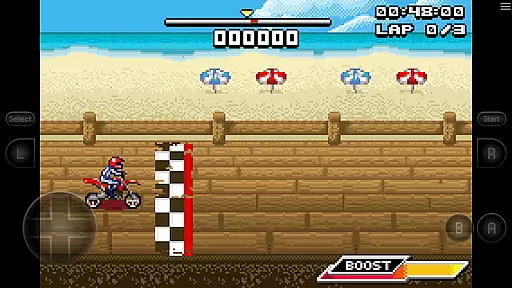
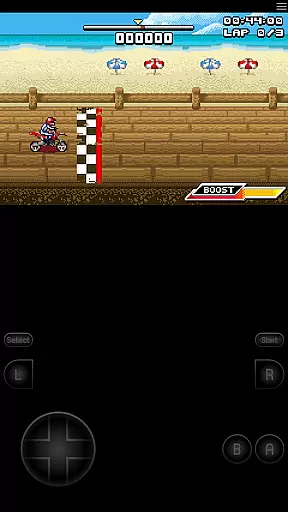
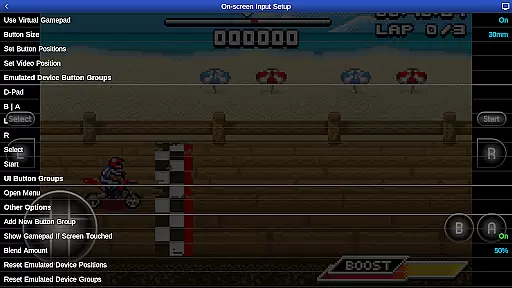
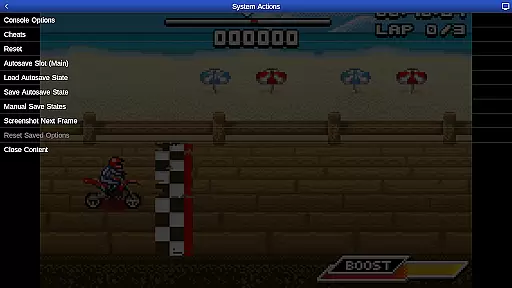
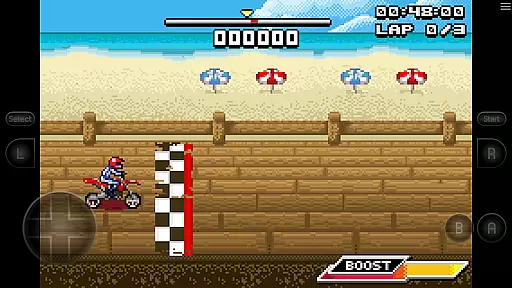
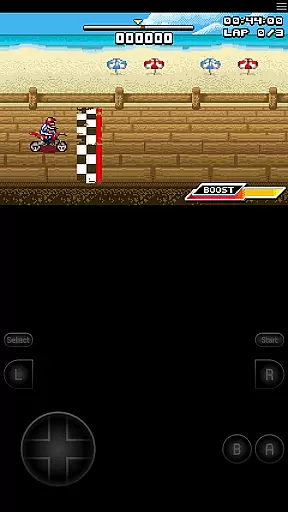
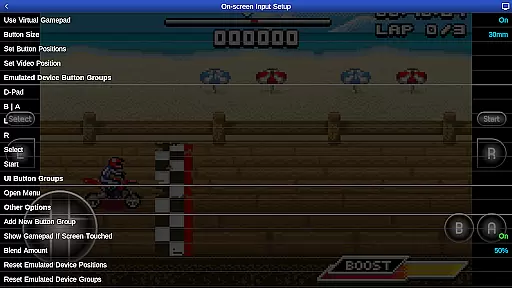
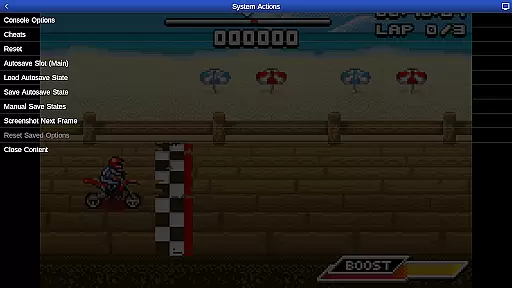
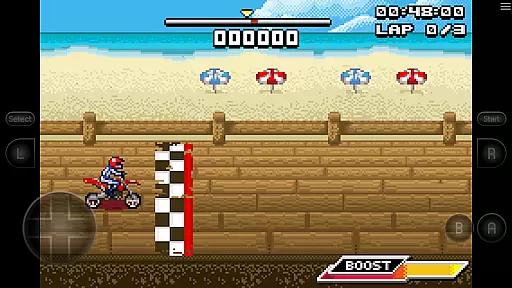
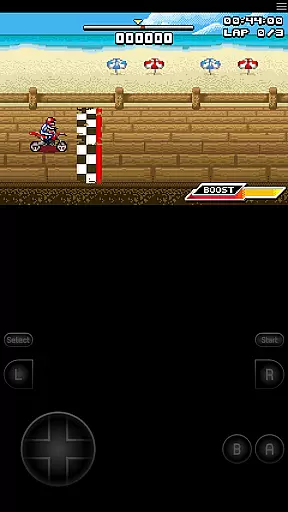
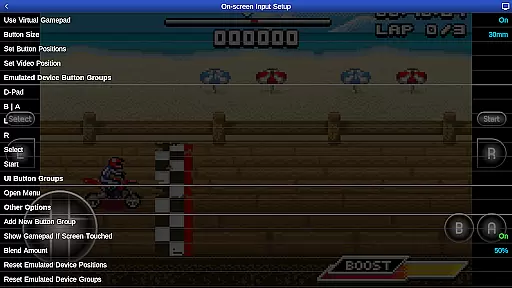
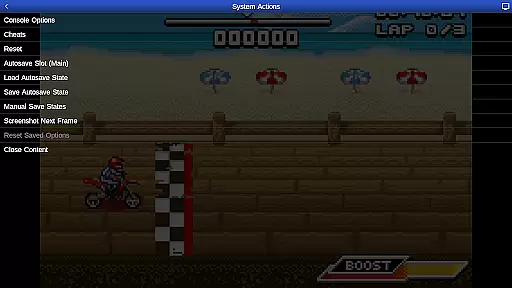
GBA.emu is an advanced open-source Gameboy Advance emulator based on VBA-M, designed with a minimalist UI and optimized for low audio/video latency. It supports a wide range of devices from the original Xperia Play to modern devices like the Nvidia Shield and Pixel phones. The app focuses on providing high-level BIOS emulation without the need for a BIOS file and supports .gba file formats optionally compressed with ZIP, RAR, or 7Z.
One of its standout features is the support for hardware sensors such as the accelerometer, gyroscope, and light sensors, making it versatile for various gaming experiences. Configurable on-screen controls and Bluetooth/USB gamepad & keyboard support compatible with any HID device recognized by the OS further enhance user experience. Additionally, the bike racing game Motocross Challenge is included, courtesy of developer David Doucet.
GBA.emu offers a rich set of features that cater to both casual and hardcore gamers. High-level BIOS emulation eliminates the need for BIOS files, while support for .gba file formats optionally compressed with ZIP, RAR, or 7Z ensures compatibility with a vast library of games. Cheat code support using VBA-M-compatible files (.clt extension) adds an extra layer of customization and fun.
The app's support for hardware sensors like the accelerometer, gyroscope, and light sensors allows for immersive gameplay experiences. Configurable on-screen controls provide flexibility in how users interact with their games, while Bluetooth/USB gamepad & keyboard support ensures compatibility with a wide range of controllers, including Xbox and PS4 controllers. This makes GBA.emu a versatile choice for Gameboy Advance enthusiasts looking for a seamless and customizable gaming experience.
GBA.emu brings authentic arcade gaming to your mobile device by emulating the beloved Gameboy Advance system. This emulator is meticulously crafted to recreate the original gaming experience while incorporating modern enhancements.
The app supports a wide range of devices, ensuring that both classic and contemporary users can enjoy nostalgic gameplay. With high-level BIOS emulation, it eliminates the need for additional BIOS files, streamlining the setup process for immediate play.
Featuring configurable on-screen controls and support for external gamepads, GBA.emu offers flexibility in how you interact with your favorite games. The inclusion of Motocross Challenge adds an extra layer of enjoyment, showcasing the emulator's capabilities right out of the box.
One of the standout features of GBA.emu is its exceptional control responsiveness, which ensures that every action is accurately reflected in-game. This precision is crucial for maintaining the fast-paced nature of arcade titles.
The emulator supports hardware sensors like accelerometers and gyroscopes, allowing for immersive gameplay experiences that rely on device movement. These sensors are finely tuned to provide accurate input without delay.
Additionally, GBA.emu offers extensive customization options for on-screen controls, enabling players to tailor the interface to their preferences. Whether using touch controls or Bluetooth/USB gamepads, users will appreciate the seamless interaction between hardware and software.
High-level BIOS emulation
Wide device compatibility
Supports multiple file formats
Hardware sensor integration
Included free game
No included ROMs
Complex setup for beginners
Limited touchscreen optimization
Occasional crashes reported
Requires manual updates

Gameboy Color Emulator
 4.60
4.60
Hit as hard as you can and make the penguin learn to fly! Arcade jumping game
4.50
Playing venom RPG alien games? Set spider alien isolation base, with no survivor
4.30
Fast reflexes, glowing obstacles, endless action.
4.2
Sega Saturn Emulator
4.20
Infinite Arcade
4.3
Slice up a juicy storm!
4.20
Flip and flail a rag doll through endless levels and plunge into outlandish fun!
4.60
Challenge your friends in this game! Two players on one device!
4.70
Bomb the communists back to 1916!
4.70
Motorcycle racing games! Prove your paperboy can win in the bike race 3D!
4.50
Premium version. Save the galaxy from alien shooter in this classic game
4.50
Play all your favorite Playstation games in your android device!!
4.50
Mine & Craft Block Mini World! Survival Crafting and Building & Creative Online.
4.30
Running game: dance in a twerk battle and become the twerk hero in our fun race!
4.30
Enter Double Dragon Trilogy, a compilation of the beloved arcade series
4.10
NEOGEO's masterpiece game is now available in the app!
4.10
Welcome back to Vice City. Welcome back to the 1980s.
3.30
John GBA is GBA emulator. This emulator is easy to use.
3.10


User Reviews