
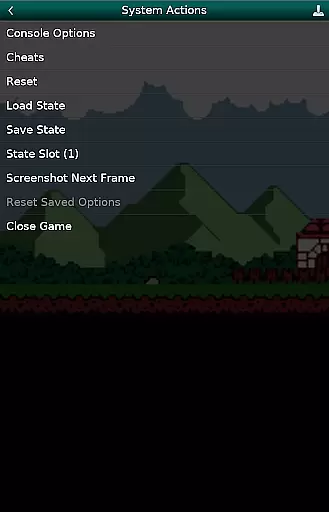
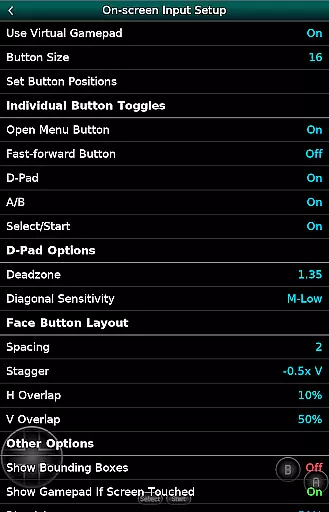
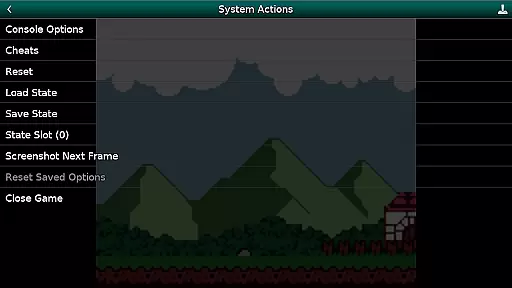
GBC.emu is an advanced open-source Gameboy and Gameboy Color emulator based on Gambatte. It features a minimalist UI with a focus on low audio and video latency, making it suitable for a wide range of devices from the original Xperia Play to modern devices like the Nvidia Shield and Pixel phones. The app supports multiple color palettes for original GB games, cheat codes in Game Genie and Gameshark formats, and various file formats including .gb, .gbc, ZIP, RAR, and 7Z.
With configurable on-screen controls and support for Bluetooth/USB gamepads and keyboards, GBC.emu offers a versatile gaming experience. It is compatible with any HID device recognized by the OS, such as Xbox and PS controllers. Users need to supply their own ROMs as none are included with the app. The emulator supports Android's storage access framework, allowing users to open files from both internal and external storage.
GBC.emu stands out with its multiple color palettes for original GB games, enhancing the visual experience. The inclusion of cheat codes in Game Genie and Gameshark formats allows users to enjoy games with added advantages or custom rules. Supporting .gb and .gbc file formats, optionally compressed with ZIP, RAR, or 7Z, ensures that users can load a variety of game files easily.
The app provides configurable on-screen controls, giving users the flexibility to customize their gaming interface. With robust support for Bluetooth/USB gamepads and keyboards, GBC.emu caters to different user preferences and setups. This compatibility extends to any HID device recognized by the OS, such as Xbox and PS controllers, ensuring a seamless connection and responsive gameplay.
Arcade authenticity and nostalgia are crucial elements for any gaming emulator, ensuring that the experience remains true to the original games. GBC.emu (Gameboy Emulator) excels in this area by offering advanced emulation based on Gambatte, a highly accurate Game Boy and Game Boy Color core. This ensures that classic games run as they were originally intended, preserving their nostalgic value.
The emulator supports multiple color palettes for original GB games, allowing users to relive the visual charm of these classics. Additionally, it includes features like cheat codes in Game Genie and Gameshark formats, which were popular during the arcade era. These elements combine to create an authentic and immersive retro gaming experience.
For users who appreciate the tactile aspect of gaming, GBC.emu offers configurable on-screen controls and support for Bluetooth/USB gamepads. This compatibility with modern controllers enhances the nostalgic feel while maintaining the convenience expected from contemporary apps.
Control responsiveness is vital for an optimal gaming experience, especially in arcade-style games where precision and timing are key. GBC.emu (Gameboy Emulator) focuses on low audio/video latency, ensuring that user inputs are registered swiftly and accurately. This attention to performance makes gameplay smooth and enjoyable.
The emulator's support for a wide variety of devices, from the original Xperia Play to modern devices like the Nvidia Shield and Pixel phones, underscores its commitment to responsive controls across different hardware configurations. Whether using touch controls or external peripherals, users can expect consistent performance.
With options for configuring on-screen controls and compatibility with HID devices such as Xbox and PS controllers, GBC.emu provides a versatile and responsive control scheme. This adaptability ensures that players can customize their setup for the best possible experience, making it a reliable choice for arcade enthusiasts.
User-friendly interface
Wide device compatibility
Supports multiple file formats
Customizable controls
Active development and support
No ROMs included
Limited to Gameboy and GBC
Requires manual updates
Occasional crashes reported
Dependent on external storage

Neogeo MVS/AES Emulator
 3.30
3.30
Turn-based pixel game where jumping is the only weapon!
4.1
Mine planets, upgrade your space ship, battle others, and dominate the galaxy!
3.90
A Ball Bouncer With Depth
4.00
M64Pro FZX Classic Emulator for Android
4.2
Divine powers at your fingertips! An innovative and frantic shoot-'em-up!
4.3
Flip and flail a rag doll through endless levels and plunge into outlandish fun!
4.60
NES Emulator
4.40
NEOGEO's masterpiece game is now available in the app!
4.10
Master the skies in this epic airplane shooting game! Join the air force now!
4.80
Try this unique restaurant sim and enjoy the fun of cooking in busy kitchens!
4.70
Play fun multiplayer games with friends on one device! Two, Three, Four players!
4.60
Venture into the galaxy to fight against the invasion of space invaders.
4.60
Jump and fly your way through danger in this rythm-based action platformer!
4.50
Three awesome new levels for The Impossible Game.
4.30
Running game: dance in a twerk battle and become the twerk hero in our fun race!
4.30
It's quite possibly the world's hardest game!
3.90
John GBA is GBA emulator. This emulator is easy to use.
3.10
Infinite Arcade
4.3


User Reviews