
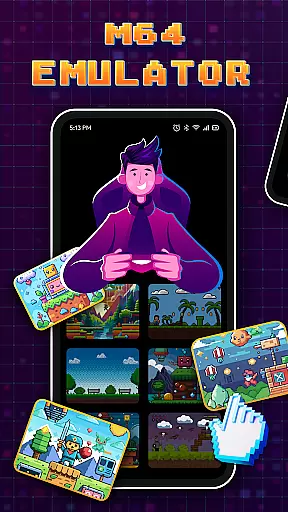

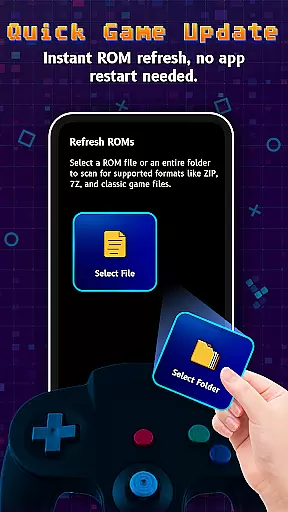
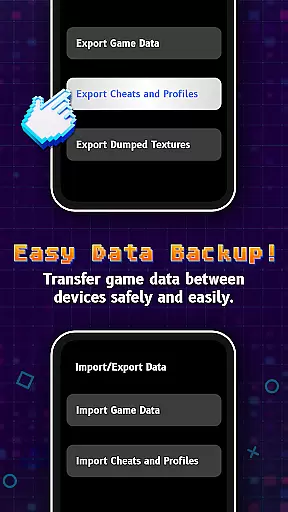
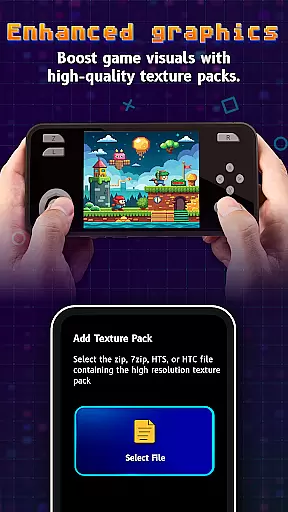
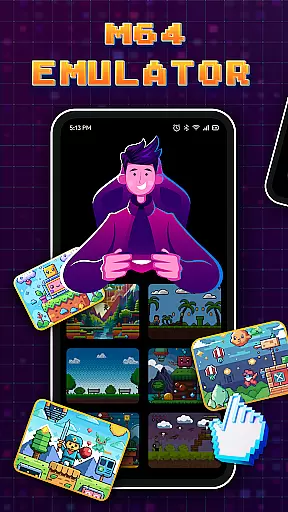

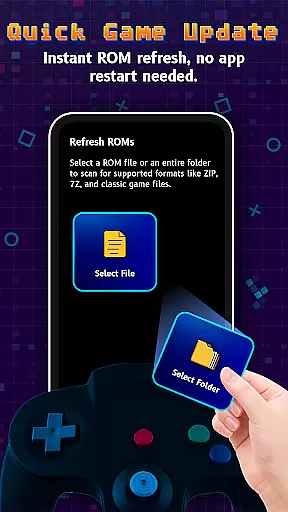
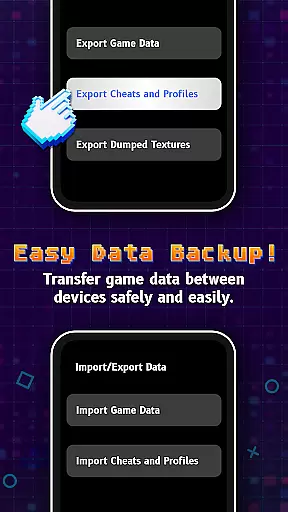
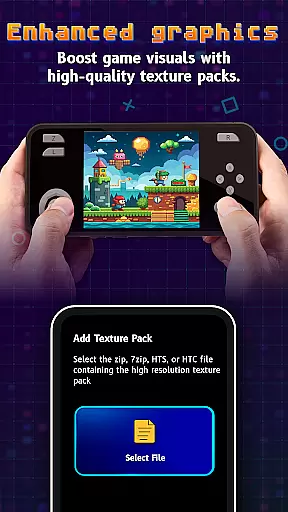

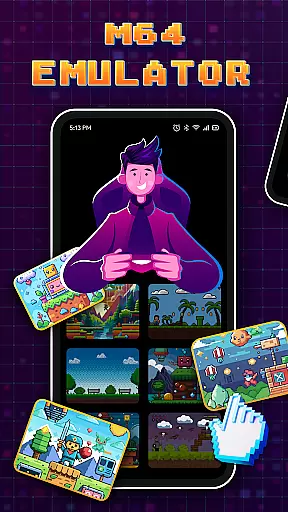
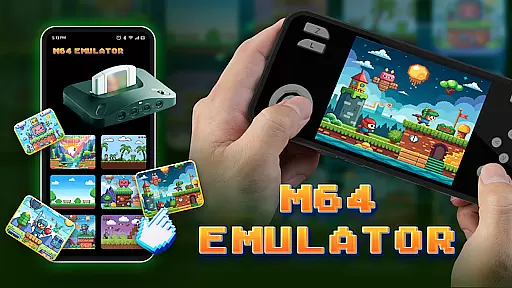
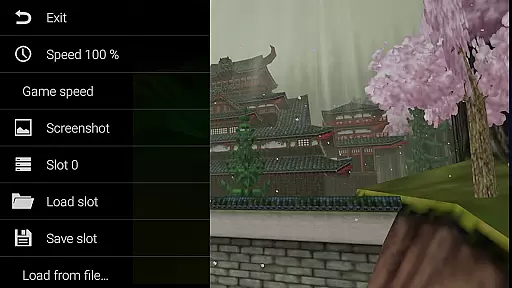
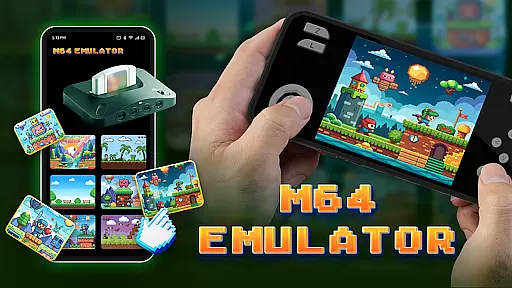
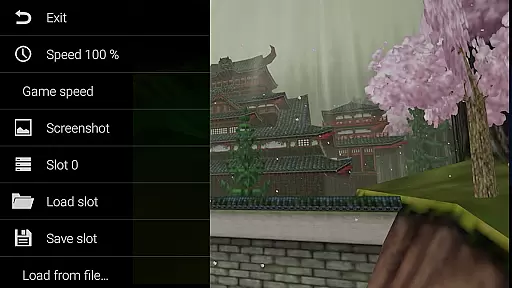
M64Pro FZX Plus+ Emulator is a versatile arcade emulator designed to bring classic gaming experiences to mobile devices. This app includes all essential cores and plugins, allowing users to play a wide range of games directly on their smartphones or tablets. While compatibility is strong, some games may require specific video plugins for optimal performance.
With support for multiple devices, this emulator offers an engaging way to relive nostalgic gaming moments. However, users should be aware that not all games will work perfectly due to potential graphical glitches and incomplete translations. Despite these limitations, the app provides significant value for arcade enthusiasts looking to enjoy retro games on the go.
The M64Pro FZX Plus+ Emulator stands out with its comprehensive set of features tailored for arcade gaming enthusiasts. It comes equipped with various video plugins that cater to different gaming needs, ensuring a customizable experience for each user. The inclusion of multiple cores allows for broader game compatibility, although experimentation might be necessary to find the best settings.
One notable feature is the ability to adjust preferences according to individual device capabilities. Users can fine-tune their experience by selecting appropriate plugins and settings, which helps mitigate issues like graphical glitches. Additionally, while many translations are incomplete, the option to use English ensures a consistent gaming experience across different titles and devices.
Arcade authenticity and nostalgia are crucial elements for any emulator, ensuring that users can relive the classic gaming experiences of the past. M64Pro FZX Plus+ Emulator delivers this by including all essential cores and plugins designed to mimic the original arcade hardware.
Despite some compatibility issues with certain games and devices, the emulator strives to maintain the integrity of classic titles. This dedication allows users to experience a wide range of games as they were originally intended, preserving the nostalgic value that fans of the arcade era cherish.
Users may need to experiment with different video plugins to achieve optimal performance across various games. This flexibility ensures that even if one plugin doesn't work perfectly, there are alternatives available to enhance the gaming experience.
Control responsiveness is vital in arcade games where split-second decisions can make or break a player's success. The M64Pro FZX Plus+ Emulator addresses this by striving to provide accurate and timely responses to user inputs, which is essential for maintaining the fast-paced nature of arcade gaming.
However, it's important to note that not every video plugin is compatible with every device, which might lead to graphical glitches. These issues can sometimes affect control responsiveness, requiring users to try different configurations to find the best setup for their specific hardware.
Overall, while there may be challenges in achieving perfect control responsiveness across all games and devices, the emulator offers a robust platform for experiencing classic arcade gameplay with minimal latency and high precision.
User-friendly interface
Wide game compatibility
Customizable video plugins
Supports multiple devices
Regular updates
Not all games work
Potential graphical glitches
Incomplete translations
Requires plugin adjustments
Device-specific issues

Get into your tractor to cut grass and harvest the crops in our mowing simulator
 4.10
4.10
Sit back and relax! Tap to move the black hole, and swallow weapons to win.
4.20
*Try for free.* Survive alone in a Roguelike Reverse Bullet Hell.
4.80
Playing venom RPG alien games? Set spider alien isolation base, with no survivor
4.30
Infinite Arcade
4.1
Create your restaurant story & make food on a crazy kitchen in this cooking game
4.70
Flip and flail a rag doll through endless levels and plunge into outlandish fun!
4.60
A fast, full-featured GB/GBC emulator with link cable emulation.
3.80
Draw your legs to win the race!
4.20
Master the skies in this epic airplane shooting game! Join the air force now!
4.80
Cool car builder & racing simulator: make a car to win the obstacle course race!
4.60
Venture into the galaxy to fight against the invasion of space invaders.
4.60
Play, Craft and Share your Endless Runner Levels on Kooply Run: Subway Craft
4.50
Mine & Craft Block Mini World! Survival Crafting and Building & Creative Online.
4.30
Stack the blocks as high as you can!
4.30
Running game: dance in a twerk battle and become the twerk hero in our fun race!
4.30
Antistress & relaxing games,stress relief; Antistress toys, calming games.
4.20
Join the art challenge: Guess the word and draw fast before the timer runs out!
4.20
Turn-based pixel game where jumping is the only weapon!
4.4


User Reviews