
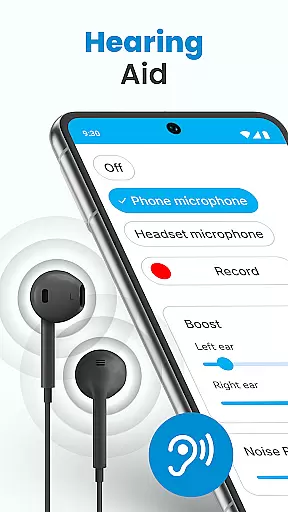
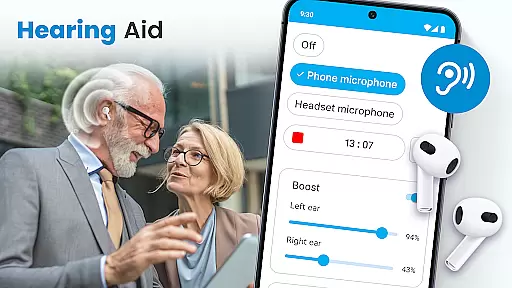
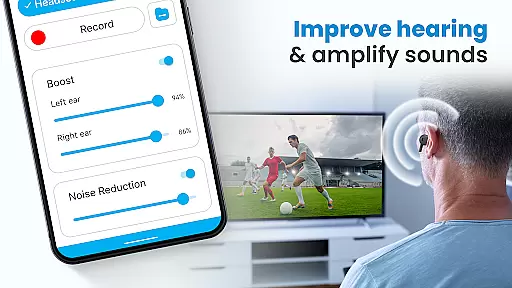
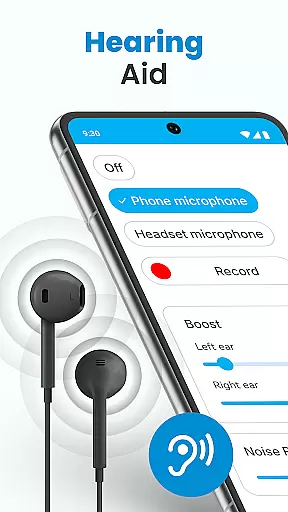
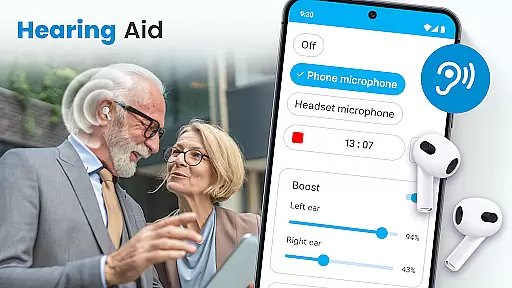
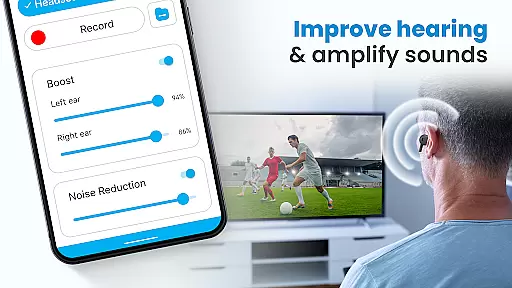
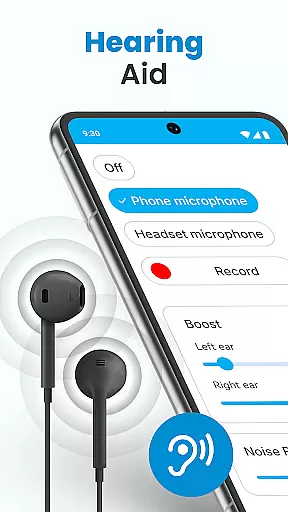
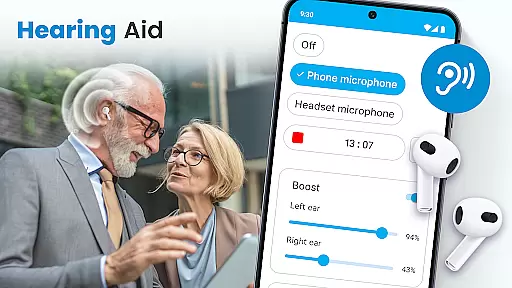
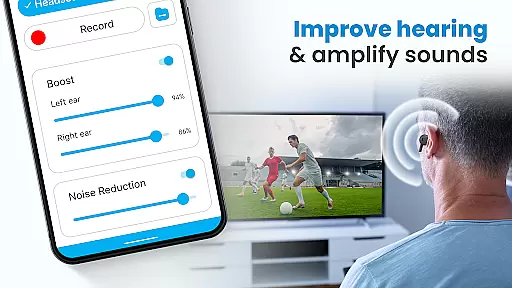
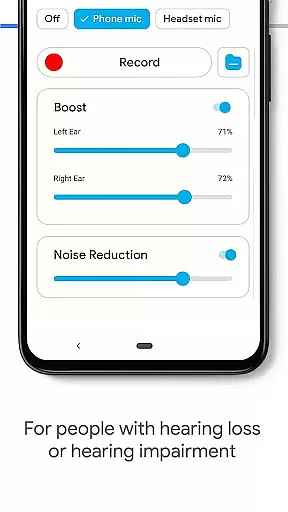
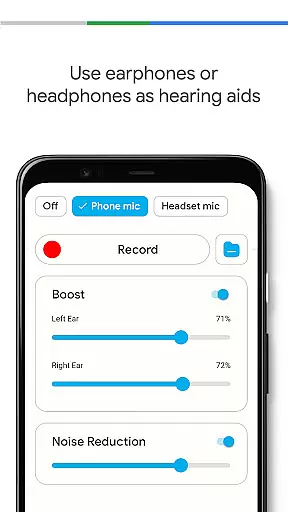
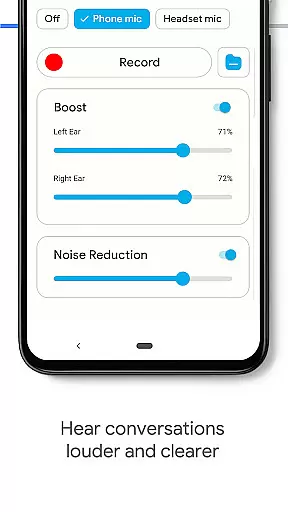
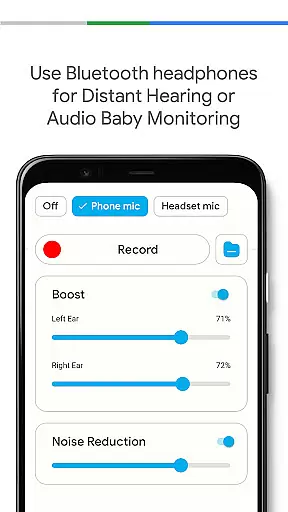
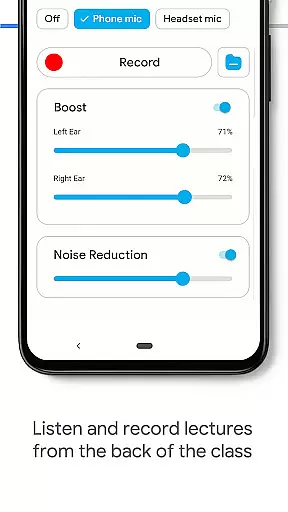
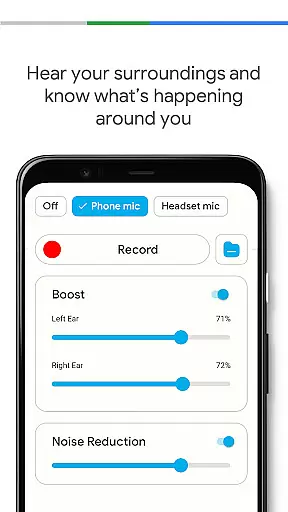
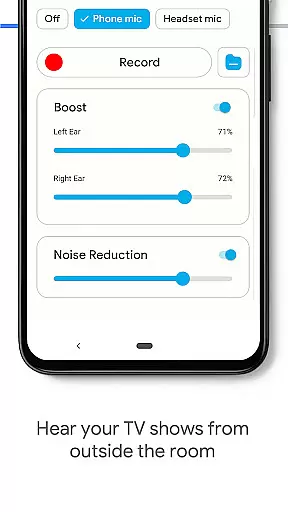
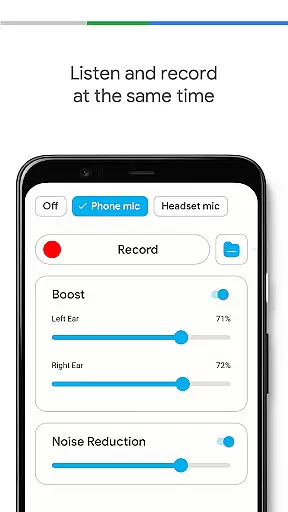
Hearing Aid App for Android is a revolutionary mobile application designed to enhance hearing capabilities and amplify sounds for users with mild hearing impairments. This app transforms your Android device into a powerful hearing aid, making it easier to follow conversations, lectures, or meetings. By capturing external sounds and streaming them more clearly at increased volumes, the app serves as both a hearing amplifier and listening device.
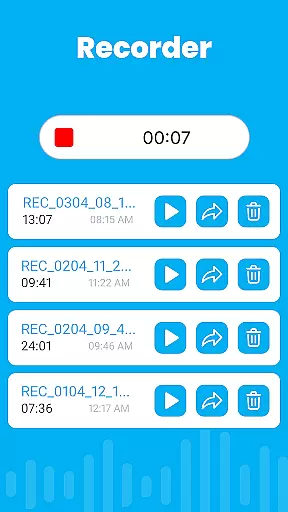
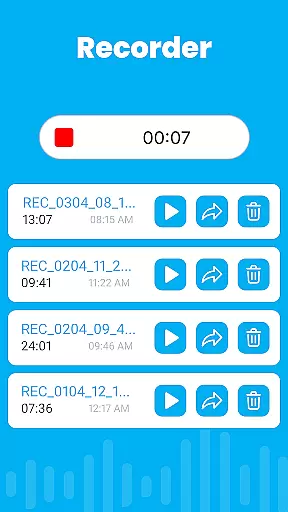
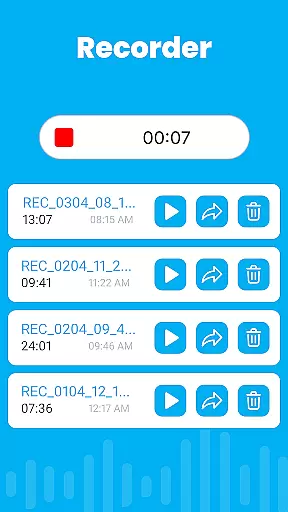
The app offers advanced features like noise control to eliminate background disturbances, an audio recorder for personalizing sounds, and individual sound adjustment for each ear. With support for Bluetooth earphones and background mode functionality, users can enjoy uninterrupted sound enhancement while multitasking or using other apps. Whether you need general hearing assistance or specific amplification in different environments, this app provides a comprehensive solution.
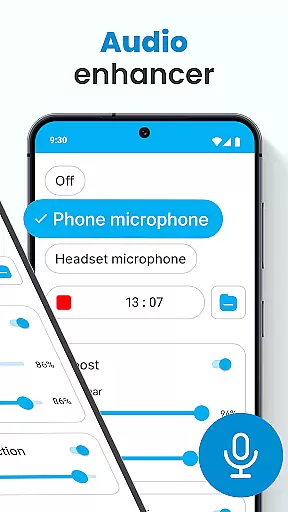
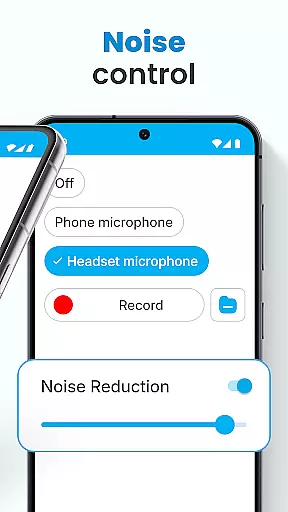
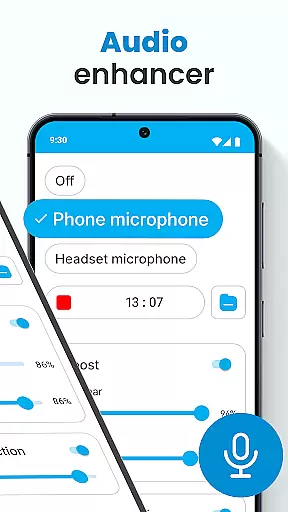
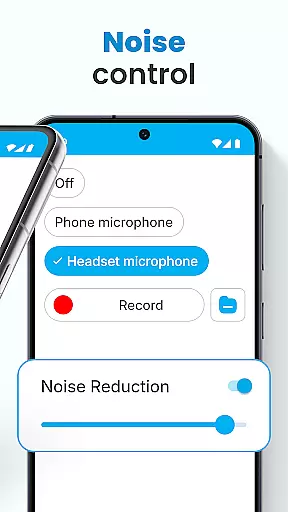
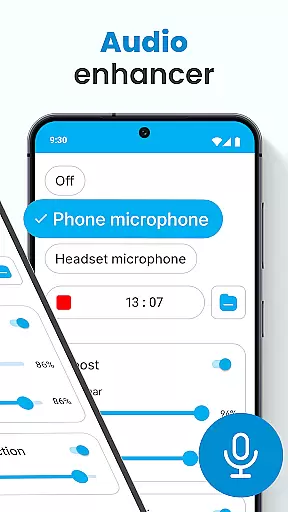
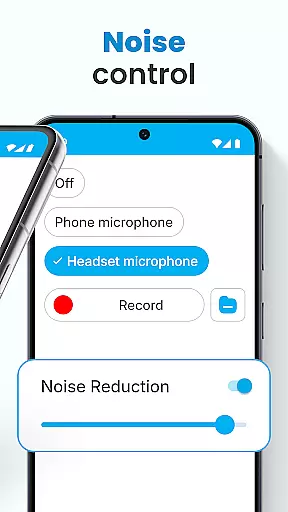
Hearing Aid App for Android stands out with its diverse range of features tailored to improve auditory experiences. The Audio Enhancer function allows users to increase hearing volume significantly, ensuring clearer sound perception. The Noise Control feature eliminates unwanted background noises, providing a focused and clear audio experience that is especially beneficial in noisy environments.
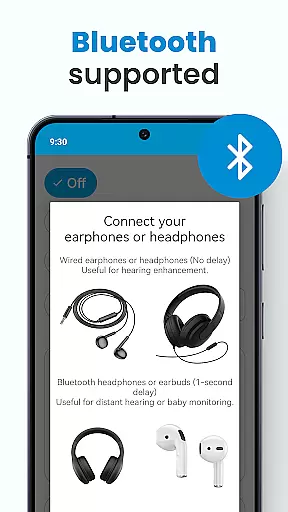
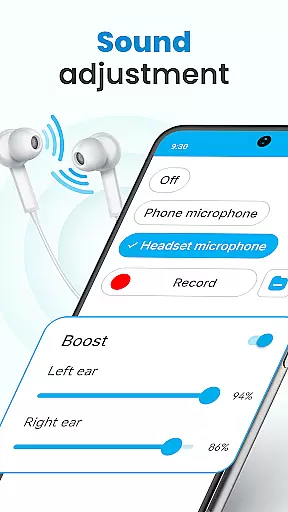
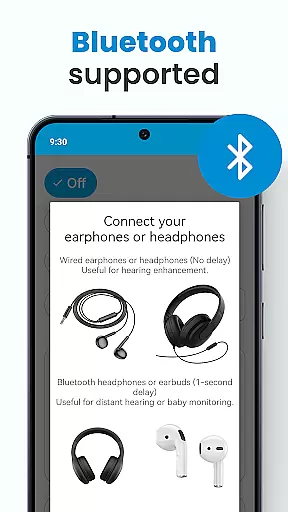
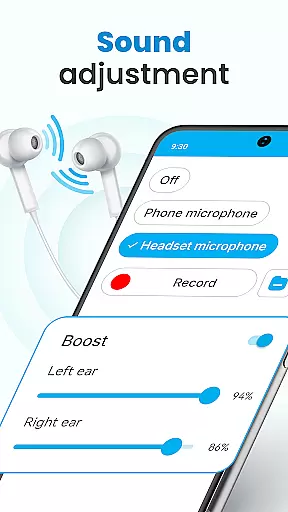
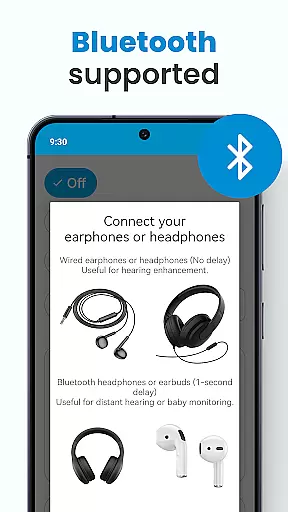
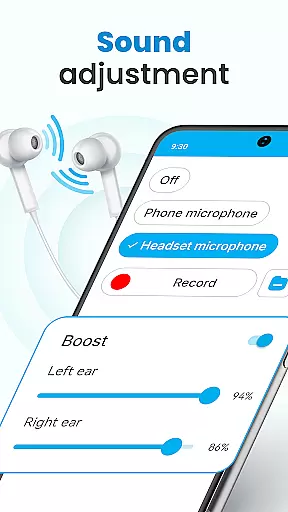
One of the standout features is the Super Hearing Volume Booster, which utilizes either the phone's microphone or a selected headset mic to capture and amplify sounds. Users can adjust sound levels independently for each ear, offering personalized hearing assistance. Additionally, the app supports Bluetooth connectivity, enabling seamless use with wireless earphones. The Background Mode ensures continuous sound enhancement even when the app runs in the background or the device is locked, allowing users to multitask efficiently without losing sound quality.
In the realm of mobile health applications, ensuring the credibility of medical content is paramount. The Hearing Aid App for Android excels in this area by providing features that are not only designed to improve hearing but also grounded in sound medical science. This app amplifies sounds and enhances the listening experience through carefully engineered audio processing techniques.
The app incorporates functionalities such as noise control and automatic speech enhancement, which are crucial for users with mild hearing impairments. These features have been developed considering expert recommendations on audiology, thus offering a reliable tool for day-to-day hearing assistance. By eliminating background disturbances and focusing on clear audio transmission, the app ensures that users receive the most accurate sound input possible.
Furthermore, the inclusion of an audio recorder and personalized sound settings allows users to tailor their listening experience according to their specific needs. Such customization is often recommended by hearing specialists to accommodate individual hearing profiles. With options like left and right ear adjustments and saving various environmental sound settings, the app provides a personalized approach to hearing improvement.
By adhering to these expert-reviewed methods, the Hearing Aid App for Android establishes itself as a credible aid in the medical app category, offering users confidence in its ability to assist with their hearing needs effectively.
Teleconsultation has become an integral part of modern healthcare, allowing patients to receive medical advice remotely. While the Hearing Aid App for Android primarily focuses on enhancing hearing capabilities, it indirectly supports teleconsultation quality by ensuring clear audio transmission during calls or virtual meetings.
With its robust set of features including a super hearing volume booster and support for Bluetooth devices, the app enables users to participate more effectively in phone consultations. Clear communication is essential during teleconsultations, and the app's ability to amplify sounds while reducing background noise contributes significantly to this aspect.
Moreover, the background mode feature allows users to continue receiving audio enhancements even when multitasking or using their device for other purposes during a consultation. This seamless integration into daily activities ensures that users do not miss out on important auditory information while engaging with healthcare professionals virtually.
While not a direct telemedicine platform, the Hearing Aid App for Android enhances the overall quality of remote interactions by providing reliable sound amplification, thereby supporting better patient-doctor communication during teleconsultations.
User-friendly interface
Effective sound amplification
Customizable settings
Supports Bluetooth devices
Background mode functionality
Limited to mild hearing loss
Dependent on device hardware
May drain battery quickly
No offline support
Requires earphones

We’ve made it easy for Oscar members to get care on the go.
 4.30
4.30
Patient Health Portal
4.20
Be more confident prescribing homeopathy at home for your family.
4.80
OKN Strips, OptoDrum, OKN
4.1
Your donation experience just got smoother; Donor Hub is your go-to place.
4.70
700 questions, 2 full exams, Predictive Scoring—your key to NREMT success!
3.90
Pelvic Floor Muscle Exercises
4.80
The doctor will see you now
4.70
Update medical records, view upcoming appointments, message your provider & more
3.80
A comprehensive 3D atlas of the human body
4.80
Boost reading, writing, speaking and listening with a scientifically proven app.
4.70
Amplify surrounding sounds, conversations, TV or lectures for louder hearing.
4.70
World's largest contact lens store
4.60
Enjoy 200%+ volume booster with bass booster, equalizer and headphone supported.
4.60
PPP provides quick offline access to over 350 field treatment protocols.
4.60
Personalized hearing experience and health data tracking
4.50
An easy way to earn money donating plasma. Book a visit, sit back, and get paid.
3.80
A fantastic 3d reference that includes over 300 structures and a quiz function.
3.00
The world's best selling 3D Human Anatomy app with groundbreaking 3D technology
2.00


User Reviews