
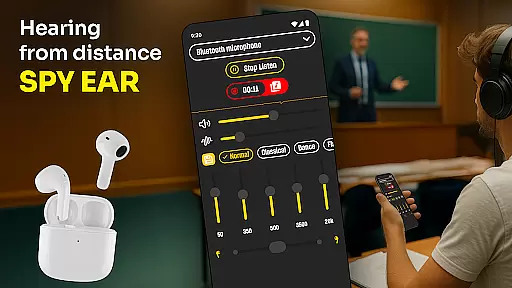
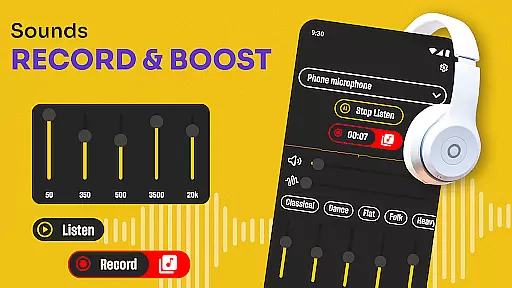
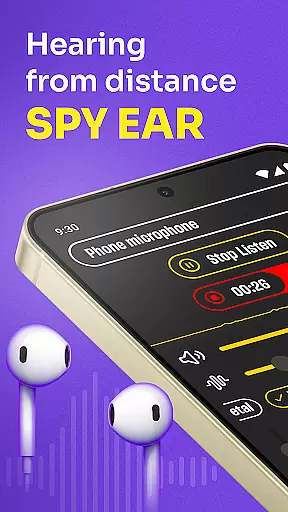
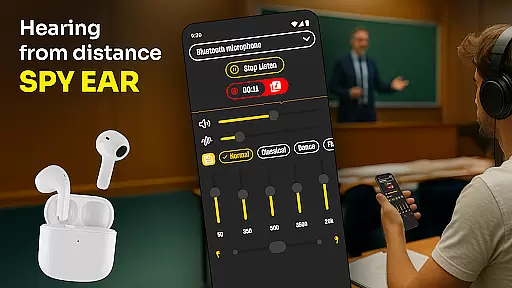
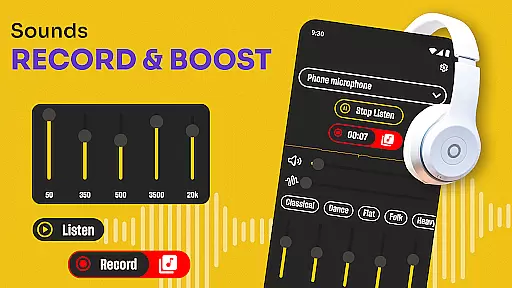
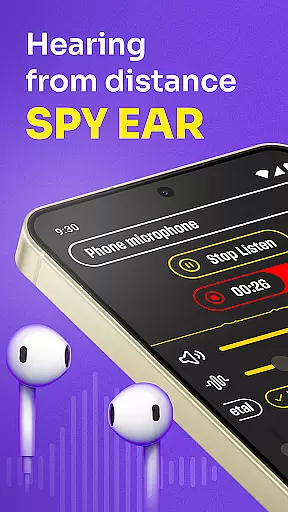
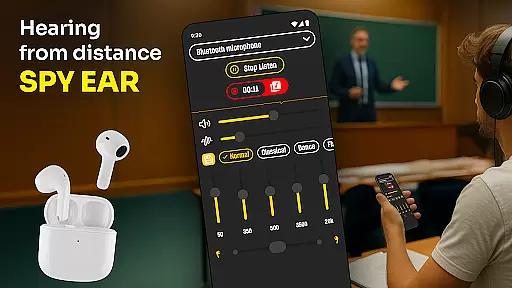
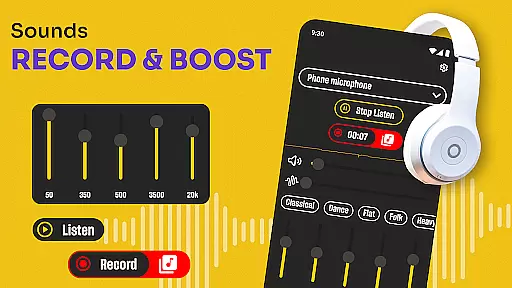
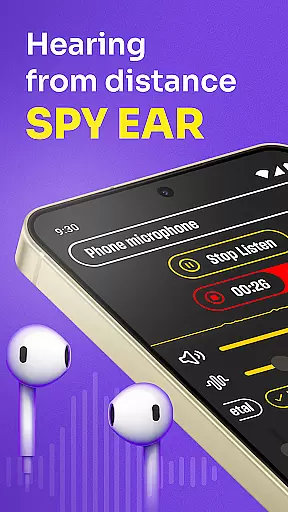
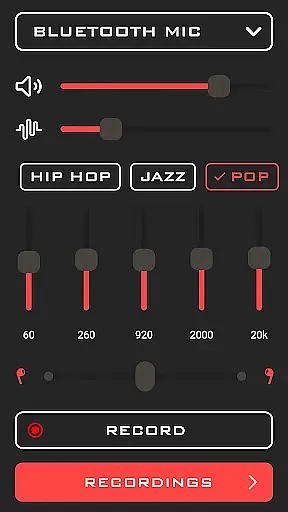
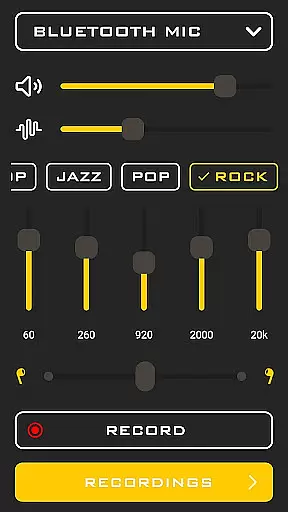
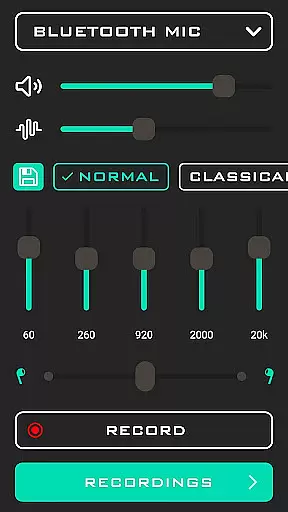
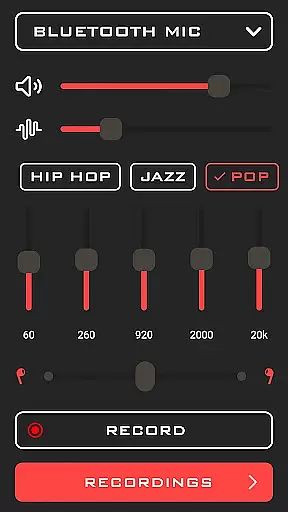
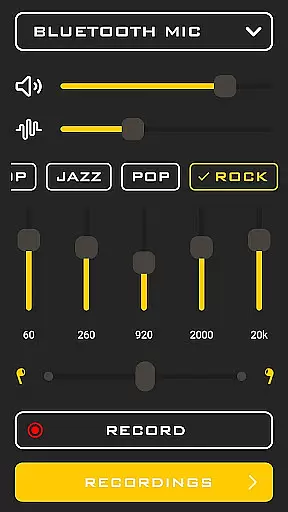
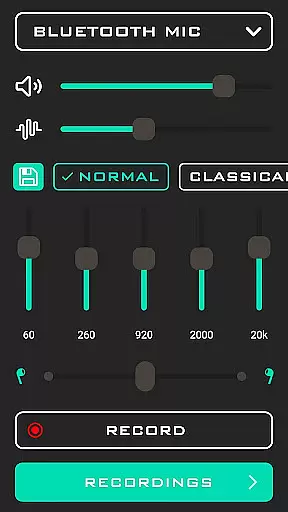
Hearing from Distance is a revolutionary mobile application designed to enhance auditory experiences by transforming your smartphone into a powerful listening device. This app is particularly beneficial for individuals with mild to moderate hearing impairments, offering features such as sound amplification and noise filtering. By streaming audio directly to Bluetooth headphones or earbuds, it ensures crystal-clear reception even in noisy environments.
The app's standout capability lies in its Ear Spy mode, which captures distant sounds and whispers, making it an invaluable tool for professional settings like meetings and lectures. Additionally, the built-in recorder allows users to save important conversations for future reference. Whether you're at home, in class, or attending public events, Hearing from Distance provides a discreet yet effective solution for improving your listening experience.
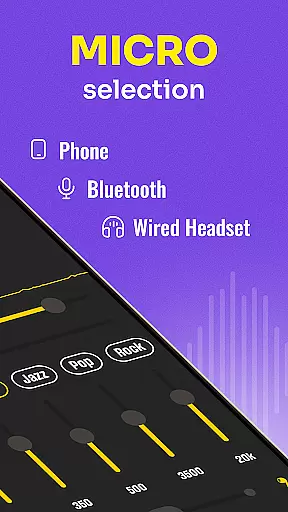
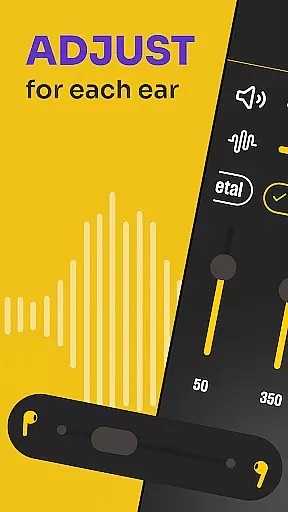
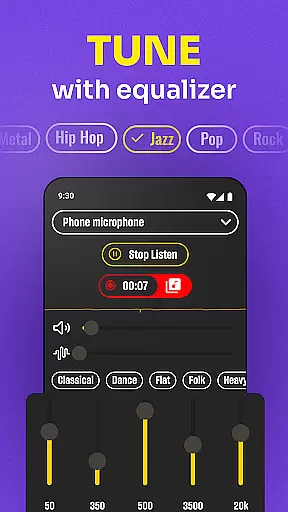
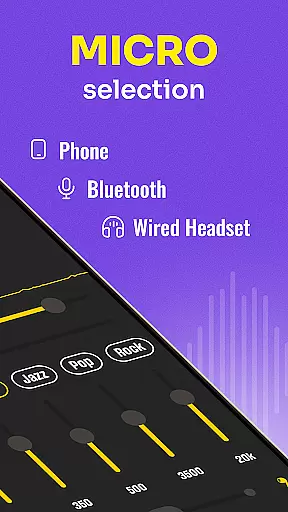
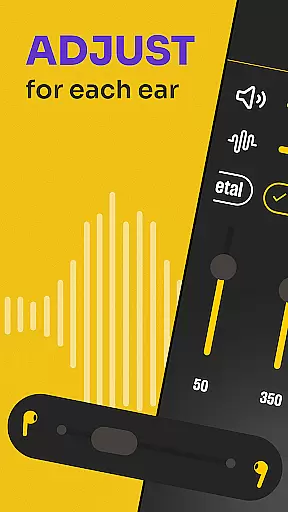
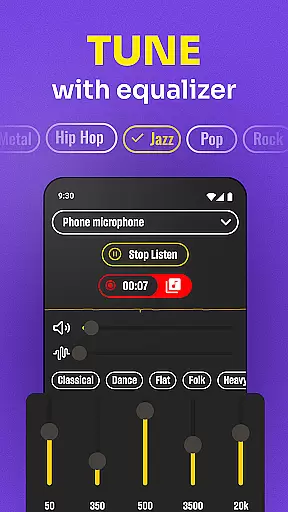
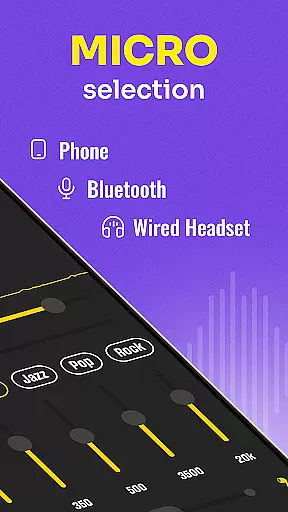
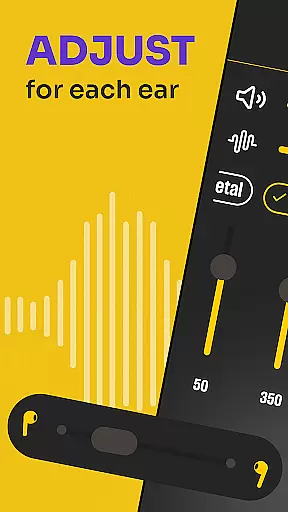
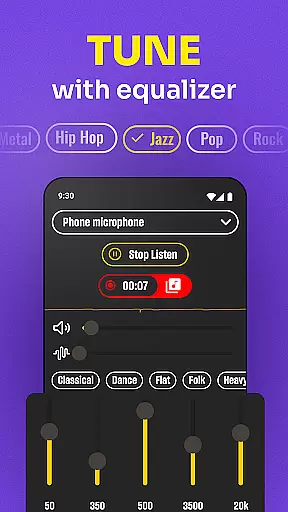
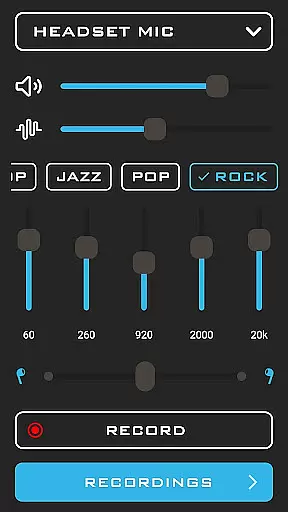
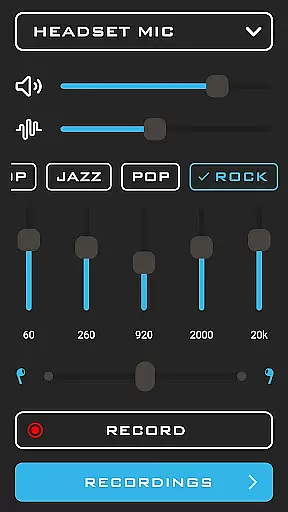
Hearing from Distance offers an impressive array of features that cater to various auditory needs. One of its primary functions is the ability to amplify sounds using the phone's microphone or an external headset mic, ensuring optimal sound quality based on user preference. The app also includes a Sound Amplifier feature that dynamically adjusts volume levels, providing a seamless listening experience.
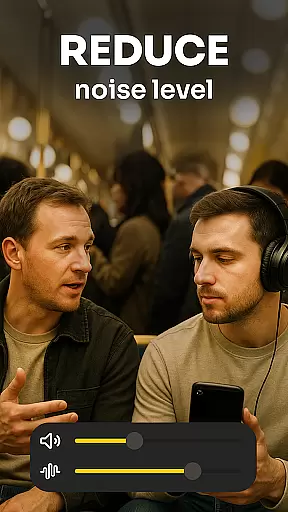
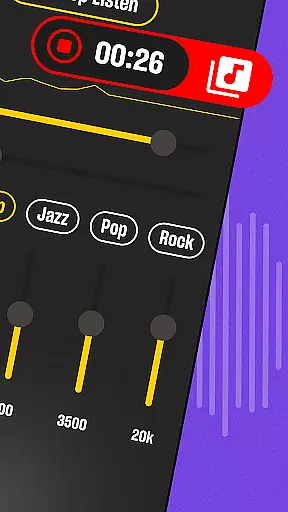
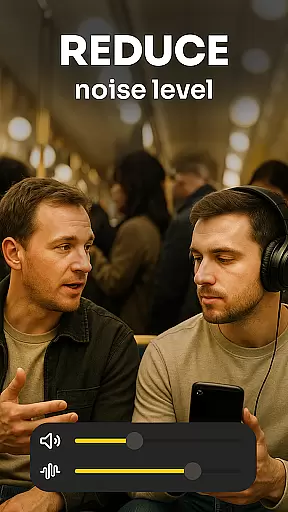
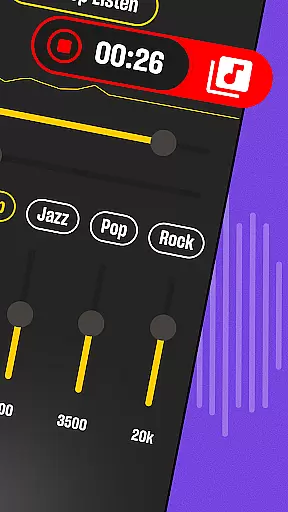
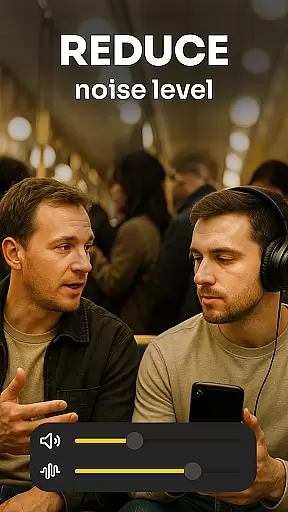
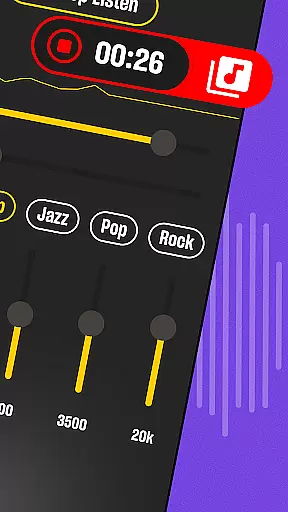
Another notable aspect is the background noise filtration system, which isolates voices and reduces ambient sounds. This makes it especially useful in crowded places like restaurants or lecture halls. Furthermore, the app supports real-time recording, allowing users to capture and revisit important audio content. With its intuitive interface and customizable settings, Hearing from Distance stands out as a versatile tool for anyone seeking enhanced auditory clarity.
In the medical app category, content credibility is paramount for user trust and safety. Hearing From Distance positions itself as more than just a listening device; it offers features akin to a hearing aid, which necessitates rigorous expert review and validation. The app's description highlights its utility for individuals with mild to moderate hearing loss, suggesting that its design has considered medical-grade requirements.
The application incorporates advanced audio processing technologies to amplify sounds and filter background noise, ensuring clarity in diverse environments. These functionalities are akin to professional hearing aids, which are typically subject to clinical testing and approval. By offering real-time sound amplification and adaptive microphone settings, the app demonstrates an alignment with established audiological standards.
For users, this means access to a reliable tool that can enhance hearing ability in various scenarios, from busy public spaces to quiet personal conversations. The emphasis on recording capabilities also allows users to revisit important auditory information, supporting better recall and understanding of spoken content.
Ultimately, the credibility of Hearing From Distance as a medical tool lies in its ability to deliver consistent, high-quality performance that meets the needs of those requiring auditory assistance. Its feature set suggests a level of expertise and consideration for user safety, making it a valuable asset for individuals seeking to improve their hearing experience.
While Hearing From Distance does not explicitly market itself as a teleconsultation platform, its features can significantly enhance remote communication experiences. In the context of medical consultations conducted over digital platforms, clear audio transmission is crucial for effective diagnosis and patient-doctor interactions.
The app's ability to stream distant sounds directly to Bluetooth headphones or earbuds can greatly benefit teleconsultations. This functionality ensures that both parties can hear each other clearly, even when they are not physically close to their devices. The option to switch between phone and headset microphones further enhances this capability, allowing for optimal sound capture based on the environment.
Moreover, the background noise filtering feature plays a vital role in maintaining audio clarity during virtual appointments. By reducing ambient sounds, the app helps focus on the human voice, leading to more accurate exchanges of medical information. This aspect is particularly beneficial in noisy settings where traditional phone calls might struggle to deliver intelligible audio.
Although primarily designed as a personal sound amplification tool, Hearing From Distance indirectly supports high-quality teleconsultations by providing clear, reliable audio transmission. Its sophisticated sound management features make it a potential asset in remote healthcare scenarios, where precise communication can impact clinical outcomes.
User-friendly interface
Effective noise cancellation
Real-time sound amplification
Supports Bluetooth devices
Built-in audio recorder
Requires stable internet
Drains battery quickly
Limited free features
Occasional audio lag
Subscription fees apply

Live vet support by text/video
 4.80
4.80
Patient Health Portal
4.20
One app to unlock your health
4.30
ECG modules improve rhythm ID. ACLS is a simulator for cardiac arrest scenarios.
4.1
Care Simplified by MyChart
3.40
Search by insurance, see real-time openings & verified reviews, get care fast.
4.80
Internal medicine literature at your fingertips.
4.50
Discover the source of pain with Muscle Trigger Point Anatomy.
4.70
A rapid reference for healthcare professionals caring for pediatric patients.
4.30
Coaches you through labour using hypnobirthing techniques & tracks contractions
4.70
Want to make it easier to manage your health? We’re with you, wherever you are.
4.70
The MDLIVE app makes connecting with a doctor fast, easy, and convenient.
4.60
Take on apraxia and aphasia with a powerful video-driven speech therapy app.
4.60
The Omada app enhances your program experience and helps you stay engaged.
4.50
Perform pure-tone audiometry and a speech intelligibility test on your phone.
4.50
Manage your health care in one easy place
4.40
Master AEMT with 1,400+ study items, TEIs, practice tests, and scoring.
4.10
Continuous Glucose Monitoring
3.40
A fantastic 3d reference that includes over 300 structures and a quiz function.
3.00


User Reviews