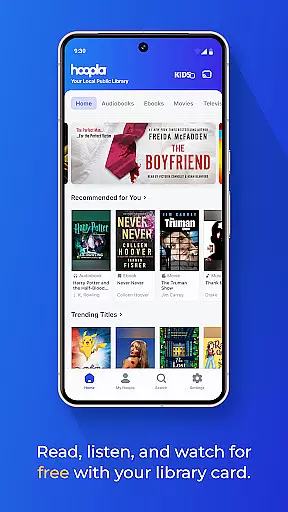
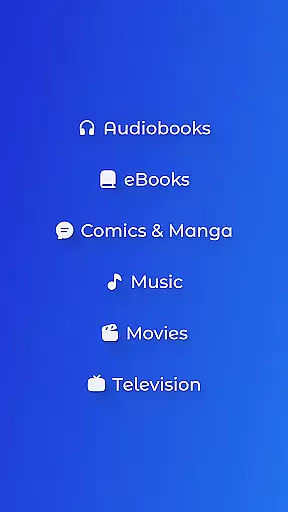
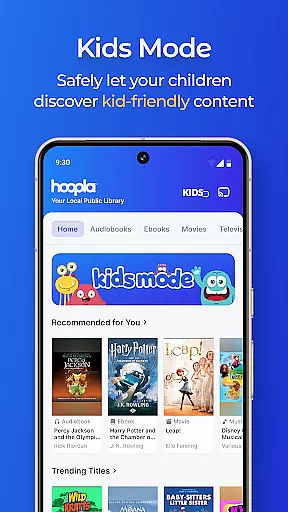
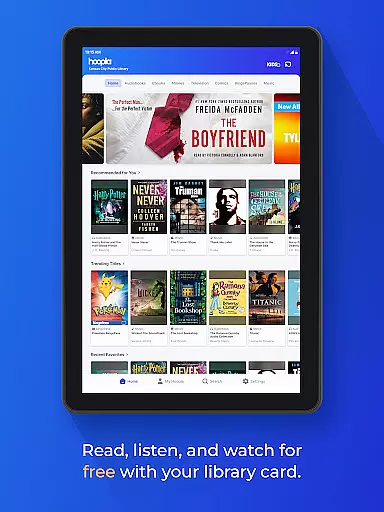
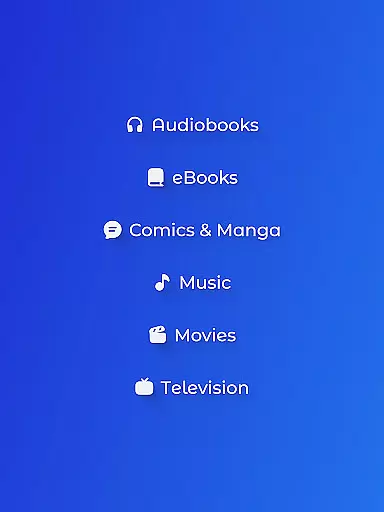
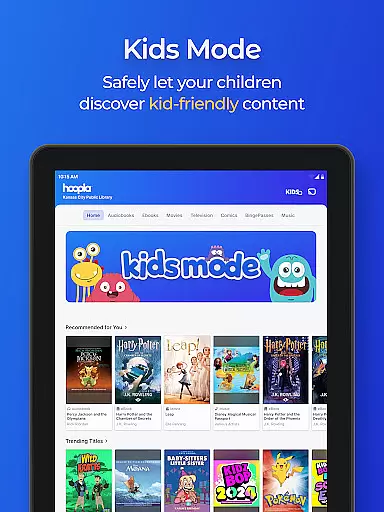
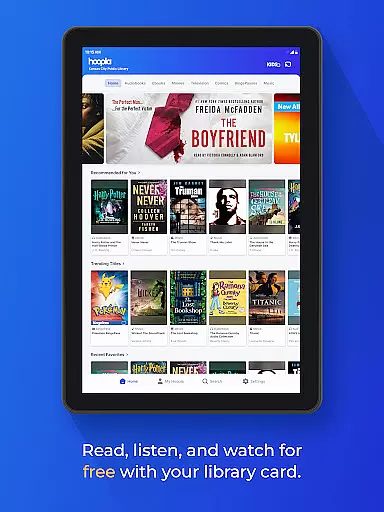
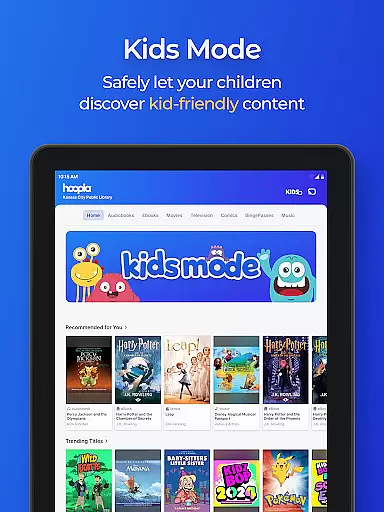
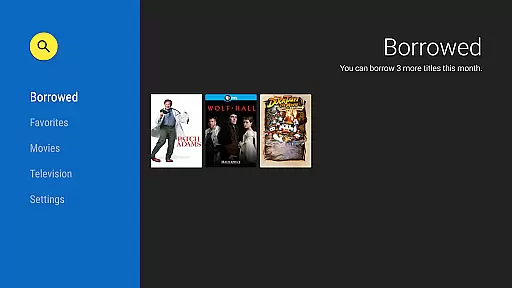
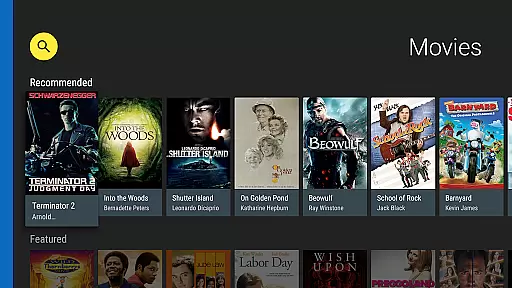
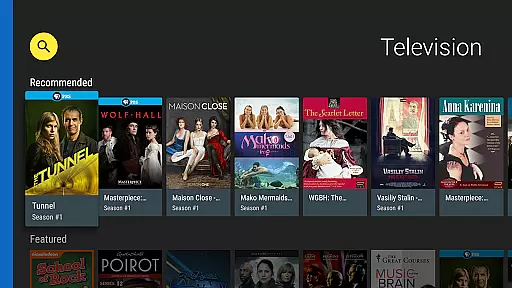
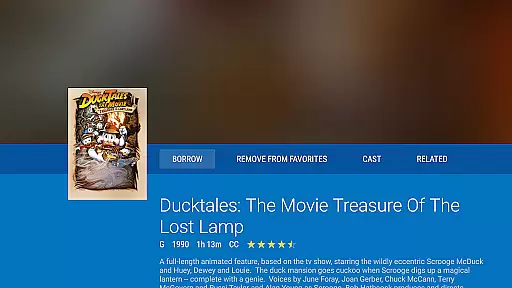
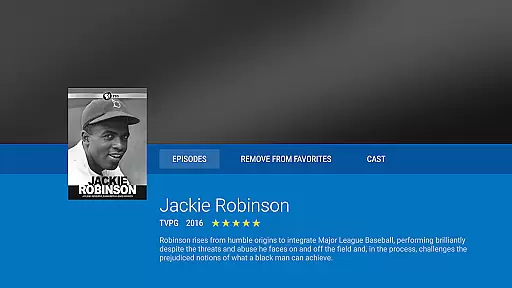
Hoopla Digital is a comprehensive digital media platform that provides users with access to over 1.5 million titles across various formats including eBooks, audiobooks, comics, movies, music, and more. The service stands out by offering all this content without ads or late fees, relying solely on library cards from participating libraries for access.
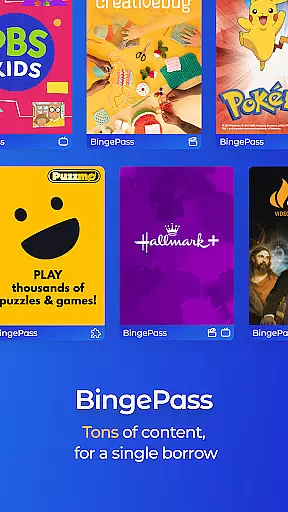
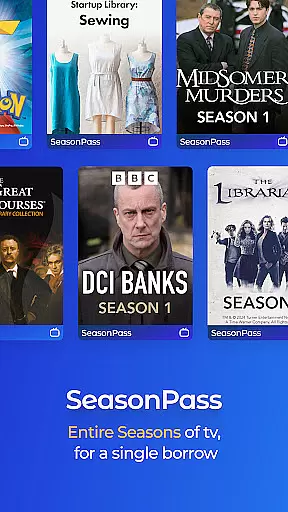
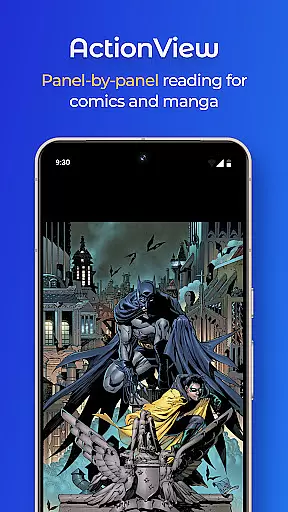
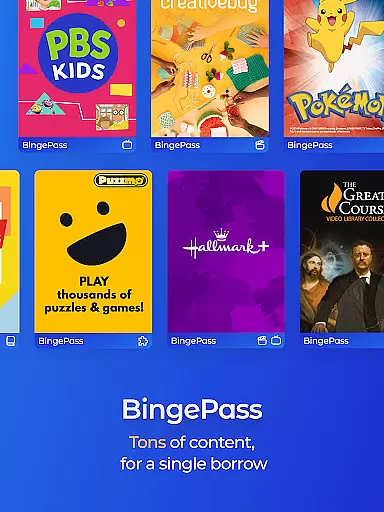
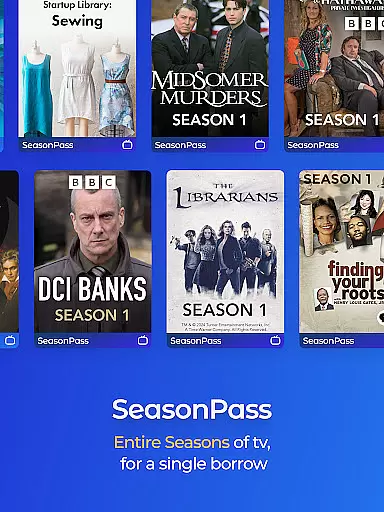
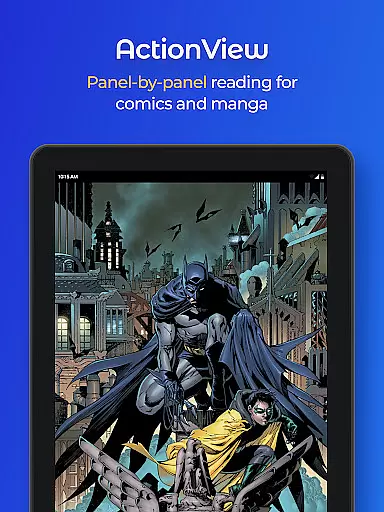
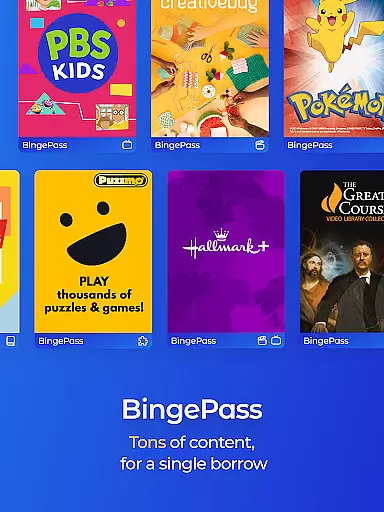
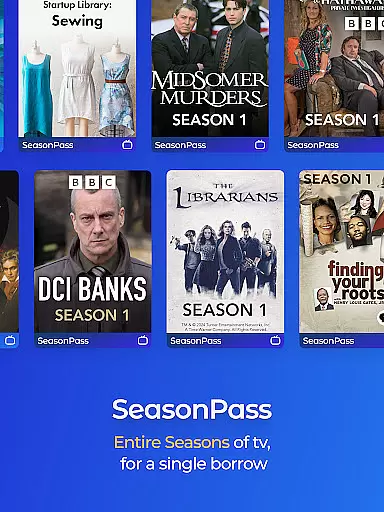
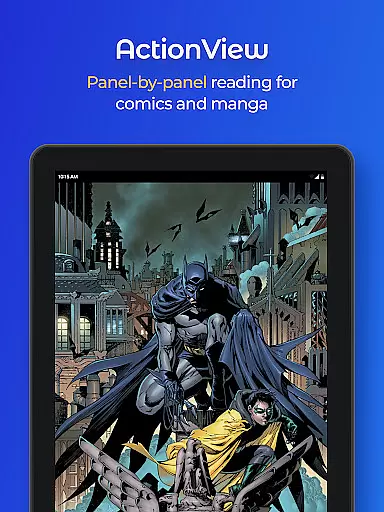
One of the key features of Hoopla Digital is its diverse content library which caters to all age groups and interests. Whether you're looking for best-selling novels, educational audiobooks, blockbuster movies, or niche music albums, Hoopla has something for everyone. Additionally, innovative features like BingePass and ActionView enhance user engagement by providing unlimited access to entire collections and an interactive panel-by-panel reading experience for comics and manga.
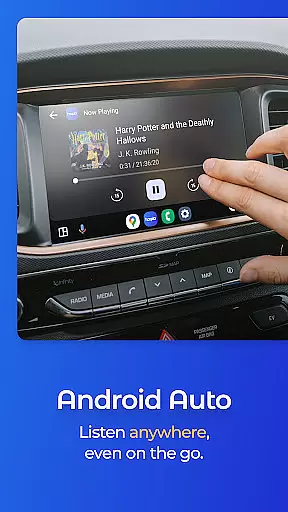
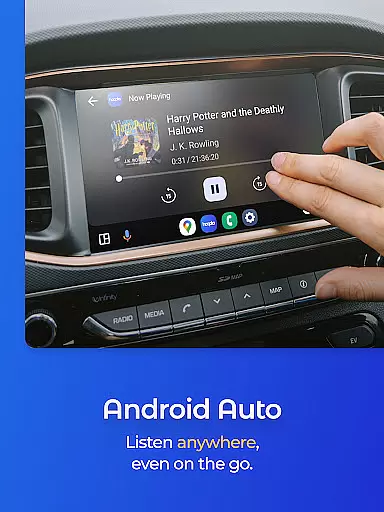
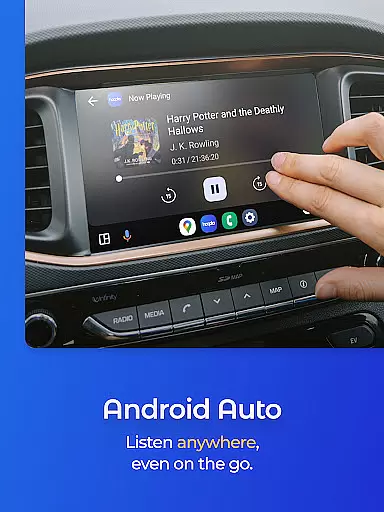
The application is particularly useful for those who frequently commute or travel. With both streaming and download options available, users can enjoy their favorite books or shows on-the-go. The Android Auto compatibility further enriches the experience by allowing users to access content through their car's infotainment system. This makes Hoopla Digital not just a library app but a complete entertainment solution.
Hoopla Digital distinguishes itself through several notable features designed to maximize user convenience and satisfaction. First and foremost is the extensive content library which includes eBooks, audiobooks, comics, graphic novels, music, movies, and TV shows. This vast selection ensures that there is always something new and interesting to explore, catering to diverse tastes and preferences.
A significant advantage of Hoopla Digital is its unique borrowing model. Users can borrow titles using their library card without any subscription fees. Moreover, features like BingePass allow unlimited access to entire collections of content with just one borrow, making it easier to binge-watch or read through series. The ActionView technology offers a panel-by-panel reading experience for comics and manga, enhancing visual storytelling.
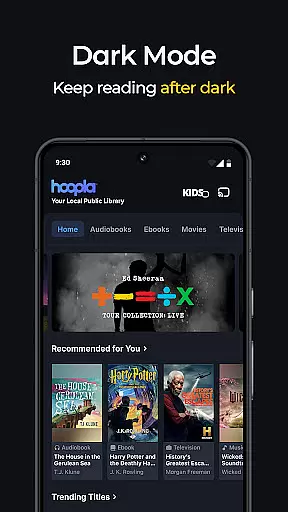
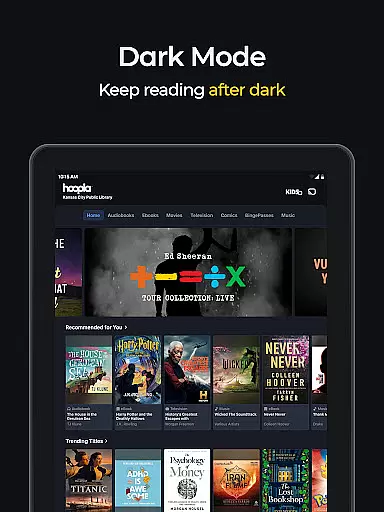
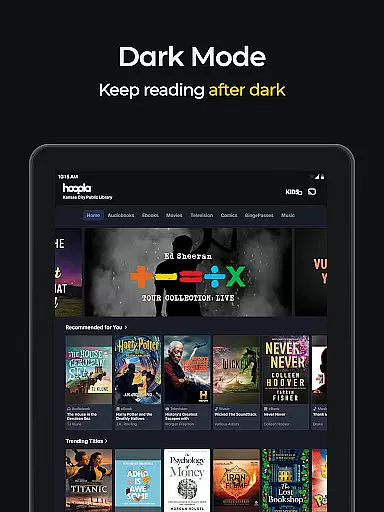
Another standout feature is the flexibility in content consumption. Titles can be streamed instantly or downloaded for offline use, accommodating different user needs and scenarios. The app also supports easy switching between devices with synchronized bookmarks, ensuring a seamless experience. Additionally, modern conveniences like Dark Mode and Android Auto compatibility make Hoopla Digital a versatile tool for enjoying digital media anytime, anywhere.
When it comes to digital libraries, the size and authenticity of the content are crucial factors. Hoopla Digital offers a vast collection of over 1.5 million titles, ranging from eBooks and audiobooks to comics and movies. This extensive library ensures that users have access to a diverse range of reading materials, catering to all interests and preferences.
The platform takes copyright seriously, ensuring that all eBooks available are legitimate and properly licensed. This commitment to copyright authenticity provides peace of mind for users who want to enjoy their favorite books without worrying about legal issues. By partnering with reputable publishers and authors, Hoopla guarantees that its content is both high-quality and legally sound.
For readers, this means they can explore everything from gripping mysteries to thought-provoking non-fiction, knowing that each title has been carefully curated and verified. The diversity in genres and topics not only enriches the reading experience but also supports authors and publishers by promoting legally distributed works.
Hoopla Digital excels in format compatibility, allowing users to enjoy content across various devices and formats. Whether you prefer reading eBooks, listening to audiobooks, or watching movies, Hoopla supports multiple formats to suit your needs. This versatility ensures that users can access their favorite content anytime, anywhere, without being limited by device constraints.
The app's seamless integration with different file types enhances user convenience. For instance, you can stream videos directly on your smart TV or download audiobooks for offline listening on your phone. This flexibility caters to different consumption habits, making it easier for users to incorporate Hoopla into their daily routines.
Moreover, Hoopla's cross-device synchronization feature allows users to switch between devices effortlessly. Whether you're reading on a tablet at home or listening to an audiobook in the car, your progress is automatically saved and synced. This ensures a smooth and uninterrupted entertainment experience, highlighting Hoopla's dedication to providing a versatile and user-friendly platform.
User-friendly interface
Extensive content library
No ads or late fees
Offline access available
Library card integration
Limited to library members
Content availability varies
Requires internet connection
Regional restrictions apply
Download limits per month

Bilingual dictionary with English translations of Modern Standard Arabic words.
 4.30
4.30
Knots 360 Pro ( 3D ) shows you animated 192 knots in 3D perspective
4.10
Scan. Price. Grade.
4.60
Universal Zoom, learn about sizes & distances of the universe and microcosmos
4.80
8 Dr. Seuss short stories in 1 app!
4.70
KJV Bible works offline with Audio, Hebrew & Greek lexicon (concordance) & more!
4.20
Full text, sheet music, and recordings of the print edition
4.60
Daily Devotional Widgets & Hourly Verses. Listen to Bible & Watch Holy Stories
4.70
A Comprehensive Restoration of Sacred Scripture
4.50
Bible Study App with Audio Book, Verse of the Day, and Devotionals.
4.80
"Do you like green eggs and ham?"
4.70
Powerful Bible study tools linked to every verse in an easy-to-use Bible reader!
4.60
Crowd-sourced listing of businesses with anti-gun signs, and pro-2a alternatives
4.60
Werewolf novels & romance stories in audiobooks for book lovers! Werewolf storie
4.60
The Original & Authentic Crystals, Gemstones, Rocks & Minerals Encyclopedia.
4.60
Pretty Moon information App with Complications and Tile
4.30
Mirror Bible - eye-opening paraphrase translation of the NT by Francois du Toit
4.30
Essential Technical Rescue Field Operations Guide 6, the Industry Standard Guide
4.20
CleverBook Pro makes the popular guide for the game even better!
4.00


User Reviews