
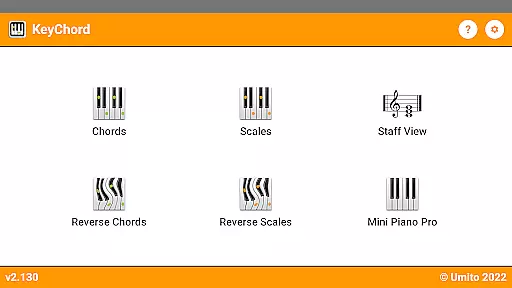
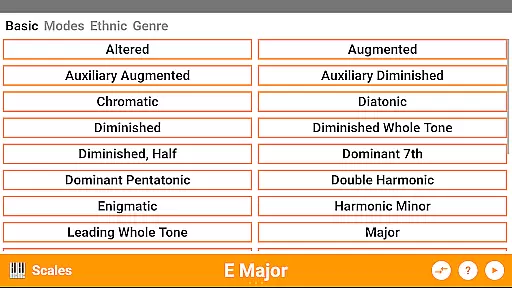
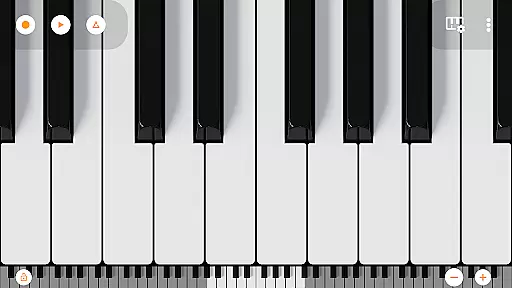
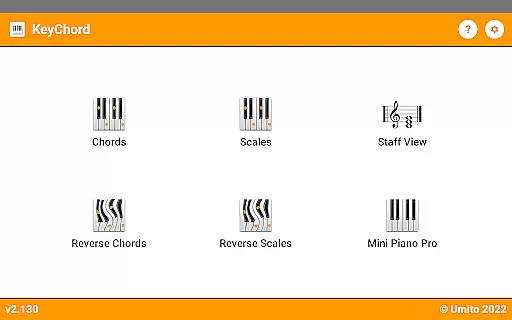
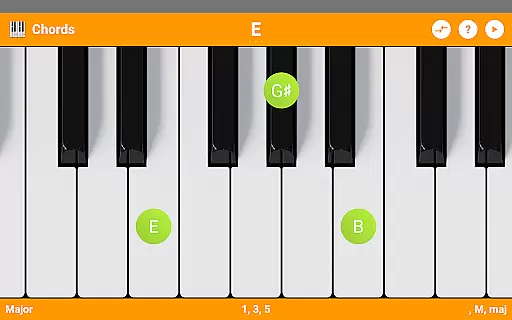
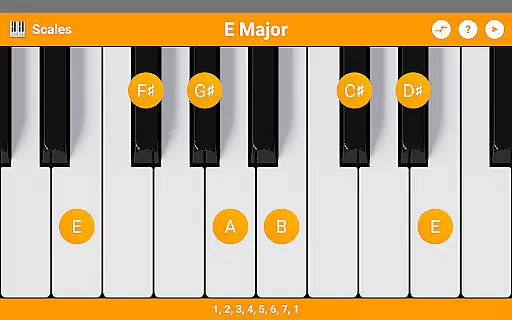
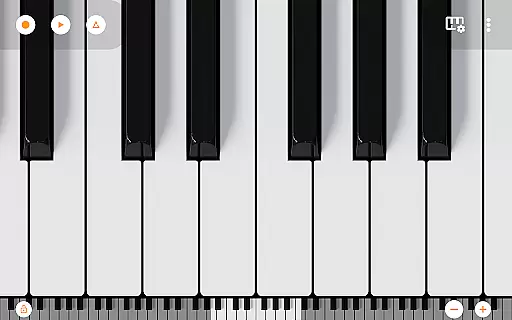
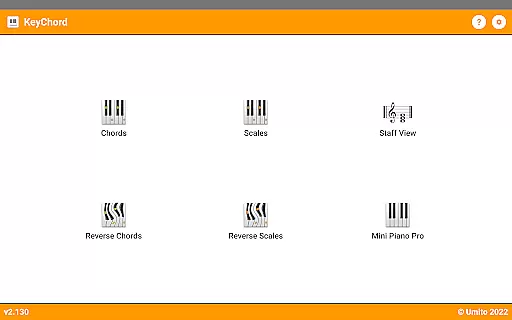
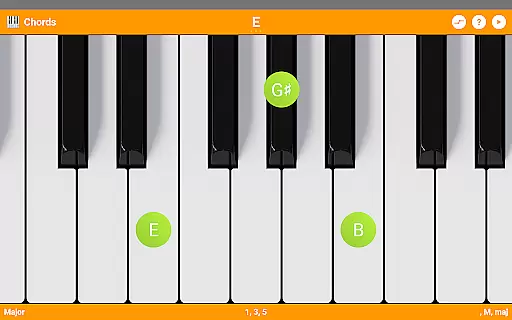
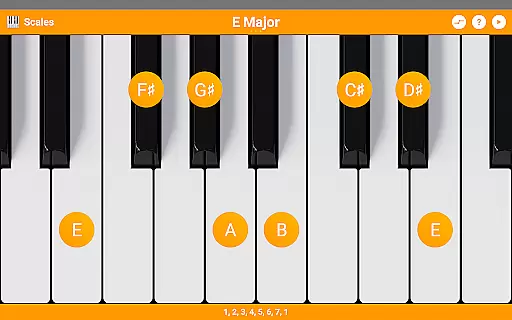
KeyChord is an innovative reference app designed for musicians and piano enthusiasts. This dynamic dictionary allows users to explore all scales and chords through an intuitive virtual keyboard interface. The app stands out with its 88-key multitouch piano feature, offering a realistic playing experience directly on mobile devices.
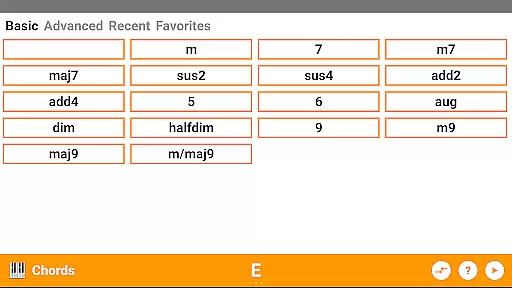
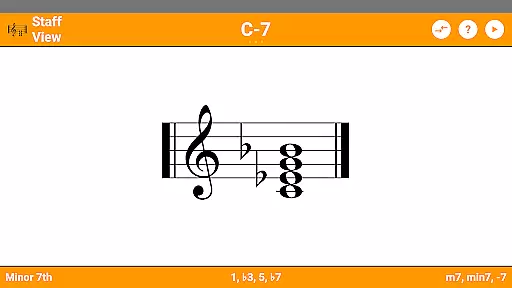
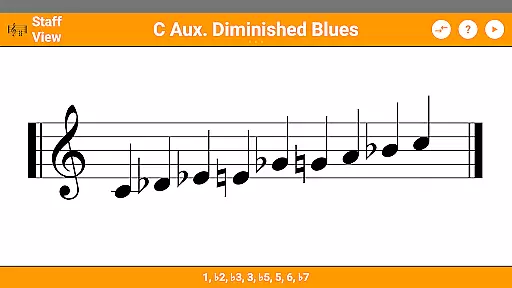
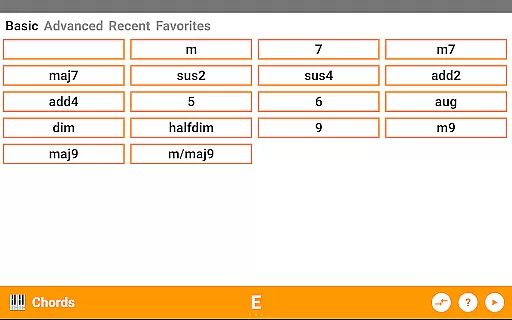
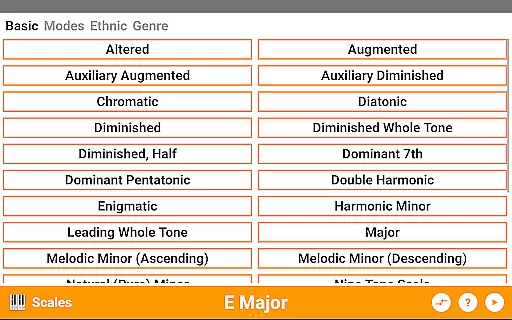
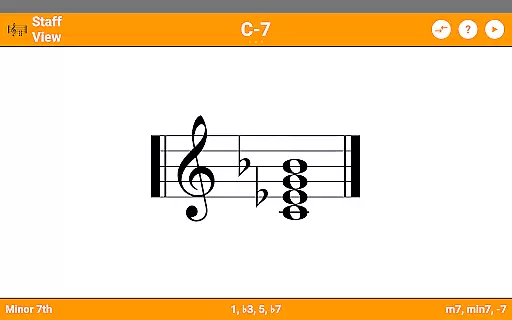
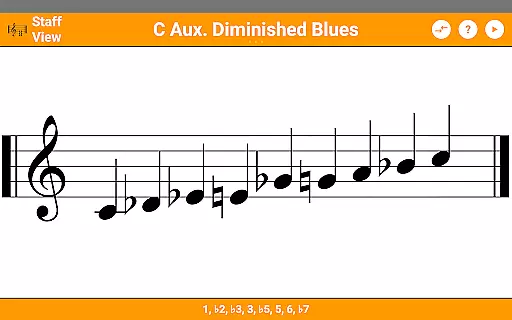
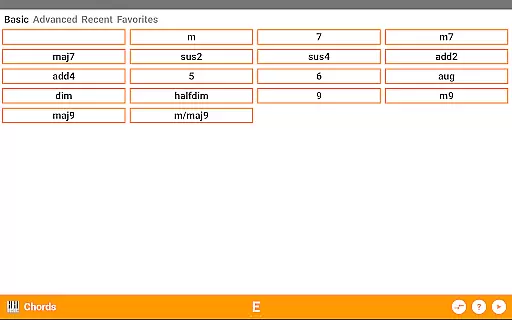
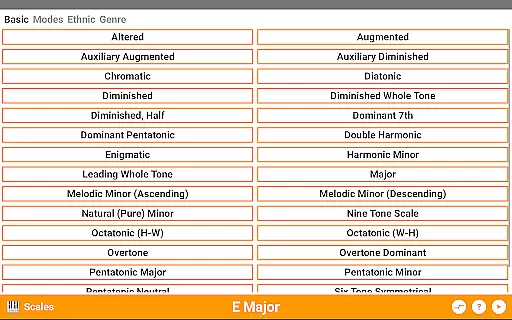
The application's core strength lies in its comprehensive music theory database. Users can access over 50 chord types and 100 scale variations, making it an invaluable tool for both beginners and professional musicians. Its unique reverse lookup functionality helps users identify chords and scales by simply selecting notes, while the staff view provides traditional music notation representation.
KeyChord proves particularly useful during music practice sessions or composition work. Musicians can experiment with different chord progressions and scales, hear their playback instantly, and even record their creations as MIDI files. The inclusion of Mini Piano Pro adds extra value, providing 128 different instrument sounds for enhanced musical exploration.
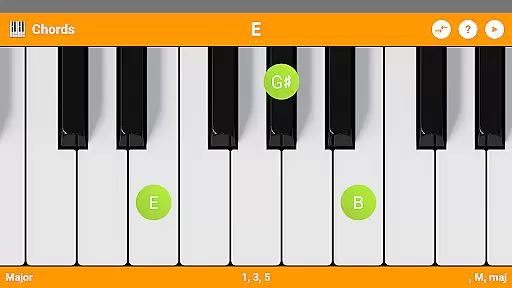
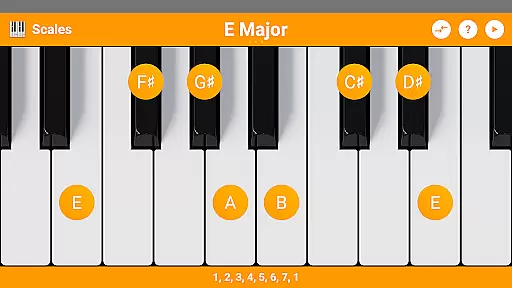
KeyChord distinguishes itself through several remarkable features that cater to various musical needs. The app's virtual keyboard serves as more than just a display - it's an interactive tool where users can tap keys to create roots, invert chords, and explore different musical intervals. The inclusion of both note names and component intervals offers multiple ways to understand musical structures.
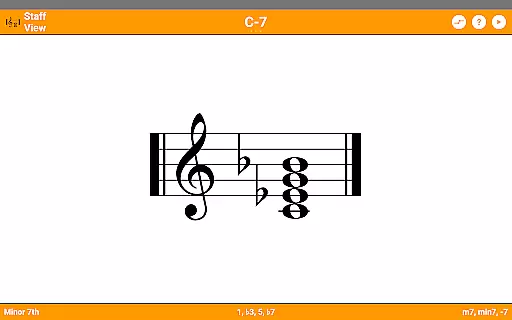
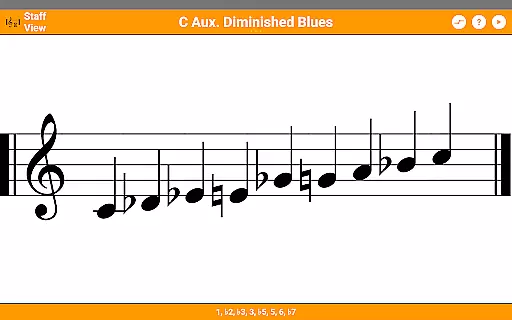
One of the app's most valuable aspects is its reverse lookup capability for both chords and scales. This feature supports partial chords and missing notes, allowing users to identify complex musical patterns. The staff view provides traditional notation representation, bridging the gap between digital convenience and classical music theory understanding.
Additional notable features include dark mode support for comfortable viewing, a robust recording system that saves compositions as MIDI files, and integration with Mini Piano Pro. The latter brings 128 high-quality instrument sounds and a full 7-octave range, making KeyChord not just a reference tool but also a powerful virtual instrument suitable for serious musical work.
KeyChord offers an extensive virtual library of musical resources, featuring over 50 chord types and 100 scale types. This vast collection ensures that musicians of all levels have access to a comprehensive range of chords and scales for their practice and performance needs.
The app's content is crafted with accuracy and authority, ensuring the authenticity of each musical piece. By avoiding the use of a static database, KeyChord dynamically generates chords and scales, providing users with reliable and credible information on every musical element they explore.
Users benefit from this wide-ranging and accurate compilation as it enhances their understanding and mastery of different musical scales and chords. The assurance of copyright authenticity means that musicians can trust the material they are learning from, making KeyChord an invaluable tool for music education.
With its dynamic approach to content generation, KeyChord stands out by offering infinite possibilities for chord and scale exploration, limited only by the user's creativity. This positions the app as not just a reference tool, but a platform for continuous musical discovery and learning.
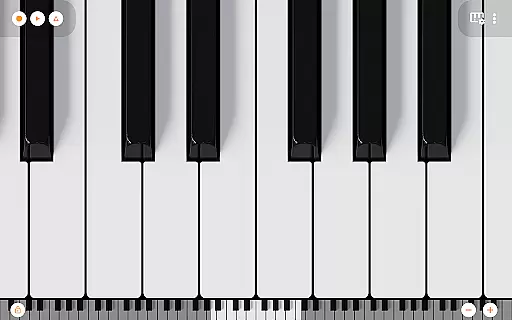
KeyChord excels in format compatibility by integrating a full 88-key multitouch virtual piano, sourced from Mini Piano Pro. This feature allows users to engage with the app using a highly versatile interface that supports various playing styles and techniques.
In addition to its piano simulation capabilities, KeyChord provides compatibility with 128 different sounds, broadening the scope of musical experimentation. Musicians can record their compositions as MIDI files and even set them as ringtones, demonstrating the app's adaptability to different audio formats and uses.
This flexibility benefits users by catering to both amateur and professional needs, allowing seamless transitions between learning, composing, and performing music. The inclusion of dark mode support further exemplifies the app's commitment to accommodating diverse user preferences.
By prioritizing such comprehensive format compatibility, KeyChord ensures that musicians have a versatile platform that evolves with their needs, making it an essential companion for anyone serious about music.
Comprehensive music theory database
Intuitive virtual keyboard interface
Extensive chord and scale library
Real-time audio playback feature
Professional-grade MIDI recording
Steep learning curve for beginners
Interface may feel cluttered
Advanced features need subscription
Occasional performance lag
Limited free content available

Contains the 365 daily readings and everything other thing needed for catholics
 4.70
4.70
"BIG A, little a. What begins with A?"
4.10
Offline translator from english to spanish, and from spanish to english.
4.50
A wonderful reader for good time spend.
4.20
Bible Spiritual Companion
4.40
Werewolf novels & romance stories in audiobooks for book lovers! Werewolf storie
4.60
Learn Electricians' Handbook PRO complete guide beginners to advance.
4.40
Identify birds of North America by call or picture | Bird Identification
4.20
Learn to tie more than 200 knots in 3D!
4.90
Daily rosary and gospel reflections for catholic
4.90
Offline dictionary for learning Cantonese as a second language
4.90
Liturgy of the Hours totally off-line
4.80
King James Bible read offline, AI Priest, Bible Quiz, Guiding Prayers & Plans
4.80
A lightweight reader for comics and mangas files (.cbr, .cbz, .cbt, .pdf, ...)
4.80
Crowd-sourced listing of businesses with anti-gun signs, and pro-2a alternatives
4.60
“It is fun to have fun, but you have to know how!”
4.40
WebNovel - Read Solo Leveling novel and comic
4.10
Enjoy your favorite books
3.50
The Psalms for singing
4.1


User Reviews