
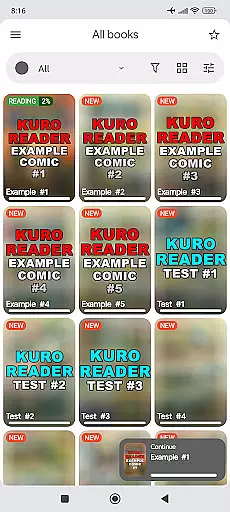

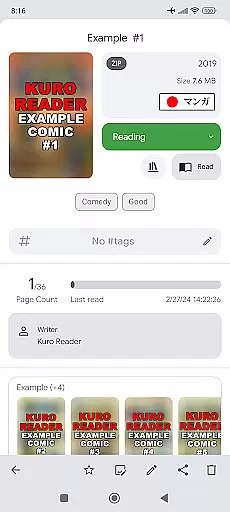
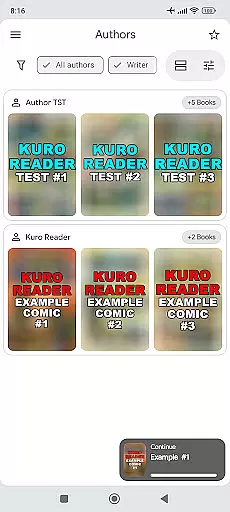
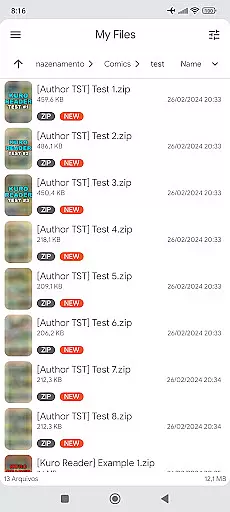

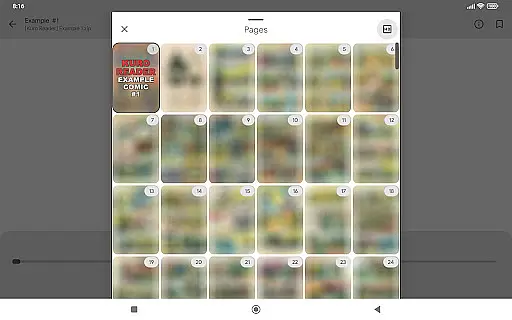
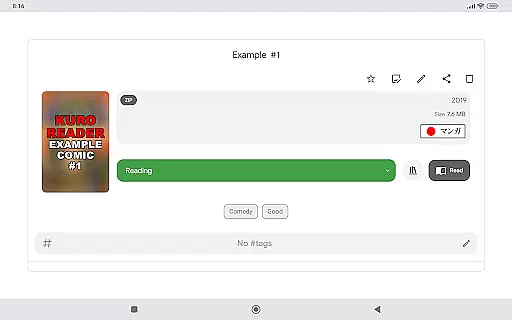
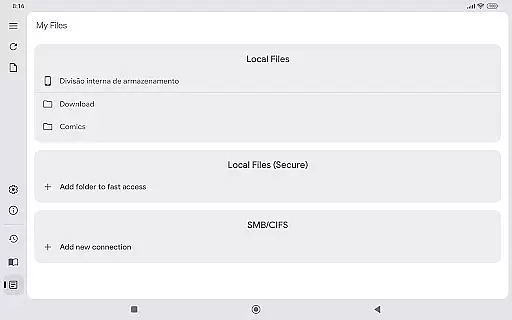
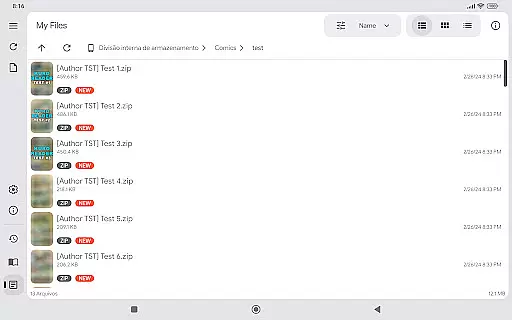
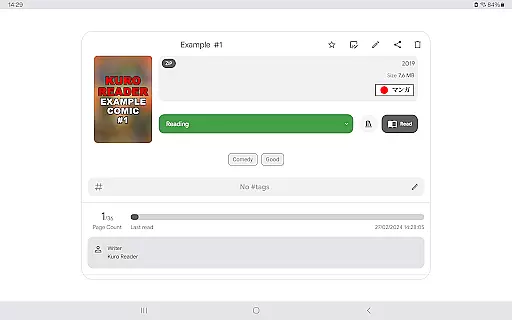
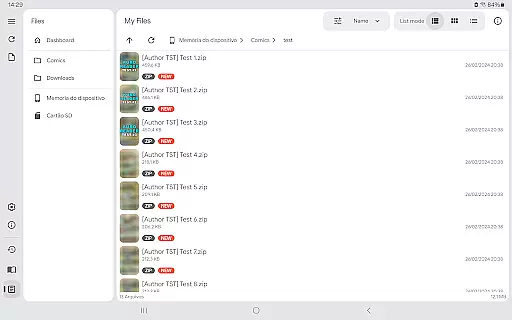
Kuro Reader+ Pro is a premium comic and eBook reader designed for book enthusiasts who value both functionality and customization. This app supports an extensive range of file formats including cbz, cbr, cbt, cb7, zip, rar, tar, 7z, and PDF files, making it versatile for various reading materials. With advanced features like metadata editing, custom collections, and tagging, users can efficiently organize their digital libraries.
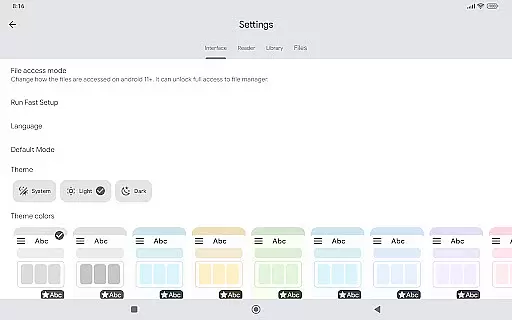
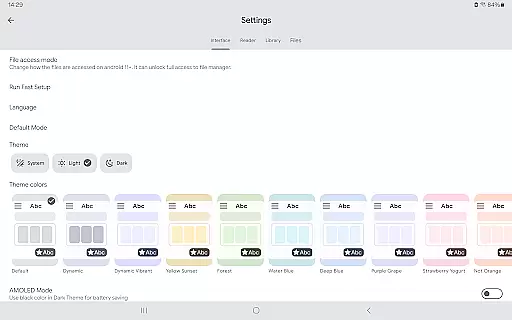
One of the standout features of Kuro Reader+ Pro is its interface customization options. Users can choose from multiple themes, including dark and AMOLED variants, to create a comfortable reading experience. The app also offers specialized reading modes such as Manga mode with right-to-left reading and Webtoon mode with vertical strip reading. These features cater to diverse reading preferences and ensure an optimal user experience across different types of content.
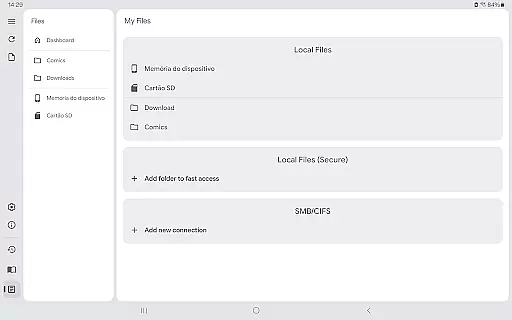
The app's support for SMB networks and ComicInfo.xml extends its usability by allowing users to access content from networked devices and providing detailed metadata management. Additionally, security features like fingerprint and screenshot lock protect users' privacy. By purchasing the Pro version, users not only enjoy these enhanced features but also support the ongoing development of the application, encouraging continuous improvement and innovation in digital reading solutions.
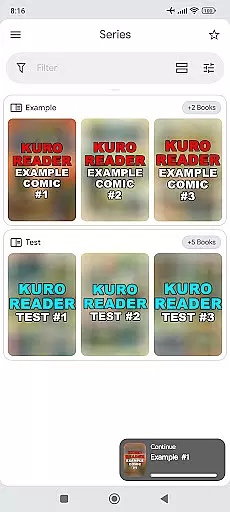
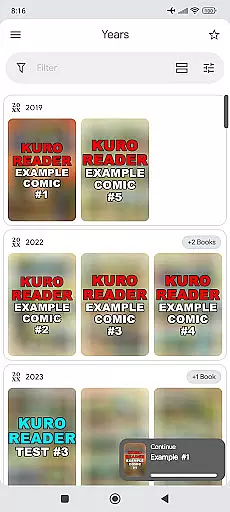
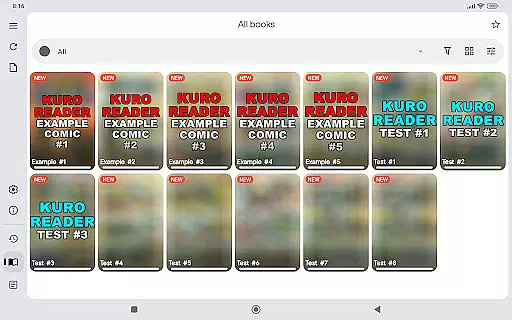
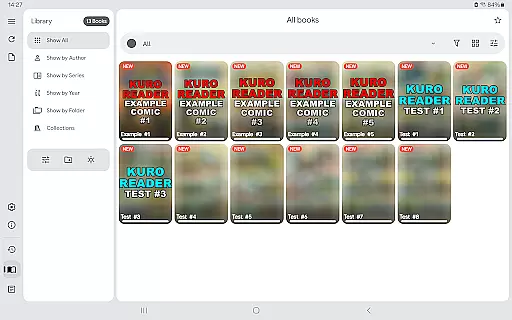
Kuro Reader+ Pro stands out with its comprehensive set of features tailored for avid readers and comic enthusiasts. The app provides a sorted library that organizes content by series, authors, and years, enabling users to easily navigate through their collections. Its wide file support covers all major comic and eBook formats, ensuring compatibility with virtually any digital publication. The inclusion of extended metadata support through ComicInfo.xml allows for detailed cataloging and easy reference of reading materials.
Customization is at the heart of Kuro Reader+ Pro's design. Users can personalize their reading experience with seven extra themes, including dark and AMOLED options, which reduce eye strain during long reading sessions. The app also supports basic comic metadata editing, giving users control over how their content is displayed and categorized. Security-conscious readers will appreciate features like fingerprint and screenshot lock, which safeguard sensitive information on supported devices.
For those who enjoy specific reading styles, Kuro Reader+ Pro offers specialized modes such as Manga mode with right-to-left reading and Webtoon mode with vertical strip reading. These modes enhance the authenticity of the reading experience for different types of content. Additional conveniences include bookmarks, favorites, and the ability to save images from comics to device storage with a single touch. By supporting multiple languages and offering features like SMB network integration, Kuro Reader+ Pro ensures accessibility and ease of use for a global audience.
Kuro Reader+ Pro offers a comprehensive reading experience for digital comic enthusiasts, supporting an extensive range of file formats including cbz, cbr, cbt, cb7, zip, rar, tar, 7z, and PDF files. This wide compatibility ensures that users can access a vast library of legally purchased content across different sources and platforms.
The application emphasizes the importance of copyright authenticity by encouraging users to read only legally acquired materials. By doing so, it promotes ethical consumption of digital media while providing tools for basic comic metadata editing and extended metadata support through ComicInfo.xml.
With its multilingual interface available in over 15 languages, Kuro Reader+ caters to a global audience, making it easier for users worldwide to organize and enjoy their e-book collections. The app's commitment to legal content ensures that readers engage with authentic materials, enhancing both the quality and legitimacy of their library.
One of Kuro Reader+ Pro's standout features is its exceptional format compatibility, accommodating various comic file types such as cbz, cbr, cbt, cb7, and standard archive formats like zip, rar, tar, and 7z. This versatility allows users to manage and read their entire collection without worrying about format restrictions.
In addition to supporting multiple comic formats, the app also handles PDF files, making it suitable for both graphic novels and text-based documents. The inclusion of advanced features like fingerprint and screenshot lock (on supported devices) further enhances security while maintaining ease of use.
The reader's interface offers multiple customization options, enabling users to tailor their reading experience according to personal preferences. With specialized viewing modes including Manga mode for right-to-left reading and Webtoon mode for vertical strip reading, Kuro Reader+ demonstrates its dedication to providing optimal format support for diverse reading styles.
User-friendly interface
Wide file format support
Advanced customization options
Enhanced security features
Regular updates and improvements
No built-in content library
Paid features only in Pro version
Requires technical knowledge for some functions
Limited customer support channels
Occasional performance issues on older devices

Flora of Virginia Project (www.floraofvirginia.org)
 5.00
5.00
Crowd-sourced listing of businesses with anti-gun signs, and pro-2a alternatives
4.60
7 Languages, Google, Wiki, Vocabulary.com, Cambridge & Urban Dictionary!
4.50
Bible Spiritual Companion
4.40
Read and study the Bible and other content in over 1,000 languages.
4.80
The dynamic dictionary/reference app for piano chords and scales!
4.80
Holy Bible with verses and audio for studying and prayer
4.30
Read books PDF, EPUB, WORD, KINDLE, MOBI! Your ebook reader among reading apps.
4.80
Calculate, Knowledge, Homework
4.40
The favorite Christmas story comes to life!
4.80
Holy Bible, a KJIV Bible study, audios & daily verses, talk with God now.
4.80
Enjoy daily devotionals, Bible verses, audio courses, and more.
4.80
Contains the 365 daily readings and everything other thing needed for catholics
4.70
Daily Devotional Widgets & Hourly Verses. Listen to Bible & Watch Holy Stories
4.70
Build family tree & discover DNA, family history heritage, origins and ancestors
4.60
Research your family history to explore ancestors and search for your heritage
4.50
Provides location information of vehicle Shift Interlock releases.
4.30
KJV Bible works offline with Audio, Hebrew & Greek lexicon (concordance) & more!
4.20
Fast loot guide for ARC Raiders. Simple tips, stats, maps, and item details.
4.0


User Reviews