

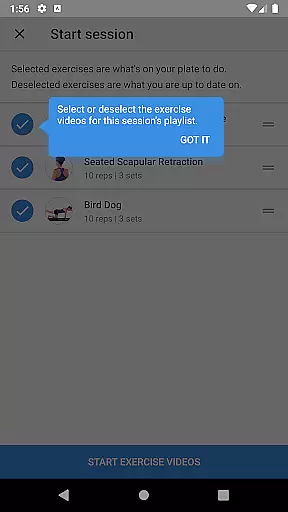
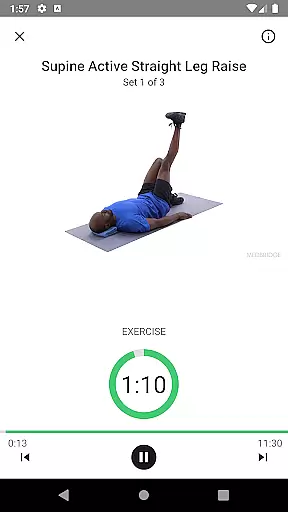
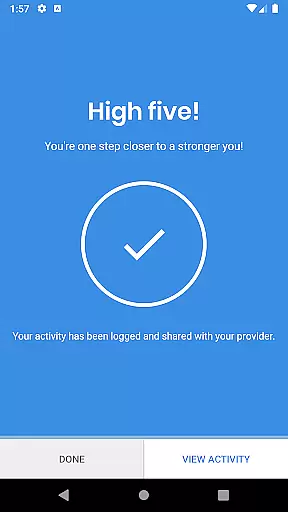
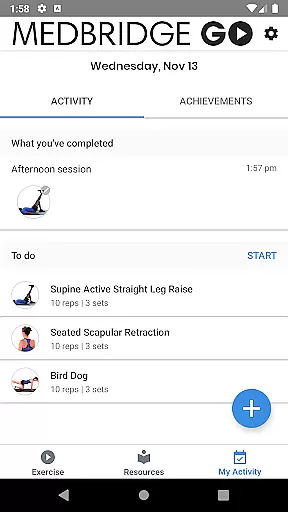
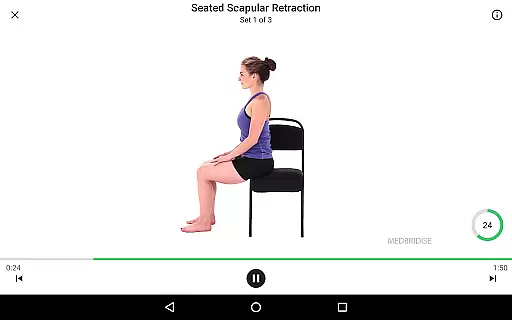
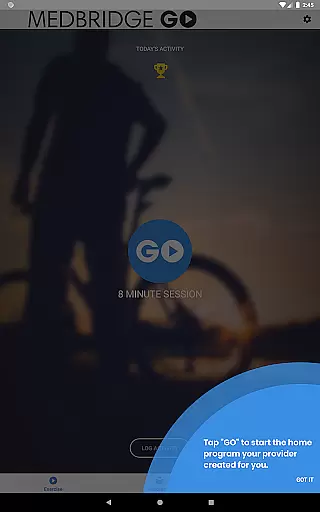
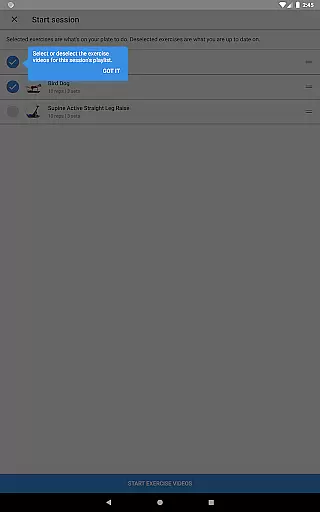
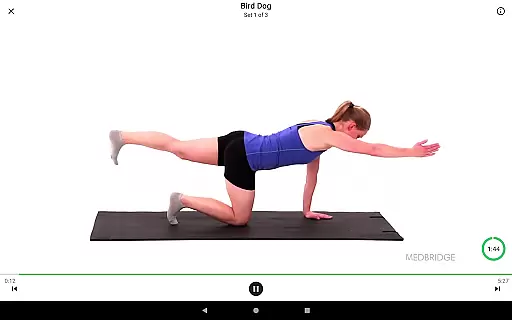
Medbridge GO for Patients is a specialized health and fitness application designed to help users complete prescribed therapeutic exercises. Powered by award-winning content and technology, this app serves as a premier tool for physical therapy patients to access personalized exercise programs provided by their therapists (PT, OT, AT, or SLP).
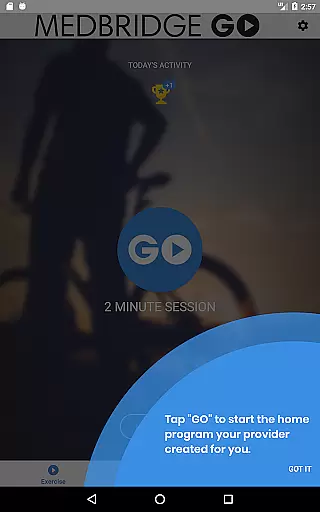
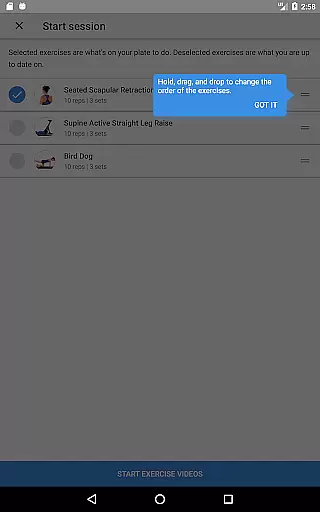
The app offers an intuitive interface where users can enter an access code from their healthcare provider to download their specific program. With just two simple steps, patients can follow along with on-screen exercise videos, set reminders, track overall progress, and access various educational materials including 3D models, explanatory videos, clinician notes, and PDF guides.
Whether recovering from injury or managing a chronic condition, Medbridge GO ensures that patients can conveniently continue their therapy at home, enhancing both compliance and outcomes through guided, professional content.
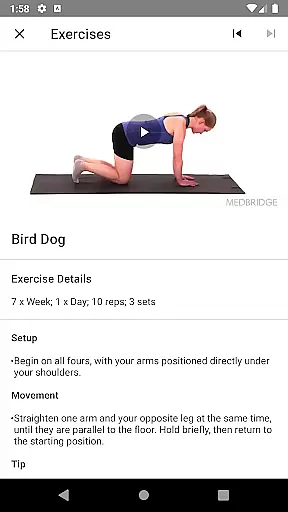
Medbridge GO stands out with its comprehensive features tailored specifically for patient care. The app provides access to high-quality video demonstrations of exercises prescribed by licensed therapists, ensuring correct form and technique. Users can easily navigate through their personalized programs and follow step-by-step instructions.
In addition to exercise guidance, the app includes robust tracking capabilities. Patients can monitor their progress over time, set reminders for exercise sessions, and review educational resources provided by their therapist. These resources encompass 3D anatomical models, detailed clinician notes, and supplementary PDF guides, all aimed at enhancing understanding and adherence to therapy protocols.
Another key feature is the seamless integration with healthcare providers. By entering a unique access code, patients can download their specific therapy plan, ensuring that they receive individualized care that aligns with their treatment goals. This level of customization and support empowers patients to take an active role in their recovery process.
Personalized planning in Medbridge GO for Patients is a cornerstone feature that ensures each user receives a tailored exercise regimen designed specifically for their rehabilitation needs. This app leverages award-winning content and technology to provide exercises prescribed by your therapist, whether they are a Physical Therapist (PT), Occupational Therapist (OT), Athletic Trainer (AT), or Speech-Language Pathologist (SLP).
The process begins with an access code from your healthcare provider, which allows you to download a personalized program directly to your device. This ensures that the exercises you perform are exactly what your therapist intended, promoting optimal recovery outcomes.
Users benefit significantly from this personalized approach as it adapts to individual progress and feedback. The app not only guides patients through each exercise with on-screen videos but also integrates various educational materials such as 3D models, explanatory videos, clinician notes, and PDF guides, all selected by the therapist to enhance understanding and execution.
This level of personalization ensures that users remain engaged and motivated throughout their therapy journey, knowing that their plan is customized just for them, ultimately leading to improved health outcomes and satisfaction.
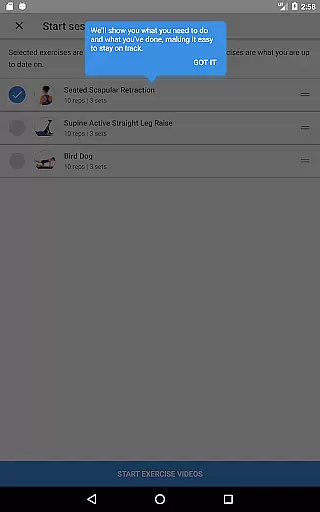
Progress visualization in Medbridge GO for Patients plays a crucial role in helping users track their rehabilitation journey effectively. By offering tools to monitor overall progress, the app empowers patients to see how far they've come, which can be incredibly motivating and reassuring during challenging times.
Upon entering the access code provided by their healthcare provider, users can download their specific program and begin tracking their progress immediately. The app provides visual cues and summaries that make it easy to understand how well they are adhering to their prescribed exercises and where improvements might be needed.
In addition to viewing exercise videos and following along with on-screen instructions, users can set reminders to ensure consistent practice. These reminders help maintain a routine, further enhancing progress visualization by keeping users accountable and on track with their therapy goals.
Overall, the ability to visualize progress within Medbridge GO for Patients not only boosts motivation but also enhances communication between patients and therapists. With clear insights into their rehabilitation journey, users can have more informed discussions with their healthcare providers, leading to better adjustments and ultimately more successful recovery outcomes.
User-friendly interface
Personalized exercise plans
Comprehensive progress tracking
Rich educational resources
Seamless provider integration
Requires provider access code
Limited to subscribed therapists
No independent exercise selection
Premium features may cost extra
Dependent on internet connectivity

Weight loss app: home workout for women to lose weight & burn calories.
 4.80
4.80
App to stop smoking slowly or now with a motivational badges and helpful tips
4.80
Transform your body and soul with DBFFitness, with a 40-day fitness journey.
4.5
When the night comes, we prepare your eyes for deep, sweet dreams
4.70
3D Body Measurement System
3.60
The Crunch Mobile app - Find a gym, manage favorites, reserve & cancel classes.
4.60
Pilates, Calisthenics, Yoga
4.50
Walk, track, and burn calories with step counter & GPS walking tracker
4.20
FODMAP, Gluten, Allergy, Vegan
4.50
Beauty Care, Makeup & Skin Care Scanner | Pregnancy App For A Mom | Healthy Baby
5.00
a fun app full of surprises :)
4.70
Load the bar with this barbell & plate calculator. It's leg day, not brain day!
4.70
Walk. Earn: Get rewarded for every step! Walk, move, and earn real rewards.
4.70
For Absolute Novices to Strength Training. Simple. Effective.
4.40
Fast Body building & Weight Loss. Home Workouts with Daily Coach, No Equipment.
4.30
This is an application that serves as a companion app for smart watch.
4.20
Your personal BP tracking companion, focus on helping you achieve wellness goal.
4.10
HRV4Training helps you optimize goals and improve performance. No sensors needed
3.30
Optimization for TRT & Enhanced Athletes
4.5


User Reviews