
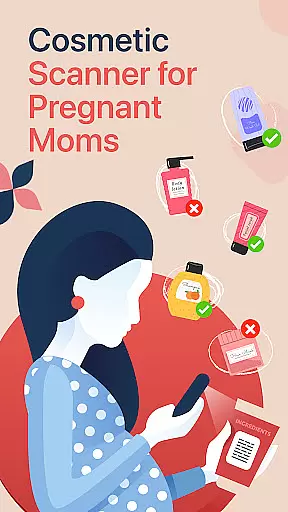




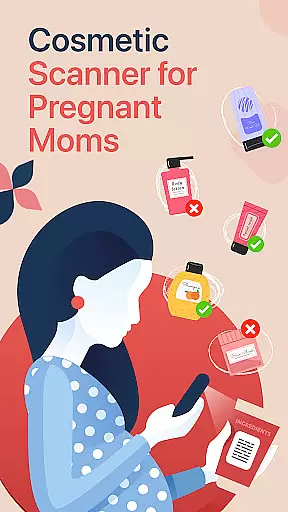
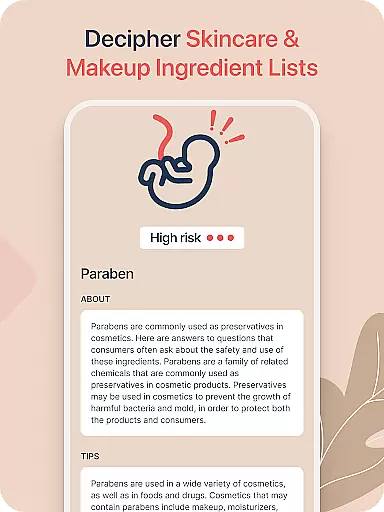

Little Bean is a specialized cosmetic checker app designed for pregnant women, ensuring the safety of beauty, skincare, and makeup products. With thousands of users relying on its accuracy, this app helps expecting mothers eliminate toxic ingredients from their routines.
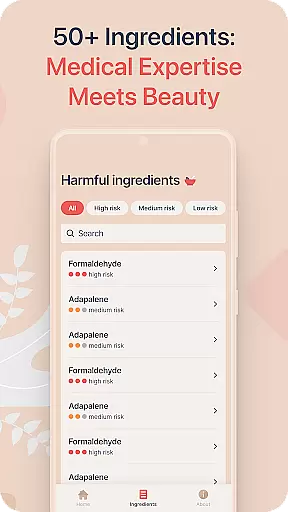
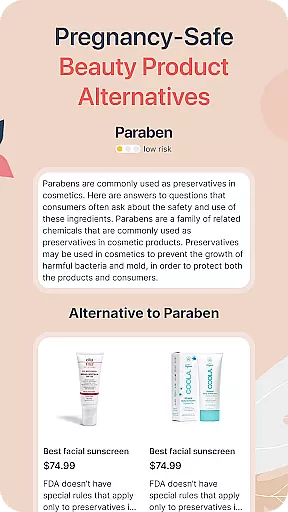
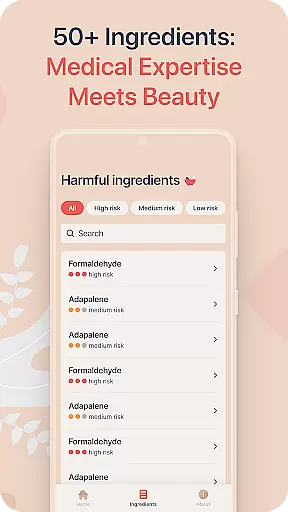
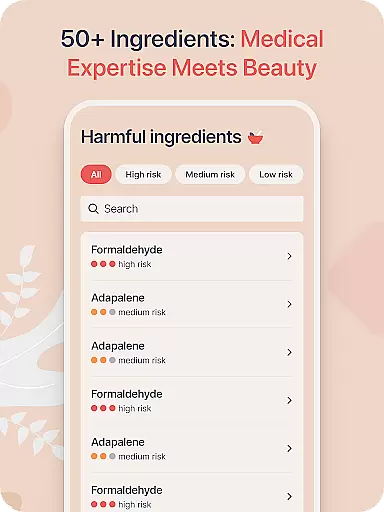
The app offers real-time ingredient scanning through your phone's camera, instant safety analysis for online shopping, and personalized recommendations for pregnancy-safe alternatives. Its database includes over 90 types of ingredients commonly found in top beauty brands, curated with medical professional guidance to prioritize baby's health.
Whether you're shopping at major brands like Estee Lauder or Clinique, or browsing stores such as Ipsy and Sallys Beauty Supply, Little Bean ensures every product aligns with pregnancy-safe standards.
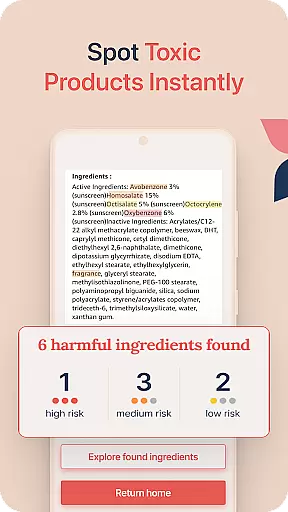
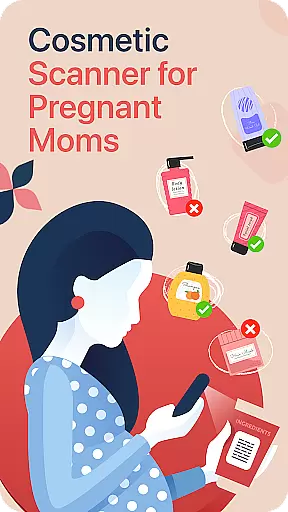
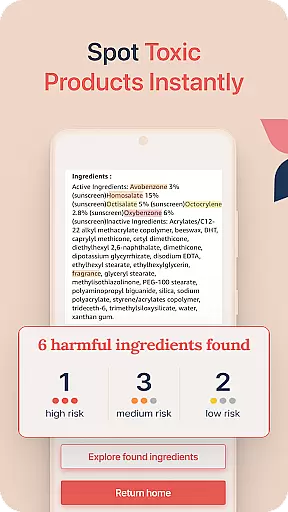
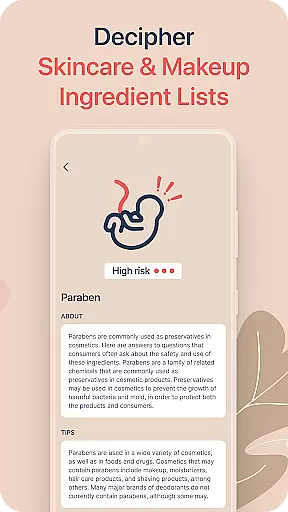
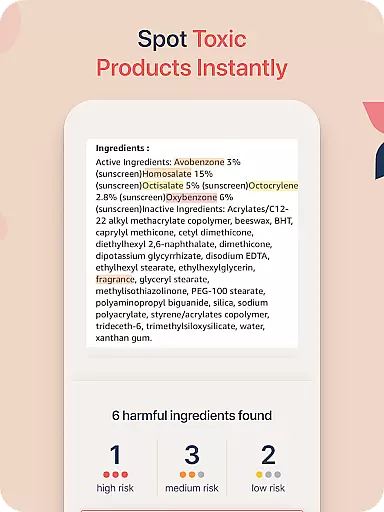
Little Bean stands out with its comprehensive features tailored for health-conscious mothers. The app provides an easy-to-use ingredient checker that allows users to scan product labels directly using their phone’s camera, delivering real-time insights into harmful substances.
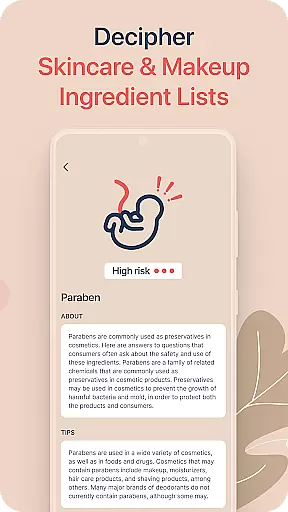
For online shoppers, the app supports uploading ingredient lists to verify product safety instantly. Additionally, it offers a detailed ingredient database where users can look up specific components to understand their effects better. This feature empowers mothers to make informed decisions about their beauty routines.
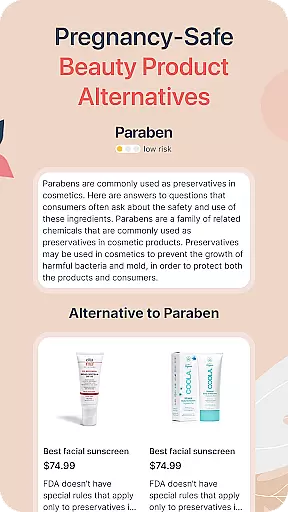
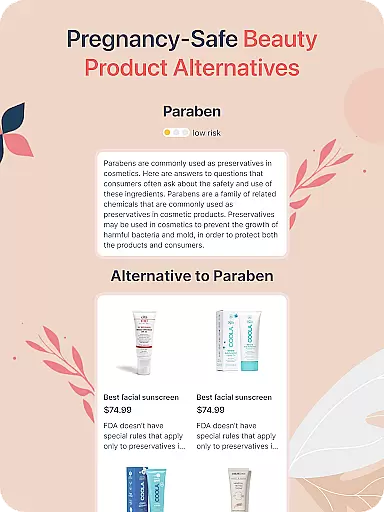
Personalized skincare recommendations further enhance user experience by suggesting safer alternatives when questionable ingredients are detected. Backed by medical expertise, these suggestions ensure alignment with pregnancy health guidelines, making Little Bean an essential tool for maintaining both maternal and fetal well-being during pregnancy.
Personalized planning in the context of a health and fitness app like Little Bean refers to the creation of tailored skincare and beauty routines that align with an individual's specific needs during pregnancy. This feature is crucial as it ensures that expecting mothers can maintain their beauty and skincare regimens without compromising their health or the health of their unborn child.
Little Bean achieves personalized planning by offering an extensive database of over 90 types of ingredients commonly found in top beauty brands. The app cross-references these ingredients with each user's personal profile, which takes into account their pregnancy status and any known sensitivities or allergies. By doing so, it provides customized recommendations for safe-to-use products and flags potentially harmful ingredients.
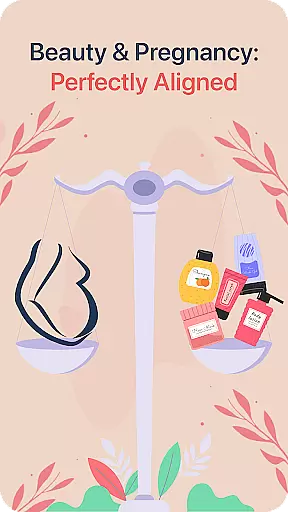
The benefit to users is significant; they receive peace of mind knowing that their chosen beauty products have been vetted for safety. With this feature, Little Bean empowers pregnant women to make informed decisions about the cosmetics they use daily, thus avoiding toxic substances that could be detrimental to their pregnancy.
In essence, personalized planning within Little Bean not only enhances user experience but also upholds a high standard of prenatal care, making it an indispensable tool for health-conscious expectant mothers seeking guidance on safe beauty practices.
Progress visualization is a critical component of any health and fitness application, serving as a motivational tool that allows users to see their advancements over time. For an app such as Little Bean, which caters specifically to the needs of pregnant women, progress visualization takes on added significance as it helps track both the mother's skincare safety journey and indirectly supports the health of the developing baby.
Within Little Bean, progress visualization manifests through detailed tracking of scanned beauty products and their ingredient analyses. Users are provided with clear insights into how many items they've checked for safety, what percentage of their routine is now pregnancy-approved, and how often they're utilizing the appu2019s features to stay informed. These metrics are presented via intuitive graphs and charts that update in real-time as users interact with the app.
This visual representation offers tangible proof of improvement and consistency, encouraging continued use of the app while promoting safer choices in personal care products. It reassures mothers that they are taking proactive steps towards protecting their childu2019s well-being by adopting healthier habits.
Ultimately, Little Beanu2019s implementation of progress visualization fosters a sense of accomplishment among its users, reinforcing positive behavior changes and contributing significantly to a stress-free pregnancy experience where beauty does not come at the cost of safety.
User-friendly interface
Real-time scanning
Comprehensive database
Personalized recommendations
Medical professional guidance
Limited to pregnancy use
Dependent on label clarity
Premium features locked
Occasional inaccuracies
Requires internet

Power-lifting, weightlifting and Wendler 531 app to track your workout program.
 4.90
4.90
For Absolute Novices to Strength Training. Simple. Effective.
4.40
Step Counter, track steps when you walk or run
4.70
Medbridge GO gets you moving - get back to doing what you love, faster!
4.90
You deserve easy access to important insurance information. Download for FREE.
4.70
Pilates, Calisthenics, Yoga
4.50
Blood Pressure Log, HRV & Heartbeat Tracker. Pulse Checker.
4.40
Manage your and your family's health information.
4.60
Jogging app for calorie counter and distance tracker. Running app to lose weight
4.20
Load the bar with this barbell & plate calculator. It's leg day, not brain day!
4.70
Measure your Pupil Distance for Eyeglasses and VR headsets in 3 quick steps.
4.70
Walk. Earn: Get rewarded for every step! Walk, move, and earn real rewards.
4.70
The Crunch Mobile app - Find a gym, manage favorites, reserve & cancel classes.
4.60
Point, scan, and unlock truth in every bite.
4.50
Histamine intolerance, low FODMAP diet and irritable bowel syndrome (IBS)
4.00
Understand your body’s most meaningful messages and transform your health.
3.90
GloryFit is a companion app for the smart bracelet.
3.60
Your plan in your pocket 24/7
3.00
Text notifications, button control, heart monitor & more for your Amazfit.
2.40


User Reviews