
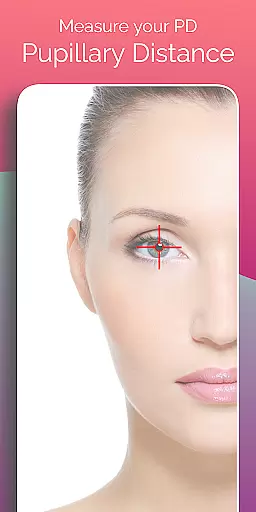
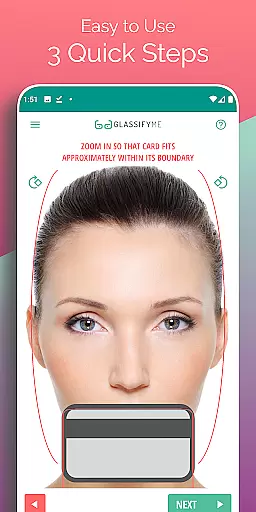
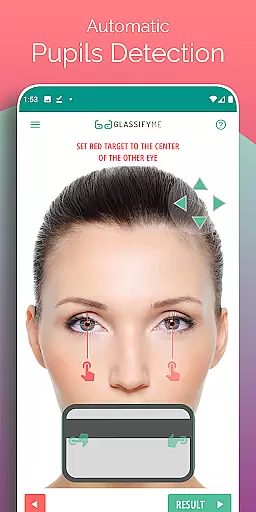

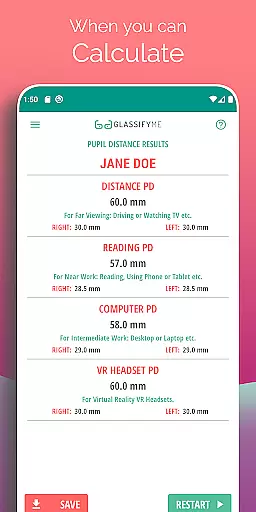
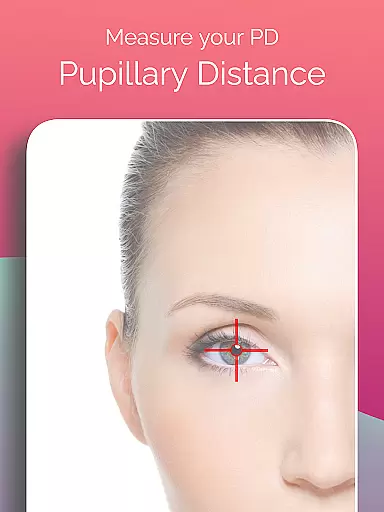
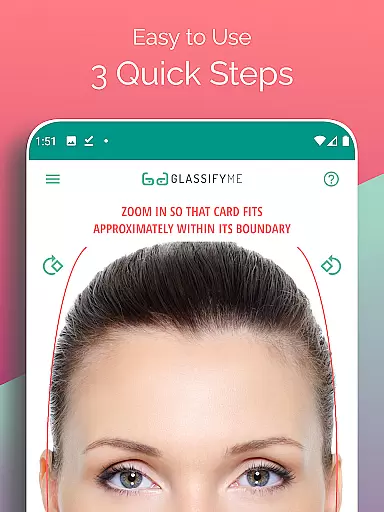
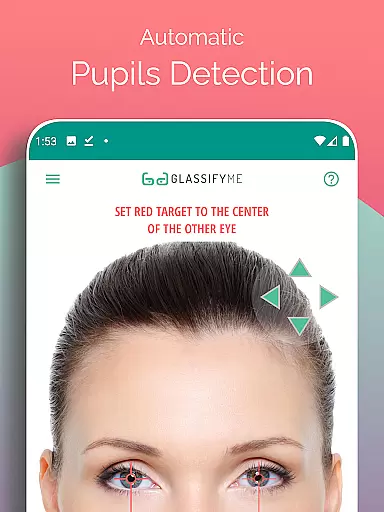
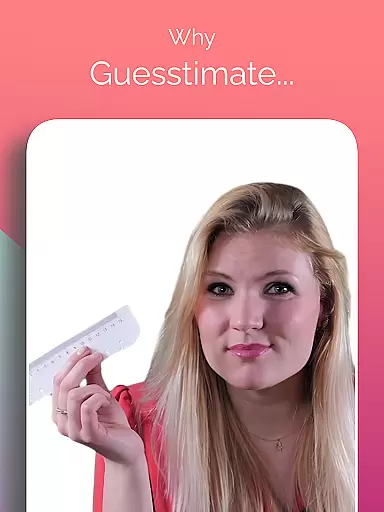
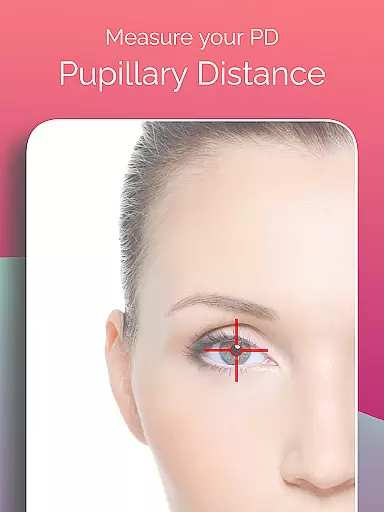
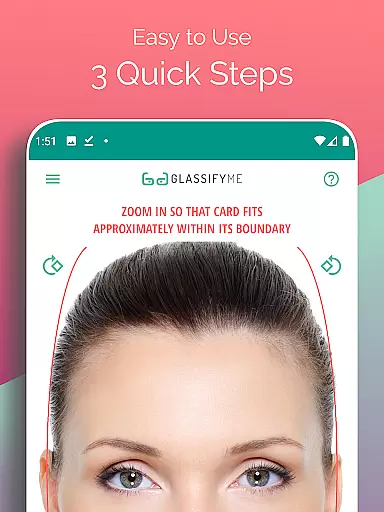
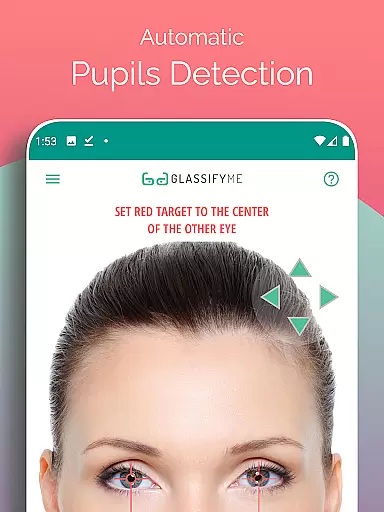
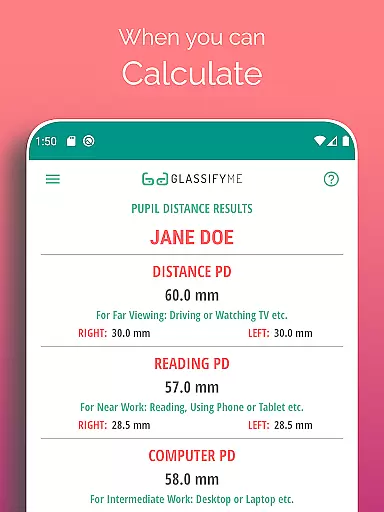
Pupil Distance PD Glasses & VR is a leading health and fitness application designed to accurately measure your Pupillary Distance (PD). This crucial measurement, essential for prescription glasses and VR headsets, is captured using advanced algorithms that automatically detect your eyes and pupils. By simply taking a picture with a standard-sized card, users can quickly obtain precise PD measurements.
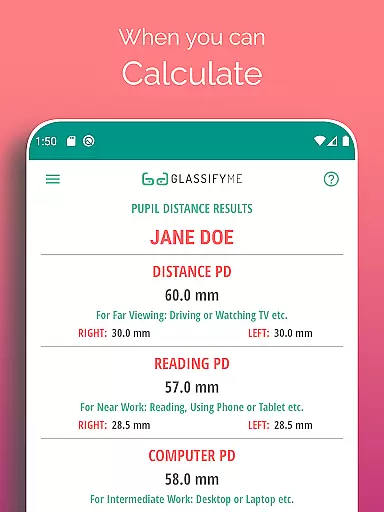
The app stands out with its ability to calculate both Distance and Reading PD through an easy three-step process. Whether you take a selfie, have someone else take your photo, or import an image from your gallery, the app provides accurate results without requiring a credit card—only a points or rewards card is needed for reference sizing.
This app offers several standout features that enhance user experience in measuring PD. First, it employs an advanced algorithm capable of detecting pupils and calculating measurements with precision. The integration of automatic eye detection ensures reliable and consistent results every time.
Additionally, the app supports multiple methods for capturing images, including taking a new photo, importing from the gallery, or having someone else take the picture. This flexibility caters to various user preferences and situations. Furthermore, the app's tutorial video provides clear guidance, making it accessible even for first-time users.
Overall, these features collectively ensure that users can obtain their PD measurements conveniently and accurately, enhancing both the usability and reliability of the app.
Personalized planning in the context of health and fitness apps refers to the ability to tailor specific measurements and calculations to an individual's unique physical characteristics. In the case of the PD Meter App by GlassifyMe, personalized planning is central to its functionality.
The app offers a streamlined process for measuring Pupillary Distance (PD), which is essential for accurately manufacturing prescription glasses and calibrating VR headsets. By taking a photo with a standard-sized card positioned alongside the face, the app uses advanced algorithms to automatically detect the user's eyes and calculate their PD with precision tailored to each user's distinct features.
This personalized approach ensures that users receive accurate measurements that are critical for both proper vision correction and immersive virtual reality experiences. The app not only personalizes the measurement process but also simplifies it through automation, making personalized planning accessible and efficient for everyone.
Progress visualization is a key feature in many health and fitness applications, allowing users to see their advancements over time. While the PD Meter App focuses primarily on providing precise measurements, it indirectly supports progress visualization by ensuring consistent and reliable PD readings.
By offering a quick and accurate way to measure PD, the app enables users to consistently track this important metric if they need to monitor changes over time or ensure accuracy in their eyewear prescriptions. Although the app does not directly display historical data or graphs, the accuracy and reliability of each PD measurement provide a solid foundation for users who wish to maintain optimal vision health.
Moreover, having access to precise and repeatable measurements empowers users to make informed decisions about their eyewear and VR equipment, contributing to better overall eye health management. This focus on accuracy serves as a form of progress visualization, ensuring users have the correct information to avoid potential discomfort or vision issues.
User-friendly interface
Accurate PD measurement
Supports multiple capture methods
Automatic eye detection
Comprehensive tutorial available
Requires a reference card
Limited to Android devices
Internet connection needed
Premium features may require payment
Dependent on image quality

Control your sleep in real-time wearing Garmin device
 3.60
3.60
Meditation app, head space app provides calm music to help you meditate & sleep
5.00
Effortlessly and naturally release anxiety by harnessing the power of your brain
4.60
Get alert about getting out of desired heart rate zone.
4.10
3D Body Measurement System
3.60
Pilates, Calisthenics, Yoga
4.50
Understand your body’s most meaningful messages and transform your health.
3.90
Easy to use step counter, calorie counter helps lose weight, count steps offline
4.80
Monitor blood sugar, gain insights, and manage diabetes with ease.
3.20
Easy access to health benefits
4.70
When the night comes, we prepare your eyes for deep, sweet dreams
4.70
The simplest way to track your 21 Day Program containers, exercises, and water.
4.50
Memory, mind & logic exercises. Puzzle games, IQ & brain test for kids & adults
4.50
Grow with self-tests and personal routine.
4.30
Your Health Assistant
3.90
Dexcom G7 Continuous Glucose Monitoring
3.70
The Sleep Miracle Sound Machine: Soothes baby to sleep with a gentle "Shhh"
3.00
The Wear OS BeechBand app is designed to alleviate anxiety and other conditions
4.2
Optimization for TRT & Enhanced Athletes
4.0


User Reviews