
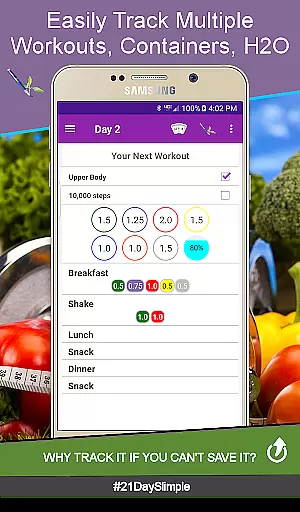
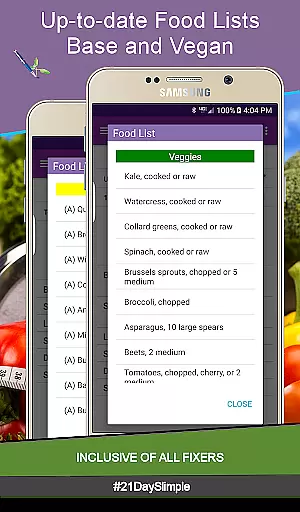
21 Day Slimple - The Easy Fix! is a comprehensive fitness tracking app designed specifically for users following the 21 Day Program. This application allows you to efficiently monitor your workouts, food containers, and daily water intake. With its user-friendly interface, it offers an easy way to track progress, maintain consistency, and share achievements with the community.
The app stands out by providing multiple tracking features including weight, measurements, and even before-and-after photos. It also supports customizable meal plans, reminders for hydration and movement, and detailed reports that can be shared. Whether you're focusing on portion control or aiming to improve overall health, 21 Day Slimple provides all necessary tools to keep you on track.
Designed for individuals who are serious about their fitness journey, this app proves valuable for those participating in programs like Beachbody's challenges. Its unique features such as cycle management ensure continuity without losing previous data, making it ideal for long-term fitness enthusiasts looking to document their transformation over successive cycles.
21 Day Slimple offers an extensive set of features tailored to enhance your fitness tracking experience. One of its core functionalities includes multiple scheduling options such as base and extreme 21-day schedules along with additional workout plans like Bring the Heat - Country/Deluxe (30 day). Users can switch between these cycles effortlessly while tracking their progress through detailed measurement reports and progress charts.
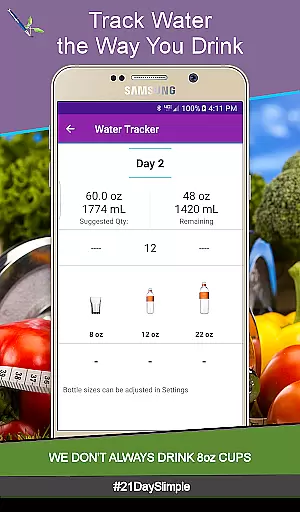
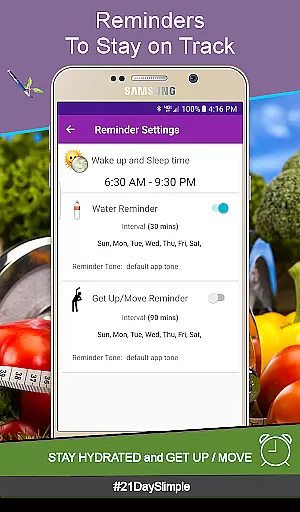
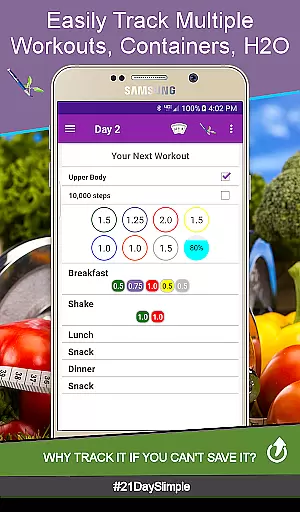
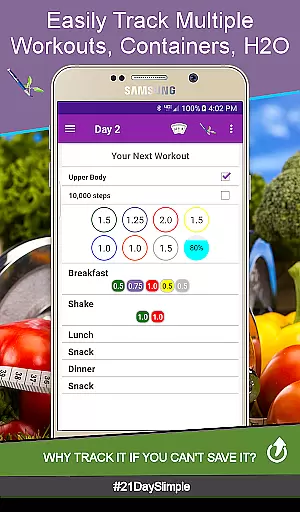
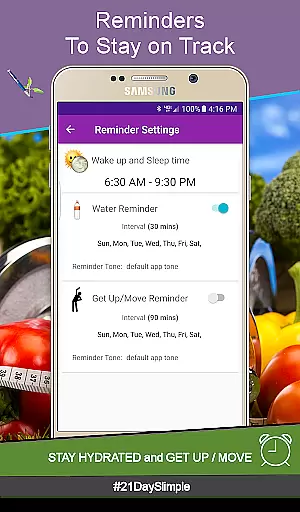
In addition to scheduling, the app provides advanced tracking mechanisms for meals and water intake. You can customize meal names, track portions in 0.25 increments, and select from various water bottle sizes for accurate hydration monitoring. Furthermore, integrated reminder systems ensure you stay active and hydrated throughout the day, with notifications sent directly to your smartwatch if available.
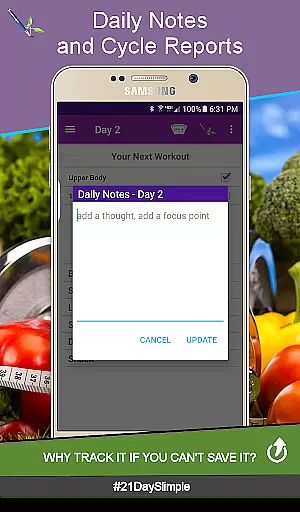
Another standout feature is the ability to generate comprehensive reports including weight and measurement comparisons which can be easily shared. The inclusion of a cycle manager allows users to seamlessly transition between cycles without losing any data, ensuring continuous tracking and motivation. These robust features collectively make 21 Day Slimple a top choice for anyone committed to improving their health systematically.
Personalized planning is a cornerstone of any successful fitness journey, and the 21 Day Slimple app excels in this area. The app offers users the ability to customize their workout schedules, choose between multiple meal plans, and track their progress with tailored reports. This level of personalization ensures that each user's unique needs and goals are met effectively.
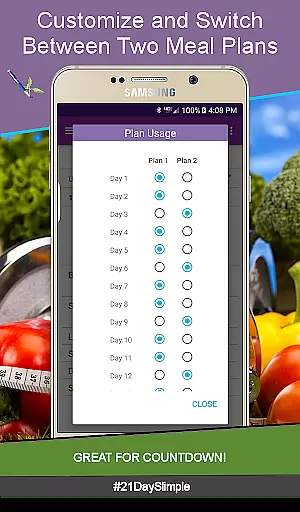
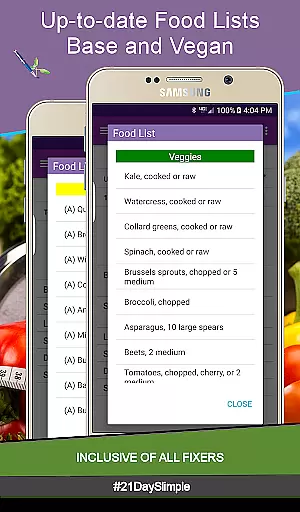
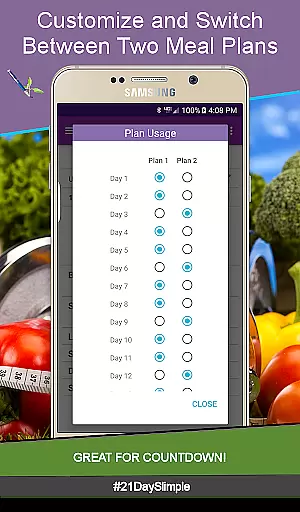
The app provides two distinct 21-day schedules, alongside an extended 30-day option, allowing users to select a plan that aligns with their fitness level and objectives. With features like switching between meal plans and adjusting portion sizes in 0.25 increments, users can fine-tune their nutrition intake to match their body's requirements and personal preferences.
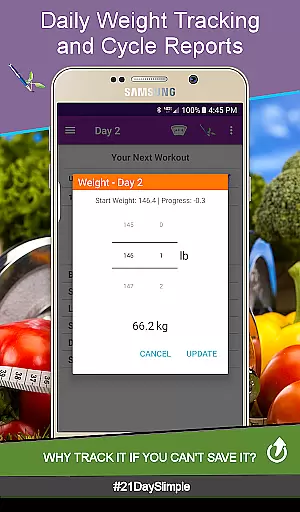
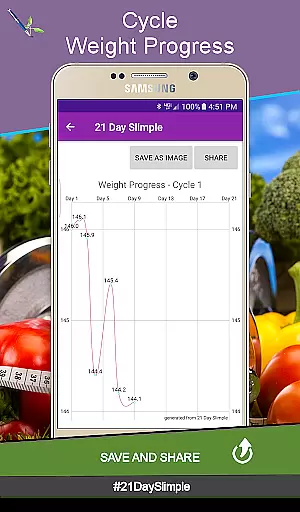
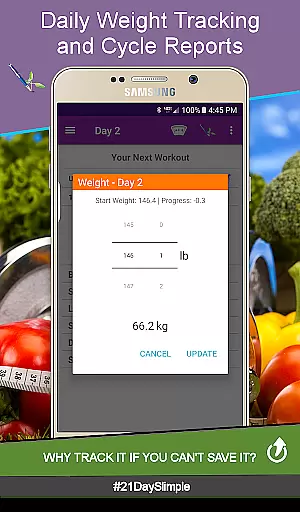
Furthermore, the app supports the tracking of daily weight, measurements, and water intake, offering visual progress charts and comprehensive reports. These tools empower users to monitor their transformation closely and make necessary adjustments along the way. By delivering personalized insights through detailed analytics, 21 Day Slimple enhances user engagement and promotes long-term adherence to health and fitness routines.
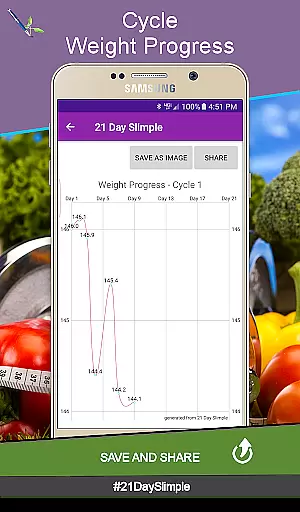
Visualizing progress is crucial for maintaining motivation and achieving fitness goals, and the 21 Day Slimple app offers robust features for tracking and displaying advancements. Users can view their journey through various visual aids such as weight progress charts, measurement reports, and before-and-after photo comparisons. These tools not only highlight achievements but also help identify areas needing improvement.
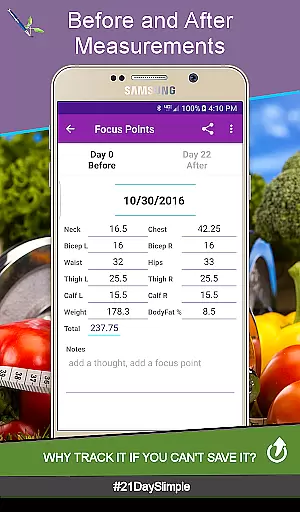
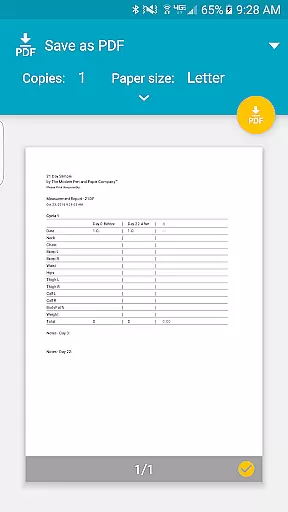
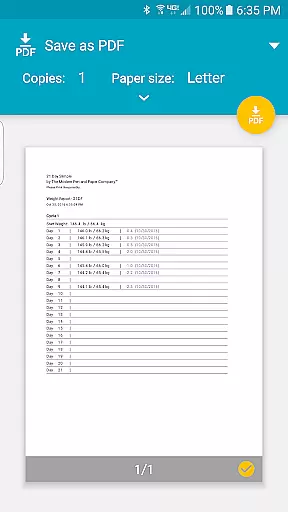
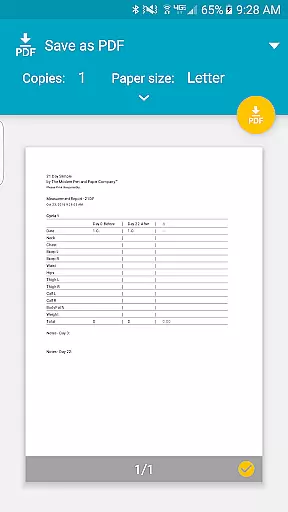
The app generates detailed reports that compile data from the entire 21-day cycle, presenting it in an easy-to-understand format. Weight reports, for instance, display all entries in a single PDF, providing a clear picture of the useru2019s trajectory over time. Similarly, measurement reports compare before and after data, showing changes in individual body parts as well as overall progress in either inches or centimeters.
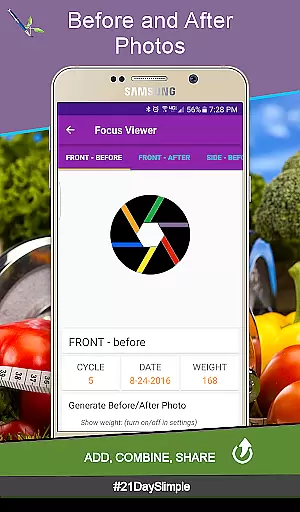
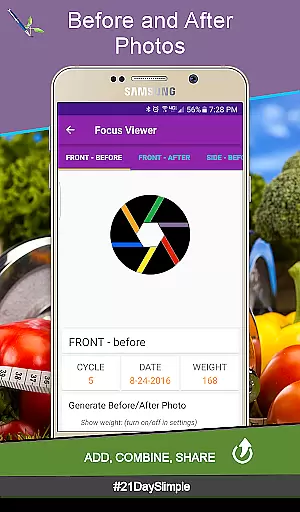
Additionally, the app allows users to combine and share their before-and-after photos, creating a powerful visual testament to their hard work and dedication. This feature fosters a sense of accomplishment and encourages continued commitment to the program. By offering diverse and dynamic ways to visualize progress, 21 Day Slimple keeps users engaged and motivated throughout their fitness journey.
User-friendly interface
Comprehensive tracking tools
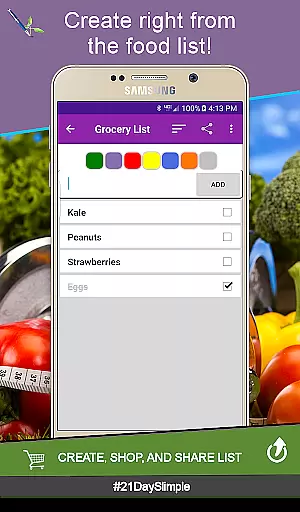
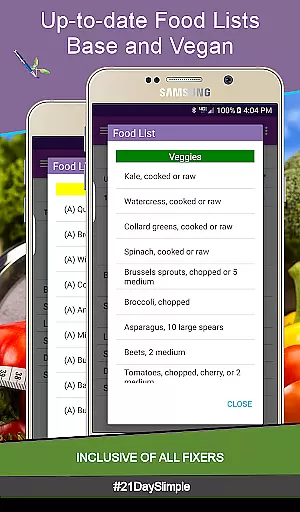
Customizable meal plans
Detailed progress reports
Seamless cycle management
No offline functionality
Limited customization options
Requires storage permission
Premium features may require payment
Occasional bugs reported

sobriety counter app to help and motivate people to stop drinking alcohol.
 4.90
4.90
Personal Measurements - Track your gains!
4.50
FODMAP, Gluten, Allergy, Vegan
4.50
Your personal BP tracking companion, focus on helping you achieve wellness goal.
4.10
Looking to take control of your health? Our psychology-based programs can help.
4.10
beat yesterday.
4.00
Point, scan, and unlock truth in every bite.
4.50
Jogging app for calorie counter and distance tracker. Running app to lose weight
4.20
Scan food & cosmetic products and evaluate their impact on your health
4.80
Protect your healthy sleep
4.80
Weight loss app: home workout for women to lose weight & burn calories.
4.80
Easy reconstitution calc for mixing peptides and creating protocols
4.70
Memory, mind & logic exercises. Puzzle games, IQ & brain test for kids & adults
4.50
For Absolute Novices to Strength Training. Simple. Effective.
4.40
Get alert about getting out of desired heart rate zone.
4.10
Pedometer that gives you sweatcoins for steps. It pays to walk!
4.10
SportWerks - Workout Tracker for Wear OS Watches
3.90
Turn your steps into cash, gift cards & rewards with our step counting pedometer
3.80
Text notifications, button control, heart monitor & more for your Amazfit.
2.40


User Reviews