
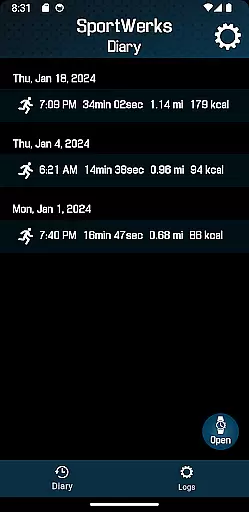
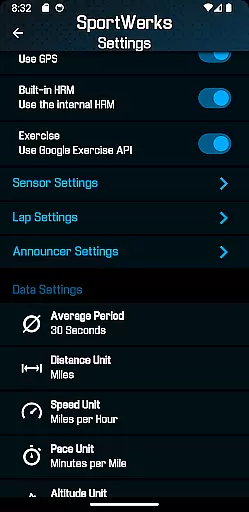
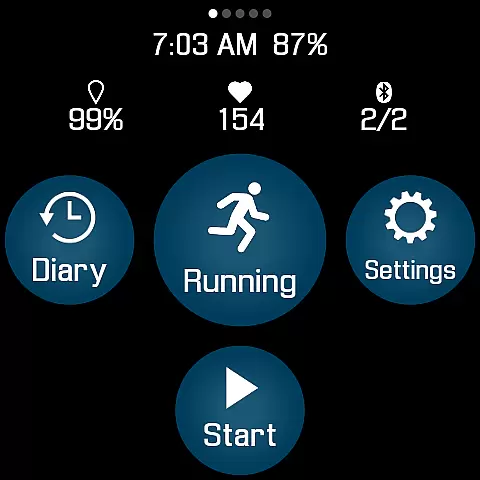
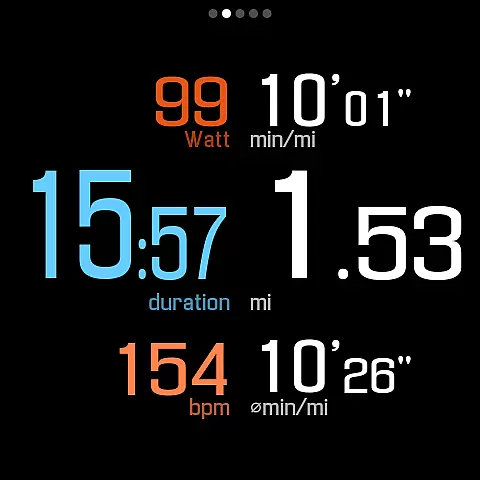
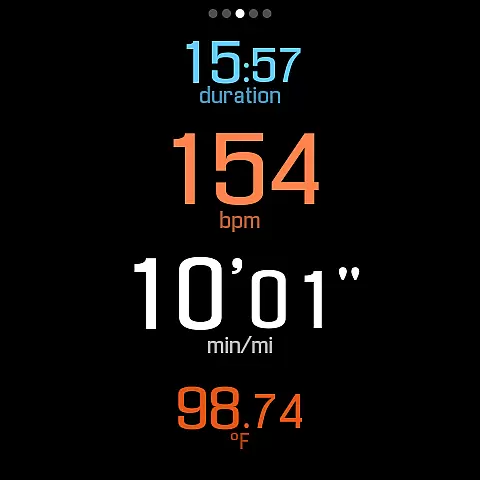
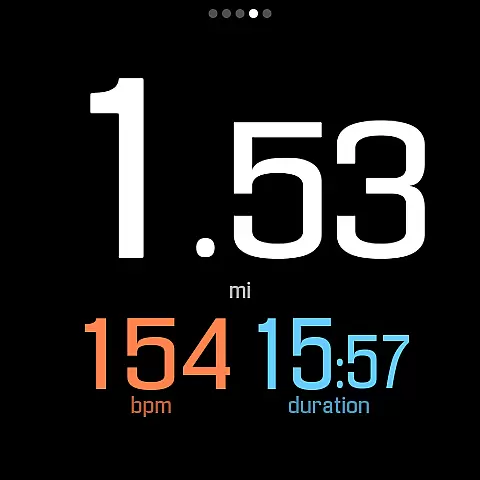
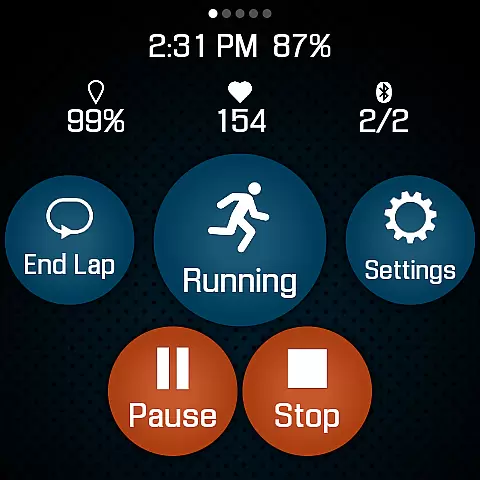
SportWerks is a comprehensive workout tracking app designed specifically for Wear OS watches. It allows users to customize their workout screens with large, easy-to-read numbers and accurately tracks various exercises from the Google Exercise library. The app supports multiple workout types including running, cycling, swimming, and more, while monitoring key metrics like heart rate, pace, and power.
One of SportWerks' standout features is its ability to connect with popular fitness platforms such as Strava, FinalSurge, and TrainingPeaks. After completing a workout, users can automatically sync their data or export it as a .FIT file for use with other fitness management systems. The app also offers real-time device control through its companion Android app, enabling seamless adjustments during workouts.
This application is particularly valuable for serious athletes who need detailed performance metrics without relying on their phones. With support for Bluetooth Low Energy devices from leading fitness brands and customizable lap distances and announcer intervals, SportWerks provides professional-grade tracking capabilities right on your wrist.
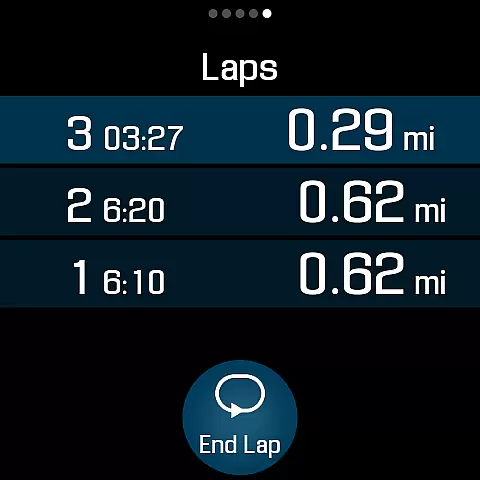
SportWerks distinguishes itself through its extensive feature set tailored for fitness enthusiasts. The app offers multiple workout screen layouts (6-values, 4-values, 3-values, Laps) that can be toggled on or off with a single tap. It connects seamlessly with various Bluetooth Low Energy devices from top fitness companies like Stryd, Wahoo, and Polar, ensuring accurate data collection from heart rate monitors, power meters, and other sensors.
A key innovation is the automatic workout synchronization feature. After each session, SportWerks can push data directly to Strava, FinalSurge, or TrainingPeaks accounts. For those using alternative platforms, the app generates .FIT files compatible with most fitness management systems. The companion Android app adds another layer of convenience, allowing users to modify watch settings in real-time and manage their workout files remotely.
The app's flexibility extends to its customizable notification system. Users can set preferred lap distances from a range of options including 1KM, 500M, and 1 Mile increments. Similarly, audio announcements can be configured at intervals from 1 to 15 minutes. These notifications are delivered through the watch speaker or paired headset, providing crucial feedback without interrupting the workout flow.
Personalized planning in fitness applications refers to the ability to tailor workouts according to individual preferences and goals. SportWerks - Workout Tracker excels in this area by offering users the flexibility to customize their workout screens, displaying data that aligns with their specific needs during exercise sessions.
The app supports a wide range of activities from the Google Exercise library, including running, cycling, swimming, and more. This versatility ensures that users can engage in personalized planning for virtually any type of physical activity they enjoy, enhancing both motivation and performance.
SportWerks goes beyond simple customization by integrating with popular fitness platforms like Strava, FinalSurge, and TrainingPeaks. After tracking your workouts, it automatically syncs the data to these services or provides a .FIT file for import into other systems, ensuring seamless integration into your broader fitness strategy.
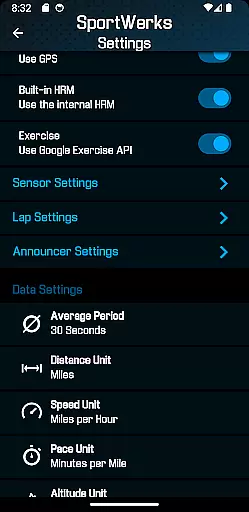
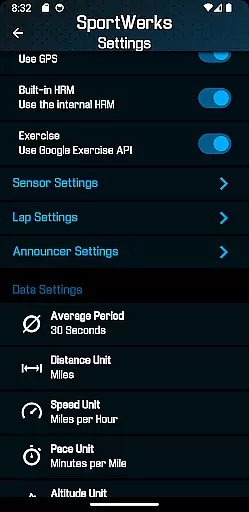
By allowing users to adjust settings such as lap lengths and announcement intervals through its companion app, SportWerks empowers individuals to fine-tune their experience further. These features collectively contribute to a highly personalized approach to fitness planning, making every workout session more effective and engaging.
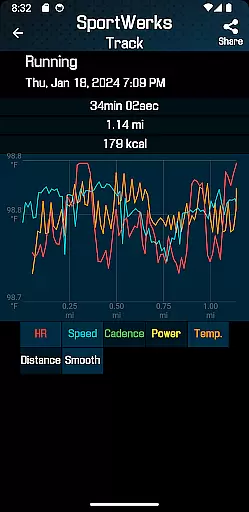
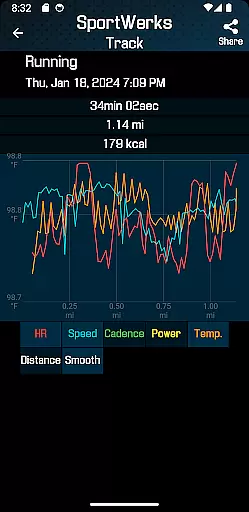
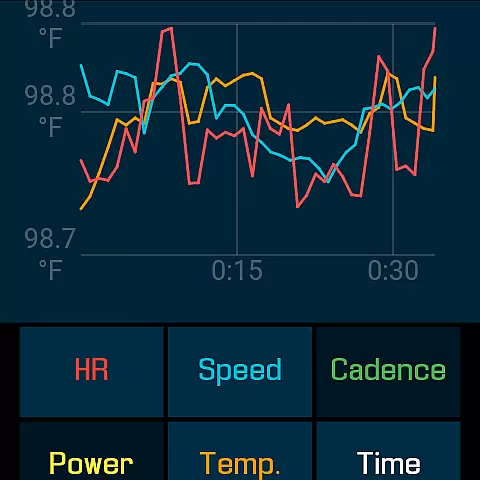
Progress visualization is a crucial aspect of any fitness application, providing users with clear insights into their performance over time. SportWerks - Workout Tracker offers robust tools for visualizing progress, ensuring that users can easily track improvements in various metrics such as heart rate, pace, power, and elevation.
The app's multiple workout screensu20146-values, 4-values, 3-values, and Lapsu2014allow users to view detailed statistics at a glance. With large, easy-to-read numbers, these screens make it simple to monitor key indicators during workouts, helping users stay informed and motivated throughout their sessions.
In addition to real-time feedback, SportWerks provides comprehensive post-workout analysis. By exporting .FIT files to external fitness management systems, users gain access to advanced analytics and visualizations that highlight trends and achievements over longer periods. This capability not only enhances understanding but also fosters a sense of accomplishment.
Furthermore, SportWerks' audio notifications via watch speakers or paired headsets deliver timely updates without requiring visual attention. This feature ensures that users remain focused on their activities while still receiving essential feedback, contributing to an immersive and productive exercise experience.
User-friendly interface
Comprehensive metrics tracking
Wide device compatibility
Automatic data syncing
Real-time customization
Premium subscription required
Wear OS only
Occasional bugs
Limited iOS support
High battery usage

Your plan in your pocket 24/7
 3.00
3.00
For Absolute Novices to Strength Training. Simple. Effective.
4.40
Enjoy the Gluten Free living with the best app. SCAN the barcodes & SEARCH.
3.60
When the night comes, we prepare your eyes for deep, sweet dreams
4.70
Get lasting results with Chair Yoga, Wall Pilates, and Walking workouts!
4.60
Your AI pet BFF. Talk, play, and beat anxiety in this calming game.
4.60
Eat smarter with Eato, your personal calorie counter and nutrition tracker!
4.40
Step Counter, track steps when you walk or run
4.70
Personal step counter for you, private and accurate
4.50
Meditation app, head space app provides calm music to help you meditate & sleep
5.00
Easy to use step counter, calorie counter helps lose weight, count steps offline
4.80
Period Tracker, the easiest way to track your periods!
4.50
The most accurate heart rate app to monitor and track your heart rate & pulse.
4.40
Your Health Has Met Its App (℠)
3.90
Your Health Assistant
3.90
Make sense of your health data.
3.80
Control your sleep in real-time wearing Garmin device
3.60
3D Body Measurement System
3.60
The app helps you address digestive symptoms based on the Fast Tract Diet.
3.50


User Reviews