
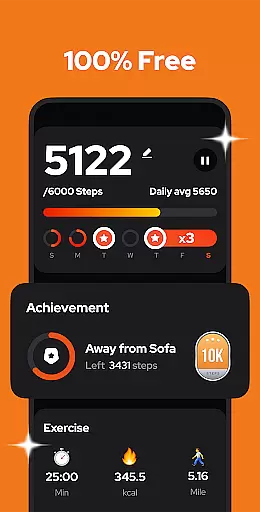
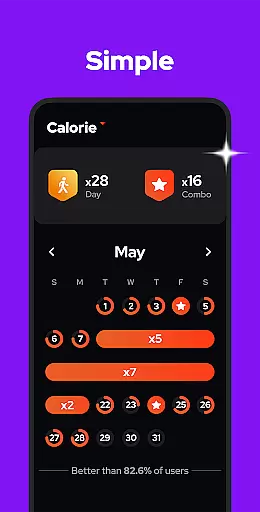
Step Counter - Pedometer is a premier health and fitness application designed to automatically track your daily steps, walking distance, calories burned, and exercise duration. Compatible with all Android devices, this app leverages advanced built-in sensors for accurate tracking without the need for GPS or Wi-Fi, ensuring efficient battery usage. Its user-friendly interface makes it easy for anyone to use, whether you're looking to stay fit, lose weight, or simply monitor your daily activity.
This pedometer app stands out by offering comprehensive features such as pause and resume functionality, adjustable sensitivity settings, and detailed weekly, monthly, and yearly graphs of your activity data. With its 100% free model and strong commitment to user privacy, Step Counter - Pedometer ensures that all your data remains secure and private. The app also supports backup and restore functions, allowing users to save their data to the cloud and retrieve it when needed.
Whether you are aiming to hit the recommended 10,000 steps per day or just want an easy way to monitor your physical activity, Step Counter - Pedometer provides the tools necessary to help you achieve your fitness goals. Its upcoming features, including customizable training modes and health reminders, promise to enhance the user experience even further.
Step Counter - Pedometer offers a robust set of features designed to enhance your fitness tracking experience. One of its standout capabilities is the auto-tracking function, which uses the phone's built-in sensors to accurately record your steps, walking distance, calories burned, and exercise duration without draining your battery. This feature works offline, making it convenient for users who may not always have access to the internet.
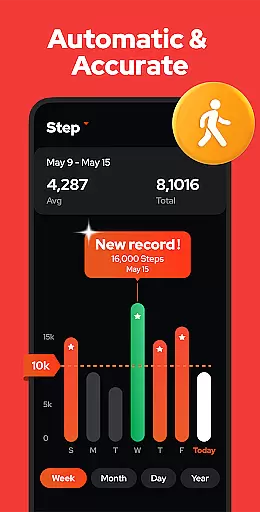
In addition to basic step counting, the app includes advanced functionalities such as pause and resume options, which allow users to halt step tracking during activities like driving and then easily resume. The sensitivity of the step detection can be adjusted to ensure precise tracking tailored to individual walking styles. Furthermore, the app provides detailed graphical representations of your activity data, broken down by day, week, month, or year, helping users understand their progress over time.
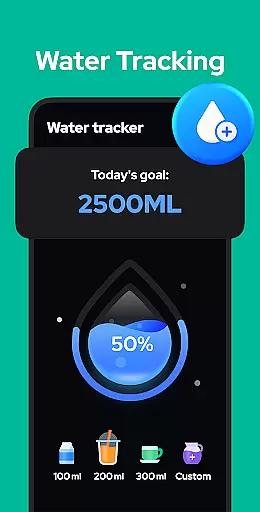
Privacy and ease of use are at the forefront of Step Counter - Pedometer’s design. All features are accessible without requiring a login, ensuring that your data remains private and secure. The app also supports cloud backup and restoration, safeguarding your information against loss when switching devices. Upcoming features like customizable training modes, hydration reminders, and health metric recordings will further enrich the user experience, making this app a comprehensive tool for maintaining and improving your overall health.
Personalized planning in a fitness app refers to the ability to tailor exercise routines and health goals according to individual user needs. Step Counter - Pedometer excels in this area by offering adjustable settings that cater to personal fitness objectives.
The app allows users to input their specific details such as age, weight, and height, which are critical for accurately calculating walking distance and calories burned. This personalized approach ensures that each user's step goal is realistic and beneficial for their unique profile.
Moreover, the sensitivity of the built-in sensor can be fine-tuned, allowing for more precise step counting that aligns with individual walking styles. This level of customization enhances the accuracy of the personalized plans generated by the app.
By providing a customizable experience, Step Counter - Pedometer empowers users to create a fitness plan that suits their lifestyle and goals, thus promoting better health outcomes and sustained motivation.
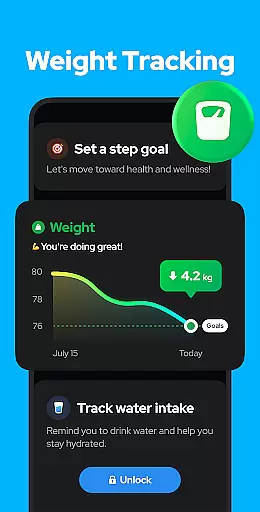
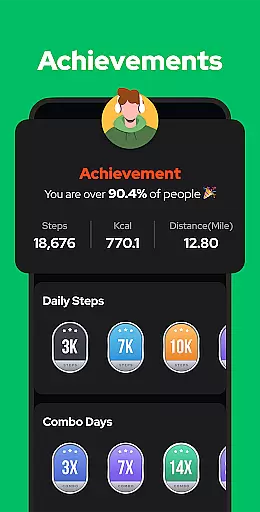
Progress visualization is an essential feature in fitness apps, enabling users to see their achievements and stay motivated. Step Counter - Pedometer offers robust tools for visualizing progress through various metrics tracked by the app.
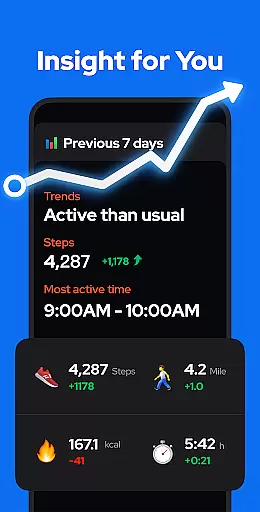
Users can view detailed charts representing their walking data, including steps taken, calories burned, duration, distance, and speed. These charts are available on a daily, weekly, monthly, or yearly basis, providing insights into exercise trends over time.
This visualization not only helps users monitor their current progress but also aids in setting future fitness goals. By analyzing past performance, users can adjust their routines to continuously improve and reach new milestones.
With clear and informative progress visualization, Step Counter - Pedometer keeps users engaged and committed to their fitness journey, making it easier to maintain an active lifestyle and achieve better health.
User-friendly interface
Accurate step tracking
Offline functionality
Free with no ads
Strong privacy protection
Limited to Android
No iOS version
Occasional inaccuracies
Basic UI design
Lacks advanced metrics

The simplest way to track your 21 Day Program containers, exercises, and water.
 4.50
4.50
Weight loss app: home workout for women to lose weight & burn calories.
4.80
Control your sleep in real-time wearing Garmin device
3.60
HRV4Training helps you optimize goals and improve performance. No sensors needed
3.30
Interval timer for High Intensity Interval Training, Tabata and Circuit Training
4.20
Using Recognise™ has been shown to reduce pain and improve performance
4.4
Use your watch as a bike computer, heart rate monitor and cycling power meter
2.50
Turn your steps into cash, gift cards & rewards with our step counting pedometer
3.80
The most accurate heart rate app to monitor and track your heart rate & pulse.
4.40
Power-lifting, weightlifting and Wendler 531 app to track your workout program.
4.90
Protect your healthy sleep
4.80
Build Healthy Habits!
4.60
Relax. Sleep Better. Feel Better.
4.50
Chair Workout: Women's Edition for safe, flexible, and personalized fitness.
4.40
This is an application that serves as a companion app for smart watch.
4.20
“Overcoming pain based on EMDR” helps you to alleviate chronic pain and stress.
4.10
beat yesterday.
4.00
Find Paid Clinical Trials In Your Area
3.70
A simple way to calculate peptide doses and also to convert different units.
4.3


User Reviews