
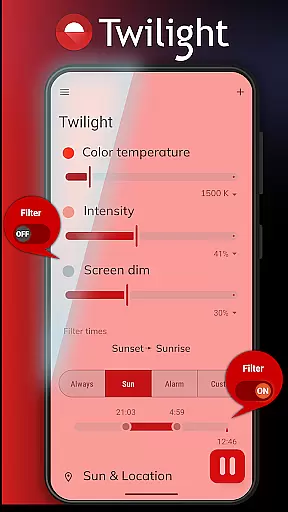
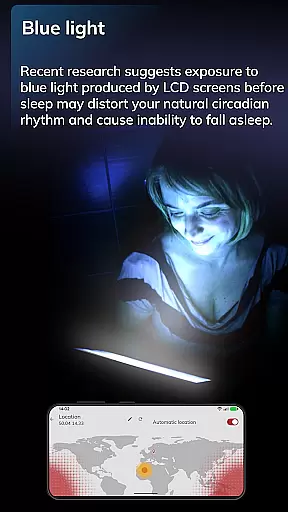
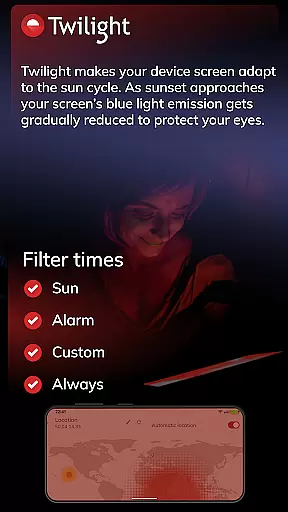
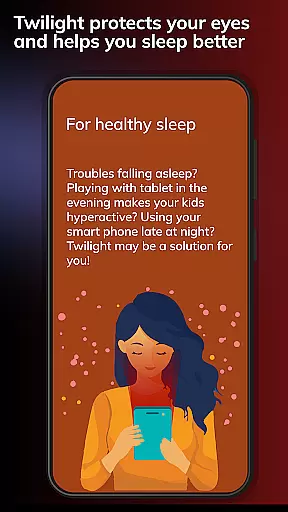
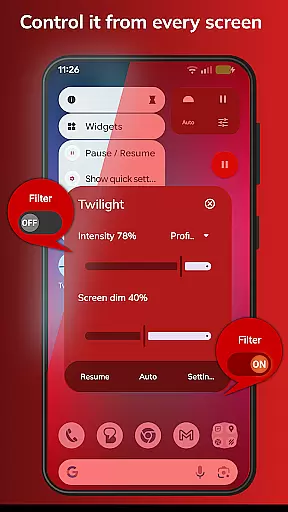
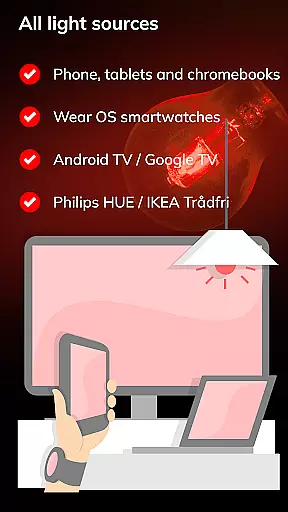
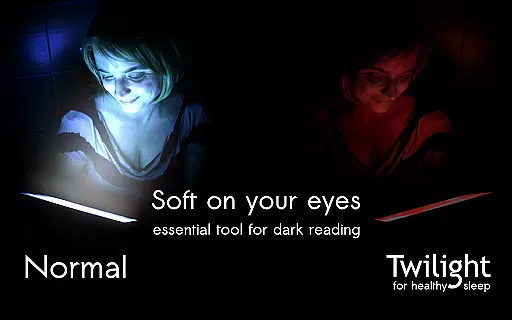
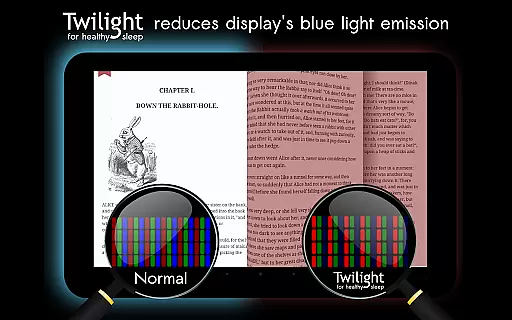
Twilight Pro Unlock is a specialized application designed to help users improve their sleep quality by reducing blue light exposure from their devices. The app filters the blue spectrum on your phone or tablet after sunset, replacing it with a soft red filter that adjusts based on local sunrise and sunset times.
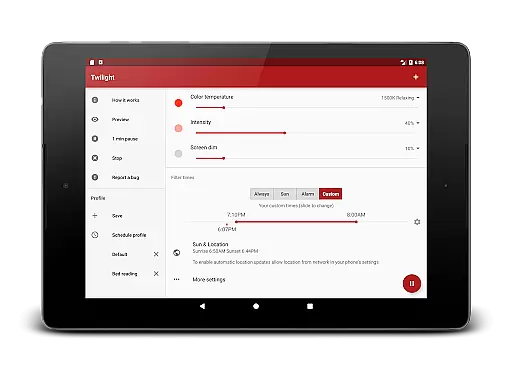
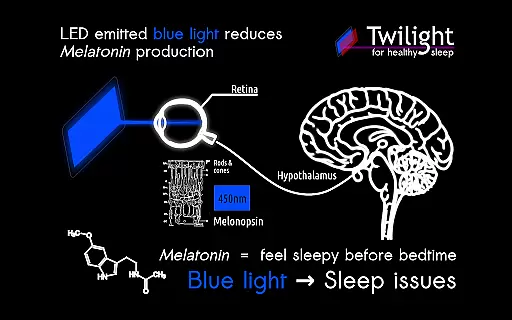
This Health & Fitness app offers advanced features such as customizable profiles, adjustable transition times, and the ability to disable the service during inactive periods. By mimicking natural light cycles, Twilight helps maintain healthy circadian rhythms and melatonin production, making it especially useful for those who use digital devices before bedtime.
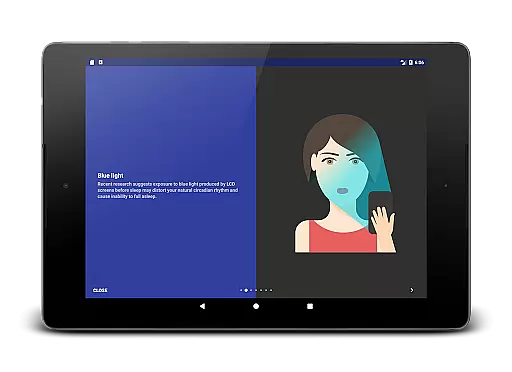
The app's value lies in its scientific foundation, drawing from numerous studies showing how blue light affects sleep patterns. Whether you're reading on your tablet or using your phone late at night, Twilight provides a practical solution to minimize sleep disruption while protecting your eyes from harsh screen light.
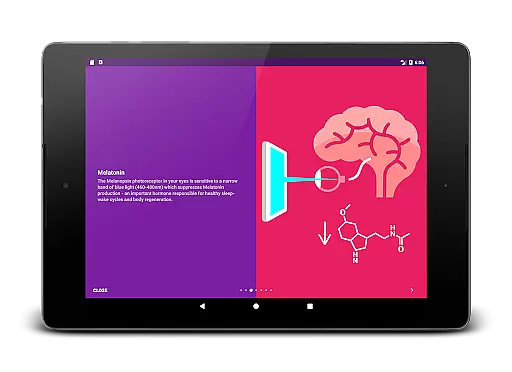
Twilight Pro Unlock stands out with its sophisticated approach to managing device lighting. The app automatically adjusts screen color temperature based on your location's natural light cycle, ensuring optimal viewing conditions throughout the day. Its advanced filtering system specifically targets the 460-480nm blue light spectrum that can interfere with melatonin production.
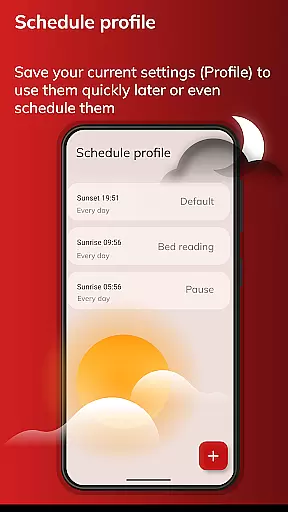
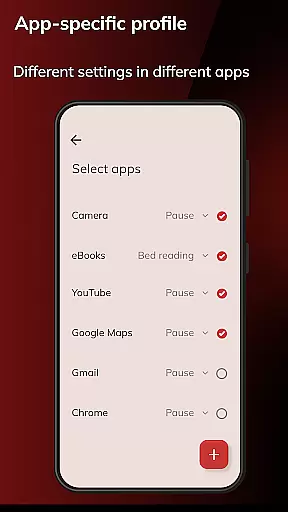
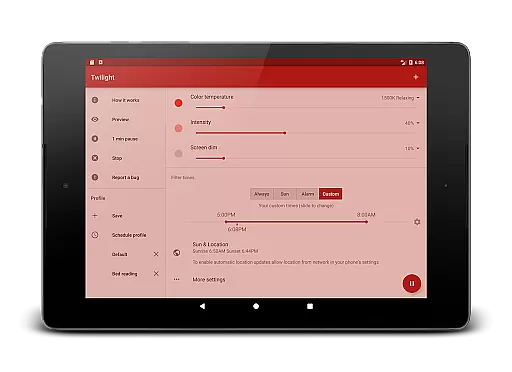
Among its notable features are multiple customizable profiles that allow users to create personalized lighting settings for different scenarios. The PRO version includes enhanced scheduling options, enabling precise control over when the filtering begins and ends. Users can also completely disable the service during specified hours, ensuring minimal impact on device performance when not needed.
What sets Twilight apart is its commitment to staying at the forefront of sleep science research. The development team regularly updates the app with new features and improvements, often releasing premium functionalities to PRO users first. This dedication to innovation makes Twilight a valuable tool for anyone looking to optimize their digital device usage while maintaining healthy sleep habits.
Personalized planning in the context of Twilight Pro Unlock refers to the app's ability to adapt its blue light filtering based on individual user schedules and local sunset and sunrise times. This feature is crucial for maintaining a natural circadian rhythm, which is essential for good sleep hygiene.
The application intelligently adjusts the screen's color temperature throughout the day, aligning with the user's daily routine and environment. By doing so, it minimizes the disruptive effects of blue light exposure during evening hours when melatonin production should naturally increase.
Users benefit from this personalized approach as it allows them to use their devices without compromising their sleep quality. The tailored blue light reduction helps in preparing the body for restful sleep, making it easier to fall asleep and improving overall sleep duration and quality.
This level of personalization demonstrates Twilight Pro Unlock's commitment to not only enhancing digital experiences but also promoting healthier lifestyle habits by supporting optimal sleep patterns.
Progress visualization within Twilight Pro Unlock involves tracking and displaying the changes in screen filtering over time. This feature provides users with a clear understanding of how their screen's blue light emission is gradually reduced as bedtime approaches.
By visualizing the transition from regular display settings to a warmer, less intrusive tone, users can see the direct impact of the app on their device usage. This visual feedback reinforces the importance of reducing blue light exposure and encourages adherence to healthier screen time habits.
The app may present this information through graphical representations or timelines, showing the intensity of the filter at different points throughout the evening. Such visual cues help users associate the changing screen tones with the intended sleep benefits.
Ultimately, progress visualization empowers users to take control of their digital environment, fostering awareness of their screen habits and promoting better sleep hygiene through informed decision-making.
Scientifically validated
Fully customizable
Automatic scheduling
Eye protection mode
Regular updates
Paid version only
Requires setup time
May affect color accuracy
Background service
Learning curve

Your plan in your pocket 24/7
 3.00
3.00
Your Health Has Met Its App (℠)
3.90
The Wear OS BeechBand app is designed to alleviate anxiety and other conditions
4.2
The app helps you address digestive symptoms based on the Fast Tract Diet.
3.50
HRV4Training helps you optimize goals and improve performance. No sensors needed
3.30
Wall Pilates at home & Pilates workout for beginners for core and weight loss.
4.80
Monitor, analyze, track, and convert blood sugar & help you control diabetes.
4.10
Focus on BP & Health
3.80
Comprehensively record and manage your health
4.50
Home workouts for fitness & fast bodybuilding at home - no equipment needed.
4.90
A brain game that moves you
4.70
Drink water reminder app. Track water intake. Smart simple hydration tracker.
4.70
Get lasting results with Chair Yoga, Wall Pilates, and Walking workouts!
4.60
The Official Blood Type Diet® App - know your categorized foods anytime.
4.50
Personal step counter for you, private and accurate
4.50
Track heart rate & HRV in 30s! Get live health insights and anomaly alerts
4.40
This is an application that serves as a companion app for smart watch.
4.20
Understand your body’s most meaningful messages and transform your health.
3.90
Turn your steps into cash, gift cards & rewards with our step counting pedometer
3.80


User Reviews