
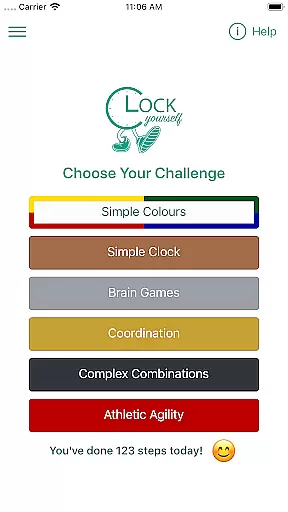
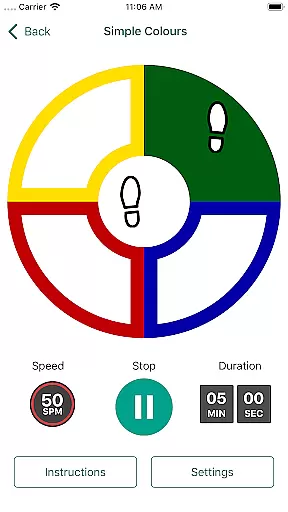
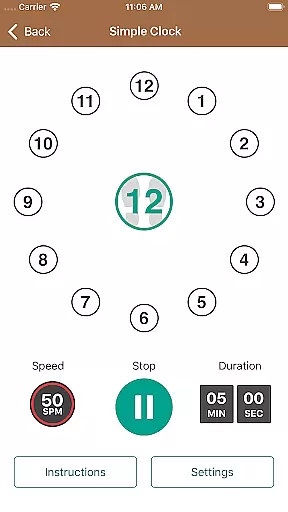
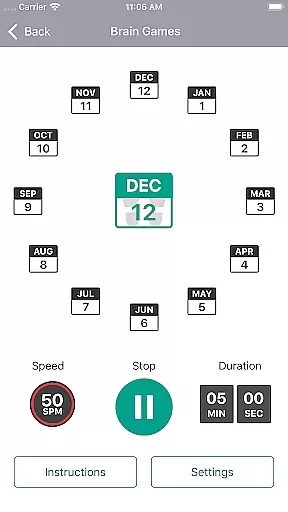
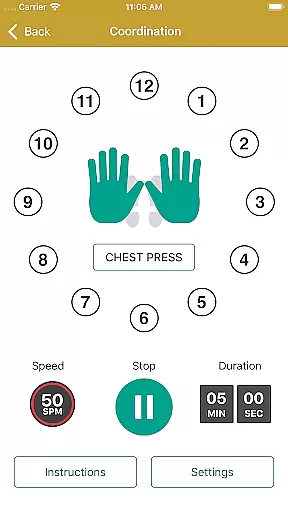
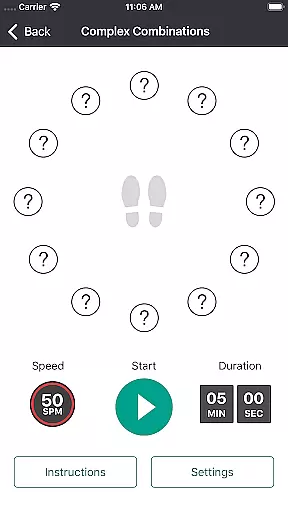
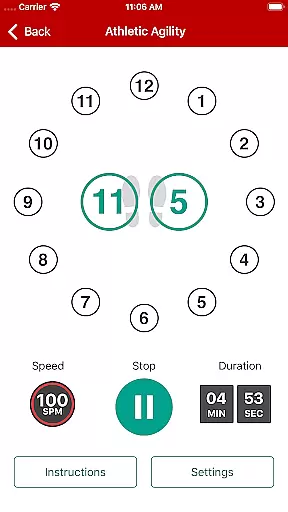
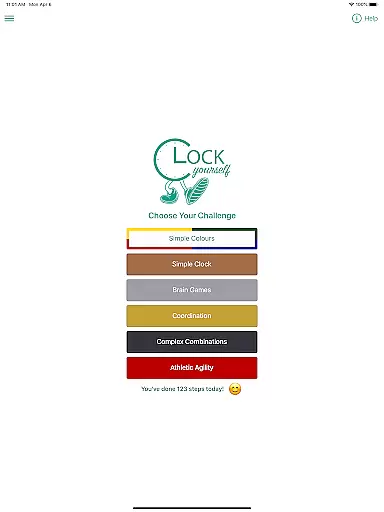
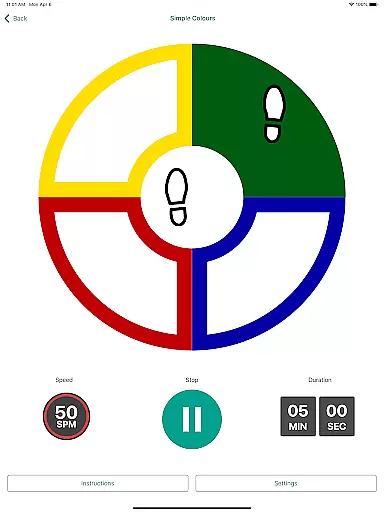
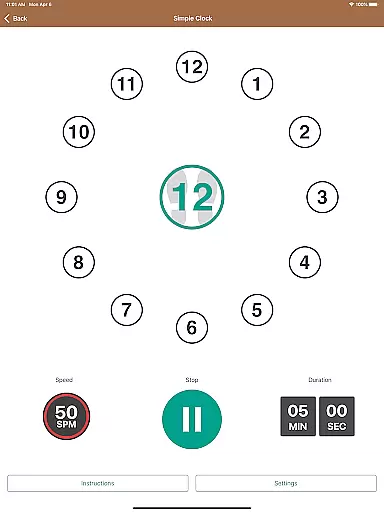
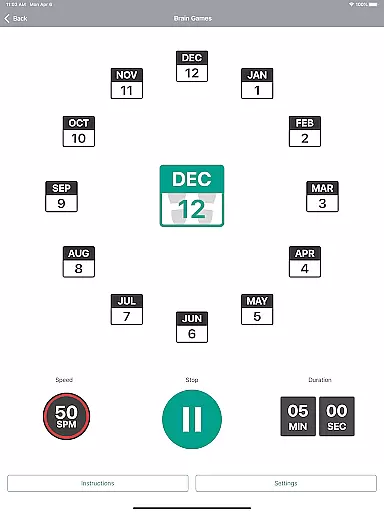
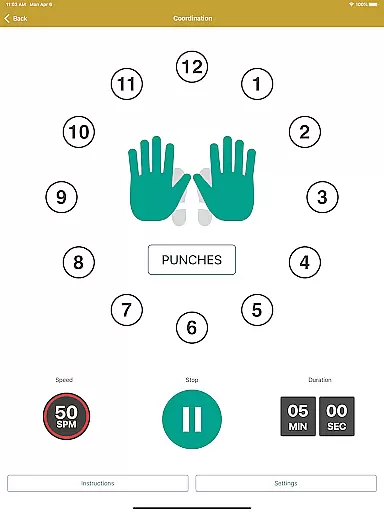
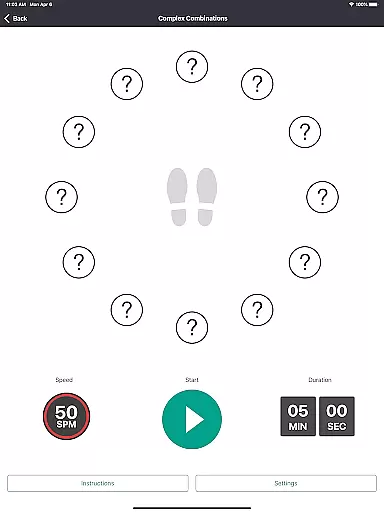
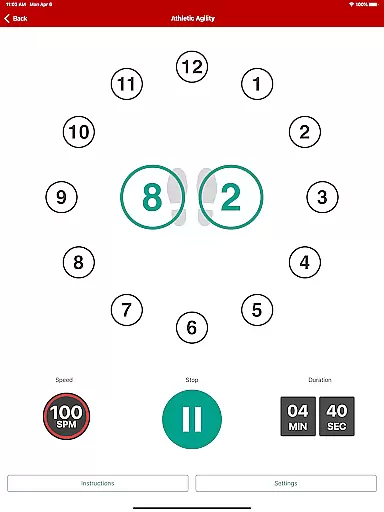
Clock Yourself is an innovative health and fitness app that combines physical exercise with cognitive challenges, offering a unique dual workout for both your body and brain. The app presents various exercises that stimulate neurological pathways while promoting physical agility through stepping patterns on an imaginary clock face beneath your feet.
Designed for users of all fitness levels, Clock Yourself can be adapted for home workouts, athletic training, or even rehabilitation purposes. Whether you're stepping in place, reaching with arms, or practicing wheelchair maneuvers, the app provides versatile exercise options that cater to individual needs and abilities. Its evidence-based approach supports neuroplasticity and fall prevention by encouraging quick, multidirectional movements.
This app stands out as both a fitness tool and a brain-training platform, making it suitable for athletes, seniors, and everyone in between. With offline functionality, customizable difficulty levels, and multilingual audio prompts, Clock Yourself delivers an affordable, portable, and engaging solution for maintaining overall well-being.
Clock Yourself offers a range of features designed to enhance both physical and mental agility. One standout feature is its adaptable exercise system, which allows users to modify stepping speeds and cognitive complexity based on their skill level. This flexibility ensures that beginners and advanced users alike can benefit from personalized workouts tailored to their abilities.
The app includes multiple challenges that target different aspects of coordination, balance, and reaction time. Users can explore various modes without needing to master one before moving on to another, fostering continuous engagement. Additionally, Clock Yourself supports accessibility by enabling modifications for those unable to walk, such as arm-reaching exercises or wheelchair-specific drills.
Other notable features include multilingual audio prompts available in six languages, offline functionality for uninterrupted use, and detailed activity logging stored locally on your device. These elements combine to create a comprehensive fitness experience that prioritizes convenience, inclusivity, and effectiveness.
Personalized planning in fitness applications refers to the ability to tailor workout routines based on individual user needs and capabilities. Clock Yourself offers a unique approach by combining physical exercise with cognitive challenges, ensuring that each session is not only physically engaging but mentally stimulating as well.
The app allows users to adjust both stepping speed and cognitive complexity, making it adaptable for all fitness levels. Whether you are an athlete looking to enhance agility or someone focusing on rehabilitation, the exercises can be modified to suit your goals. This flexibility ensures that every user experiences a personalized workout plan designed to progressively improve their abilities.
By integrating evidence-based methods such as volitional step training, Clock Yourself helps users develop faster reaction times in various directions, which is crucial for fall prevention. The versatility of the app means that users can practice at home without any additional equipment, providing a comprehensive yet customizable fitness solution.
Progress visualization is a critical feature in health and fitness apps, allowing users to track their achievements and stay motivated. Clock Yourself provides detailed activity logs that record the number of steps taken and minutes exercised, offering clear insights into user progress over time.
Users can access their activity log directly within the app, which is saved locally on their device thanks to the requested storage permissions. This local saving ensures data privacy while still giving users the option to export their logs via email if they wish to share or backup their progress.
The ability to visualize progress through these logs encourages continued use and fosters a sense of accomplishment. By seeing tangible results of their efforts, users are more likely to stick with their fitness routines and strive for continuous improvement. This blend of physical and cognitive exercise, paired with robust tracking features, makes Clock Yourself a powerful tool for anyone looking to enhance both body and mind.
User-friendly interface
Versatile exercise options
Affordable one-time purchase
Offline functionality
Multilingual support
Limited language for instructions
No advanced analytics
Requires self-motivation
Basic visual design
Few social features

Chair Workout: Women's Edition for safe, flexible, and personalized fitness.
 4.40
4.40
Relax to calm sounds, white noise, music, guided meditation and bedtime stories
4.40
Pack of 66 calming lullabies for smooth fall asleep and relaxation
4.10
The Sleep Miracle Sound Machine: Soothes baby to sleep with a gentle "Shhh"
3.00
Relax. Sleep Better. Feel Better.
4.50
3D Body Measurement System
3.60
FODMAP, Gluten, Allergy, Vegan
4.50
Raccoon AI Calorie Counter. Intermittent Fasting & Timer. Macro, Carb, Protein
4.50
Control your blood pressure, heart rate and blood sugar in a fast way.
4.00
Easy reconstitution calc for mixing peptides and creating protocols
4.70
The Crunch Mobile app - Find a gym, manage favorites, reserve & cancel classes.
4.60
Your portable blood pressure tracker. Record, monitor, and analyze BP anytime.
4.30
Download MadMuscles to start your positive body transformation!
4.30
Your personal BP tracking companion, focus on helping you achieve wellness goal.
4.10
Histamine intolerance, low FODMAP diet and irritable bowel syndrome (IBS)
4.00
SportWerks - Workout Tracker for Wear OS Watches
3.90
Find Paid Clinical Trials In Your Area
3.70
Measure real-time wrist & ambient temperature with your Galaxy Watch (Wear OS)
3.20
Transform your body and soul with DBFFitness, with a 40-day fitness journey.
4.3


User Reviews