
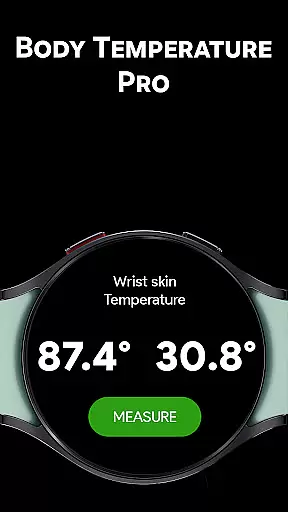
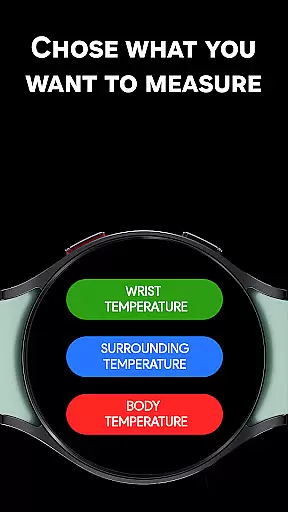
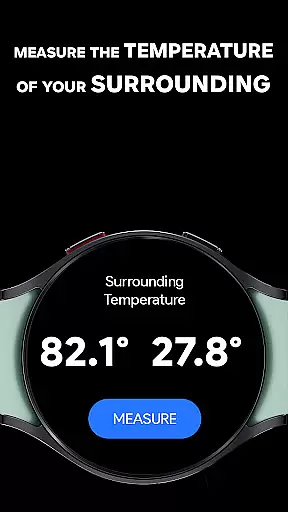
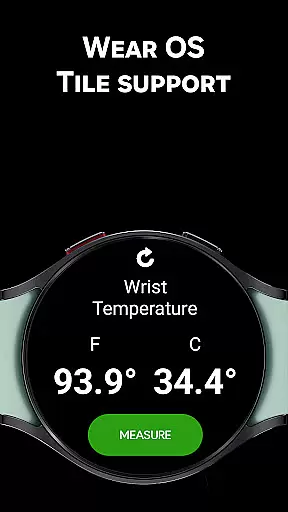
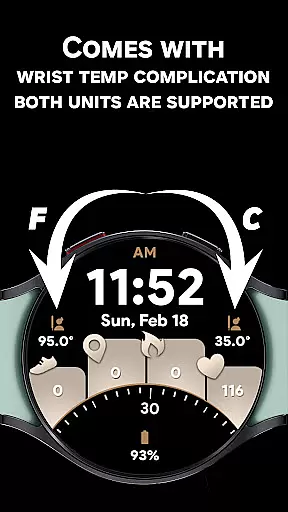
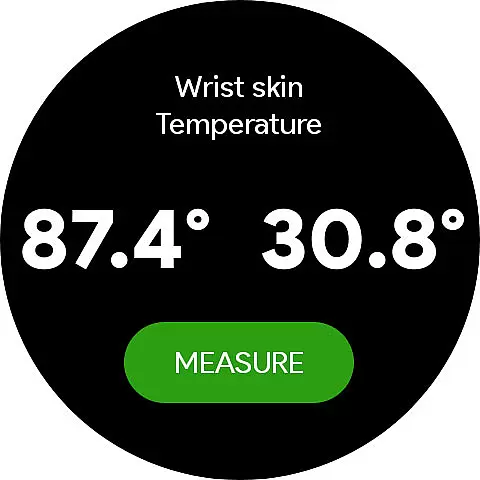
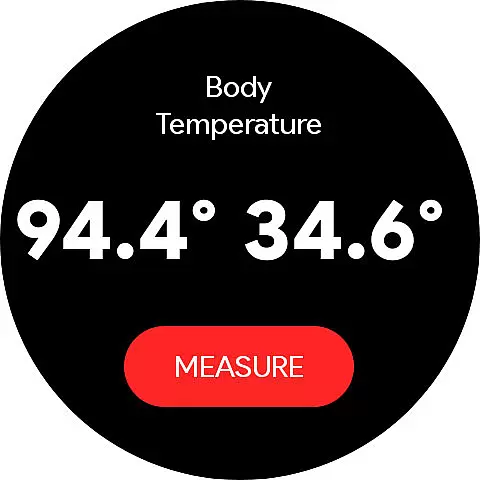
Body Temperature Pro is a cutting-edge health application designed specifically for Galaxy Watch users. This app utilizes the built-in temperature sensor of your smartwatch to provide accurate wrist and ambient temperature readings. With continuous updates and new features, it ensures reliable data tracking over time.
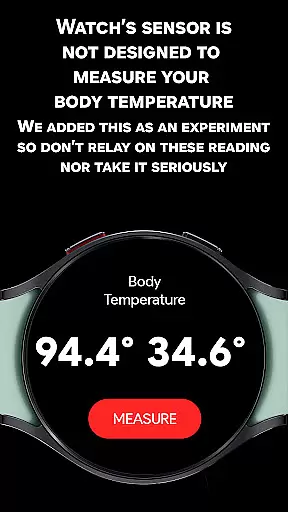
The app stands out through its advanced calibration tool, allowing users to fine-tune temperature readings for improved accuracy. It also offers an experimental body temperature feature, though this should not be used for medical purposes. The user-friendly interface and beautiful UI animations make temperature monitoring both easy and enjoyable.
Whether you're tracking daily temperature trends or need precise environmental readings, Body Temperature Pro delivers professional-grade functionality right on your wrist. Its compatibility with Samsung Health and support for thousands of Wear OS users makes it a trusted choice for health-conscious individuals.
Body Temperature Pro boasts an impressive array of features that cater to various temperature monitoring needs. The app provides three distinct measurement modes: Wrist Temperature, Surrounding Temperature, and Experimental Body Temperature. Each mode is carefully designed to deliver the most accurate readings possible given the hardware limitations of smartwatches.
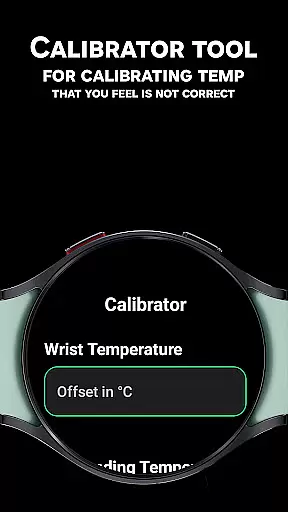
One of the standout features is the Calibrator Tool, which enables users to adjust readings by entering positive or negative offsets. This personalization capability helps account for individual differences in skin contact and watch placement. The app's support for both Celsius and Fahrenheit scales, along with its integration into Wear OS Tiles and Complications, makes temperature monitoring accessible at a glance.
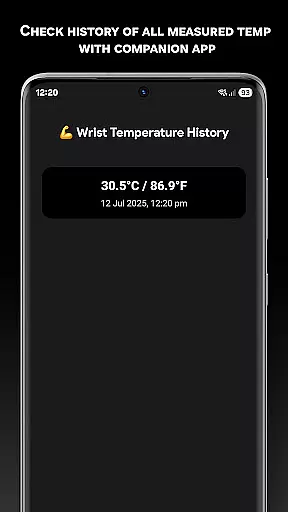
For those who want to track their temperature history, the mobile companion app provides comprehensive data visualization. The app's commitment to accuracy is further demonstrated through its detailed usage instructions and calibration recommendations. These features collectively create a robust temperature monitoring solution that evolves with technological advancements in wearable devices.
In the realm of health and fitness, personalized planning is crucial for tailoring individual health goals. Body Temperature Pro offers a unique approach to personal health management by allowing users to calibrate temperature readings. This calibration tool enables adjustments based on trusted thermometers, ensuring that your wrist, surrounding, and experimental body temperatures are as accurate as possible.
The app's ability to track temperature history adds another layer to personalized health planning. By reviewing past readings through the companion app, users can identify trends and make informed decisions about their health routines. This feature supports both Celsius and Fahrenheit scales, catering to a global audience with varying preferences.
Moreover, the app provides guidance on how to effectively use its features for consistent results. For instance, it advises on the proper way to wear the watch and avoid external factors that might affect readings. Such detailed instructions ensure that users can rely on the data they receive, making Body Temperature Pro an essential tool for anyone serious about monitoring their health metrics.
Visualizing progress is a key motivator in any fitness journey, and Body Temperature Pro excels in this area by offering clear and engaging ways to monitor temperature changes over time. The app includes a temperature history viewer within the mobile companion app, where users can see all past wrist, body, and ambient readings. This visualization helps users understand how different factors, such as environment and activity levels, impact their body temperature.
Additionally, the app's user-friendly interface and beautiful UI animations enhance the experience of tracking progress. These design elements not only make the app visually appealing but also help in quickly interpreting complex data. Users can easily navigate through various modes, including wrist temperature, surrounding temperature, and experimental body temperature, thanks to intuitive wear OS tiles and complications support.
For those who require precise measurements, the built-in calibrator tool ensures that every reading is fine-tuned to match real-world values. This attention to detail in progress visualization empowers users to take control of their health data, providing them with actionable insights that can lead to better health outcomes. With continuous updates and new features, Body Temperature Pro remains a cutting-edge solution for health enthusiasts looking to visualize their progress effectively.
Real-time temperature tracking
User-friendly interface design
Advanced calibration options
Comprehensive history tracking
Official Samsung Health integration
Experimental features limited
Requires manual calibration
Accuracy may vary
Premium features locked
Device compatibility restricted

Your plan in your pocket 24/7
 3.00
3.00
App to stop smoking slowly or now with a motivational badges and helpful tips
4.80
Personal Measurements - Track your gains!
4.50
Using Recognise™ has been shown to reduce pain and improve performance.
4.2
HRV4Training helps you optimize goals and improve performance. No sensors needed
3.30
Wall Pilates at home & Pilates workout for beginners for core and weight loss.
4.80
This is an application that serves as a companion app for smart watch.
4.20
Easy to use step counter, calorie counter helps lose weight, count steps offline
4.80
Pedometer that gives you sweatcoins for steps. It pays to walk!
4.10
Load the bar with this barbell & plate calculator. It's leg day, not brain day!
4.70
Build Healthy Habits!
4.60
Mind on steroids - relaxation, productivity, meditation and sleep!
4.60
Your AI pet BFF. Talk, play, and beat anxiety in this calming game.
4.60
The OFFICIAL Couch to 5K® running training app! A 9 week walk-run workout plan.
4.50
50 HD sounds to help you relax during the day and sleep great at night!
4.40
Grow with self-tests and personal routine.
4.30
Track sleep cycle, relax with white noise, sleep sounds & smart alarm clock
3.80
Live Heart Rate Pro - Real Time Heart & Workout Data For Wear OS & Bluetooth BLE
3.20
Using Recognise™ has been shown to reduce pain and improve performance
4.0


User Reviews