
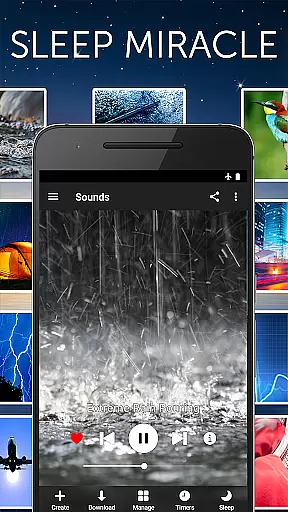
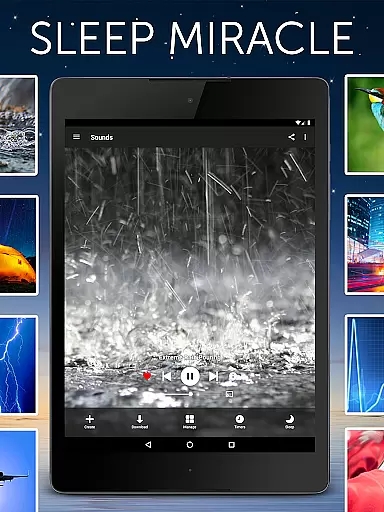



White Noise Pro is a premier sleep and relaxation app designed to help users relax during the day and enjoy uninterrupted sleep at night. The app features over 50 HD ambient sounds, including environmental noises like rain, ocean waves, and mechanical sounds such as air conditioners. These sounds are crafted to mask unwanted noise interruptions, making it easier for users to fall asleep and stay asleep.
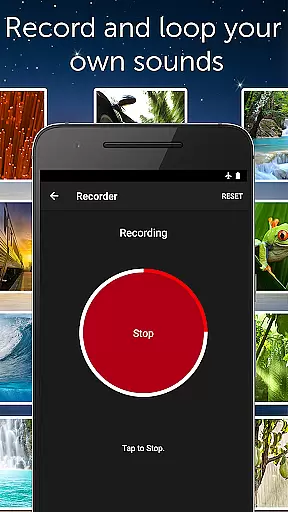
In addition to its sound catalog, White Noise Pro offers advanced tools such as binaural beats generation, custom color noises, and tones through its pro generator tools. Users can also record, loop, and share their own sounds effortlessly. With support for background audio playback, Chromecast TV, and Android-based devices, this app ensures seamless integration into any lifestyle. Whether you're dealing with stress, focusing on work, or soothing a baby, White Noise Pro provides a comprehensive solution for better rest and relaxation.
White Noise Pro stands out with its extensive range of features tailored to enhance user experience. The app includes more than 50 HD full stereo sounds exclusive to the Pro version, ensuring high-quality audio that caters to various preferences. Advanced functionalities allow users to generate binaural beats, custom color noises, and tones using built-in pro generator tools, offering a personalized auditory experience.
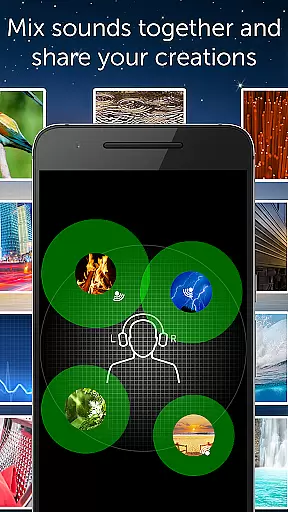
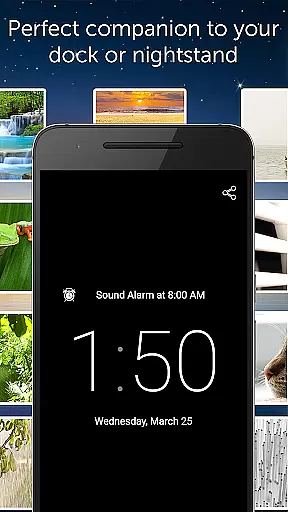
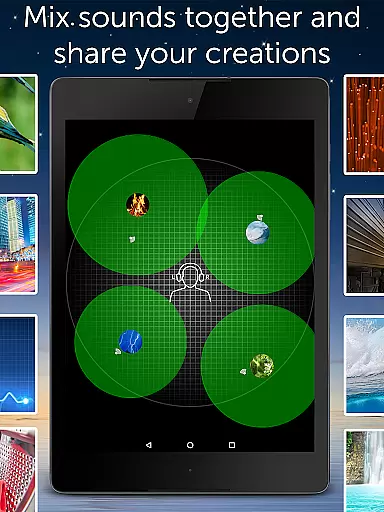
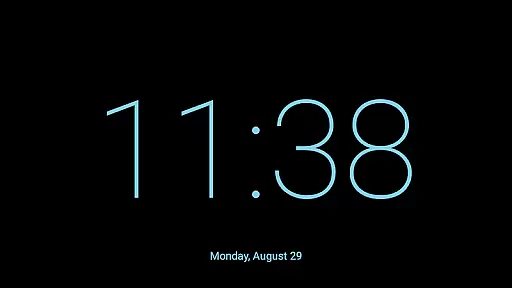
One of the key highlights is the ability to mix multiple sounds together, adjusting volume, balance, pitch, and variance for each individual sound in the mix. This feature enables users to create unique soundscapes that suit their specific needs. Additionally, the app supports background audio playback, allowing users to multitask without interrupting their listening experience. With an advanced alarm and timer system, full-screen digital clock, and customizable settings, White Noise Pro delivers a robust set of tools designed to improve sleep quality and overall well-being.
White Noise Pro offers a personalized approach to sleep and relaxation, catering to individual needs through its diverse sound catalog. With over 50 HD stereo sounds, users can choose the perfect ambient noise that suits their preferences, whether it's the soothing sound of rain or the steady hum of a fan.
The app goes beyond basic sound playback by allowing users to create custom soundscapes. By mixing multiple sounds together, individuals can adjust volume, balance, pitch, and variance for each sound in the mix, crafting a unique auditory environment tailored to their specific requirements.
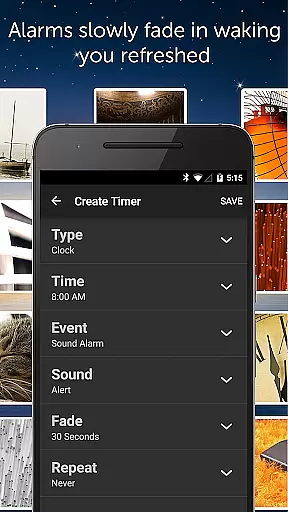
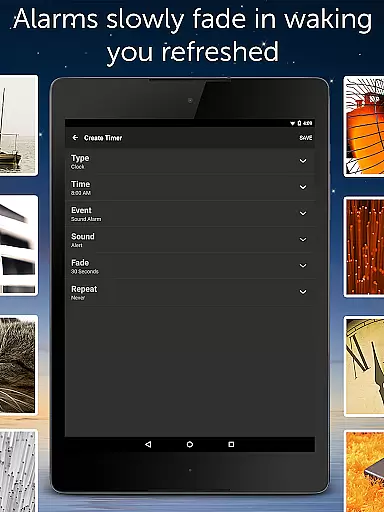
Advanced alarm and timer features further enhance personalization, enabling users to set alarms that gently wake them up with fading audio. This feature ensures a natural waking process, leaving users feeling refreshed and ready to start their day.
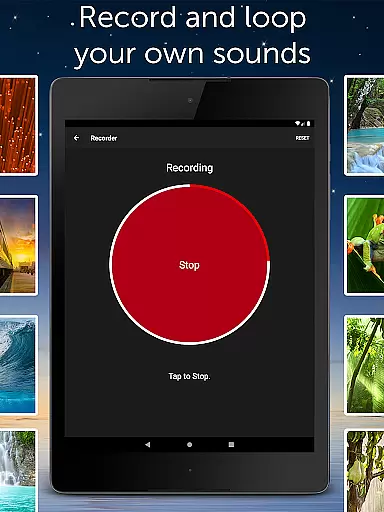
With the ability to record, loop, and share new sounds, White Noise Pro empowers users to expand their sound library and refine their personalized planning. This level of customization not only improves sleep quality but also helps reduce stress and increase focus, making it an invaluable tool for anyone seeking a better night's rest.
White Noise Pro provides users with progress visualization through its advanced alarm and timer system. This feature allows users to track their sleep patterns and improvements over time, offering insights into their rest quality and helping them make informed decisions about their sleep routines.
The full-screen digital clock with customizable colors and brightness controls serves as a visual aid during nighttime, ensuring that users can easily monitor the time without disrupting their sleep environment. This subtle form of progress visualization supports a consistent sleep schedule.
By integrating binaural beats and custom color noises, the app enables users to visualize their journey towards deeper relaxation and stress reduction. These specialized sounds are designed to guide the brain into specific states, providing a clear indication of progress in achieving desired mental states.
Additionally, the ability to create playlists of favorite sounds and mixes allows users to map out their daily relaxation and sleep routines. This structured approach to sound management serves as a form of progress visualization, empowering users to maintain consistency and observe positive changes in their sleep habits over time.
High-quality sound library
Customizable soundscapes
Advanced alarm system
Background audio support
No advertisements
Premium price point
Complex interface
Limited free content
Requires storage space
Occasional bugs

Control your sleep in real-time wearing Garmin device
 3.60
3.60
Optimization for TRT & Enhanced Athletes
4.2
A brain game that moves you
4.70
Measure your Pupil Distance for Eyeglasses and VR headsets in 3 quick steps.
4.70
You deserve easy access to important insurance information. Download for FREE.
4.70
Blood Pressure Log, HRV & Heartbeat Tracker. Pulse Checker.
4.40
Raccoon AI Calorie Counter. Intermittent Fasting & Timer. Macro, Carb, Protein
4.50
beat yesterday.
4.00
Focus on BP & Health
3.80
Build Healthy Habits!
4.60
Effortlessly and naturally release anxiety by harnessing the power of your brain
4.60
Relax to calm sounds, white noise, music, guided meditation and bedtime stories
4.40
Monitor, analyze, track, and convert blood sugar & help you control diabetes.
4.10
Pedometer that gives you sweatcoins for steps. It pays to walk!
4.10
Histamine intolerance, low FODMAP diet and irritable bowel syndrome (IBS)
4.00
Your Health Has Met Its App (℠)
3.90
GloryFit is a companion app for the smart bracelet.
3.60
Use your watch as a bike computer, heart rate monitor and cycling power meter
2.50
Transform your body and soul with DBFFitness, with a 40-day fitness journey.
4.1


User Reviews