
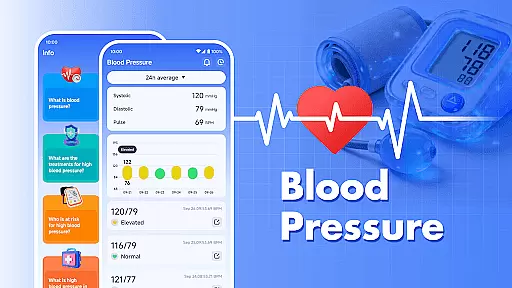
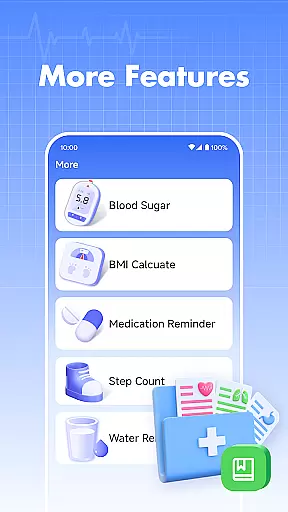
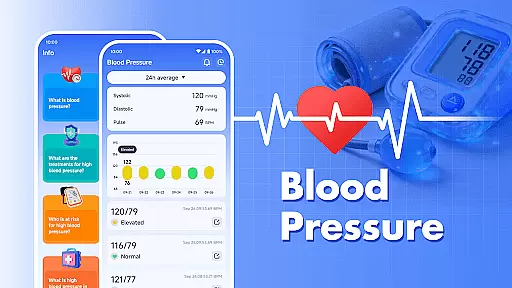
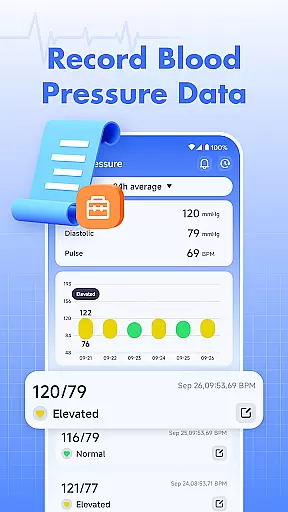
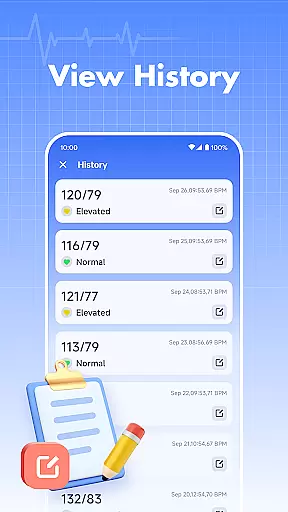
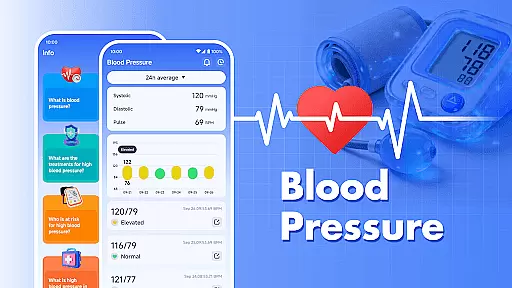
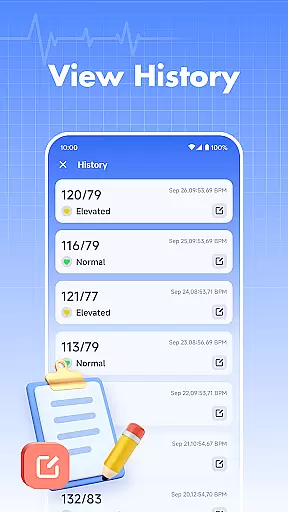
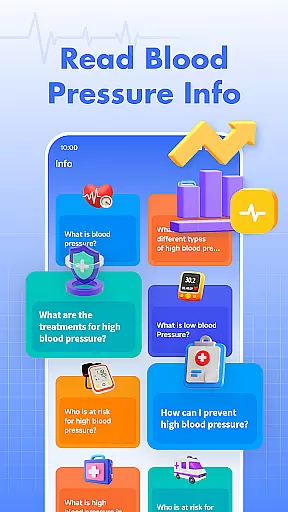
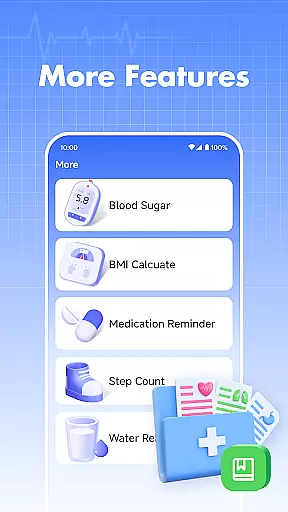
Blood Pressure is a comprehensive health tracking application designed specifically for monitoring and managing blood pressure and blood sugar levels. The app's core functionality allows users to effortlessly record their blood pressure readings, providing a clear visualization of trends and historical data over time.
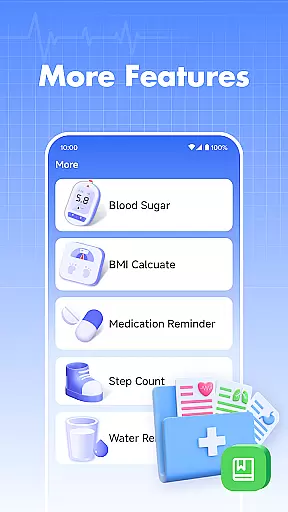
In addition to blood pressure tracking, the app also supports blood sugar level recording, making it a versatile tool for those who need to monitor both metrics. Users can access health information within the app to learn about blood pressure management and related wellness tips. It serves as a valuable companion for individuals seeking to maintain better control over their cardiovascular health.
While the app does not measure blood pressure or blood sugar directly, it provides an essential organizational tool for those already engaged in health monitoring. Its user-friendly interface and data visualization features make it particularly useful for individuals who want to track their progress and share their records with healthcare providers during consultations.
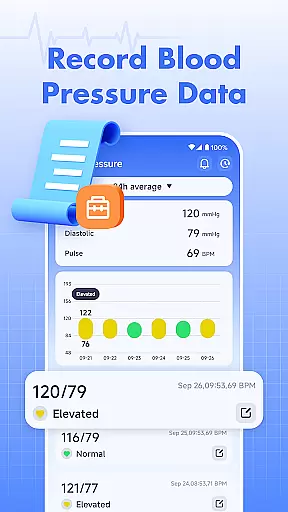
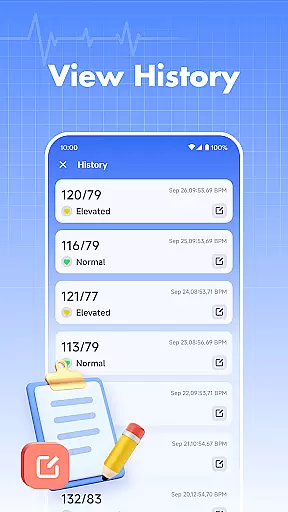
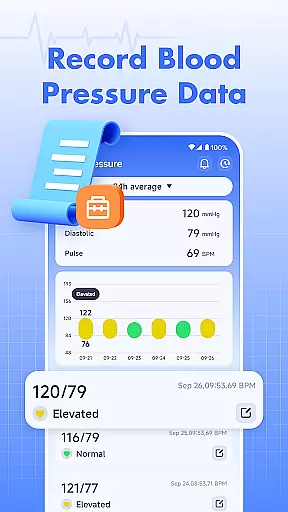
Blood Pressure offers a range of specialized features tailored to health-conscious individuals. One of its primary capabilities is the detailed tracking system that lets users log their blood pressure readings with ease. Each entry is timestamped, allowing users to build a chronological record of their health metrics.
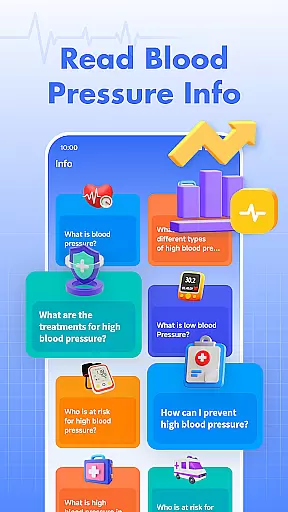
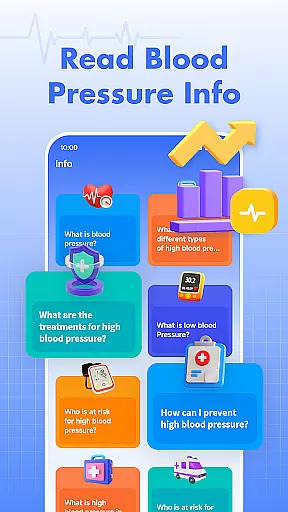
The app also includes a blood sugar tracking feature, which broadens its utility for users who need to monitor glucose levels alongside blood pressure. This dual functionality makes it especially valuable for individuals managing conditions like diabetes or hypertension. Additionally, the app provides educational content about blood pressure, offering users insights into how they can improve their overall cardiovascular health.
Another notable feature is the ability to view trends through intuitive graphs and charts. These visual aids help users identify patterns in their readings, empowering them to make informed decisions about their lifestyle and treatment plans. While the app is not intended for medical emergencies, its systematic approach to data management ensures users are better prepared for discussions with their healthcare providers.
Personalized planning in health applications refers to the ability to tailor health management plans according to individual user data. This feature is crucial as it allows users to receive customized advice and plans that suit their specific health conditions.
In Blood Pressure, personalized planning is achieved through detailed tracking of your blood pressure and blood sugar levels. The app records your data over time, providing you with trends and historical information that can be vital for managing your health. By understanding these trends, you can make informed decisions about lifestyle changes or treatments needed.
The actual benefit for users is significant. With personalized health insights, you can better manage your well-being by making necessary adjustments based on accurate data. This tailored approach ensures that each user's unique health profile is considered, leading to more effective personal health management.
This function adds real value by empowering users with actionable insights derived from their own health metrics, thus supporting better health outcomes and more personalized care.
Progress visualization involves presenting user data in an easily digestible graphical format, allowing users to understand their progress and trends at a glance. This feature is important because it transforms raw data into meaningful insights that can motivate and guide users in their health journey.
Blood Pressure offers robust progress visualization by displaying your blood pressure and blood sugar readings in trend charts and graphs. These visual tools help you quickly grasp how your levels have changed over time, highlighting patterns and potential areas of concern. Such visual feedback is invaluable for recognizing improvements or identifying issues early.
Users gain substantial advantages from this feature. Visual representations make it easier to track improvements, maintain motivation, and adjust behaviors accordingly. Seeing tangible progress can encourage continued adherence to health plans and foster a proactive approach to managing oneu2019s health.
By offering clear and engaging progress visualization, Blood Pressure enhances user engagement and promotes sustained health monitoring, ultimately contributing to better overall health management.
User-friendly interface
Comprehensive tracking
Educational resources
Data visualization tools
Free to use
No direct measurement
Limited to manual input
No emergency support
Requires discipline
Premium features locked

SportWerks - Workout Tracker for Wear OS Watches
 3.90
3.90
Transform your body and soul with DBFFitness, with a 40-day fitness journey.
4.0
Personal Measurements - Track your gains!
4.50
Enjoy the Gluten Free living with the best app. SCAN the barcodes & SEARCH.
3.60
Use your watch as a bike computer, heart rate monitor and cycling power meter
2.50
50 HD sounds to help you relax during the day and sleep great at night!
4.40
Medbridge GO gets you moving - get back to doing what you love, faster!
4.90
Track sleep cycle, relax with white noise, sleep sounds & smart alarm clock
3.80
Control your blood pressure, heart rate and blood sugar in a fast way.
4.00
Home workouts for fitness & fast bodybuilding at home - no equipment needed.
4.90
Wall Pilates at home & Pilates workout for beginners for core and weight loss.
4.80
Walk. Earn: Get rewarded for every step! Walk, move, and earn real rewards.
4.70
Point, scan, and unlock truth in every bite.
4.50
Relax to calm sounds, white noise, music, guided meditation and bedtime stories
4.40
Eat smarter with Eato, your personal calorie counter and nutrition tracker!
4.40
Histamine intolerance, low FODMAP diet and irritable bowel syndrome (IBS)
4.00
beat yesterday.
4.00
HRV4Training helps you optimize goals and improve performance. No sensors needed
3.30
A simple way to calculate peptide doses and also to convert different units.
4.4


User Reviews