
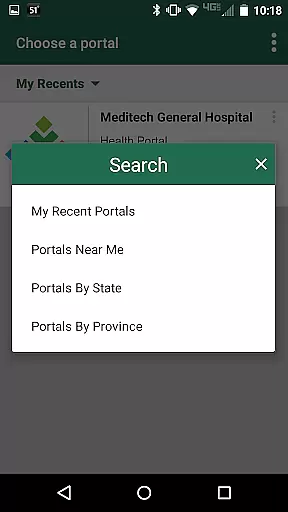
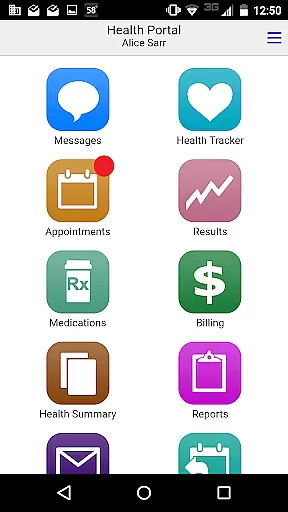
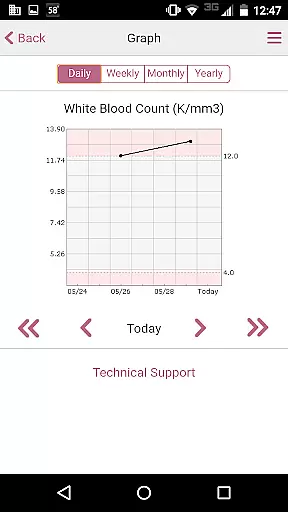
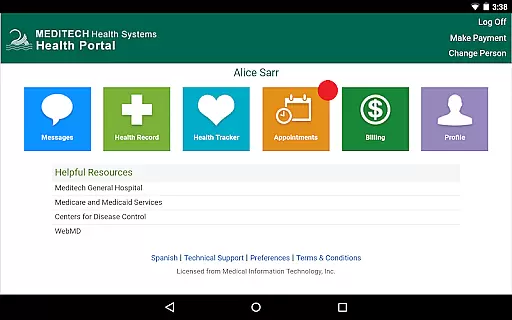
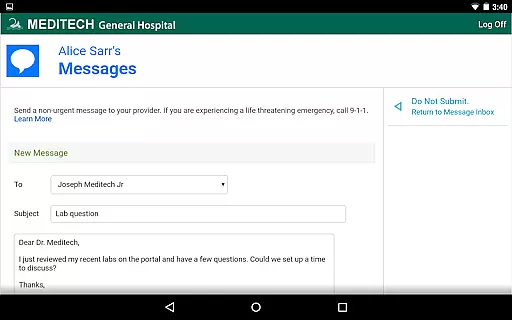
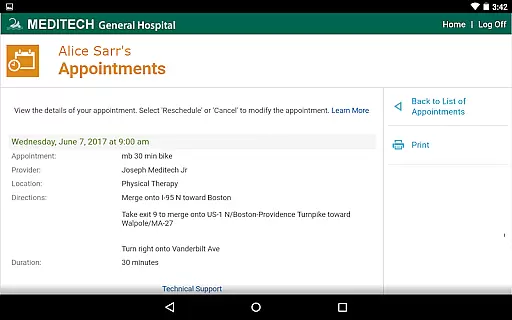
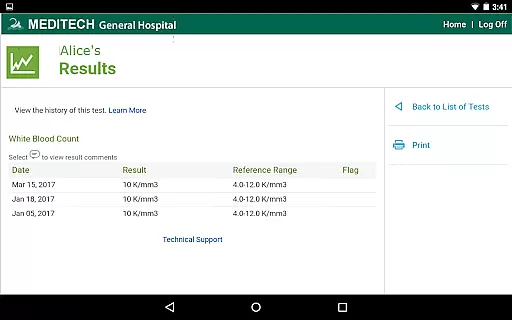
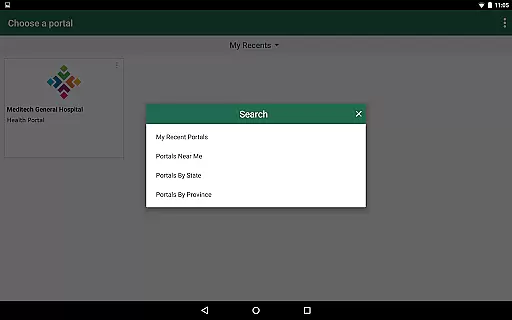
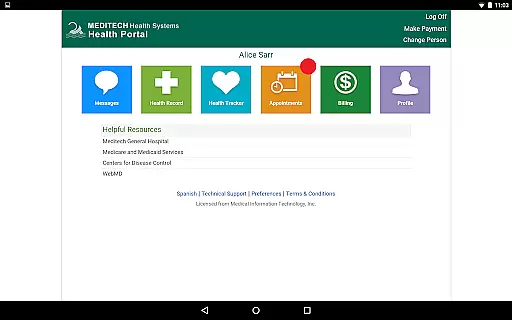
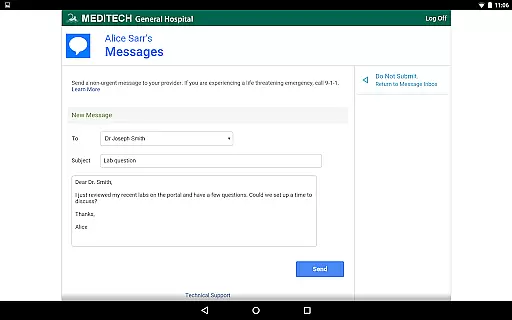
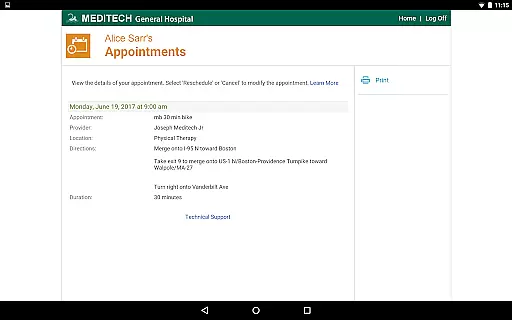
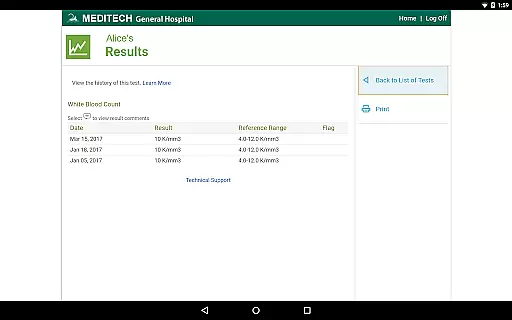
MEDITECH MHealth is a mobile health application that provides secure and convenient access to your personal health information. This app serves as the mobile extension of MEDITECH's Patient and Consumer Health Portal, allowing users to manage their healthcare needs directly from their mobile devices or tablets.
With features like secure communication with care teams, appointment scheduling, pre-registration, and reviewing lab results, MHealth empowers patients to take control of their healthcare management. The app also supports tracking immunizations, managing medications, and accessing visit history, making it an essential tool for comprehensive health management.
MEDITECH MHealth offers a robust set of features designed to enhance patient engagement and streamline healthcare management. Users can securely message their healthcare providers, request prescription renewals, and review detailed laboratory and radiology reports.
The app includes functionalities for managing personal health records such as tracking allergies, conditions, and immunizations. Additionally, MHealth allows patients to pre-register for appointments and access important documents like discharge instructions, ensuring they are always prepared for medical visits.
In the realm of mobile health applications, the credibility of medical content is paramount. MEDITECH MHealth ensures that all information provided through its platform is thoroughly vetted by healthcare professionals. This guarantees that users receive accurate and reliable data regarding their health records, including laboratory results, radiology reports, and medication details.
The app's strict verification protocols mean that every piece of content displayed, from immunization tracking to discharge instructions, is sourced directly from the user's healthcare provider. This direct line to medical records ensures authenticity and reliability, which are crucial for making informed health decisions.
Furthermore, the involvement of expert reviewers in maintaining the portal's content means that users can trust the advice and information given for managing family care. The secure communication feature with care teams further enhances this credibility, allowing users to clarify doubts and receive professional guidance on their health matters.
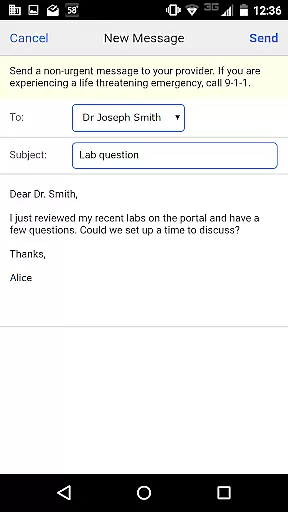
MEDITECH MHealth offers a robust teleconsultation feature that allows users to maintain meaningful contact with their healthcare providers. Through secure messaging, patients can easily communicate with their care team, ensuring that medical consultations do not stop at the clinic's doors. This continuous line of communication is vital for ongoing care management and patient support.
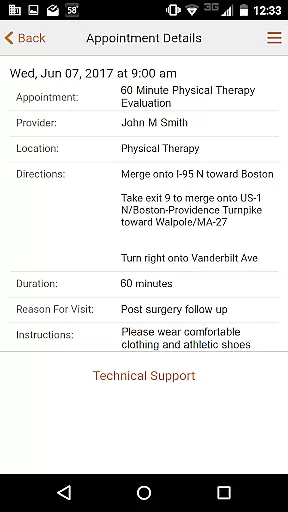
The ability to request appointments and pre-register for visits through the app streamlines the consultation process. Users benefit from an organized scheduling system that reduces wait times and eliminates unnecessary paperwork, enhancing the overall quality of teleconsultations. By integrating appointment details directly into the useru2019s mobile device, MHealth ensures no healthcare visit is missed.
Additionally, features such as prescription renewals and reviewing upcoming visit details contribute to a seamless teleconsultation experience. Patients can manage their healthcare needs efficiently, knowing they have all necessary information at their fingertips. This comprehensive approach supports high-quality virtual care interactions between patients and providers.
User-friendly interface
Comprehensive health tracking
Secure messaging system
Convenient appointment management
Detailed lab result analysis
Requires existing portal account
Limited to affiliated providers
No offline functionality
Potential privacy concerns
Dependent on provider activation

Leafly is a weed app for finding dispensaries, cannabis strains, & more.
 4.70
4.70
Enjoy 200%+ volume booster with bass booster, equalizer and headphone supported.
4.60
Log your symptoms in the MyZio app — the perfect companion to the Zio monitor!
4.60
Search by insurance, see real-time openings & verified reviews, get care fast.
4.80
Assess and treat left neglect more effectively in stroke and brain injury rehab.
4.30
Take on apraxia and aphasia with a powerful video-driven speech therapy app.
4.60
This app is simply 1 book (also large app) and 17 other apps combined into 1
4.70
ASCCP Management Guidelines- There’s an app for that!
4.60
Update medical records, view upcoming appointments, message your provider & more
3.80
CPR Timer for High Performance AHA BLS / ACLS
5.00
Elegant, easy-to-use period tracker for fertility, PMS symptoms, and more
4.90
Manage your prescriptions and pharmacy care anytime, anywhere.
4.80
Access health information and communicate with your care team anytime, anywhere.
4.80
Enables quick access to medical data and contacts in case of emergency (ICE)
4.70
Discover the source of pain with Muscle Trigger Point Anatomy.
4.70
Perform pure-tone audiometry and a speech intelligibility test on your phone.
4.50
Control your hearing aids discreetly with the touch of a finger
4.30
Voice pitch monitor for speech therapy, LSVT, Parkinson's, singing & trans
4.30
A rapid reference for healthcare professionals caring for pediatric patients.
4.30


User Reviews