
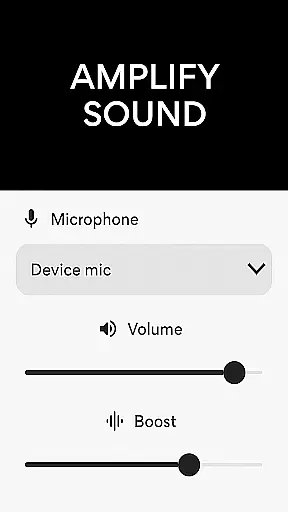
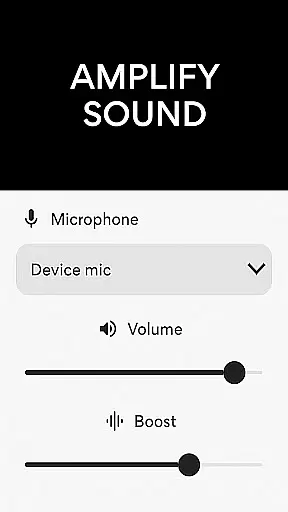
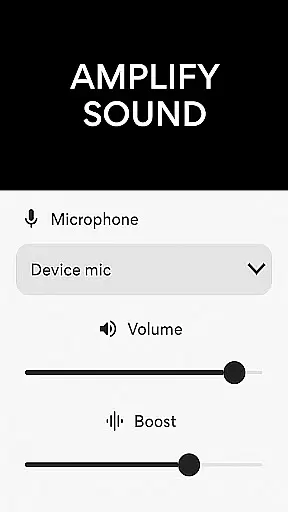
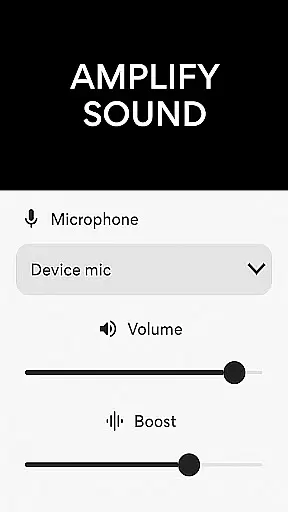
Microphone Amplifier is a specialized audio enhancement application designed for the Medical category, particularly beneficial for users requiring sound amplification as a hearing aid solution. This app transforms your Android device into a powerful megaphone voice amplifier, providing clear and enhanced audio projection in various scenarios.
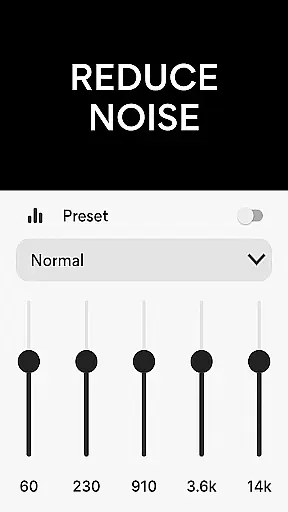
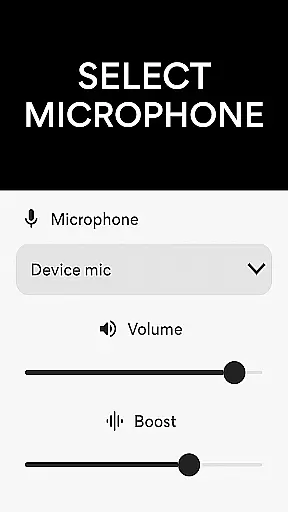
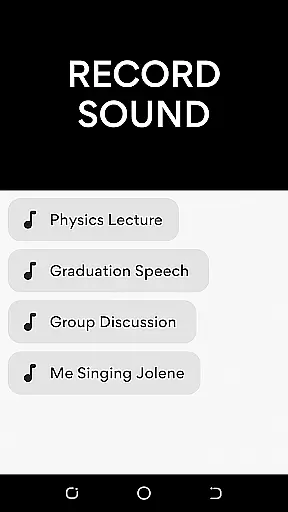
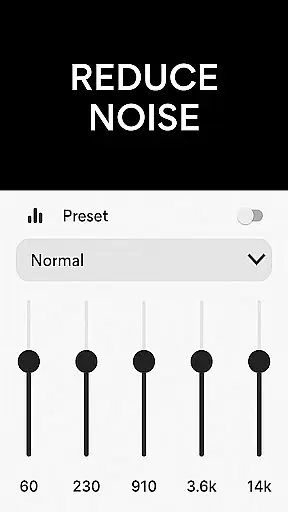
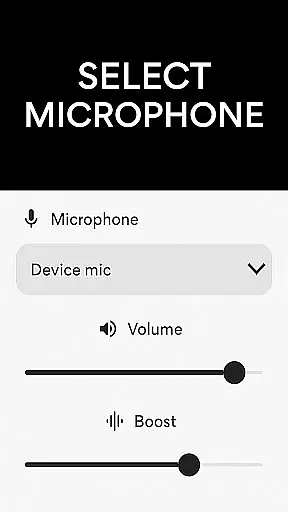
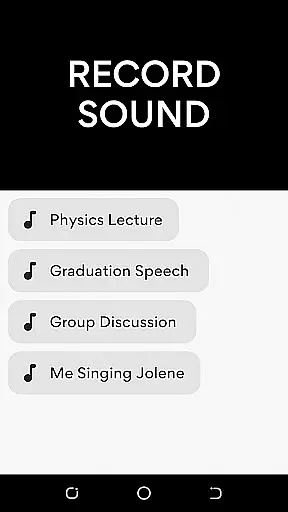
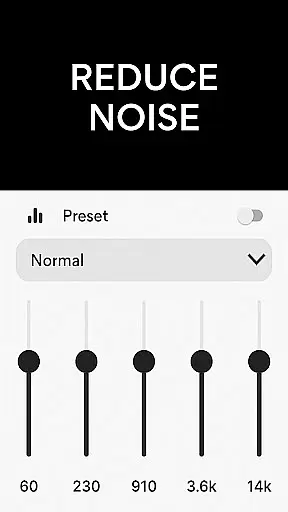
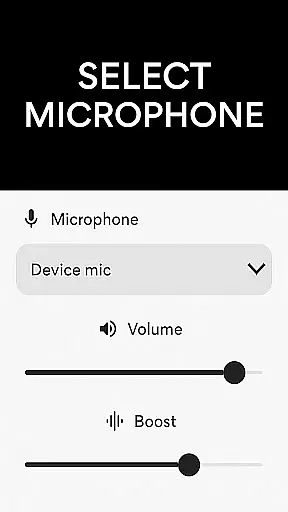
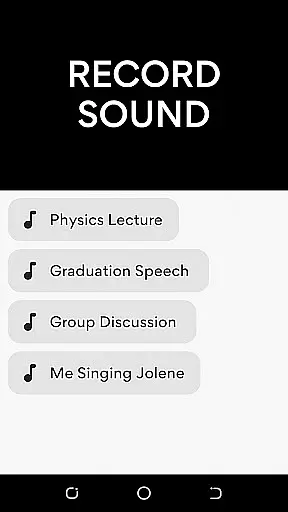
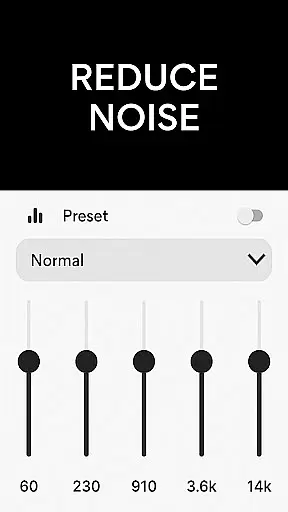
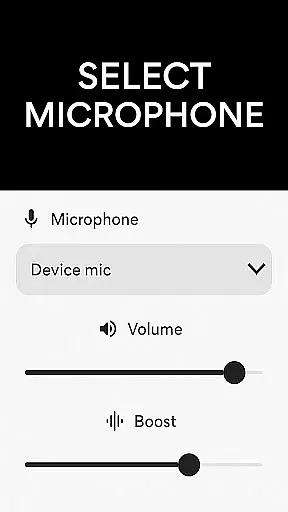
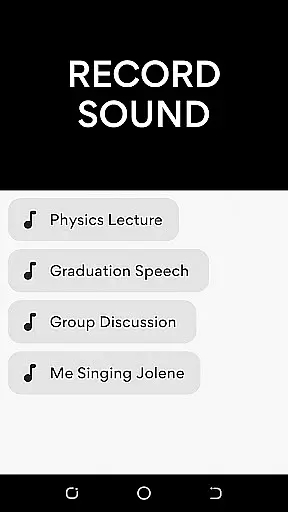
The core functionality of Microphone Amplifier includes multiple microphone options such as phone mic, headset mic, or Bluetooth mic, allowing users to choose their preferred audio input method. The app incorporates advanced features like noise reduction and echo cancellation, ensuring crystal-clear sound quality while eliminating unwanted background disturbances. Additionally, its MP3 recorder feature enables effortless audio capturing with amplified volume.
This application proves especially useful in medical settings where clear communication is crucial. For instance, healthcare professionals can utilize this app during patient consultations in noisy environments or when addressing groups during presentations. The ability to customize sound frequencies makes it an adaptable tool for different hearing needs, enhancing both professional and personal listening experiences.
Microphone Amplifier offers an impressive array of features that cater to diverse audio enhancement requirements. One of its standout capabilities is the multiple microphone selection, allowing users to switch between phone mic, headset mic, or Bluetooth mic seamlessly. This flexibility ensures optimal audio capture regardless of the device configuration or user preference.
The app's sophisticated noise reduction technology works in tandem with echo cancellation to deliver exceptional sound clarity. These features work together to eliminate background disturbances while maintaining natural audio quality. Furthermore, the sound amplifier listening device function enables users to fine-tune specific frequency ranges, creating a personalized audio experience tailored to individual hearing needs.
Another notable feature is the integrated MP3 recorder, which combines high-quality audio capture with volume amplification. This functionality proves invaluable in medical settings where accurate documentation of patient interactions or medical lectures is essential. The wireless connectivity option through Bluetooth enhances mobility, while the mic-to-speaker enhancement provides immediate audio feedback, making it an all-encompassing solution for medical professionals requiring reliable sound amplification.
In the medical app category, content credibility is paramount for user trust and safety. Microphone Amplifier positions itself as a reliable tool by incorporating features that enhance sound clarity and reduce background noise. These functionalities are crucial for medical professionals who require precise audio feedback in various environments.
The application's design focuses on providing accurate sound amplification through its noise reduction and echo cancellation capabilities. By allowing users to customize sound frequencies, it ensures that the output aligns with professional standards and individual needs. This level of customization reflects an understanding of diverse medical scenarios where clear communication can be critical.
Expert review plays a significant role in validating the app's effectiveness. While specific expert endorsements aren't detailed, the app's sophisticated features suggest it has been developed with medical use-cases in mind. The inclusion of multiple microphone options and wireless connectivity indicates a thorough consideration of practical medical applications.
Users benefit from having a versatile tool that not only amplifies sound but also maintains high-quality audio standards. This makes Microphone Amplifier a valuable asset in settings where reliable audio enhancement is necessary, thereby reinforcing its credibility in the medical field.
Teleconsultation has become an essential component of modern healthcare delivery, requiring robust tools to support effective communication between patients and providers. Microphone Amplifier addresses this need by offering features that significantly improve audio quality during virtual consultations.
The app's ability to amplify sound while reducing background noise ensures that both parties can communicate clearly without distractions. Its echo cancellation feature further enhances this experience by providing a more natural conversation flow, which is vital during teleconsultations where misunderstandings could lead to incorrect diagnoses or treatment plans.
Wireless connectivity options, including Bluetooth support, allow healthcare professionals to maintain mobility during consultations while still benefiting from enhanced audio quality. This flexibility is particularly useful in clinical settings where practitioners need to move between different areas while maintaining clear communication with remote patients.
By integrating these advanced audio features, Microphone Amplifier demonstrates its commitment to improving teleconsultation quality. Users can rely on consistent, high-fidelity audio transmission, making their virtual healthcare interactions more productive and reliable.
User-friendly interface
Multiple mic options
Effective noise reduction
Customizable frequencies
Integrated MP3 recorder
Battery consumption high
Bluetooth connectivity issues
Occasional audio delay
Limited free features
Requires stable internet

World's largest contact lens store
 4.60
4.60
Download the PulsePoint app and use your CPR skills to save a life!
4.60
Manage your prescriptions and pharmacy care anytime, anywhere.
4.80
Care Simplified by MyChart
3.40
Log your symptoms in the MyZio app — the perfect companion to the Zio monitor!
4.60
Remote, medical-grade heart care at your fingertips
4.70
CPR Timer for High Performance AHA BLS / ACLS
5.00
Hear far away sounds, conversations, TV and surrounding sounds more clearly.
4.70
Donating plasma just got easier with the BioLife Plasma Services mobile app.
3.90
Spruce is the leading platform for HIPAA-compliant communication and care.
4.90
Elegant, easy-to-use period tracker for fertility, PMS symptoms, and more
4.90
A comprehensive 3D atlas of the human body
4.80
The NightOwl Companion app allows you to interact with the NightOwl sensor.
4.70
Medication reminder, Medicine list, Trackers for BP, glucose, weight, water, etc
4.70
PPP provides quick offline access to over 350 field treatment protocols.
4.60
Secure video appointments
4.50
We’ve made it easy for Oscar members to get care on the go.
4.30
Molina Members: My Molina. Manage your health anytime, anywhere!
4.30
Your pocket guide to following The Monash University Low FODMAP diet.
4.20


User Reviews