
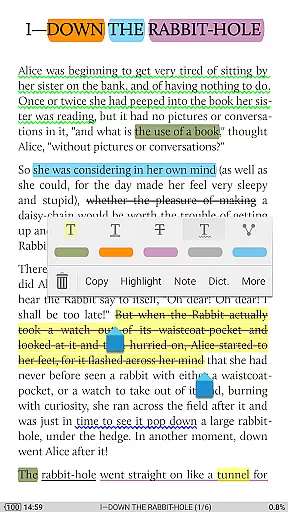
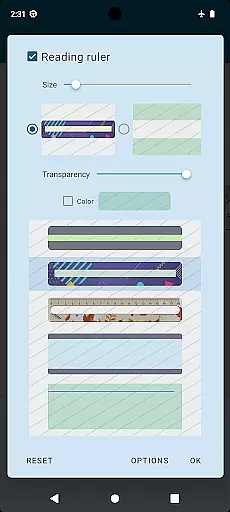
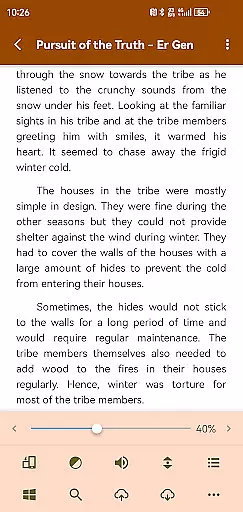
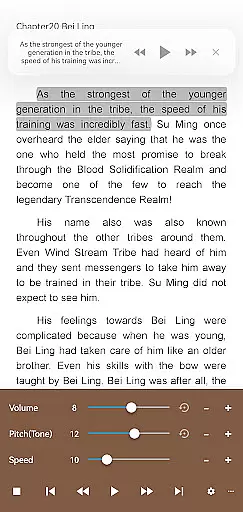
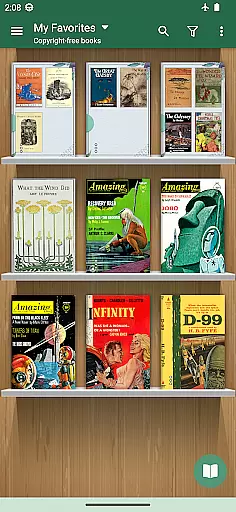
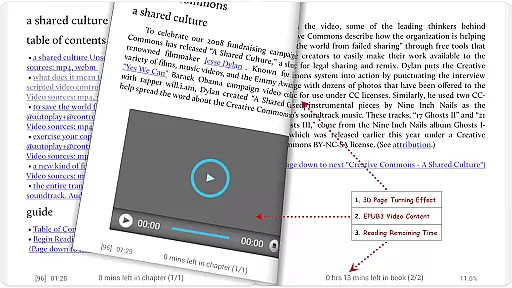
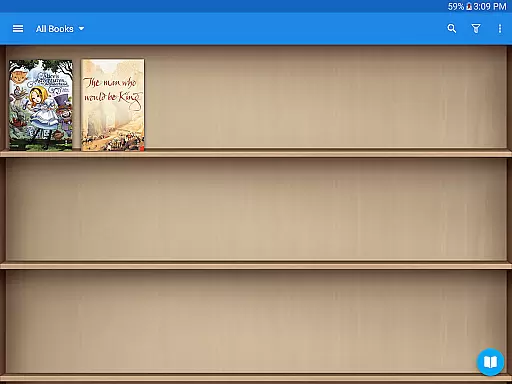
Moon+ Reader Pro is the premier ebook reader app for book enthusiasts, offering a comprehensive suite of reading and document management tools. With support for an extensive range of formats including EPUB, PDF, DJVU, AZW3, MOBI, and more, it caters to all your digital reading needs. The app stands out with its advanced features such as text-to-speech, multi-point touch support, and customizable themes, making it the go-to choice for an enhanced reading experience.
Designed for both casual readers and power users, Moon+ Reader Pro provides options like password protection, home screen shortcuts, and widget shelf support. Its superior PDF handling capabilities include form filling, annotations, and night mode support. Whether you're managing an extensive library or simply looking for a comfortable read, this app combines powerful functionality with user-friendly controls.
The app's value extends beyond just reading; it's a complete digital library manager. Integration with online ebook libraries, personal Calibre servers, and cloud services ensures seamless access to your books across devices. With added benefits like eye-care mode, reading statistics, and real page-turning effects, Moon+ Reader Pro transforms your device into a sophisticated reading companion.
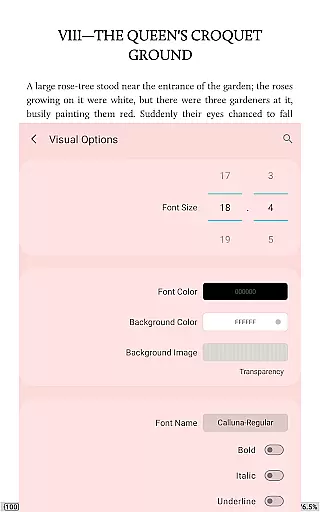
Moon+ Reader Pro boasts an array of features that cater to diverse reading preferences and requirements. One of its standout functionalities is the ability to customize nearly every aspect of the reading experience. Users can adjust line spacing, font scaling, colors, and even apply beautiful themes and backgrounds. This level of personalization ensures maximum comfort and aesthetic satisfaction while reading.
The app also excels in its innovative approach to navigation and control. It supports various paging methods including touch screen, volume keys, and even camera gestures. Additionally, 24 customizable operations allow users to tailor their interactions, from search functions to font adjustments. The inclusion of five auto-scroll modes with real-time speed control offers flexibility for hands-free reading.
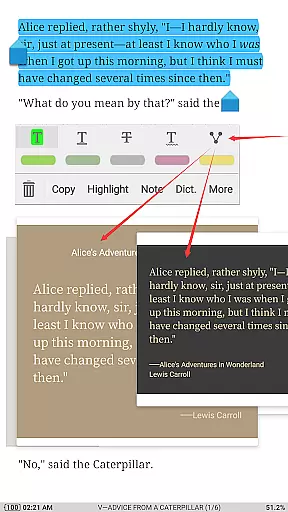
For those dealing with PDFs, Moon+ Reader Pro provides specialized tools such as highlight, annotation, and handwriting features. Its dual-page mode for landscape screens and compatibility with speech and auto-scroll make it particularly useful for academic and professional documents. Furthermore, the app's support for EPUB3 multimedia content, popup footnotes, and comprehensive file management through "My Files" tool solidifies its position as an all-in-one solution for digital reading and document handling.
Moon+ Reader Pro offers an extensive e-book library that supports a wide range of formats including EPUB, PDF, DJVU, AZW3, MOBI, and more. This ensures users have access to a vast collection of reading materials tailored to their preferences.
The application places a strong emphasis on copyright authenticity by enabling users to read local books legally and even sync their libraries with personal Calibre ebook servers. This guarantees that readers can enjoy content without infringing on intellectual property rights.
With over 1,000,000 downloads and being the #1 Paid EBook Reader in Google Play, Moon+ Reader Pro has established itself as a trusted platform for accessing legitimate e-books. Its dedication to providing high-quality, legal reading material makes it a reliable choice for avid readers.
One of Moon+ Reader Pro's standout features is its exceptional format compatibility. The app supports numerous file types such as EPUB, PDF, DJVU, AZW3, MOBI, FB2, PRC, CHM, CBZ, CBR, UMD, DOCX, ODT, RTF, TXT, HTML, MHT/MHTML, MD(MarkDown), WEBP, RAR, ZIP, or OPDS formats. This versatility allows users to consolidate their entire library within a single application.
In addition to supporting various formats, Moon+ Reader Pro enhances the reading experience with advanced PDF features like form filling, highlighting, annotation, handwriting, and smart scroll lock. These tools provide a seamless transition from physical to digital reading while maintaining all necessary functionalities.
By offering comprehensive format support alongside specialized features for each type, Moon+ Reader Pro caters to diverse user needs. Whether you're looking for a powerful EPUB reader or a versatile PDF annotator, this app delivers a superior reading experience across different document types.
Extensive format support
Customizable reading experience
Advanced PDF features
Eye-care mode included
Cross-device sync options
Paid application only
Complex for beginners
Occasional performance lags
Limited free features
Requires storage space

Guide for dōTERRA® Products
 3.60
3.60
“I am the Lorax. I speak for the trees.”
4.80
Flora of Virginia Project (www.floraofvirginia.org)
5.00
Mirror Bible - eye-opening paraphrase translation of the NT by Francois du Toit
4.30
Essential Technical Rescue Field Operations Guide 6, the Industry Standard Guide
4.20
Battle Royale Chapter 5 Season 2 HD Wallpapers Emotes Skins and BattlePass
3.00
My Bible offers a comprehensive app by providing offline access, daily verses.
4.80
A KJV Bible with Apocrypha and precept-based study concordance
5.00
The Apostolic Lutheran Church hymnal
4.4
The Original Tropical Freshwater Aquarium Fish And Plant Care Guide
4.80
Bible Study App with Audio Book, Verse of the Day, and Devotionals.
4.80
Read unlimited novels, audiobooks, stories & Unlock ebooks, fanfiction and more!
4.70
Bible Spiritual Companion
4.40
Manage collectibles, survey and treasure maps in Elder Scrolls Online.
4.40
Improve your vocabulary and grammar with the 15 biggest Oxford Dictionaries.
4.30
Shop over 13 million new and used books at up to 80% off list price
4.20
A wonderful reader for good time spend.
4.20
Unlock more features in Lithium and show your support. Expand for details.
4.00
Fast loot guide for ARC Raiders. Simple tips, stats, maps, and item details.
4.1


User Reviews