
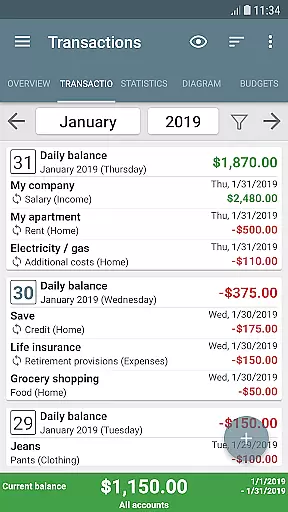
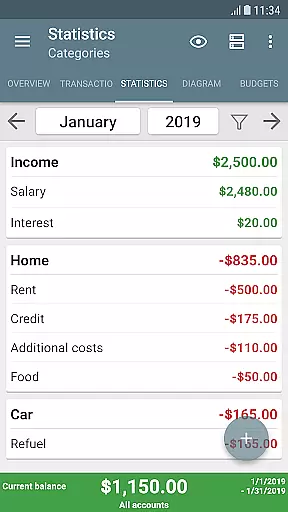
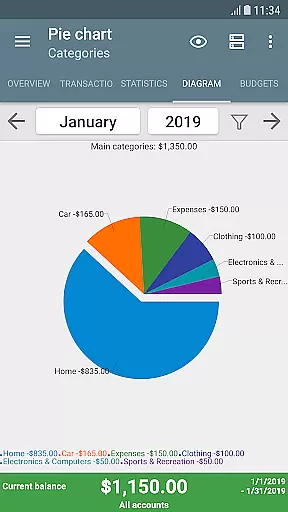
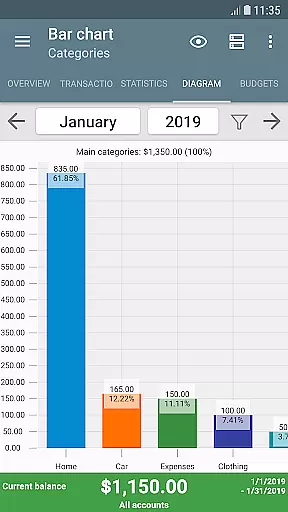
My Budget Book is a comprehensive financial management application designed to help users effectively track and manage their income and expenses. The app offers features for recording individual or recurring transactions, enabling users to forecast balances and visualize their financial data through dynamic charts and graphs.
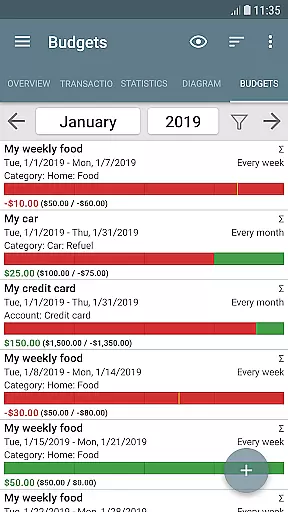
A standout feature is the budget mode, which allows users to set custom limits or goals over specific time periods. Whether it's controlling clothing expenses, reducing coffee purchases, or saving for a vacation, the app provides flexible budgeting options. It also supports multiple accounts, category customization, transaction attachments, and reminders for pending payments.
This app is ideal for individuals seeking a secure, offline solution for personal finance management. With no ads, hidden costs, or internet permissions, it ensures privacy while offering advanced tools like CSV imports, data exports, and automatic backups. Its user-friendly interface and customizable layout make it accessible to a wide range of users.
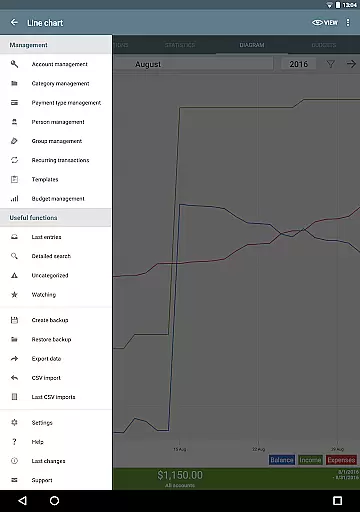
My Budget Book stands out with its robust set of features tailored for effective money management. Users can record both individual and recurring transactions, allowing them to maintain an accurate overview of their financial situation. The app's budgeting tools are highly customizable, letting users define spending caps, savings targets, and even toggle rollover options for budgets.
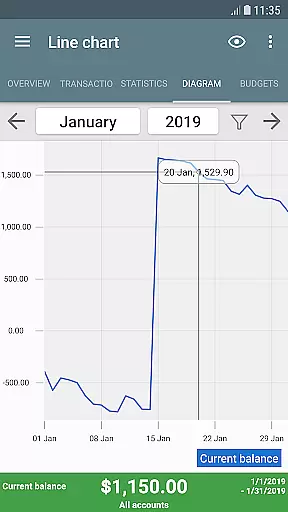
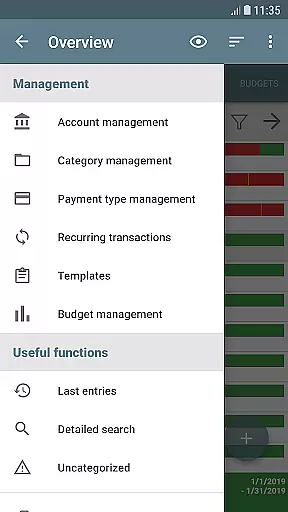
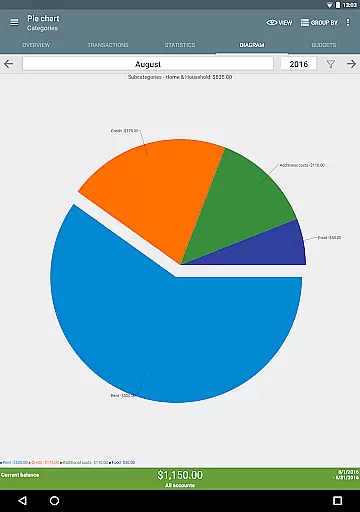
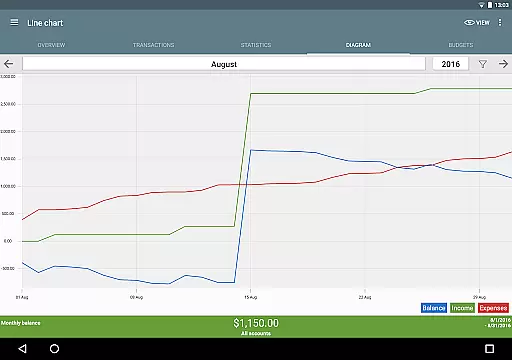
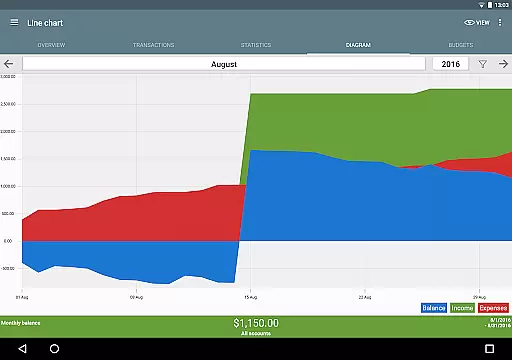
Visualization is another key aspect, as the app provides dynamic charts and graphs to help users better understand their income and expenses. Additional functionalities include managing multiple accounts, transferring funds between them, and attaching photos or receipts to transactions. Advanced sorting options, password protection, and fingerprint authentication further enhance the user experience.
The app also supports importing bank statements via CSV and exporting data in HTML, Excel, or CSV formats. With automatic local backups, four home screen widgets, and an integrated manual, My Budget Book ensures convenience, security, and ease of use for all its users.
Account and fund security is a critical aspect of any financial management application. My Budget Book ensures your sensitive data remains protected through multiple layers of security.
The app offers optional password or fingerprint protection, allowing users to secure their financial information with biometric authentication or a traditional passcode. This feature provides peace of mind, knowing that only authorized access is permitted.
In addition to local security measures, the app operates offline without requiring Internet permission. This design choice protects user privacy by ensuring all financial data stays on the device unless the user chooses to create a backup.
For added convenience, automatic local backups prevent data loss while maintaining complete control over where your information is stored. Users can also export their data in secure formats like HTML, Excel, or CSV for additional peace of mind.
A seamless transaction experience is essential for effective money management. My Budget Book excels in providing intuitive tools for recording both income and expenses effortlessly.
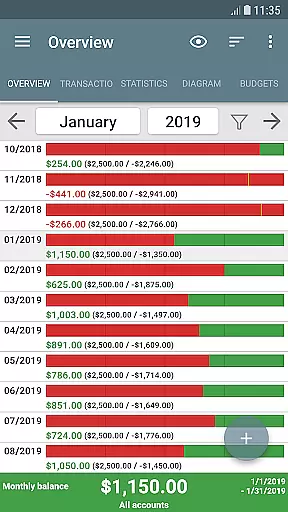
The app supports individual and recurring transactions, enabling users to track balances accurately while forecasting future financial positions. This functionality helps maintain better control over cash flow and budgeting.
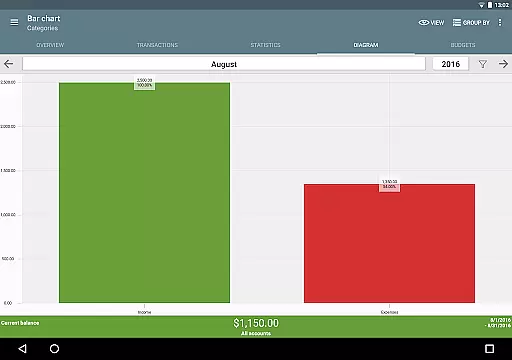
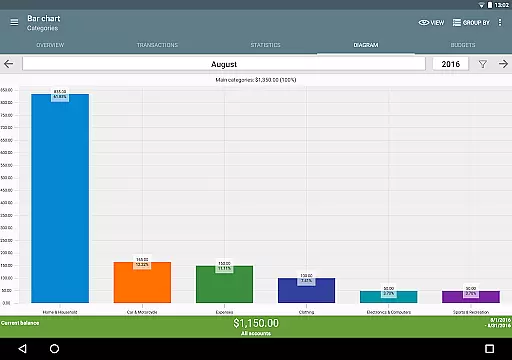
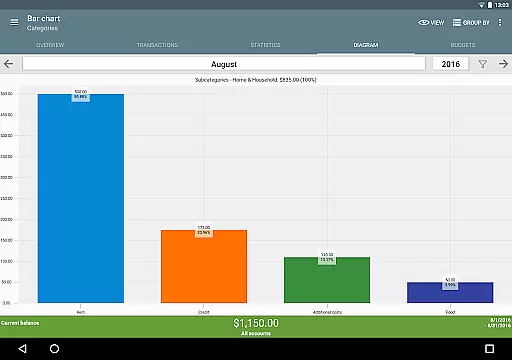
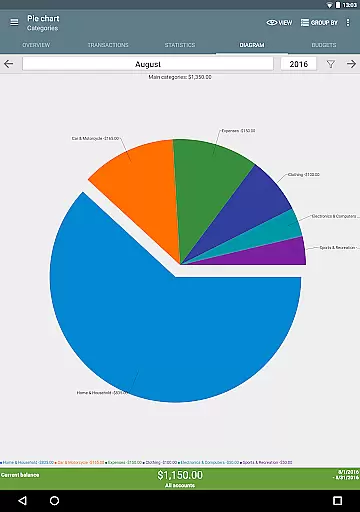
Visual representations of financial data are available through dynamic charts and graphs. These visualization tools allow users to understand spending patterns and identify areas for improvement quickly.
To streamline data entry, customizable templates make transaction logging faster and more efficient. The app also supports attaching photos or receipts to transactions, reducing paper clutter while preserving important documentation.
User-friendly interface
Customizable budgeting
Offline functionality
No ads or hidden fees
Comprehensive data export
Limited cloud sync
Manual input required
Advanced features locked
Occasional bugs
Steep learning curve

Need help before payday? Get cash advances with no interest or credit checks.
 4.60
4.60
Early payday cash advance up to $150 a day with a max of $1,000 per pay period
4.70
Easily invest, save, and plan—all in one app.
4.60
All your crypto & stocks in one secure and trusted app.
4.40
No credit check, no interest, no worries.
4.70
Invest, bank & save in one app. Trade stocks, earn high APY & budget smarter.
4.00
Money App - Earn Cash back, Fast Cash Advance, Personal Loan Offers, Banking
4.70
Real-time tracking: Stocks, Indices, Futures, Commodities, ETF, & Funds prices.
4.60
The PayPal app is the secure way to send and receive money, shop and pay in 4.
4.20
Keep track of your subscriptions with no limitations
4.80
Currency Converter (200+ currencies) with live exchange rates and offline mode.
4.70
Military retirement pay estimation calculator
4.70
Cash Advance, Credit Cards, Credit Lines, Score Monitoring, Saving, Budgeting
4.70
Navigate your unique financial path confidently with help from Credit Karma.
4.70
Pay, bank & build credit.
4.70
The all-in-one app to save, earn, travel, and put more money in your pocket
4.50
Earn money as a tester with Testerup, get cash testing apps and games
4.20
Your insurance, anytime, anywhere
4.00
View BSC Transactions for multiple accounts
3.90


User Reviews