
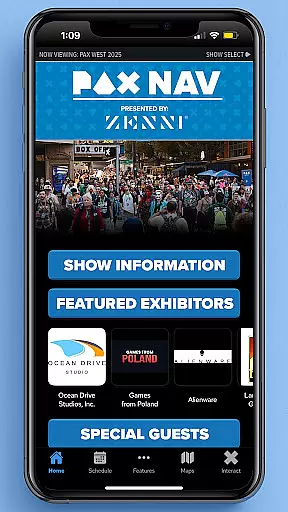
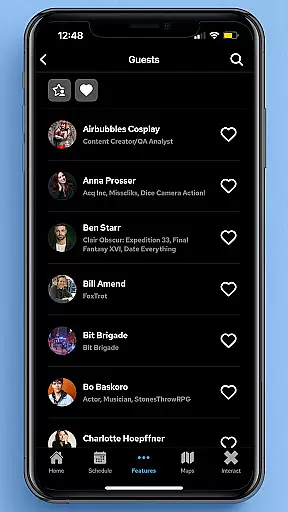
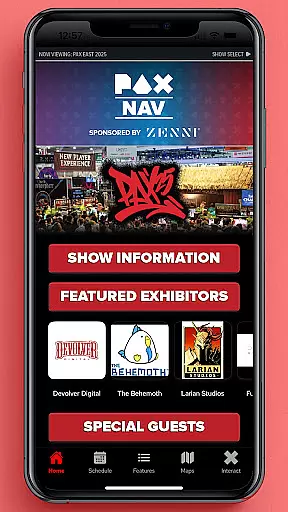
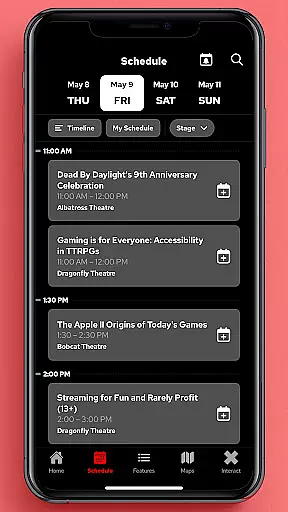
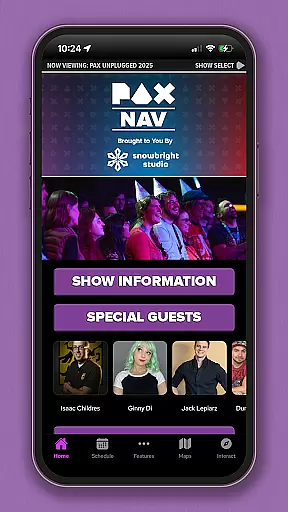
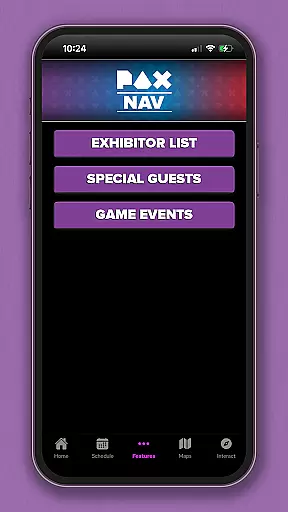
PAX Nav is the official app for PAX West, PAX East, and PAX Unplugged events. It provides users with comprehensive event tools including full schedule access, exhibitor lists, interactive maps, exclusive show specials, and integration with PAX XP. This all-in-one solution ensures attendees can maximize their event experience while staying organized and informed throughout the convention.
The app's intuitive design allows users to easily navigate through complex event information. Whether you're planning your day with the schedule feature or locating exhibitors using detailed maps, PAX Nav serves as an essential companion for both casual attendees and dedicated fans who want to make the most of their PAX event experience.
PAX Nav offers a robust set of features tailored specifically for PAX event attendees. The app includes a complete event schedule with filtering options, allowing users to personalize their viewing preferences based on interest areas or time slots. Additionally, it provides an extensive exhibitor list with search functionality, enabling attendees to quickly find specific vendors or explore new ones.
One standout feature is the interactive map system that helps users navigate the venue effortlessly. The app also integrates with PAX XP, offering gamified experiences and rewards. With real-time updates and notifications, users can stay informed about any changes in schedules or special announcements, ensuring they never miss out on important events during the convention.
Task creation and detail customization are essential features for event management apps like PAX Nav. This functionality allows users to create personalized schedules by selecting specific panels, workshops, or exhibitors they want to see.
The app provides a seamless process for adding events to your personal agenda. Users can browse the full schedule, filter by categories, and select their preferred activities. Each selection includes detailed information such as time, location, and description, ensuring attendees can make informed decisions.
This feature significantly enhances user experience by offering customization options that cater to individual interests. Whether you're interested in video game panels or board game tournaments, you can tailor your event experience accordingly.
Moreover, the ability to receive notifications about upcoming events ensures you never miss an important session. The combination of detailed event information and customizable alerts makes PAX Nav an indispensable tool for maximizing your PAX event experience.
Reminder settings in event apps like PAX Nav play a crucial role in keeping attendees organized and punctual. These settings allow users to configure notifications for their selected events, ensuring they are always aware of what's coming up next.
PAX Nav offers flexible reminder options that can be adjusted based on user preferences. You can set reminders for 10 minutes, 30 minutes, or even an hour before the event starts. This flexibility ensures that you have enough time to navigate the venue and arrive at your chosen sessions on time.
In addition to basic reminders, the app also provides options for customizing alert types. Users can choose between visual notifications, sound alerts, or vibration signals, depending on their personal preferences and the environment they will be in.
By leveraging these reminder settings, attendees can optimize their event schedules without worrying about missing out on key activities. This feature not only enhances time management but also contributes to a stress-free event experience, making PAX Nav a valuable companion for any PAX attendee.
User-friendly interface
Comprehensive event tools
Real-time updates
Interactive maps
Exclusive show content
Limited to PAX events
Requires internet connection
Occasional bugs reported
No offline mode available
Platform-specific features only

The Official App
 4.3
4.3
Some connections are better kept private
4.2
Listen Full Quran MP3 Offline - Qibla Compass, Salah Timing & 99 Names of Allah
4.60
Clubs, Festivals, Discounted Tickets, Guest Lists & VIP Tables
4.90
Instant photo sharing for every occasion
3.80
ETH Mining provides secure way to mine Ethereum & earn ETH in Cloud mining app
3.50
Fast Scans. Happy Fans. For Every Hometown!
4.60
Meet people over dinner
4.40
Discover events & experiences in NYC, LA, Chicago, DC, Miami and more!
4.70
Invitation card maker for birthday party & Wedding. Digital greeting card editor
4.90
CUE Live utilizes ultrasonic sound waves to sync devices at CUE enabled events
4.80
Design Invitations & Cards for Any Occasion
4.80
Here you can choose tickets for films, performances, concerts and other events
4.60
Create Wedding Invitation and Wedding Anniversary Cards using our app
4.60
PheedLoop Go! is the mobile event app for events powered by PheedLoop.
4.40
Everything you need for the Best Thursday Ever.
4.40
Get live football here
4.30
Rocket Monkey - Space rocket launch schedule for launch sites around the world
4.20
Manages display and transfer of tickets from the Mundo Tickets platform
3.80


User Reviews