
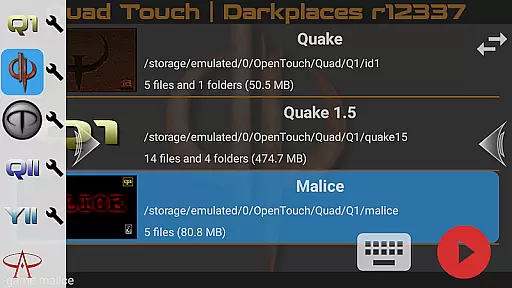
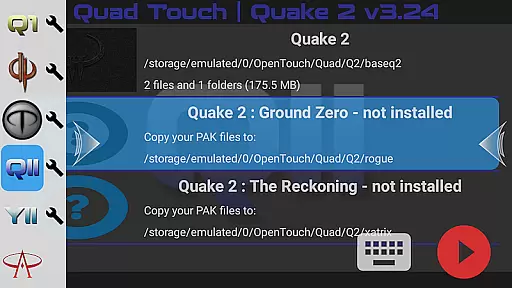
Quad Touch brings the most advanced Quake engines to Android, offering an unparalleled first-person shooter experience. The app supports multiple engine versions including DarkPlaces, QuakeSpasm, FTEQW, and more, each providing unique features and enhanced graphics.
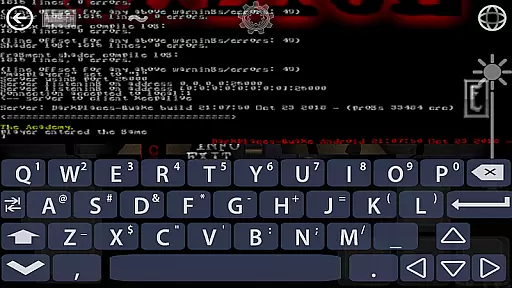
Designed for both classic game enthusiasts and modern gamers, Quad Touch requires users to provide their own game files. It offers sophisticated touch controls, full gamepad support, and a built-in keyboard, making it highly versatile for different play styles.
Whether you're reliving the nostalgia of original Quake games or exploring enhanced mods, Quad Touch delivers a premium gaming experience on mobile devices.
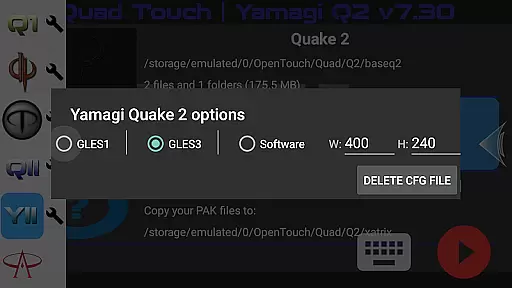
Quad Touch stands out with its comprehensive selection of Quake engines, each tailored for specific gaming experiences. The inclusion of DarkPlaces and Yamagi Quake 2 engines ensures top-tier graphics and performance enhancements.
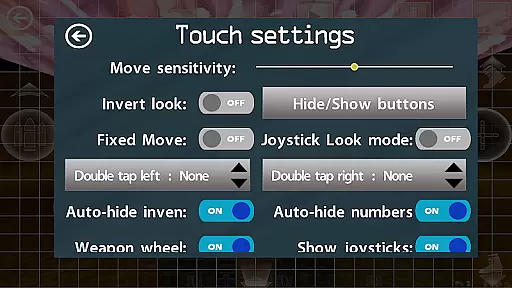
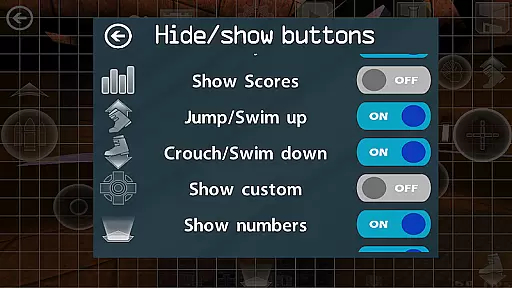
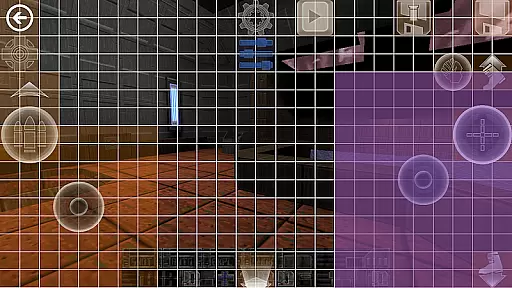
The app provides innovative touch screen controls, weapon wheel functionality, and customizable buttons, allowing players to tailor their interface. With full console access and mod support, users can explore a wide range of gameplay modifications.
Additional features include scoped storage compatibility, gyro aim assist, and the ability to play official expansion packs. These elements combine to create a robust platform for FPS enthusiasts seeking authenticity and customization.
Control responsiveness and latency are crucial factors in action games, determining how quickly and accurately a player's input translates into in-game actions. Quad Touch offers an advanced touch control system designed specifically for first-person shooter (FPS) games, ensuring that every tap and swipe on your Android device is registered instantly.
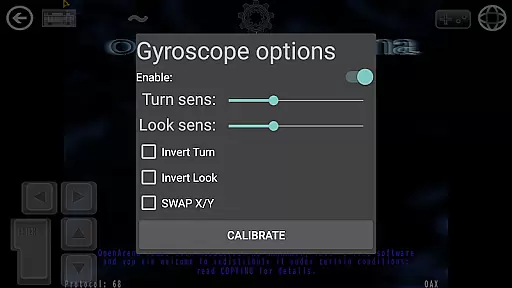
The app supports full gamepad integration, providing players with the option to use physical controllers for an even more responsive experience. With built-in support for gyroscopic aiming, users can enjoy precise aiming assistance, which is particularly beneficial in fast-paced action scenarios where accuracy is key.
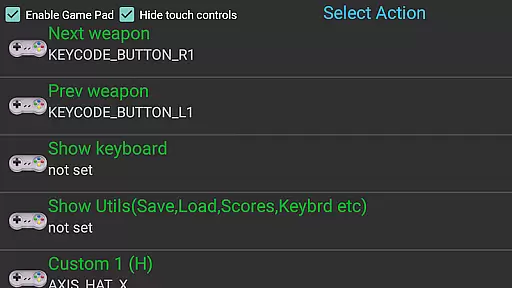
Quad Touch also features customizable buttons and commands, allowing gamers to tailor their controls to their playstyle. This customization extends to a weapon wheel and six additional programmable buttons, giving players quick access to essential commands without interrupting gameplay.
Ultimately, Quad Touch ensures that whether you're engaging enemies or navigating complex environments, your controls will be smooth, responsive, and lag-free, enhancing your overall gaming experience.
Combat feedback tightness refers to how well a game communicates the impact of combat actions to the player through visual, audio, and tactile cues. Quad Touch excels in delivering tight combat feedback by incorporating high-quality sound effects, realistic visuals, and responsive controls that make each encounter feel intense and satisfying.
The application supports various Quake engines, such as DarkPlaces, QuakeSpasm, FTEQW, and others, each offering enhanced graphics and multiplayer capabilities. These engines ensure that when you fire a weapon or take damage, the visual and auditory responses are immediate and immersive, heightening the sense of engagement.
Additionally, Quad Touch includes a fully navigable user interface via a gamepad, enabling seamless interaction during combat situations. Players can access mods and total conversions through an intuitive GUI, further customizing their combat experience.
With these features, Quad Touch guarantees that every shot fired and every enemy defeated feels impactful and rewarding, making combat sequences not only visually stunning but also deeply gratifying.
Advanced engine options
Customizable controls
Full gamepad support
Wide mod compatibility
Regular updates
No included game data
High system requirements
Complex setup process
Limited user guidance
Premium price point

Thrilling mix of two game genres - Fighting & RPG. Prepare to fight with shadow!
 4.70
4.70
Survive the post apocalypse in intense zombie shooting and gun games on doomsday
4.60
Play online with people all over the world! Can YOU become the longest player?
3.90
Secret of Mana—the landmark action RPG first released for SNES in 1993!
3.60
NEOGEO's masterpiece game is now available in the app!
4.70
Whack, smash, and toss the puppet! Let’s destroy the ragdoll in this funny game
4.40
Kill. Die. Learn. Repeat.
4.80
Rockstar Games brings its biggest release to mobile yet.
4.40
Draw lines to defeat the enemy!
4.40
A roguelike hack'n'slash game
4.70
Agent Shooter FPS action shooter with sniper & cover missions.
4.70
There was never just one.
4.50
A Legendary Action RPG With Ninja Shadow Legends Fighting Style Offline Games!
4.40
Prove your ninja skills by creeping through the shadows and taking out bad guys
4.40
Epic Fantasy RPG & Arena
4.30
ANSWER THE SNIPER CALL
4.10
Five years ago, Carl ‘CJ’ Johnson escaped the haze of Los Santos, San Andreas…
3.30
Run and jump through the depths of the jungle!
4.4
Retro pixel war game! Destroy enemies and survive the chaos!
4.2


User Reviews