
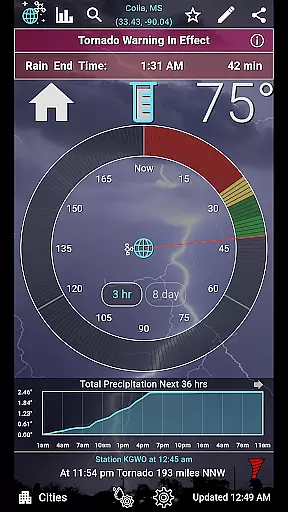
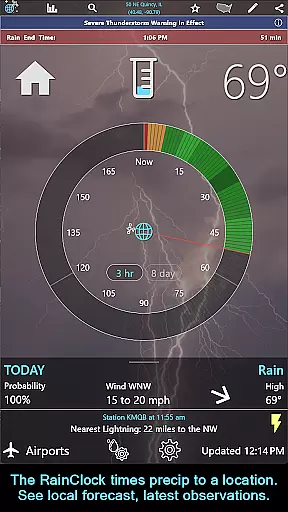
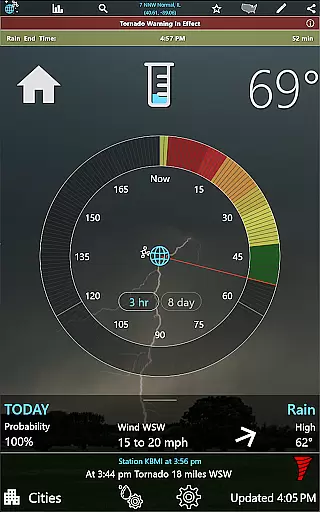
RainAware is a comprehensive weather application designed to provide users with detailed and accurate weather information. The app features a Rain Clock that predicts precipitation up to three hours in advance, complete with notifications for incoming rain or severe weather. Users can also access interactive graphs displaying temperature, wind speed, cloud cover, and precipitation type over the next 36 hours.
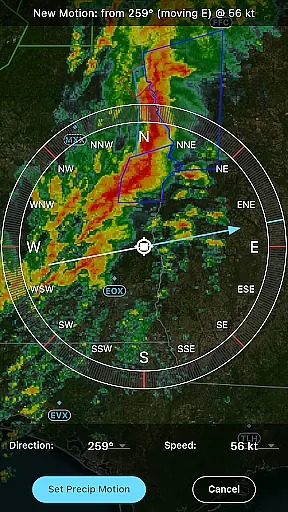
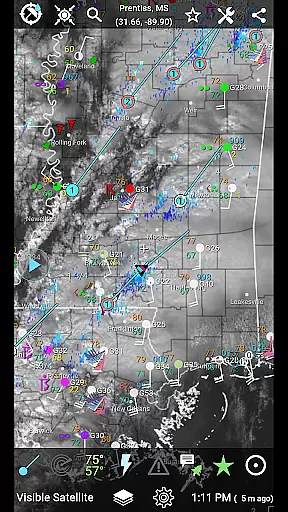
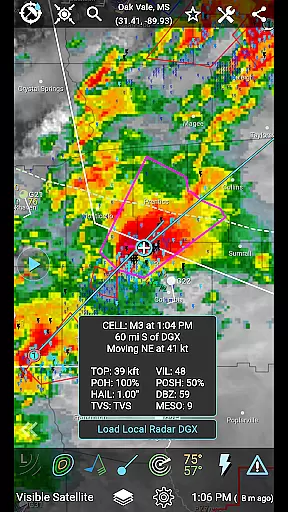
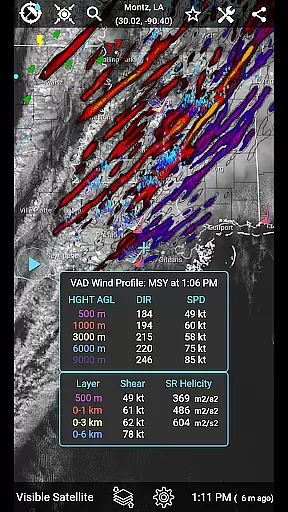
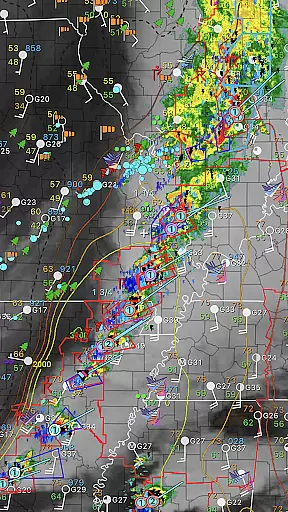
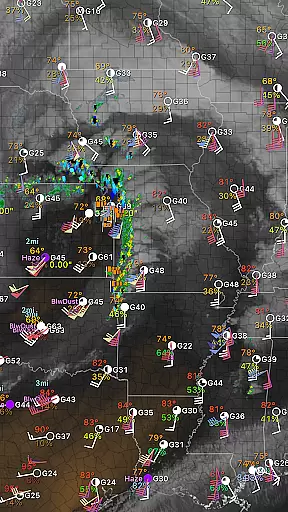
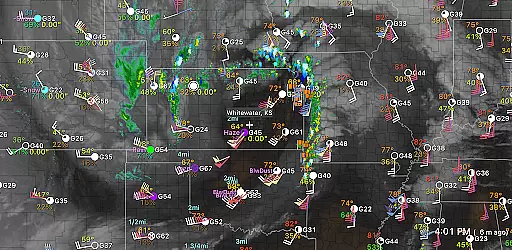
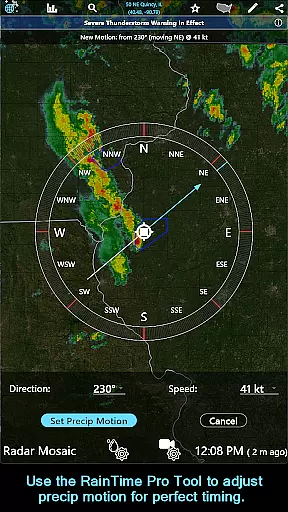
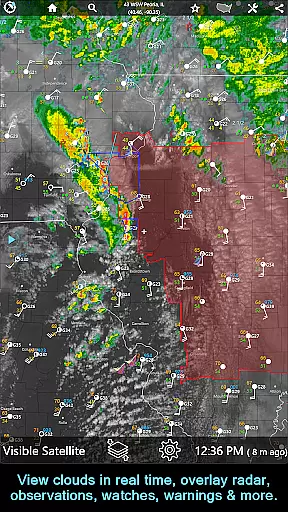
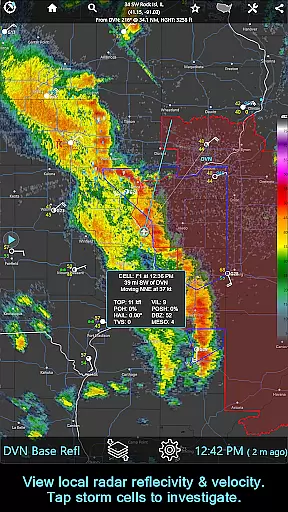
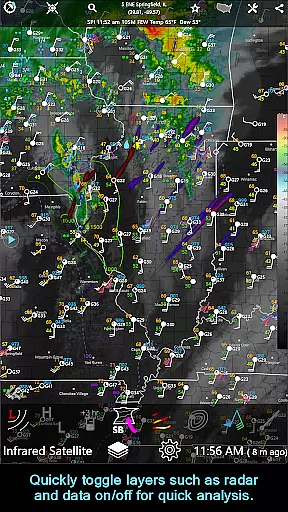
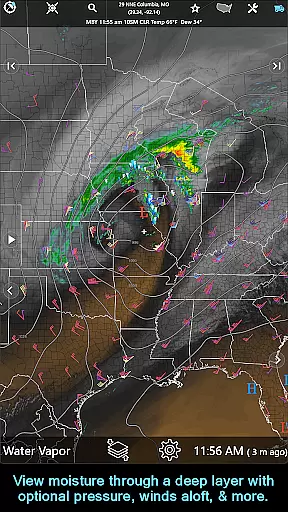
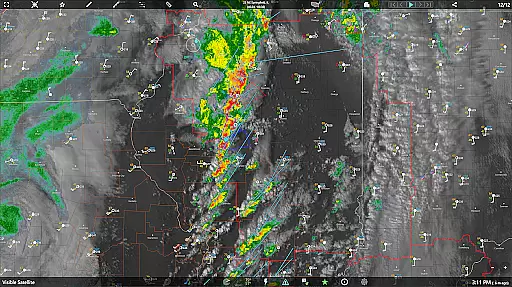
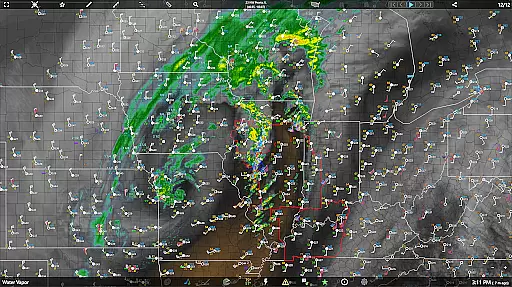
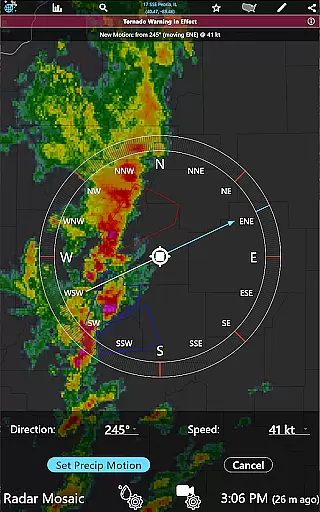
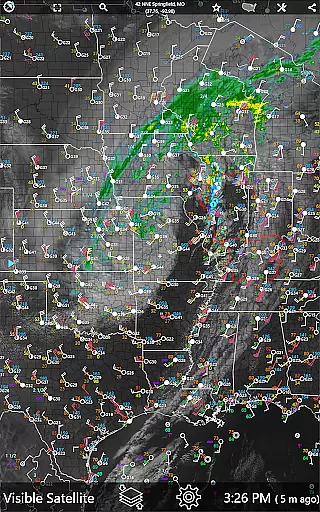
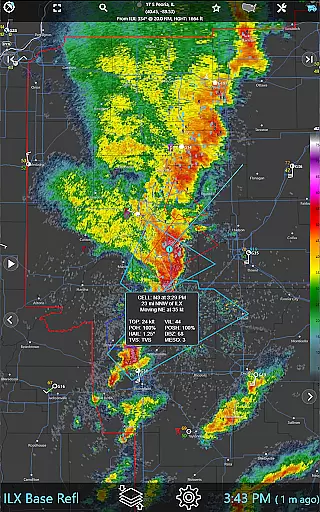
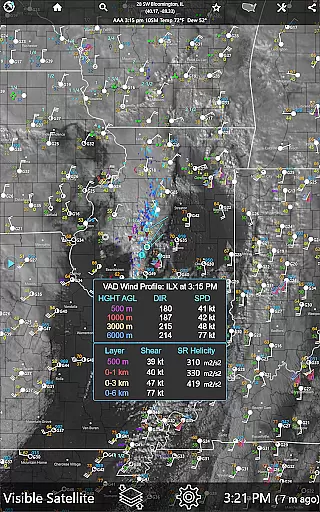
In addition to its forecasting capabilities, RainAware offers advanced mapping tools including satellite imagery, radar, and overlays for surface observations. The subscription version unlocks additional features such as the RainPro Tool for refined precipitation timing, national radar products, and storm cell tracking. With coverage extending from the USA into southern Canada, RainAware is an essential tool for staying informed about weather conditions.
RainAware stands out with its diverse set of features tailored for weather enthusiasts. The app provides detailed notifications that allow users to define specific parameters for alerts, such as the duration of precipitation needed to trigger a notification. Interactive graphs offer visual data readouts for various weather parameters, enhancing the user's understanding of upcoming weather patterns.
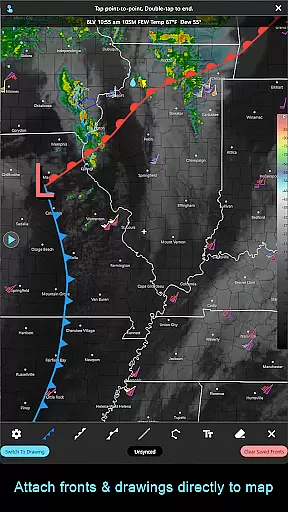
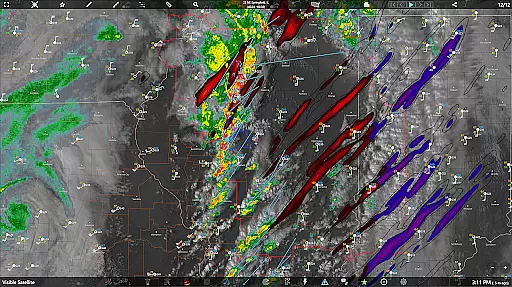
The subscription version further enriches the experience by offering advanced tools like the RainPro Tool for precise rain timing predictions, national radar products including Echo Tops and Hail Swaths, and storm cell plotting with filtering options. Users can also take advantage of drawing tools to annotate maps and longer animation loops for radar and satellite imagery. These features collectively ensure that RainAware users have access to professional-grade weather analysis tools on their mobile devices.
When it comes to weather applications, forecast accuracy and data credibility are paramount. RainAware sets a high standard by providing users with precise precipitation timing and detailed weather information up to 3 hours in advance. The app's Rain Clock feature is designed to offer clear and actionable forecasts, such as 'Rain Starting in 30 min, Ending at 4:30 pm,' ensuring that users can plan their activities accordingly.
The reliability of the data presented is reinforced by interactive graphs that display temperature, wind speed, cloud cover, and precipitation type over the next 36 hours. This comprehensive approach allows users to verify upcoming weather patterns and make informed decisions based on credible meteorological data. Additionally, Weather Badges appear only when significant or rapid changes in precipitation, temperature, or wind are forecasted, further enhancing the trustworthiness of the alerts provided.
RainAware also offers advanced features for subscribers, including national radar products like Echo Tops and Hail Swaths, which contribute to an even more accurate depiction of weather conditions. With these tools, users gain access to professional-grade data that helps them stay ahead of severe weather events. Overall, RainAware's commitment to forecast accuracy and data credibility makes it a reliable choice for anyone seeking dependable weather information.
Understanding both the temporal and spatial aspects of weather forecasting is crucial for effective planning. RainAware excels in this area by offering a broad forecast range that spans from immediate precipitation predictions to extended outlooks covering several days. The app's Forecast Clock provides a concise view of the next 8 days in a Today/Tonight format, complete with sunrise, sunset, and moon phase details, allowing users to anticipate long-term weather trends.
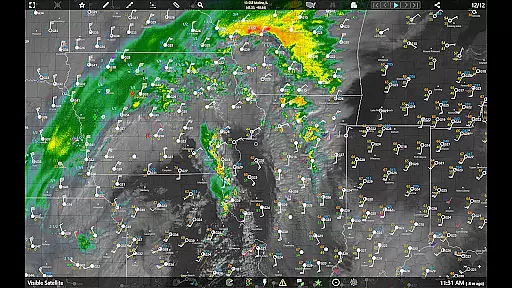
In terms of spatial coverage, RainAware delivers extensive regional maps that include satellite imagery, radar, and 1-hour precipitation forecasts. Users can move the domain to explore weather patterns across different locations, making it easier to track storms or other significant weather phenomena. The Landscape & Hyperloop feature enhances this capability by enabling larger map views in landscape mode with added pan and zoom controls, facilitating a deeper understanding of spatial weather dynamics.
For those requiring even broader coverage, the subscription version removes regional constraints, granting access to the entire weather map. This expanded spatial range, combined with longer loops that animate up to 36 frames and 12 hours out, ensures that users have a comprehensive overview of weather conditions. Whether monitoring local developments or tracking nationwide systems, RainAware's robust temporal and spatial forecast range empowers users with the insights needed to navigate various weather scenarios confidently.
User-friendly interface
Accurate precipitation forecasts
Customizable notifications
Comprehensive weather data
Advanced mapping tools
Subscription required for full features
Limited free version functionality
Regional coverage restrictions
Complex for casual users
High data usage

The Weather Network TV App - Your weather when it really matters
 2.90
2.90
Ultimate Lunar Calendar for 2021!
4.80
Get instant weather & temperature predictions right on your Wear OS smartwatch!
4.5
Arrive safely! Travel weather forecasts for your entire trip at time of arrival.
3.60
Instant weather updates, easy to check anytime on your home screen.
3.50
weather forecast, weather radar, weather widget in one local weather app
4.70
Industry leading whitetail movement predictor & hunting app.
4.60
Stay ahead of the weather with Daily Weather
4.10
Prepare for severe weather with notifications, future radar, and live alerts.
4.60
Local forecast, alerts, rain, snow and wind radar, air quality & weather widget
4.60
Your Trusted Weather Companion
4.40
Weather forecast & live radar map
4.20
Live NOAA weather app to track storm, rain, wind, lightning & real local updates
4.20
Weather watch face for Wear OS 5+
4.10
Your Personal Weather Assistant
4.00
Stay Ahead Of Changing Weather Conditions
4.00
An unofficial app version of the National Weather Service (Weather.gov)
3.90
A tool that provides real-time and 5-day weather info.
4.3
Detailed weather info and moon phase, subtle animation, customizable
4.0


User Reviews