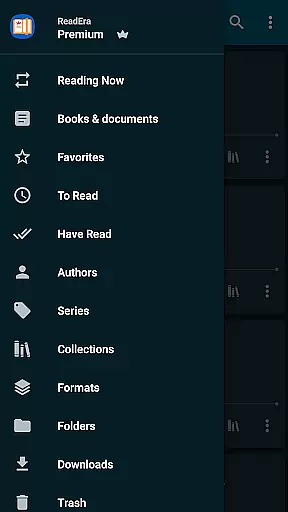
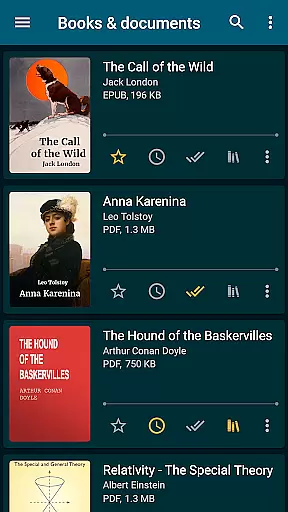
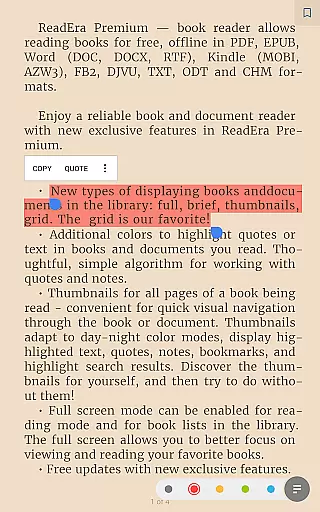
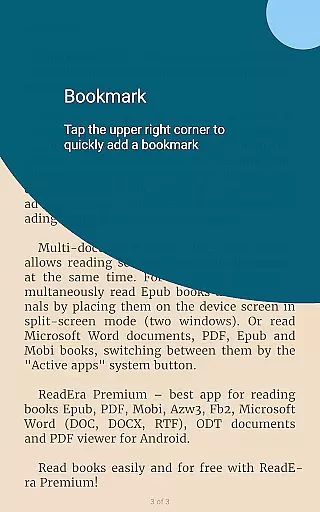
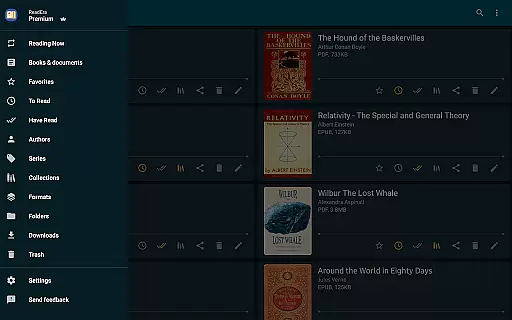
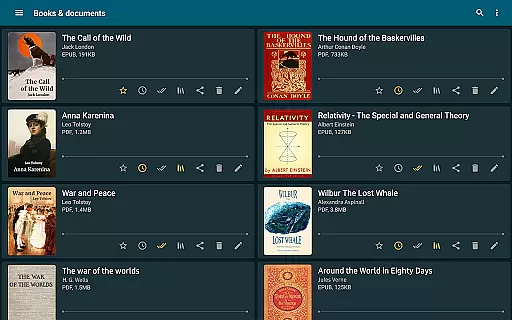
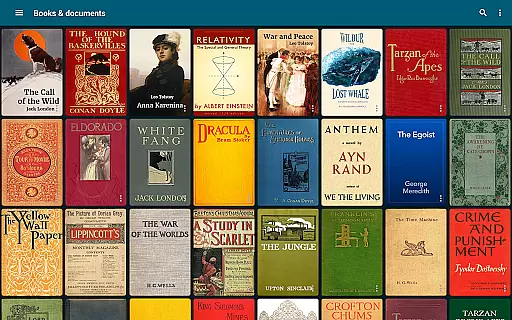
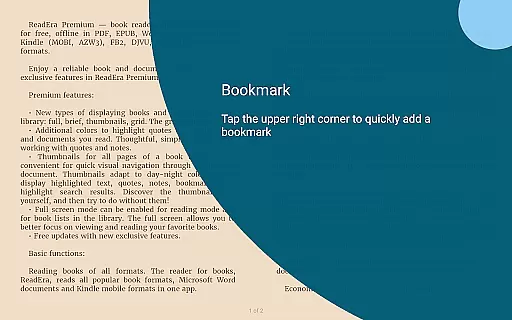
ReadEra Premium is an advanced ebook reader and document manager that transforms the way you interact with digital literature. This app allows users to automatically locate all supported books and documents on their device, search for books by title and author, and manage files in various formats including PDF, EPUB, Microsoft Word, Kindle, Comic, DJVU, FB2, TXT, ODT, and CHM. With its powerful synchronization feature, reading progress, bookmarks, and quotes can be synced across all devices via Google Drive.
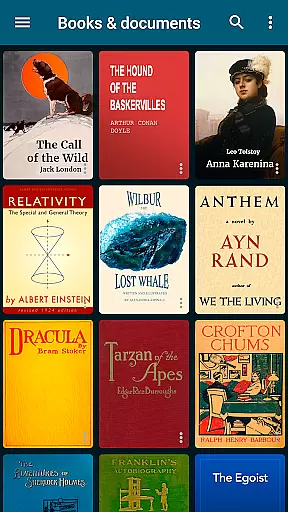
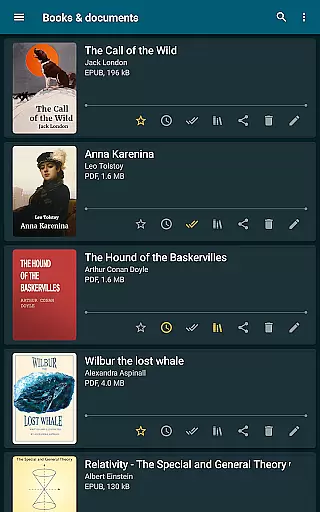
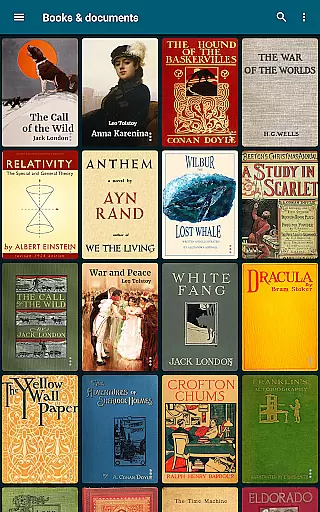
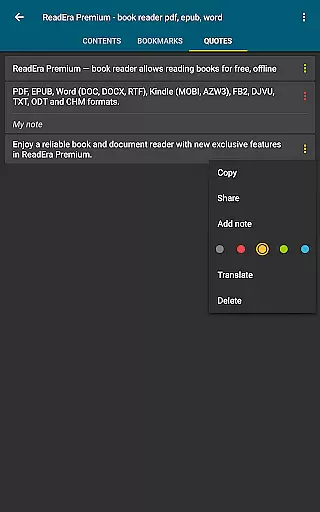
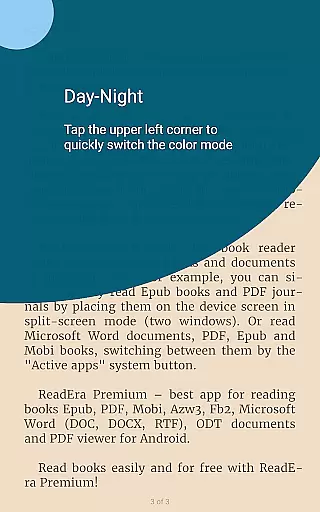
The app's standout features include background text-to-speech (TTS) for listening to books, a centralized section for organizing quotes and notes, and customizable library views. Whether you're a casual reader or a dedicated bookworm, ReadEra Premium offers tools like quick navigation through book files, detailed file management options, and advanced reading settings such as color themes, font adjustments, and page customization. These capabilities make it an ideal choice for creating a personalized and efficient reading experience.
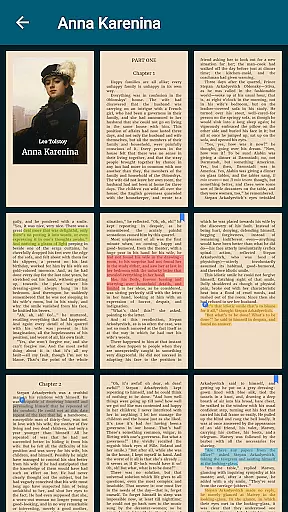
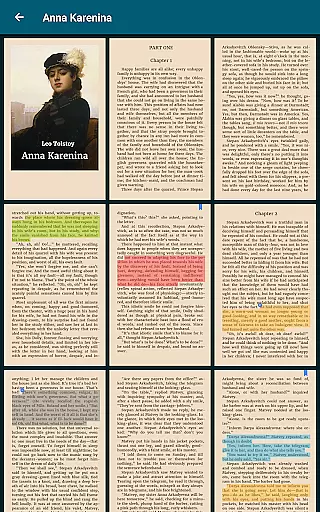
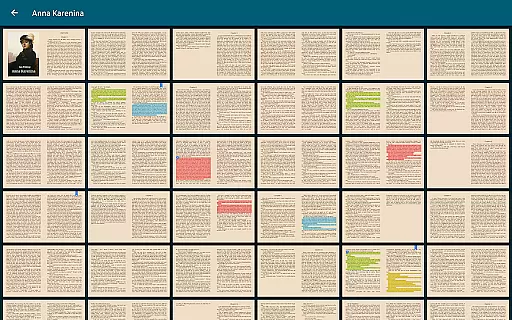
For those who value convenience and organization, ReadEra Premium provides practical solutions such as duplicate file detection, page thumbnails for easy navigation, and the ability to create personal collections. The 30-day money-back guarantee ensures risk-free access to premium features like custom fonts and additional quote colors. By combining extensive format support with robust management tools, this app delivers exceptional value for readers who want to build and maintain a comprehensive digital library.
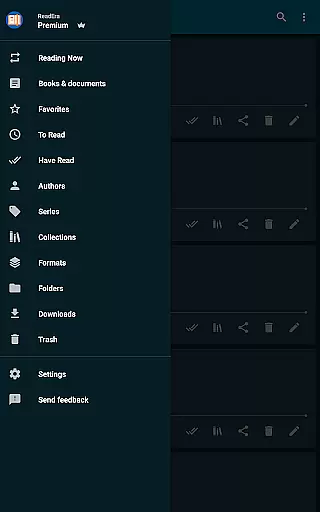
ReadEra Premium stands out with its rich array of features designed to enhance the reading and document management experience. One of its core strengths is the automatic detection and organization of all compatible books and documents on your device. Users can sort and group files by authors, series, formats, and more, while also utilizing advanced search functions to find specific titles quickly. The app supports a wide range of formats, ensuring compatibility with virtually any ebook or document file you may encounter.
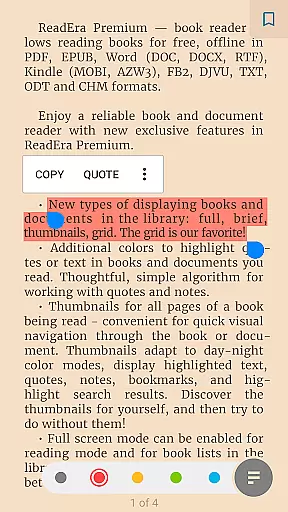
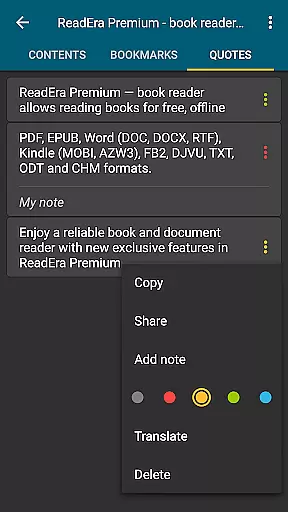
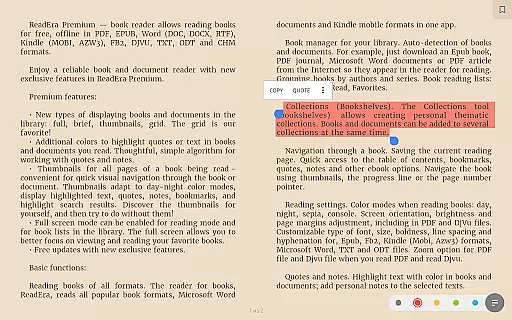
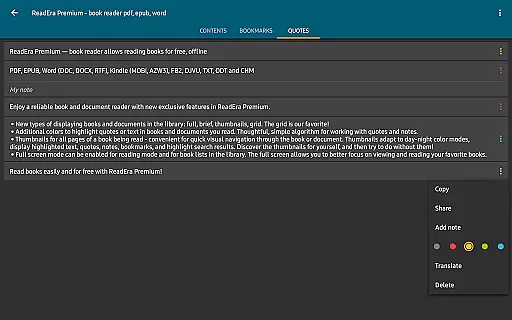
Premium features further elevate the user experience. Synchronization with Google Drive allows seamless access to your library across multiple devices, while background TTS enables hands-free listening even when the screen is locked. Additional highlights include centralized sections for managing quotes, notes, and dictionary entries, as well as customizable reading settings such as color themes, font types, and page layouts. These tools empower users to tailor their reading environment to suit individual preferences and needs.
Advanced file management capabilities are another hallmark of ReadEra Premium. Users can view, rename, move, and delete files directly within the app, streamlining the process of maintaining an organized library. Features like duplicate file detection and page thumbnails provide added convenience, making it easier than ever to navigate large collections. With its combination of powerful functionality and user-friendly design, ReadEra Premium sets a new standard for ebook readers and document managers.
ReadEra Premium offers an extensive e-book library that supports a wide range of formats including PDF, EPUB, Microsoft Word, Kindle, Comic, DJVU, FB2, TXT, ODT, and CHM. This ensures users have access to a vast collection of reading materials tailored to their preferences.
The app automatically detects all compatible books and documents on your device, making it easy to build and manage your personal library. With the ability to search by title, author, series, format, or language, finding specific content is both efficient and user-friendly.
Copyright authenticity is maintained through careful handling of document files. Users can view, rename, and organize files across external folders, ensuring proper management while respecting intellectual property rights.
By supporting various file types and offering tools for managing duplicates and organizing collections, ReadEra Premium provides a trustworthy platform for accessing and enjoying legally obtained e-books.
One of ReadEra Premium's standout features is its exceptional format compatibility. The app supports numerous document formats such as PDF, EPUB, Microsoft Word (DOC, DOCX, RTF), Kindle (MOBI, AZW3), Comic (CBZ, CBR), DJVU, FB2, TXT, ODT, and CHM, catering to diverse user needs.
This broad format support allows users to import and read documents from various sources without conversion hassles. Whether it's professional documents, academic papers, or leisure reading materials, ReadEra Premium ensures seamless access.
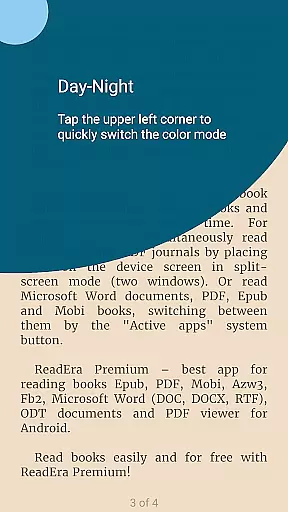
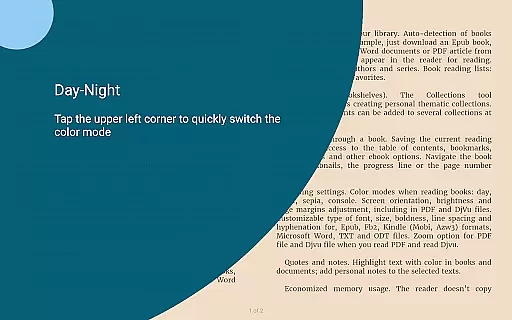
Additionally, advanced reading settings enhance the experience across different formats. Users can customize color themes, adjust font sizes and types, set page margins, and even zoom in on PDF and Djvu files, providing optimal readability regardless of format.
With these capabilities, ReadEra Premium stands out as a versatile tool for managing and enjoying digital content in multiple formats, enhancing both convenience and accessibility for readers.
User-friendly interface
Extensive format support
Powerful synchronization
Customizable reading settings
Advanced file management
No cloud storage included
Limited free features
Occasional sync issues
Heavy on system resources
Complex for beginners

The Bible Audio Guide
 4.80
4.80
This is the pro version King James bible Offline that we have
4.70
Master AKC Rally signs with in-depth hints, diagrams, and expert guidance.
4.50
The favorite Christmas story comes to life!
4.80
Learn Thai with 195,000+ entries, crisp Thai sounds, big text; works offline.
4.80
"When tweetle beetles fight, it's called a tweetle beetle battle."
4.90
The Original & Authentic Crystals, Gemstones, Rocks & Minerals Encyclopedia.
4.60
Read books PDF, EPUB, WORD, KINDLE, MOBI! Your ebook reader among reading apps.
4.80
Calculate, Knowledge, Homework
4.40
Plan of Life that Saint Josemaría recommended
4.80
The dynamic dictionary/reference app for piano chords and scales!
4.80
Translate into 100+ languages with the world’s most accurate AI translator.
4.70
Daily Devotional Widgets & Hourly Verses. Listen to Bible & Watch Holy Stories
4.70
“It is fun to have fun, but you have to know how!”
4.40
Learn Electricians' Handbook PRO complete guide beginners to advance.
4.40
Prime novels await! Fantasy & Romance on JoyRead. Immersive reads!
4.20
KJV Bible works offline with Audio, Hebrew & Greek lexicon (concordance) & more!
4.20
Read Trending Romance Stories
4.00
Sea tide predictions for all coastal U.S. locations.
4.0


User Reviews