
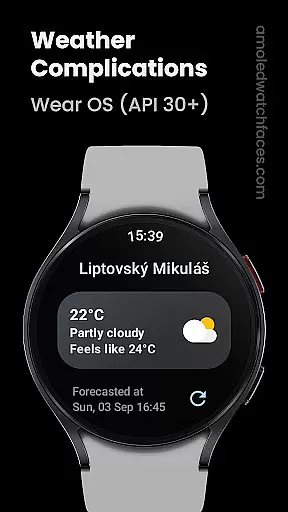
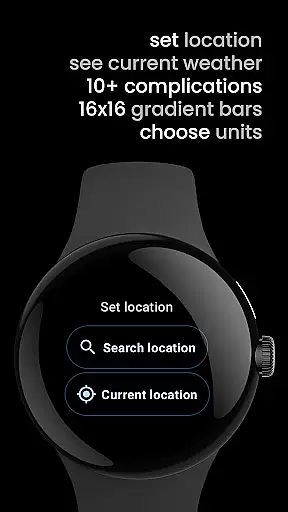
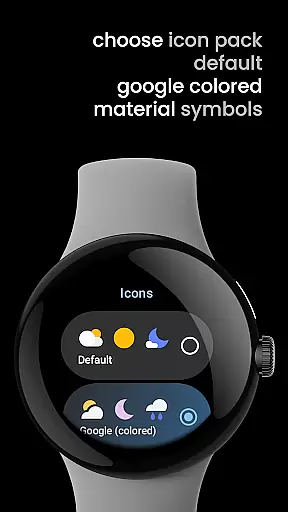
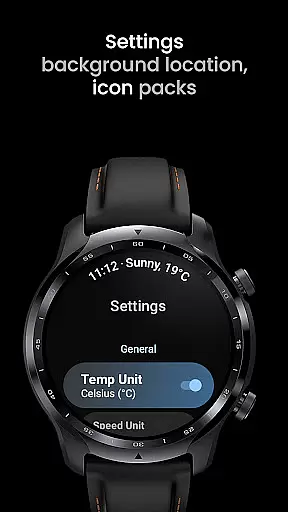
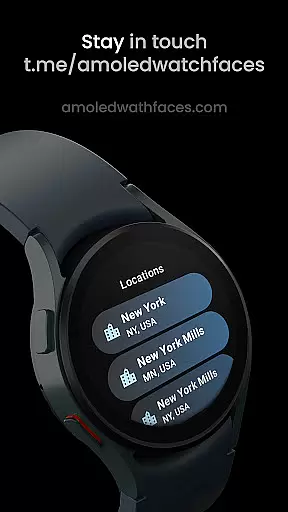
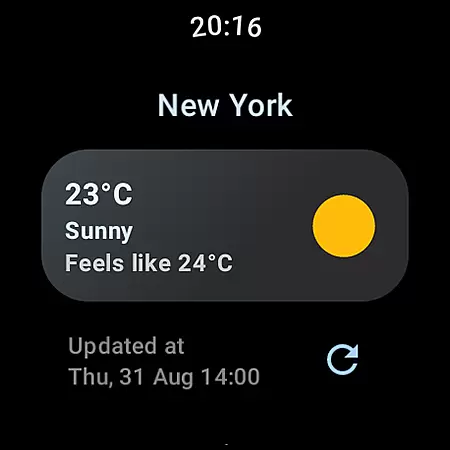
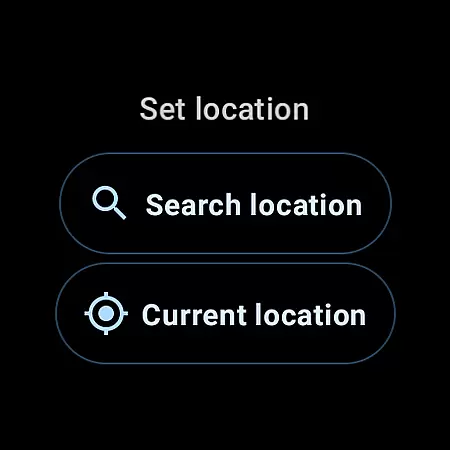
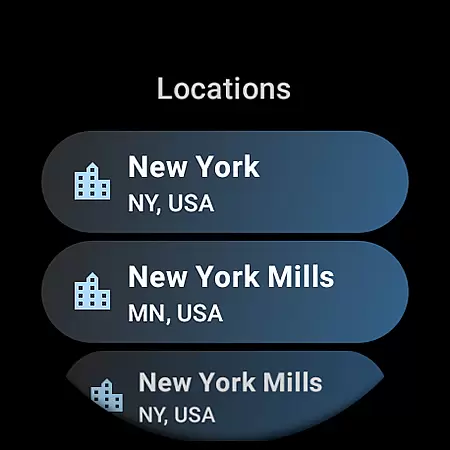
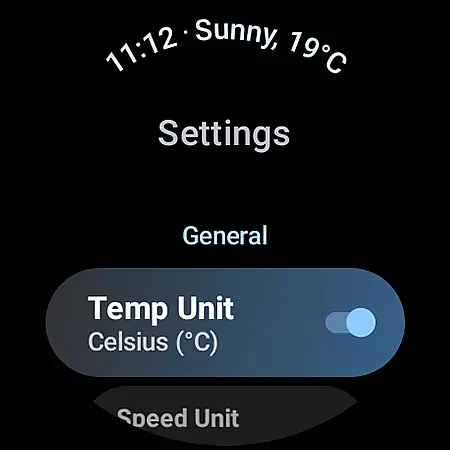
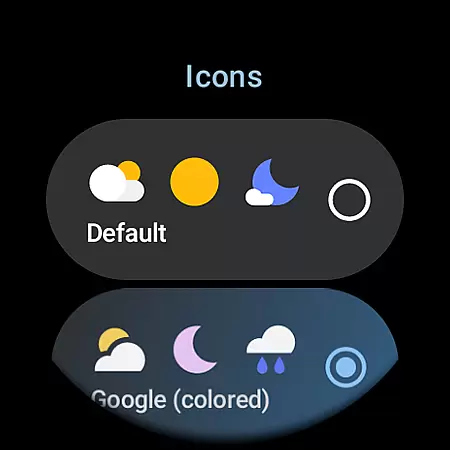
Weather Complications is a specialized app designed exclusively for Wear OS API 30+ devices. This application consolidates all weather-related custom complications into a single platform, ensuring users have access to comprehensive weather data while optimizing battery life. The app refreshes complications every 35 minutes and provides updated weather information every 15 minutes, utilizing forecasted data during connectivity issues. Weather data is sourced from reliable providers like www.weatherapi.com and openweathermap.org, ensuring accuracy and reliability.
The app supports various custom complications including Air Quality Index, Atmospheric Pressure, Beaufort, Chance of Rain, Current and Feels like Temperature, Humidity, UV Index, Wind details, and more. Each complication type offers different display options such as SHORT_TEXT, LONG_TEXT, RANGED_VALUE, ICON, and SMALL_IMAGE. This flexibility allows users to customize their watch faces according to their preferences, providing both aesthetic appeal and functional utility.
Weather Complications stands out with its extensive range of supported custom complications and types. Users can choose from a variety of weather metrics such as Air Quality Index (EPA), Atmospheric Pressure, Beaufort scale, Chance of Rain, Current and Feels like Temperature, Humidity, UV Index, and Wind details. Each metric can be displayed in multiple formats including SHORT_TEXT, LONG_TEXT, RANGED_VALUE, ICON, and SMALL_IMAGE, offering versatile customization options.
In addition to the diverse complications, the app leverages advanced APIs for location information and weather data. It uses Google's Places API for precise location tracking and integrates data from reputable sources like www.weatherapi.com and openweathermap.org. This ensures that users receive the most accurate and up-to-date weather information. Furthermore, the app is optimized for battery efficiency, refreshing data at 35-minute intervals, which is crucial for maintaining the longevity of Wear OS devices.
Weather Complications for Wear OS provides reliable weather data through trusted sources like WeatherAPI and OpenWeatherMap. These platforms are known for their accurate forecasting models and real-time data collection, ensuring users receive dependable weather information.
The app refreshes its complications every 35 minutes, striking a balance between battery efficiency and data relevance. Even when offline, the app continues to display forecasted weather data for the current hour, maintaining a consistent user experience without compromising device performance.
By integrating Google's Places API for location services, the app ensures precise geographic data retrieval. This enhances the accuracy of localized weather reports, giving users confidence in the information presented on their smartwatch faces.
One of the key strengths of Weather Complications is its ability to provide comprehensive temporal and spatial weather forecasts. The app offers detailed weather parameters across different timeframes, from current conditions to hourly predictions, all accessible directly from Wear OS watch faces.
Users can access various weather metrics including temperature, air quality index, UV index, and wind conditions. Each data point comes with clear visual indicators and text descriptions, making it easy to interpret complex weather information at a glance.
The spatial coverage is equally impressive, supporting global locations through its integration with leading weather data providers. Whether you're traveling internationally or monitoring local conditions, the app maintains consistent performance and accuracy across different regions and time zones.
User-friendly interface
Comprehensive weather data
Optimized battery usage
Customizable complications
Reliable data sources
Limited to Wear OS
No BOGO promo availability
Requires internet connection
Premium features need subscription
Complex for beginners

Personal Weather Station PRO - Meteo monitor to check your WU info and charts.
 4.20
4.20
Check forecasts, watch live news & track storms with FOX Weather.
3.80
Get accurate rainfall and snowfall totals for pinpoint locations on a map.
4.60
Your Personal Weather Assistant
4.00
Your local weather app with storm radar, rain tracker, weather maps & AQI.
4.1
Local Weather provides accurate and current hourly and daily forecasts.
4.80
Download now and give your smartwatch a fresh, premium look!
4.20
Local weather forecast app, your personal 7*24 local weather forecast assistant.
4.90
Local forecast, alerts, rain, snow and wind radar, air quality & weather widget
4.60
Weather Forecast, Trending News, Hurricane & Storm Tracker, Alerts & Live Radar.
4.80
The reliable and trusted global air quality, wildfire, pollen, PM2.5 forecast
4.70
Track lightning strikes with our thunderstorms map, radar and lightning alarm.
4.70
Your ultimate app for real-time weather information!
4.70
Weather radar map, storm tracker, local forecast, live rain alerts & daily news.
4.60
NOAA radar, weather forecasts, hurricane tracking & customizable alerts.
4.50
Track rainfall totals with ease using our rain gauge app. Accurate rain tracker.
4.50
Weather watch face for Wear OS 5
4.40
Live NOAA weather app to track storm, rain, wind, lightning & real local updates
4.20
Dynamic weather watch face with glass effect, bold time & 7 complications.
4.4


User Reviews