
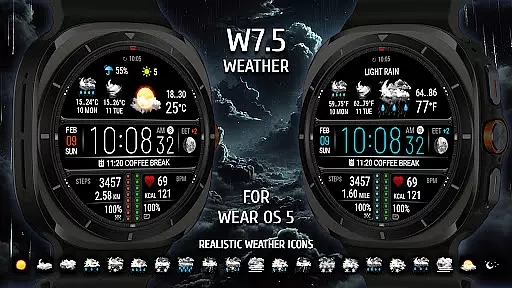
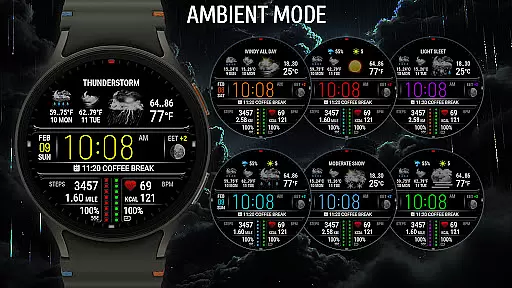
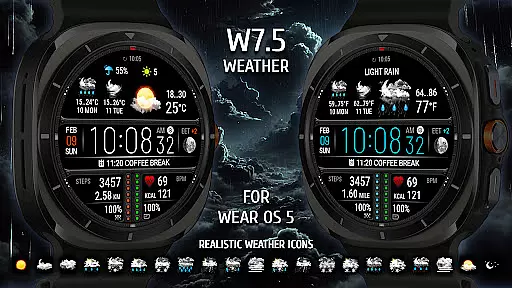
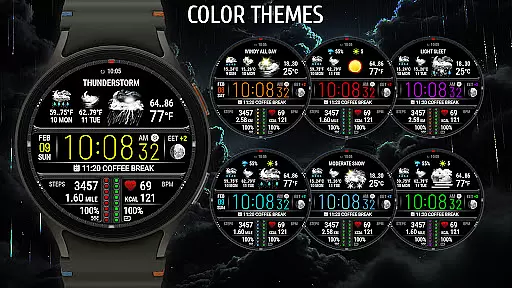
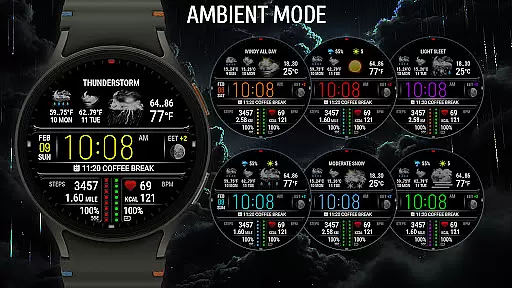
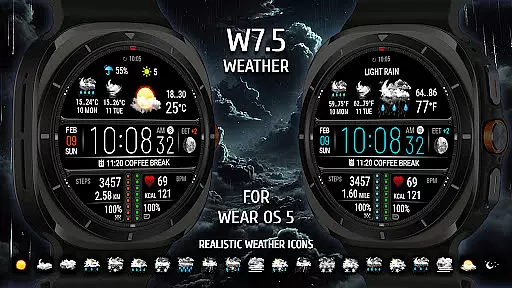
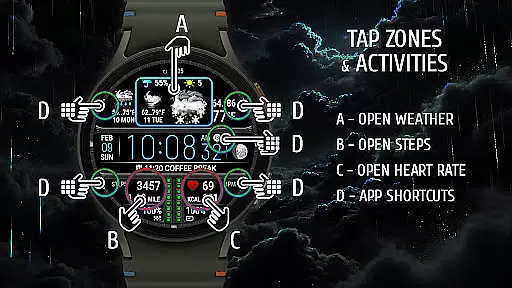
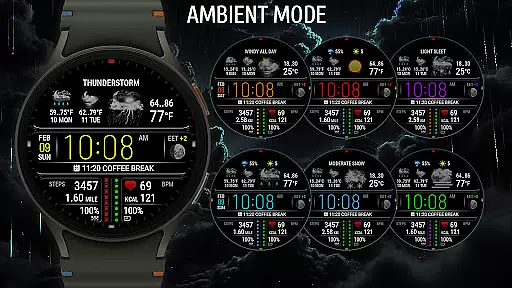
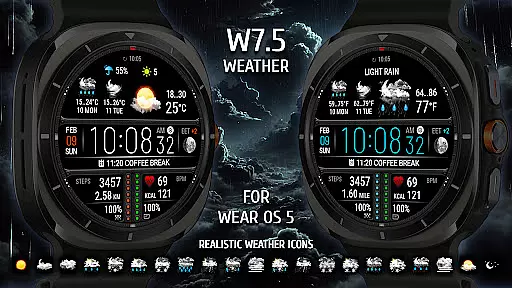
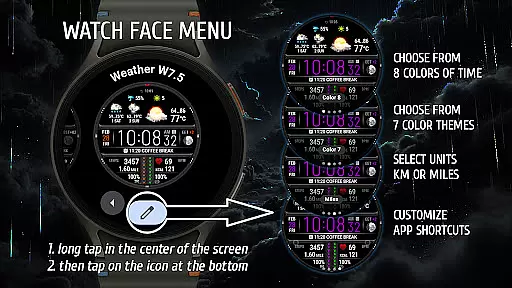
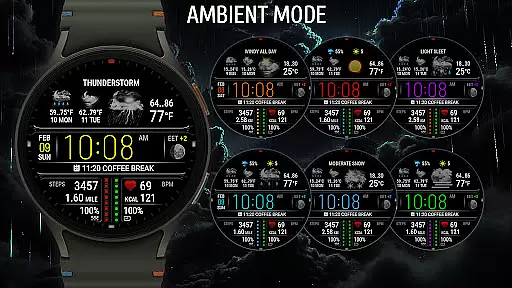
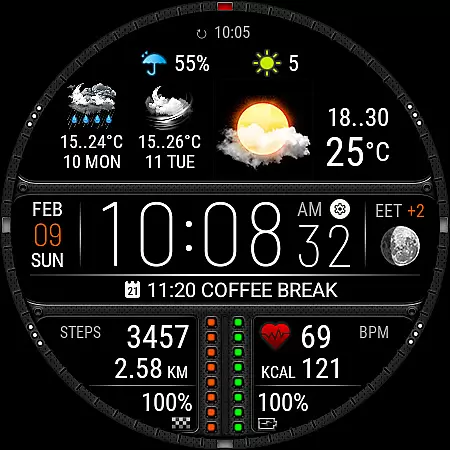
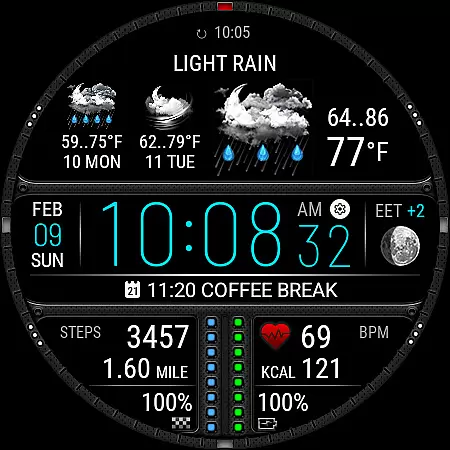
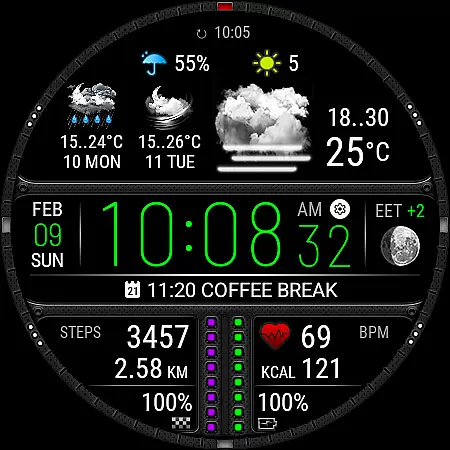
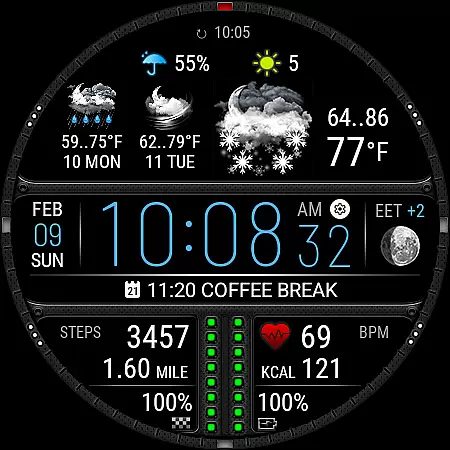
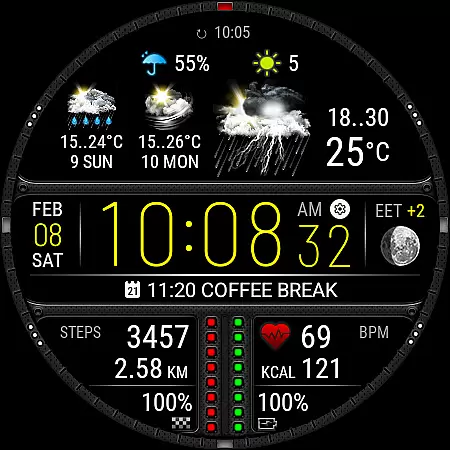
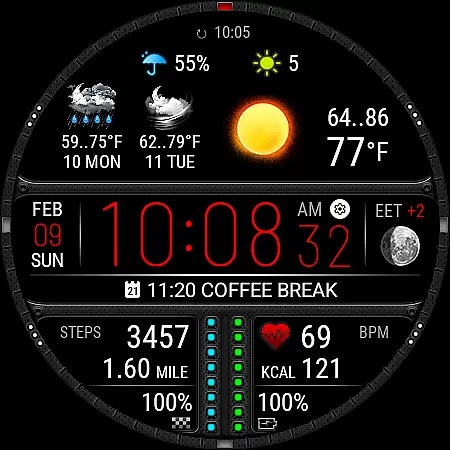
Weather Watch Face W7.5 is a feature-rich watch face designed exclusively for Wear OS 5+ devices, offering users an enhanced smartwatch experience through advanced weather tracking and health monitoring. With real-time weather updates powered by The Weather Channel, users can access current temperature, 2-day forecasts, precipitation probability, and UV index directly on their watch face.
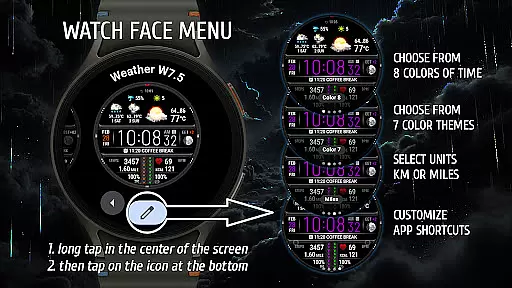
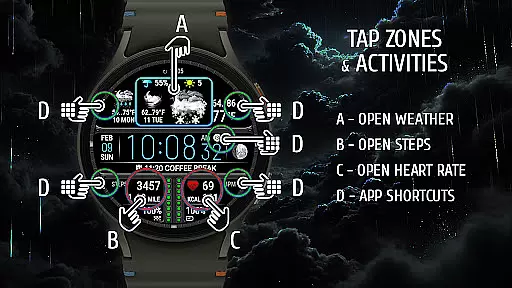
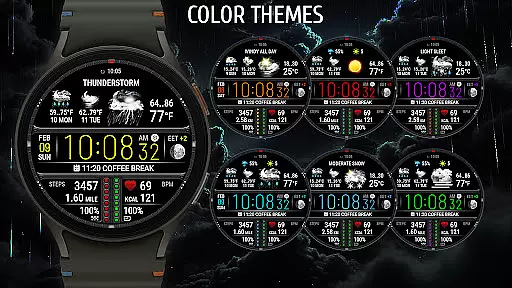
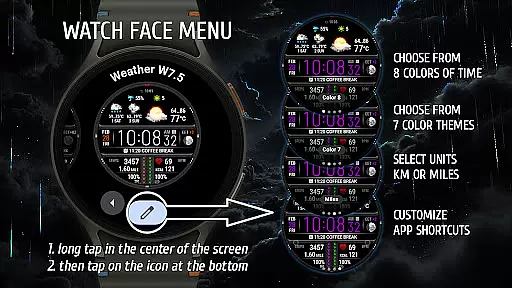
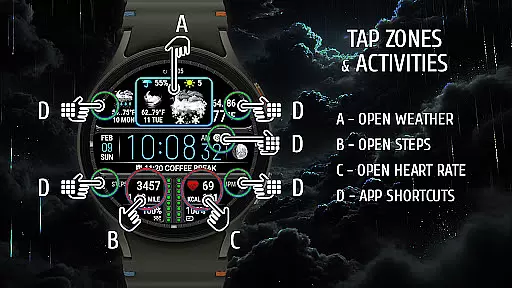
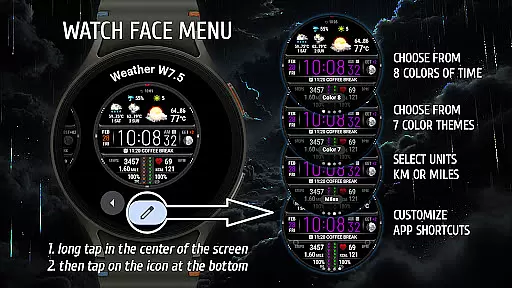
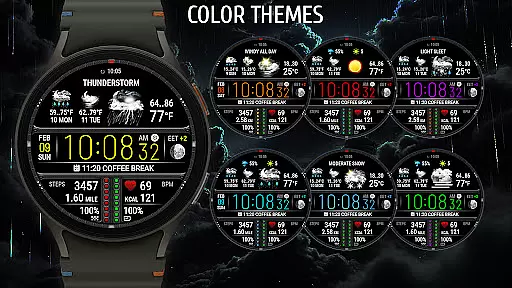
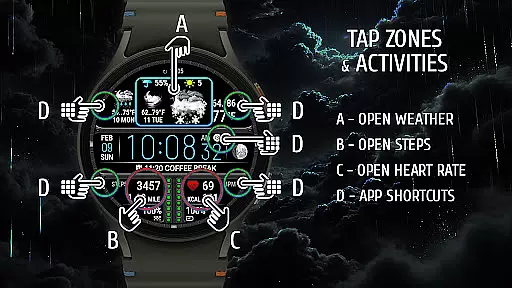
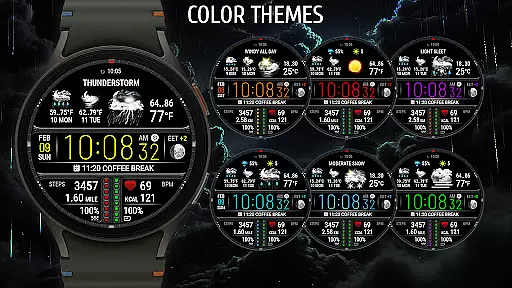
In addition to its robust weather functionality, the app integrates essential health tracking features such as heart rate monitoring and step counting with distance measurement in either kilometers or miles. Its customizable design includes 8 stunning color themes and 5 quick-launch shortcuts, allowing users to personalize both aesthetics and usability while maintaining a sleek interface that works seamlessly across compatible devices.
Weather Watch Face W7.5 stands out with its comprehensive set of features tailored for both utility and personalization. The app provides realistic weather icons and detailed forecasts, ensuring users are well-prepared for changing conditions throughout the day. By leveraging data from The Weather Channel or the system's default provider, it delivers accurate and localized weather information directly to your wrist.
Beyond weather, this watch face prioritizes health tracking by integrating heart rate monitoring and activity metrics like steps and distance traveled. Users can choose between imperial or metric units based on preference. Customization options include 8 unique color themes and 5 configurable shortcuts, enabling instant access to frequently used apps. These thoughtful additions make it not just a stylish accessory but also a practical tool for managing daily routines efficiently.
Weather Watch Face W7.5 provides users with highly accurate weather forecasts powered by The Weather Channel, ensuring reliable and credible data for planning daily activities. This level of precision is crucial for those who depend on real-time updates to make informed decisions.
The application integrates advanced forecasting technologies that update weather conditions every few minutes, offering users the most current information available. With features like precipitation probability and UV index, it ensures comprehensive coverage of essential weather metrics.
By delivering trustworthy weather data directly to your smartwatch, this app empowers users to stay prepared for changing conditions without needing to check their phones constantly. The credibility of its data sources makes it a dependable tool for outdoor enthusiasts and professionals alike.
One of the standout features of Weather Watch Face W7.5 is its ability to provide a 2-day forecast directly on your Wear OS device. This temporal range allows users to plan ahead with confidence, knowing what weather conditions to expect in the near future.
In addition to time-based forecasts, the app offers spatial awareness through location-specific updates. Whether you're traveling or simply moving around your city, the watch face adjusts to display relevant weather information based on your current position.
This combination of temporal and spatial forecasting creates a powerful tool for anyone needing detailed weather insights at a glance. By presenting this information in an easily digestible format, Weather Watch Face W7.5 enhances both convenience and preparedness for its users.
Real-time weather updates
Health tracking integration
Customizable themes
Quick-launch shortcuts
Stylish design
Wear OS 5+ only
No iOS support
Limited free features
Requires internet
Subscription needed

A powerful tool for ultimate weather awareness
 3.50
3.50
Ultimate Lunar Calendar for 2021!
4.80
NOAA radar, weather forecasts, hurricane tracking & customizable alerts.
4.50
Arrive safely! Travel weather forecasts for your entire trip at time of arrival.
3.60
Weather - Local weather forecast, weather daily & hourly, weather radar
4.80
Most precise & accurate compass app give true North South East West directions.
3.00
Your Personal Weather Assistant
4.00
My Aurora Forecast Pro is the app for the Northern Lights and Aurora Borealis.
4.70
Precision Weather, Right at Your Fingertips
4.40
My Tide Times Pro is the only tide tables and forecasts application you'll need.
4.80
Thermometer shows indoor and outdoor temperature
4.70
Weather radar, satellite, wind, waves, ocean and hurricane forecasts.
4.70
The most accurate weather app, hourly and daily weather, severe weather alerts
4.50
Accurate, beautiful weather with landscapes depicting weather, sky, season.
4.50
Weather related custom complications for Wear OS. UV, Hi-Lo, AQI and more!
4.40
Personal Weather Station PRO - Meteo monitor to check your WU info and charts.
4.20
Live NOAA weather app to track storm, rain, wind, lightning & real local updates
4.20
Stay Ahead Of Changing Weather Conditions
4.00
Dynamic weather watch face with glass effect, bold time & 7 complications.
4.1


User Reviews