
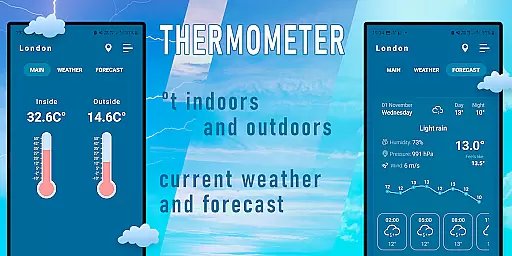
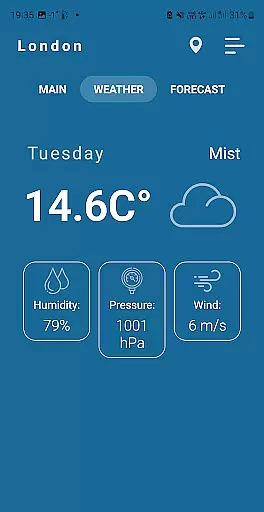
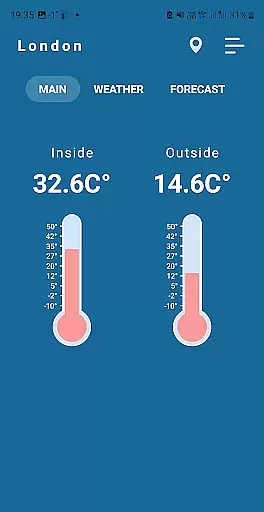
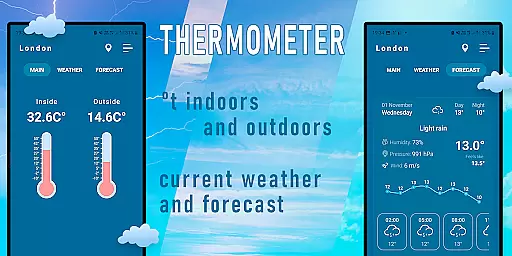
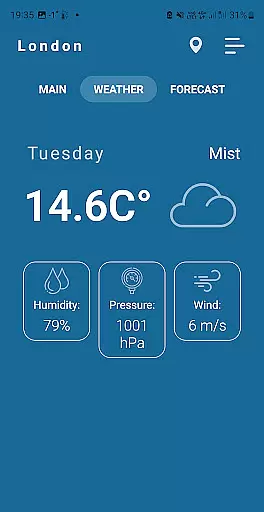
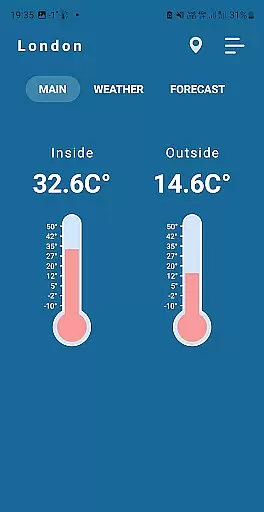
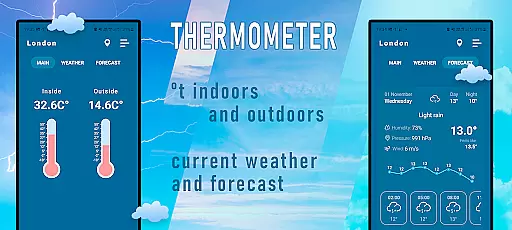
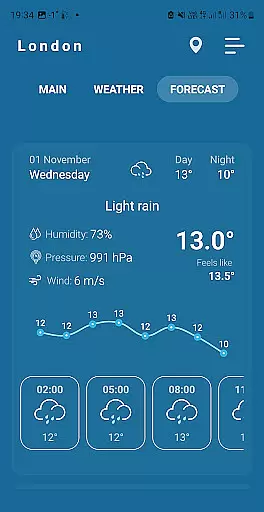
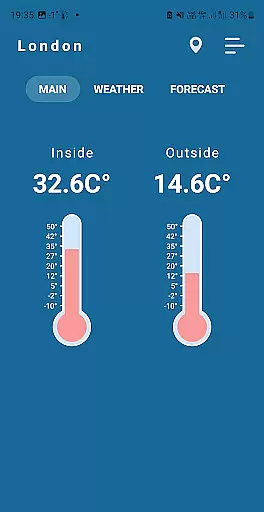
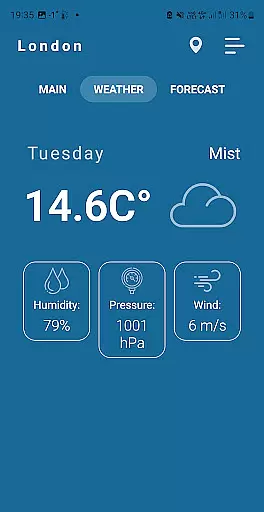
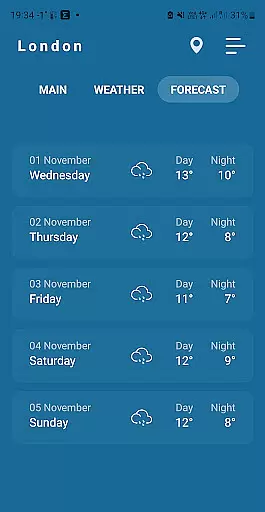
Indoor Thermometer is a specialized weather application designed to provide both indoor and outdoor temperature readings. The app utilizes the built-in temperature sensor of your smartphone to display the current room temperature where the device is located. Additionally, it gathers weather data from nearby weather stations to show outdoor conditions based on your location.
This app is particularly useful for users who want to monitor environmental conditions in real-time. Whether you're adjusting your home's thermostat or planning your day's outfit, Indoor Thermometer delivers accurate and up-to-date information to help you make informed decisions.
Indoor Thermometer offers several notable features that set it apart from other weather apps. First, it uses your phone's built-in temperature sensor to measure indoor temperatures accurately. This feature provides a convenient way to check room temperature without needing additional hardware.
The app also integrates with nearby weather stations to deliver precise outdoor weather data. To ensure accuracy, it requires users to enable network connections and location services. For best results, it's recommended to leave your phone idle for 5-10 minutes before taking measurements, as active use can cause the battery to heat up and affect temperature readings.
Forecast accuracy and data credibility are crucial for any weather application. Indoor Thermometer provides precise temperature readings by leveraging nearby weather stations' data.
The app uses advanced algorithms to ensure the information displayed is both current and reliable. This process involves cross-referencing multiple data points from various sources to maintain high standards of accuracy.
For users, this means they can trust the temperatures shown on their device screens, whether checking indoor or outdoor conditions. Reliable data empowers users to make informed decisions based on real-time weather updates.
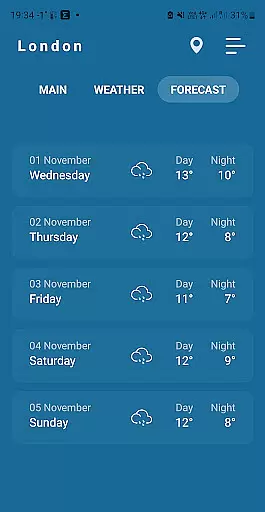
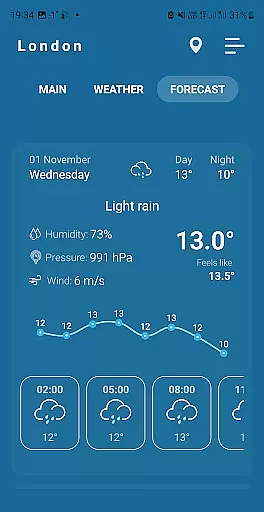
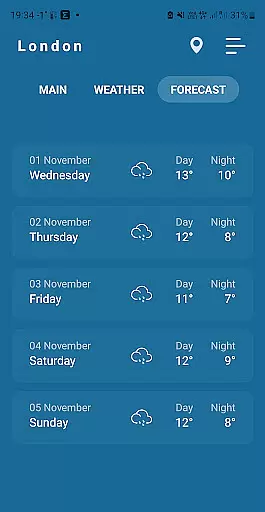
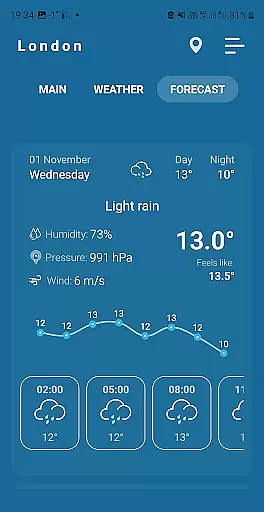
Understanding temporal and spatial forecast ranges helps users plan effectively. The Indoor Thermometer app excels in delivering localized weather forecasts tailored to specific locations.
By utilizing geolocation services and an extensive network of weather stations, the app ensures comprehensive coverage over a wide area. Users receive timely updates about changing weather patterns within their vicinity.
This feature benefits those needing detailed local forecasts, such as event planners or outdoor enthusiasts. Accurate spatial data combined with temporal predictions enhances user experience significantly.
User-friendly interface
Accurate indoor readings
Real-time updates
Location-based data
Easy setup process
Battery consumption
Dependent on location
Limited outdoor data
Sensor calibration needed
Network requirement

Ultimate Lunar Calendar for 2021!
 4.80
4.80
Live weather radar, widgets & forecasts. Track rain, storms & temperature.
4.20
Accurate weather forecast, daily weather changes are easy to grasp
4.90
Super-res, real-time weather radar. Be prepared for extreme weather.
4.50
Industry leading whitetail movement predictor & hunting app.
4.60
Digital Weather Watch Face for Wear OS 5+
4.1
Accurate, beautiful weather with landscapes depicting weather, sky, season.
4.50
Check room temperature with this indoor thermometer. thermostat & hydrometer
4.70
Precision Weather, Right at Your Fingertips
4.40
Local Weather provides accurate and current hourly and daily forecasts.
4.80
Accurate Thermometer: indoor & outdoor temperature, humidity, pressure, and wind
4.50
NOAA radar, weather forecasts, hurricane tracking & customizable alerts.
4.50
Accurate Weather App: various widgets, real-time storm radar, hurricane tracker.
4.50
Local weather forecast, reliable daily weather report
4.30
Weather forecast & live radar map
4.20
Global weather forecast, powered by layered radar & hourly weather updates
4.10
Your Personal Weather Assistant
4.00
Get instant weather & temperature predictions right on your Wear OS smartwatch!
4.4
Dynamic weather watch face with glass effect, bold time & 7 complications.
4.1


User Reviews