
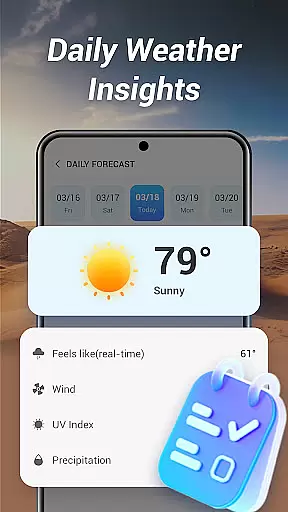
Good Weather is a comprehensive weather application designed to provide users with real-time weather updates and forecasts. The app offers global and local weather information, ensuring you are prepared no matter where you are. With features like layered live radar maps, air quality index (AQI) monitoring, and detailed hourly forecasts, it delivers critical data for planning your day or travels.
The app stands out with its clean, user-friendly interface that emphasizes clarity and usability. Whether you need to track storms, monitor temperature changes, or simply get a quick summary of the day's weather, Good Weather provides all the necessary tools in one place. Its reliable data sources and live updates make it an essential companion for staying informed about changing weather conditions.
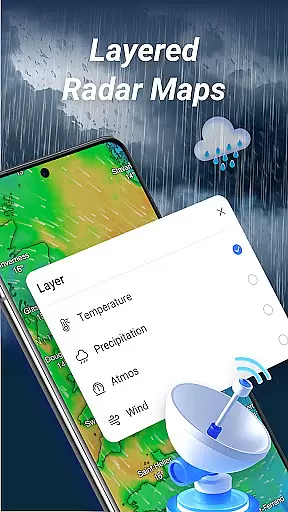
Good Weather boasts an array of advanced features tailored to meet the needs of both casual users and weather enthusiasts. One of its standout capabilities is the layered live radar map, which allows users to visualize various weather elements such as rain, wind, and temperature across different geographic locations. This feature supports multiple data layers, including humidity and pressure, offering deeper insights into current weather patterns.
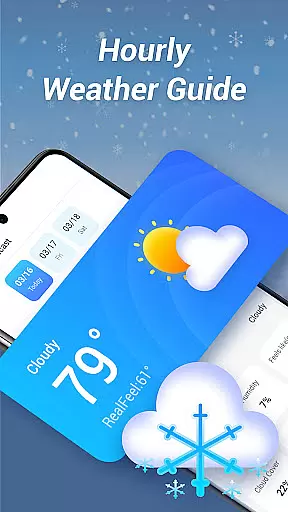
In addition to its radar technology, the app provides real-time air quality updates and customizable weather alerts. Users can receive notifications about significant weather changes, helping them plan their activities more effectively. The hourly forecast feature breaks down expected weather conditions into detailed segments, covering temperature, wind speed, humidity, and cloud cover. These precise updates empower users to make informed decisions based on accurate and timely information.
Forecast accuracy and data credibility are crucial for any weather application, ensuring users receive reliable information to plan their day effectively. Good Weather delivers real-time forecasts with precision by leveraging advanced meteorological algorithms and trusted global data sources.
The app provides live updates on temperature, wind speed, humidity, and cloud cover, ensuring that users have access to the most current and accurate weather conditions. This level of detail allows individuals to make informed decisions about travel, outdoor activities, and daily planning.
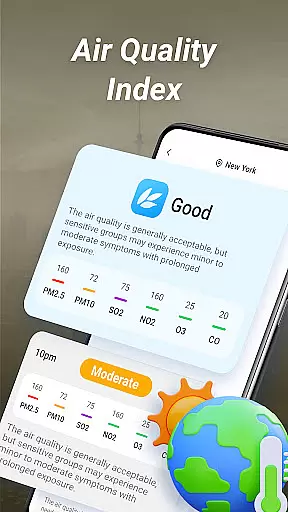
Good Weather also offers insights into air quality index (AQI) and weather alerts, which are essential for health-conscious users and those in regions prone to sudden climate changes. The inclusion of these features enhances the overall reliability of the app's data.
Temporal and spatial forecast range refers to the ability of a weather app to provide accurate predictions across different timeframes and geographical locations. Good Weather excels in this area by offering both hourly and daily summaries, catering to various user needs.
With its layered live radar, users can track rain, wind, and storms in real-time, switching between temperature, humidity, and pressure layers. This comprehensive approach ensures that users have a detailed understanding of upcoming weather patterns, whether they are planning an hour ahead or days in advance.
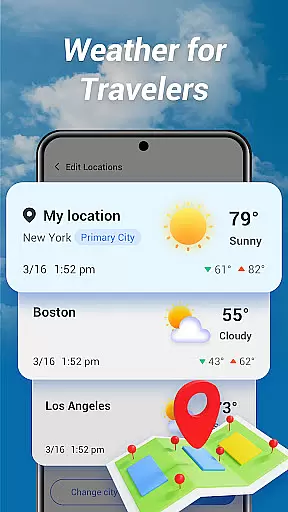
Furthermore, Good Weather supports global weather tracking, allowing users to access forecasts not only for their current location but also for worldwide destinations. This feature is particularly beneficial for travelers who require dependable weather information across different regions.
User-friendly interface
Accurate real-time data
Comprehensive weather details
Customizable alerts
Global coverage
Limited free features
Occasional data delays
High battery usage
Subscription required
Ads in free version

Ultimate Lunar Calendar for 2021!
 4.80
4.80
My Aurora Forecast is the app for Northern Lights and Aurora Borealis alerts.
4.60
Super-res, real-time weather radar. Be prepared for extreme weather.
4.50
Your ultimate app for accurate local weather information!
4.60
Track lightning strikes with our thunderstorms map, radar and lightning alarm.
4.70
14-day & 24-hour Forecast | Real-time Alert | Accurate & Fast
4.40
Magnetic Compass meets smart tech: Get directions and weather alerts seamlessly
3.30
Precision Weather, Right at Your Fingertips
4.40
Live NOAA weather app to track storm, rain, wind, lightning & real local updates
4.20
Aviation weather made simple. Visual decoder for METAR & TAF
4.90
A professional, comprehensive and accurate weather forecast app
4.90
Live Weather Forecast app with acu weather radar, weather alert & weather widget
4.80
Thermometer shows indoor and outdoor temperature
4.70
View weather widget and map. Wind direction and speed. Tides times and waves
4.70
Accurate Weather App: various widgets, real-time storm radar, hurricane tracker.
4.50
Weather related custom complications for Wear OS. UV, Hi-Lo, AQI and more!
4.40
Arrive safely! Travel weather forecasts for your entire trip at time of arrival.
3.60
Retro TV-style digital watch face with weather, heart rate, steps & events!
4.5
Detailed weather info and moon phase, subtle animation, customizable
4.0


User Reviews