
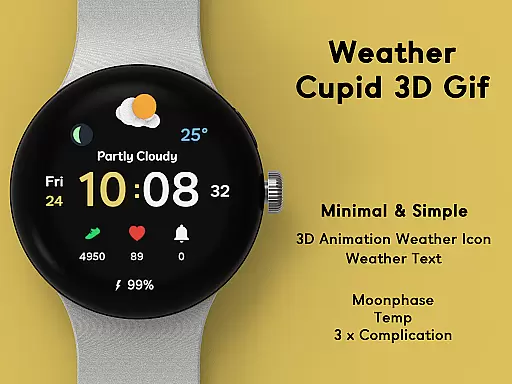
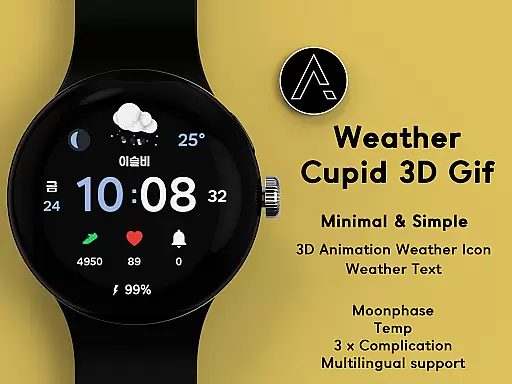
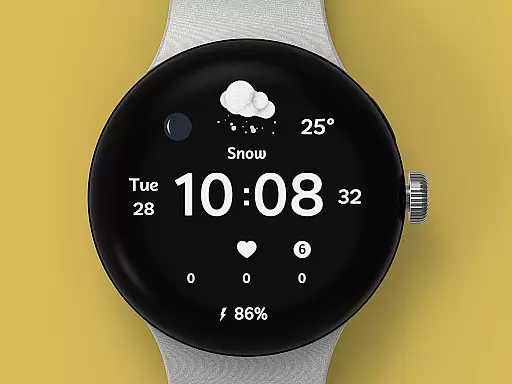
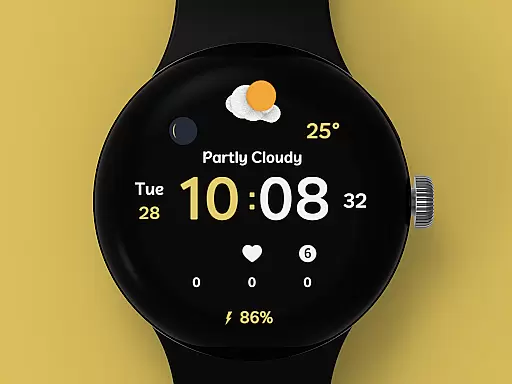
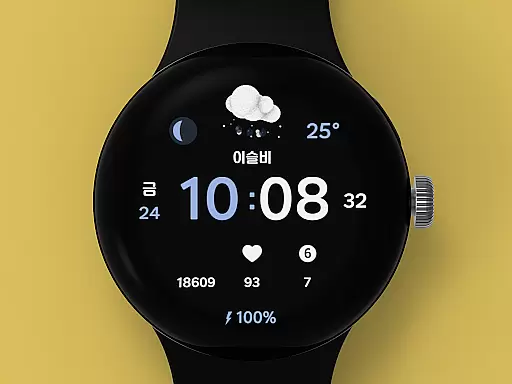
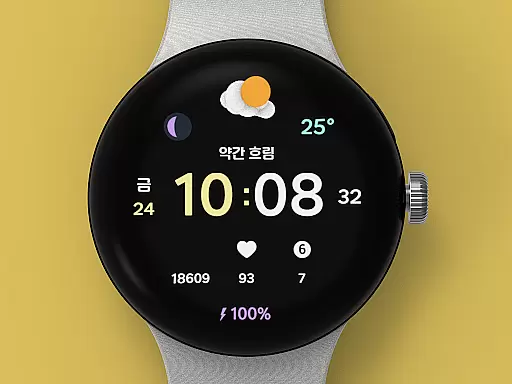
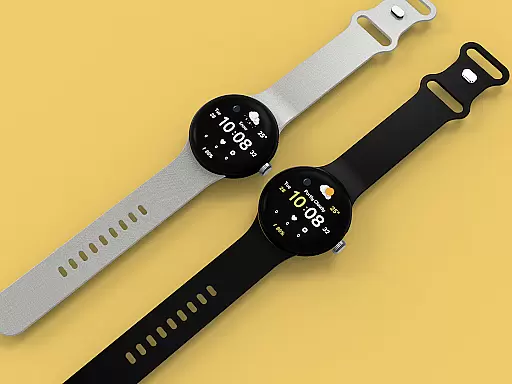
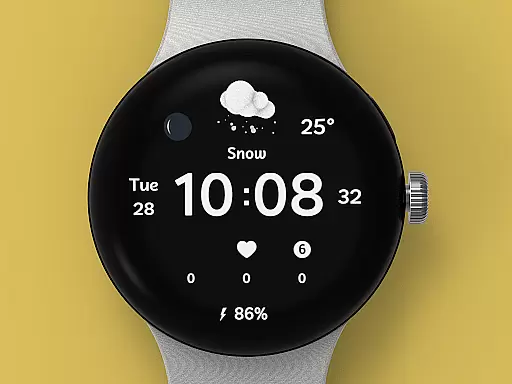
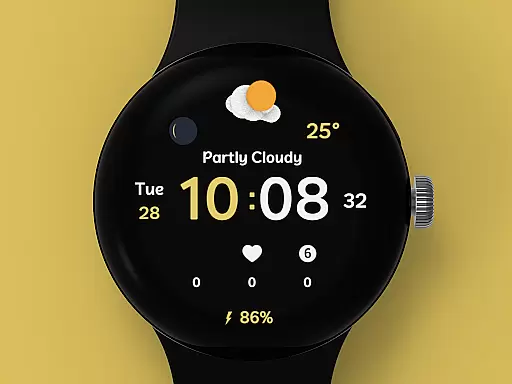
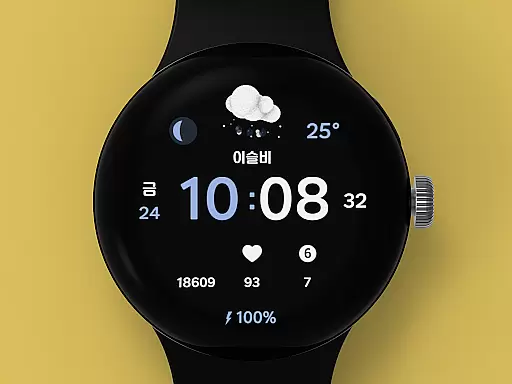
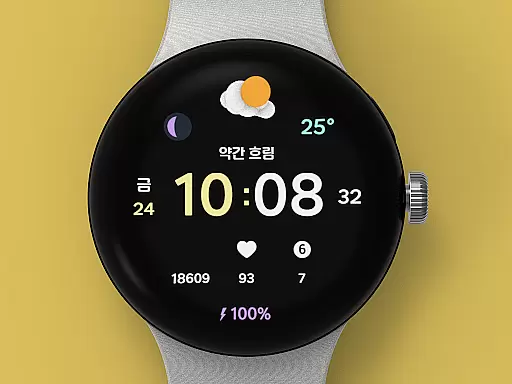
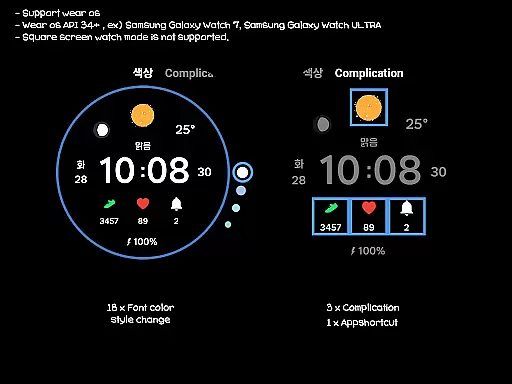
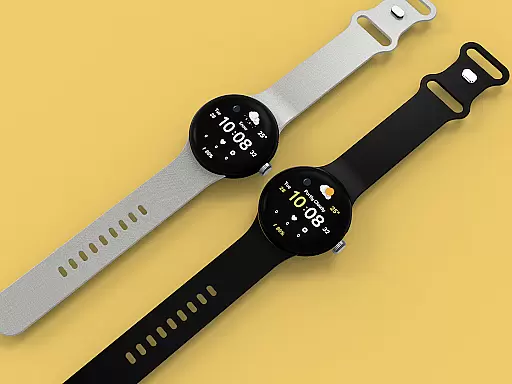
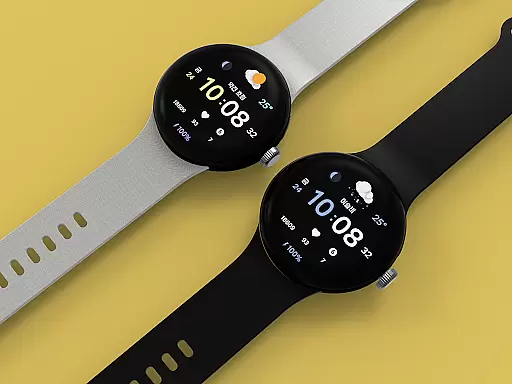
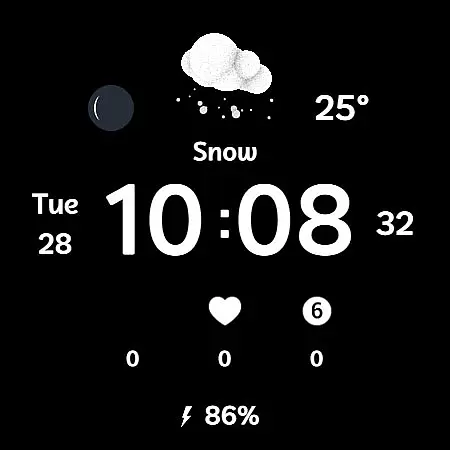
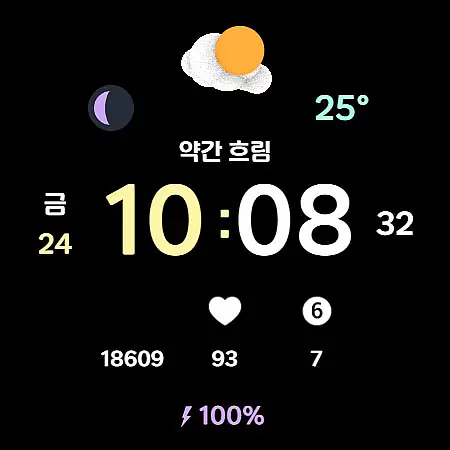
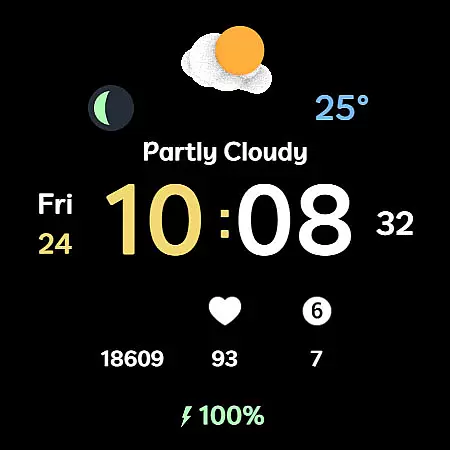
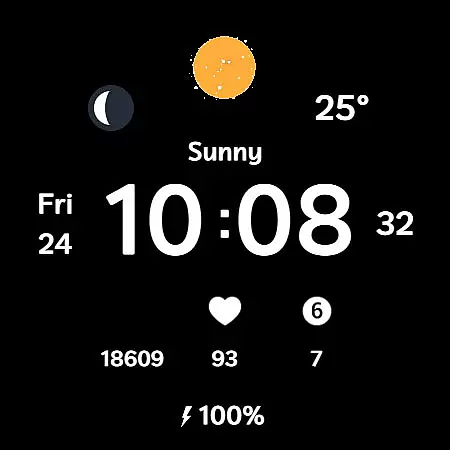
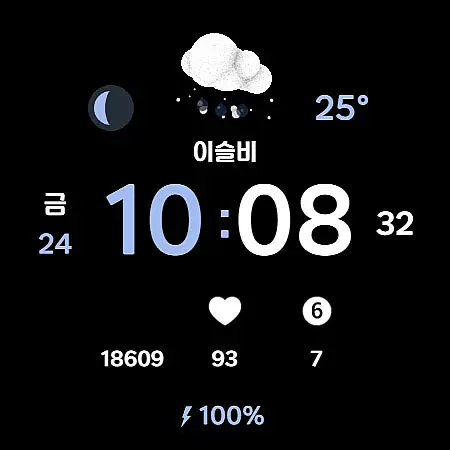
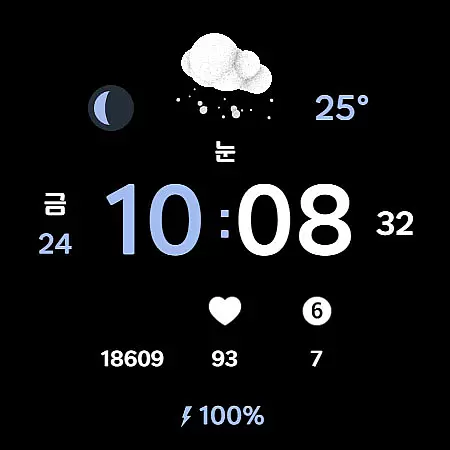
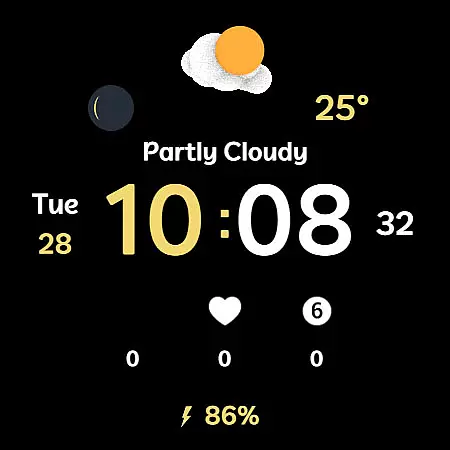
Weather Cupid 3D Gif is a dynamic Wear OS watch face that combines functionality with aesthetics. This digital watch face features a minimalistic design complemented by lively 3D animated weather icons, making it both visually appealing and informative. Users can easily check essential information such as temperature, moon phase, battery percentage, and health data directly from their wrist.
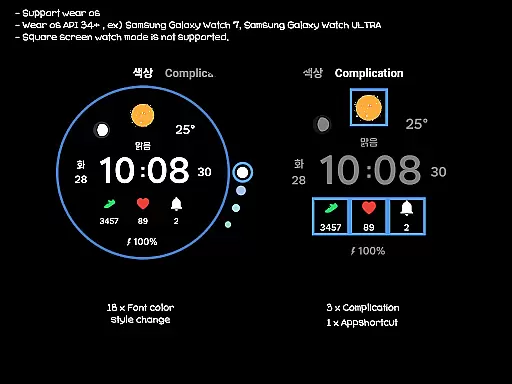
The app supports multiple languages and offers customization options including 18 font color styles, complications, and app shortcuts. With automatic weather updates every 30 minutes via Samsung's API, users are kept informed about current conditions. The intuitive interface ensures seamless interaction while maintaining compatibility exclusively with Wear OS devices, although square screen modes are not supported.
Weather Cupid 3D Gif stands out with its unique blend of features tailored for Wear OS users. One of the key highlights is the 3D animation weather icon that vividly represents current weather conditions. The app provides temperature readings in both Celsius and Fahrenheit, along with multilingual support to cater to a global audience.
Additional functionalities include a 12h/24h digital time display, battery percentage indicator, and moon phase tracker. Users can customize their experience through various options like font color styles, complications, and app shortcuts. Weather information is updated automatically every 30 minutes or manually via the update button within the app. Despite potential discrepancies compared to other weather services due to reliance on Samsung's API, this watch face ensures accurate and timely updates for an enhanced user experience.
Weather Cupid 3D Gif provides accurate weather forecasts based on the API provided by Samsung. This ensures that users receive reliable and credible weather information directly on their Wear OS devices.
The application updates weather data approximately every 30 minutes, ensuring that users have access to the most current conditions. For those needing immediate updates, a manual update feature is available through the weather or UV complication interface.
Despite the high level of accuracy, it's important to note that there may be slight variations compared to other companies' weather information due to differences in data sourcing and processing methods.
Overall, Weather Cupid 3D Gif offers a dependable solution for staying informed about weather conditions, making it an essential tool for daily planning and safety.
With Weather Cupid 3D Gif, users can easily check weather information across different times and locations. The app supports both Celsius and Fahrenheit temperature scales, catering to a global audience with diverse preferences.
One of the standout features is the animated 3D weather icon, which provides a visually engaging way to understand current weather conditions. This intuitive design helps users quickly grasp changes in weather patterns without needing to interpret complex data.
In addition to temporal forecasts, the app also includes moon phase information, adding another layer of detail for those interested in celestial events. This combination of time-based and spatial data makes Weather Cupid 3D Gif a comprehensive weather companion.
Whether you're planning your day or monitoring health-related environmental factors, this app delivers a broad forecast range that enhances user experience and preparedness.
User-friendly interface
Visually appealing design
Accurate weather updates
Customizable features
Multilingual support
Limited to Wear OS
No square screen support
Dependent on Samsung API
Occasional connectivity issues
Manual reapplication needed after restart

Live local weather updates: various widgets & radar maps & hourly forecast.
 4.70
4.70
Thermometer shows indoor and outdoor temperature
4.70
Personal Weather Station PRO - Meteo monitor to check your WU info and charts.
4.20
Accurate Thermometer: indoor & outdoor temperature, humidity, pressure, and wind
4.50
Super-res, real-time weather radar. Be prepared for extreme weather.
4.50
Powerful US and worldwide earthquake feed with earthquake alerts and maps.
4.60
Magnetic Compass meets smart tech: Get directions and weather alerts seamlessly
3.30
Weather radar map, storm tracker, local forecast, live rain alerts & daily news.
4.60
Weather channel forecasts weather daily & hourly, local and national air quality
4.70
No ads, No data collected. Beautiful and powerfully customizable weather app
4.90
NOAA forecast & radar for your exact location.
4.80
Ultimate weather forecast + moon phase for Wear OS 5+ (Pixel, Galaxy, et al.)
4.70
Track lightning strikes with our thunderstorms map, radar and lightning alarm.
4.70
Industry leading whitetail movement predictor & hunting app.
4.60
Track rainfall totals with ease using our rain gauge app. Accurate rain tracker.
4.50
Local weather forecast, reliable daily weather report
4.30
Analog Weather Watch Face for Wear OS 5+
4.10
A powerful weather forecast to get real-time weather information
3.60
Detailed weather info and moon phase, subtle animation, customizable
4.1


User Reviews