
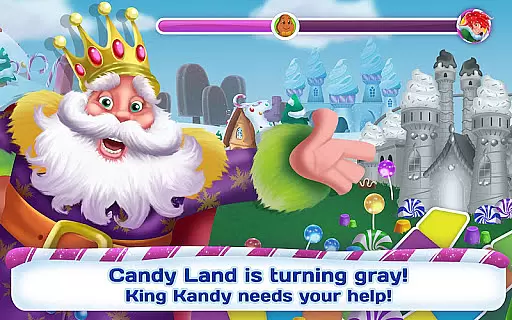

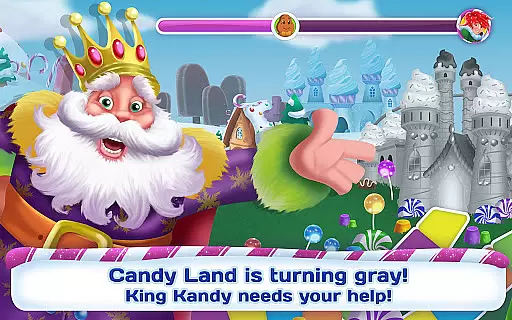

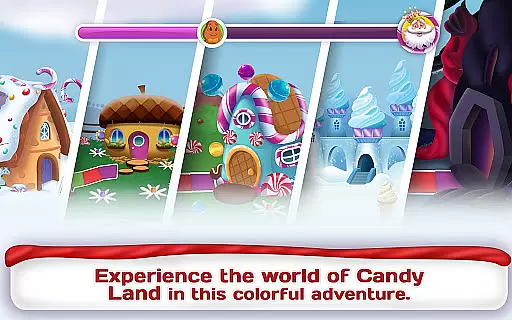
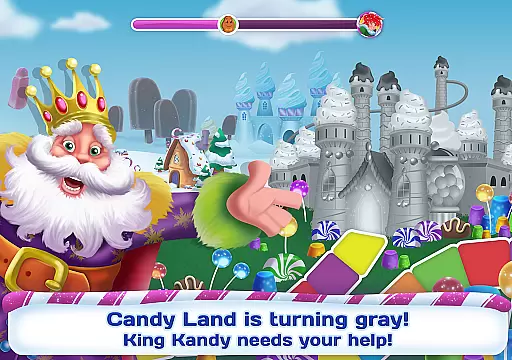
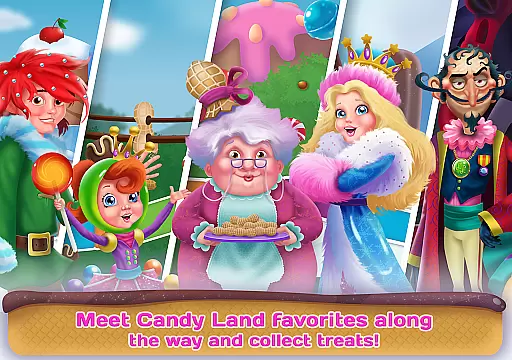
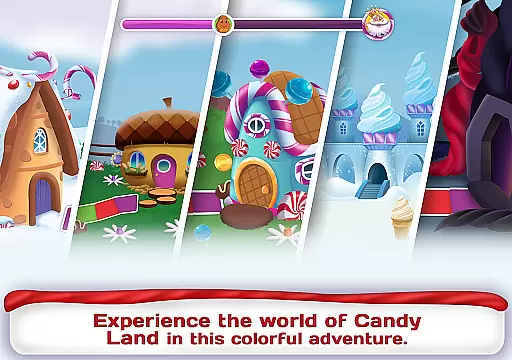
Candy Land is an educational app designed to engage children in a delightful journey through the colorful world of Candy Land. The app features interactive activities and mini challenges that help develop creativity and literacy skills.
Children can explore various flavorful locations, complete fun missions, and collect treats to restore the Rainbow Maker. With characters from the classic board game, this app provides an immersive experience that combines learning with entertainment.
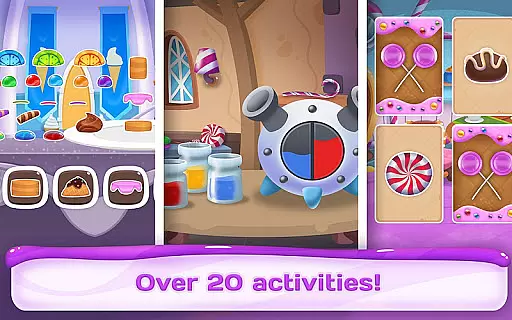
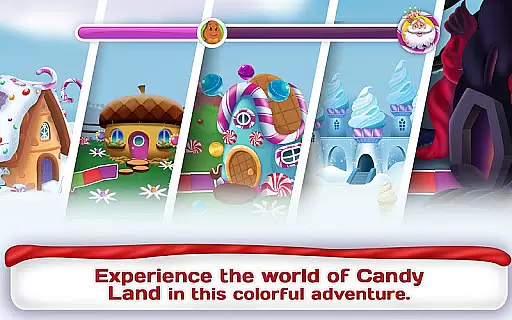
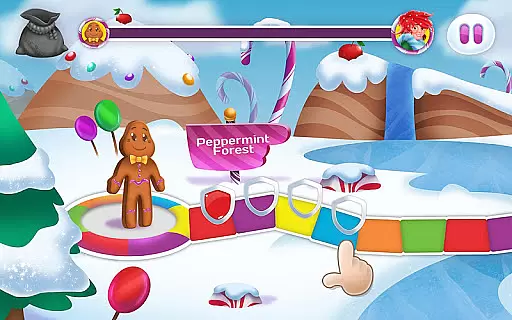
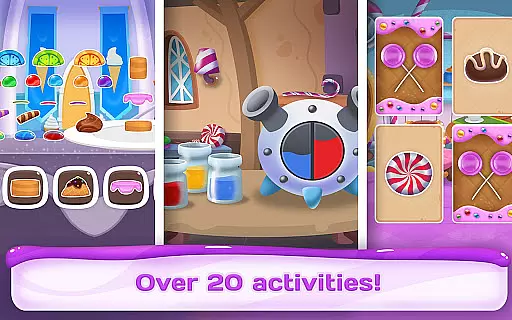
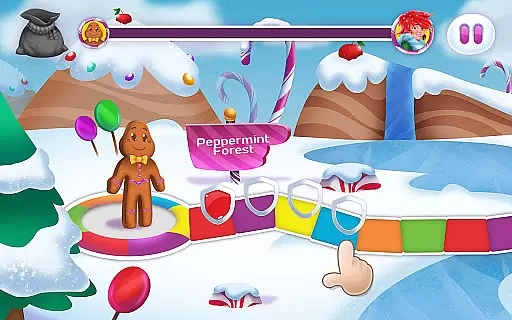
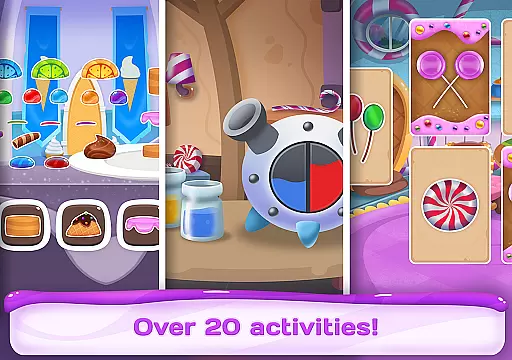
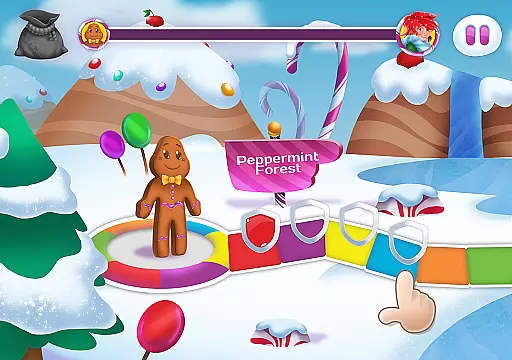
The app includes over 15 mini challenges spread across different lands like Peppermint Forest and Lollipop Palace. Each challenge involves unique tasks such as restoring lollipops, filling ice cream cones, and solving licorice puzzles.
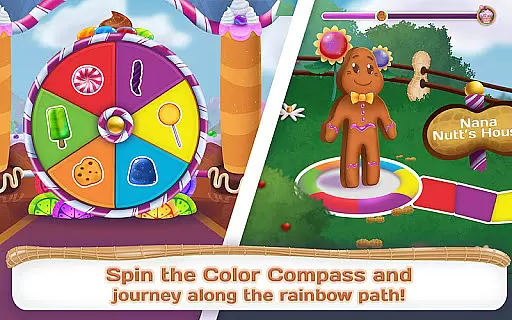
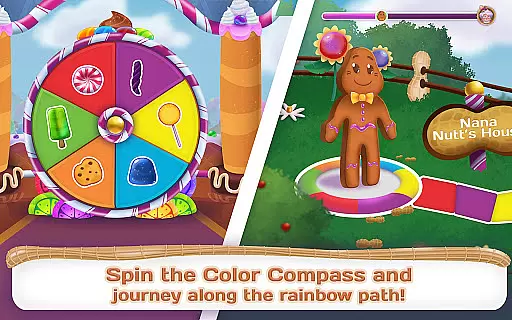
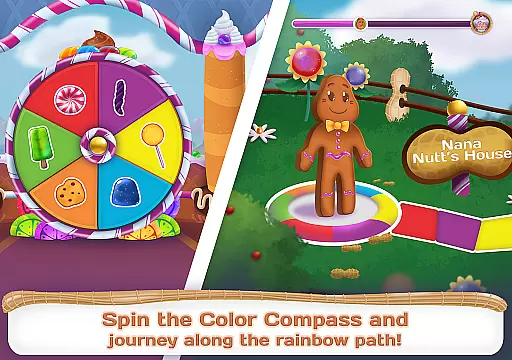
Interactive features include the Spinner and Rainbow Maker, which enhance the gameplay experience. The app also offers 'Read it myself' and 'Read to me' modes, catering to different reading levels and preferences.
In the realm of educational apps, content accuracy and authority are paramount. Candy Land ensures that every piece of information aligns with trusted educational standards. The app features characters and scenarios from the classic board game, which have been vetted for consistency and reliability.
Through its 15 mini challenges, the app delivers a curriculum that is both engaging and accurate. Each challenge has been designed in partnership with reputable brands, ensuring that the educational material is not only fun but also authoritative. This collaboration guarantees that children receive correct information as they learn through play.
Parents can rest assured knowing that their children are learning from a source that respects intellectual integrity. The app's activities, such as sorting nuts by color or frosting cakes, are grounded in real-world skills that are important for early childhood development.
By integrating 'Read it myself' and 'Read to me' modes, Candy Land caters to different learning styles while maintaining content precision. This dual approach helps reinforce literacy skills, providing a trustworthy environment where children can safely explore and learn.
Candy Land offers personalized learning paths that adapt to each child's unique pace and style of learning. As players navigate through Peppermint Forest, Nana Nuttu2019s House, and other vibrant locations, they encounter tailored challenges that evolve based on their performance.
The app intelligently adjusts difficulty levels within its mini-games, ensuring that each child faces appropriate challenges. Whether it's fixing licorice puzzles or uncovering hidden rock candies, these adaptive tasks keep learners engaged without causing frustration.
Progress tracking within the app allows parents and educators to monitor individual growth. By collecting treats and completing special challenges, children see tangible results of their learning journey, motivating them to continue exploring new concepts.
This customization extends to interactive elements like the Spinner and Rainbow Maker, which respond dynamically to user input. Such responsive features create an immersive experience where every child can find their own path through the colorful world of Candy Land.
Engaging storyline
Educational value
Variety of challenges
Interactive animations
User-friendly interface
Limited free content
In-app purchases required
Occasional bugs
Ads between sessions
High storage demand

Test prep for Indiana students
 4.2
4.2
Childcare Management App: Daily sheets, sign in-out, billing and learning tools
4.70
One of the most engaging and innovative ABC apps on the market.
4.30
Short Lessons for Better Finances, Health, Skills, Jobs & Relationships.
4.80
Dinosaurs coloring book game. Drawing and painting dinos.
4.50
Explore numbers the Starfall way!
4.00
An aviator’s preparation, study and test tool for FAA Knowledge Exams.
3.80
Stack the States makes learning about the 50 states fun!
4.70
Make your own game and world. Draw and animate characters
3.70
Guitar chord finder, analyzer, smartly visualized theory, progressions, quizzes.
4.70
2026 DVSA Driving Theory Test revision with Hazard Perception + Highway Code
4.60
Practice Casino Roulette Payouts for Table Game Dealers and Croupiers
4.40
SkyView®, an augmented reality space app, brings stargazing to everyone!
4.40
Monkey Preschool Lunchbox: 7 exciting educational games for your preschooler.
4.30
Build math skills in: addition, subtraction, multiplication and division.
4.10
Master note reading with StaffWars….
4.00
Listen, request and record pronunciations in more than 450 languages. Everywhere
3.90
The official CCM Glossary app, including 700+ terms and definitions.
2.90
Pickleball guide complete with illustrated Pickleball drills and helpful info
4.1


User Reviews