
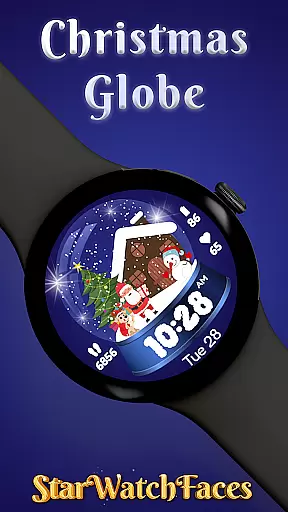
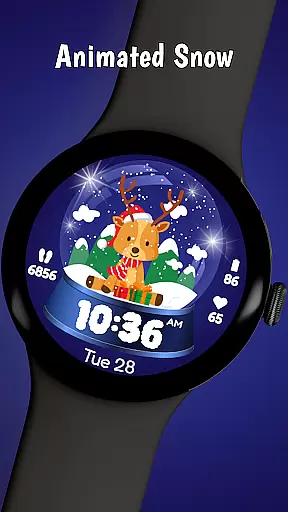
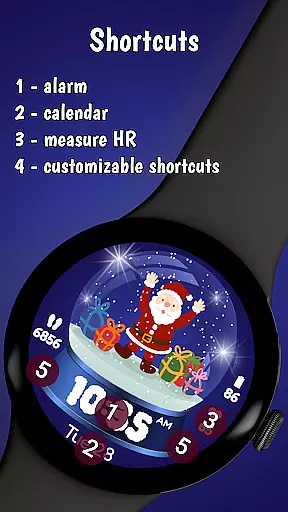
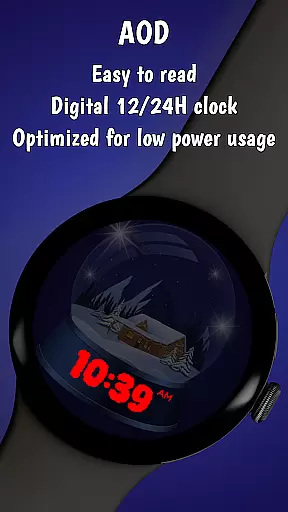
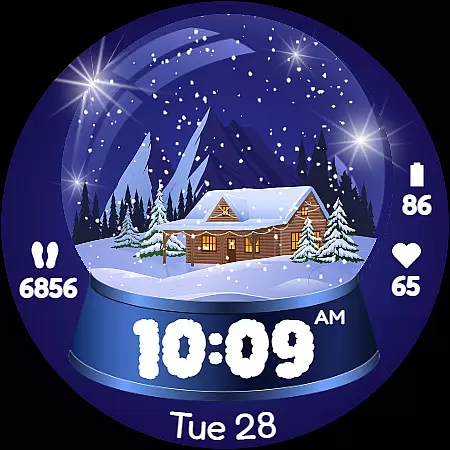
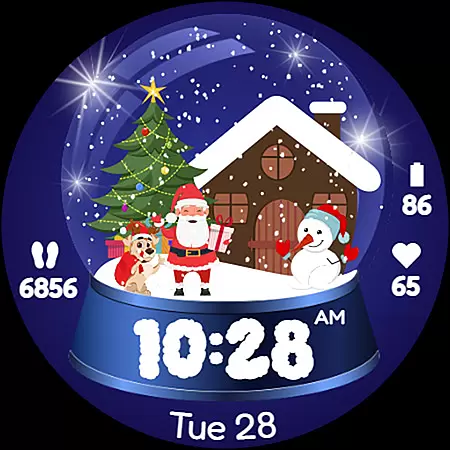
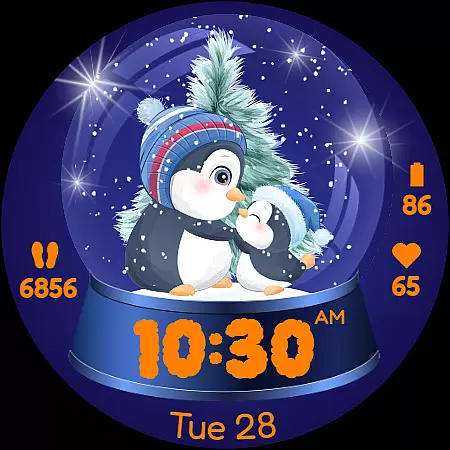
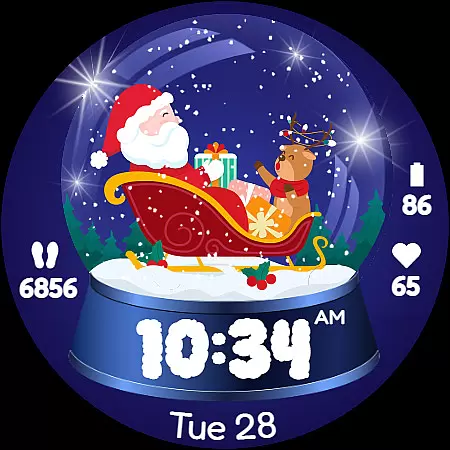
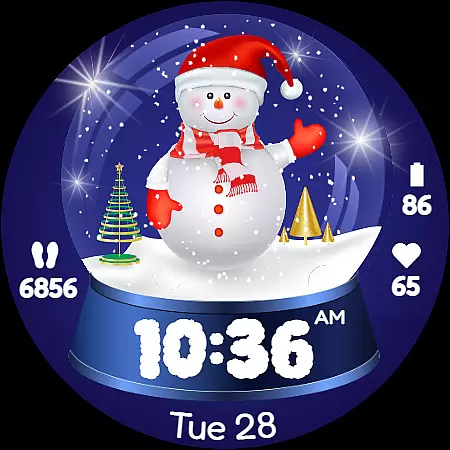
Christmas Globe is a festive watch face for Wear OS devices, transforming your smartwatch into a mini winter wonderland. Featuring an animated snow globe with 10 customizable backgrounds, it offers users the ability to personalize their experience with holiday-themed designs such as Santa Claus, Christmas trees, and snowmen.
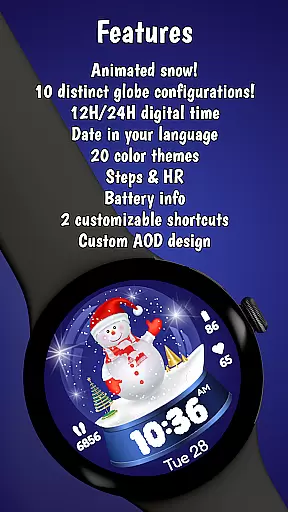
Beyond its charming aesthetics, this watch face provides practical functionality. It supports both 12-hour and 24-hour time formats, displays the current date in English, tracks steps, monitors heart rate, and indicates battery level. Whether you're a Christmas enthusiast or simply enjoy adding whimsy to your tech, Christmas Globe brings joy and utility to your daily routine.
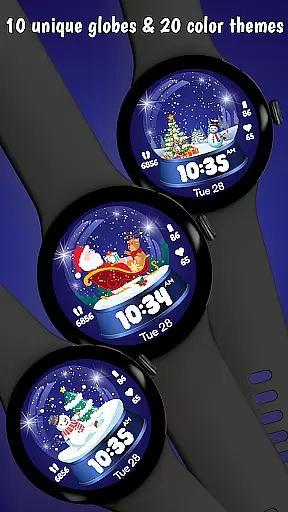
Christmas Globe stands out with its rich feature set tailored for the holiday season. The watch face includes 10 unique festive backgrounds, allowing users to choose from various delightful designs like Santa Claus, sparkling trees, and serene landscapes. With 20 color themes available, you can customize the look to match your style or mood, whether that's classic reds and greens or cool blues and silvers.
In addition to its visual appeal, the watch face ensures essential information is easily accessible. It supports both 12-hour and 24-hour time formats, making it versatile for global users. A clear date display helps keep you organized during busy holiday times. Fitness enthusiasts will appreciate the built-in step counter and heart rate monitor, while the battery level indicator ensures you stay powered up throughout the festivities.
Christmas Globe Watch Face for Wear OS offers a delightful mix of content variety that captures the essence of the holiday season. With 10 unique festive backgrounds, users can choose from charming designs such as Santa Claus, Christmas trees, and serene winter landscapes. This wide selection ensures that your smartwatch reflects the joyous spirit of Christmas in a personalized way.
In addition to background options, the watch face provides 20 color themes, allowing further customization. Whether you prefer traditional reds and greens or cooler blues and silvers, there's a palette for every style and mood. The ability to switch between these themes keeps the experience fresh and engaging throughout the holiday season.
The app doesn't stop at aesthetics; it also displays essential information like time, date, step count, heart rate, and battery level. These practical features ensure that while you enjoy the festive animations, you remain connected and informed about your daily activities and health metrics.
By combining entertainment with utility, Christmas Globe ensures that each glance at your watch is both enjoyable and informative. The regular updates and seasonal additions maintain user interest, making this watch face a dynamic accessory that evolves with the Christmas spirit.
User engagement is a key strength of the Christmas Globe Watch Face, thanks to its captivating design and interactive features. The beautifully animated snow globe, combined with customizable backgrounds and color themes, encourages users to interact frequently with their smartwatch. This high level of personalization fosters a deeper connection between the user and their device, promoting longer usage sessions.
Beyond visual appeal, the inclusion of practical features like step counting, heart rate monitoring, and battery level indication adds functional value. Users are likely to check their watch more often, not just for the time, but also for these helpful insights. This blend of fun and functionality naturally boosts the duration of each interaction.
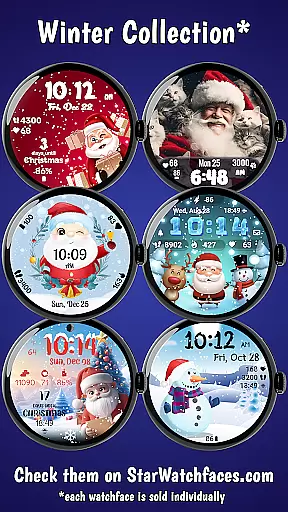
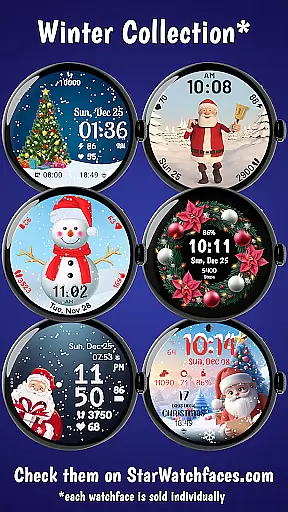
Retention is further enhanced by the appu2019s compatibility with the Watchface Shop, where users can explore an entire collection of seasonal watch faces. Offering bundles and various styles sustains interest beyond the initial download, encouraging users to return and discover new designs. Such ongoing engagement helps maintain long-term retention rates.
Ultimately, Christmas Globe creates an ecosystem where entertainment meets utility, ensuring that users remain engaged and invested in their smartwatch experience. By continuously updating content and providing diverse customization options, the app successfully keeps users coming back for more, season after season.
Festive design
Customizable options
Health tracking features
Versatile time formats
Practical battery indicator
Limited to Wear OS
No advanced fitness metrics
Holiday-specific theme
Potential battery drain
Requires companion app

Binge-worthy short dramas on DramaRush—engaging stories that fit your day.
 3.90
3.90
Air Horn - Siren Sounds Prank, Fun way to wake up your Friends and Family
4.4
Triple A is a highly complex, kinetic, and interactive visualizer.
4.50
SpiritWave is paranormal ITC application.
5.00
Create and play realistic-looking mock Emergency Alert System messages.
4.30
Your choice of 350+ networks plus movies and full TV series on-demand.
3.70
Control your AWTRIX 3 easily
4.2
Companion app for Elden Ring to track quests, bosses, progress and more.
4.70
Play casual games to get gift cards and money. More playing, more earning.
4.70
Pathfinder 2e initiative tracker with bestiary, HP, reaction, conditions, etc
4.80
Find out if you're on Santa's Naughty or Nice List with this magical scanner!
4.60
The Xbox app keeps you connected to your gaming community.
4.50
Earn gift cards for playing games. Become a real game tester!
4.40
Practice and master your ESP and intuition with five mode trainer.
4.20
Build and Share AI
4.20
Music visualizer and party effects for Hue
3.90
Create your Songs. Cover Maker with any Voice, Song Generator
3.30
See the frequencies! Watch the magic!
4.1
Raise Christmas Magic with daily missions, magical scanners, and kindness.
4.4


User Reviews