
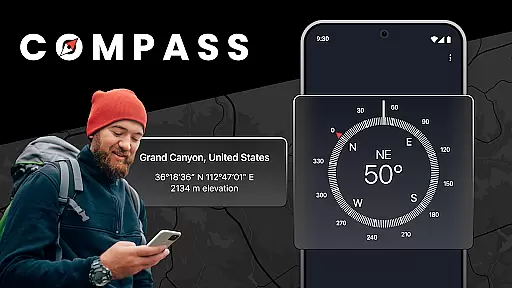
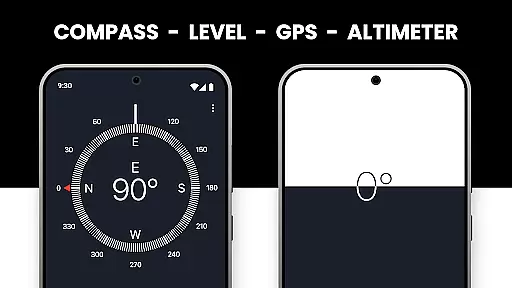
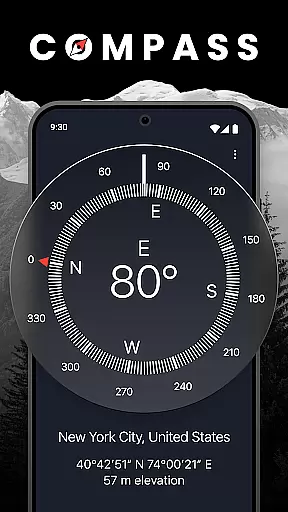
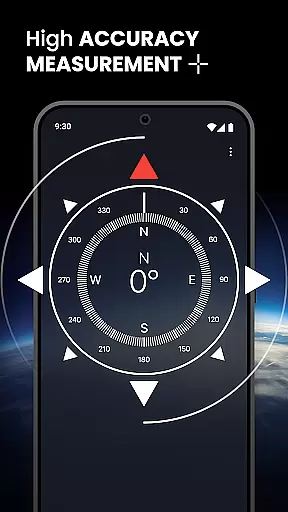

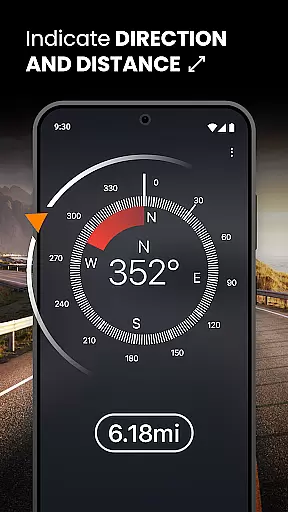
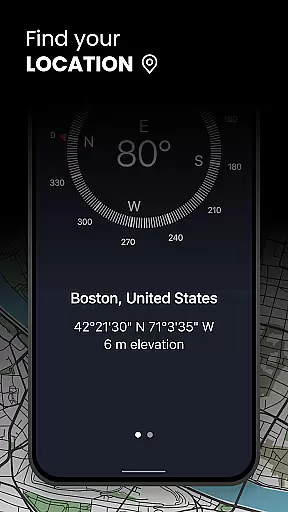
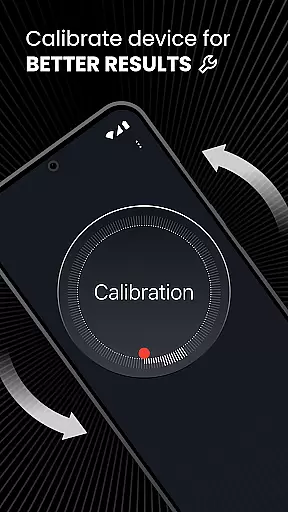
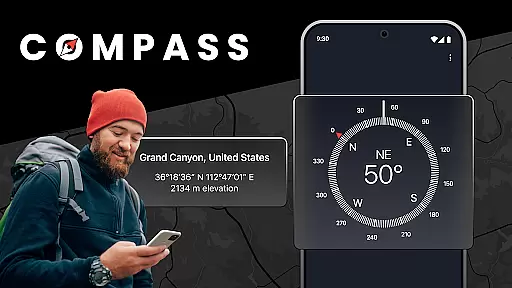
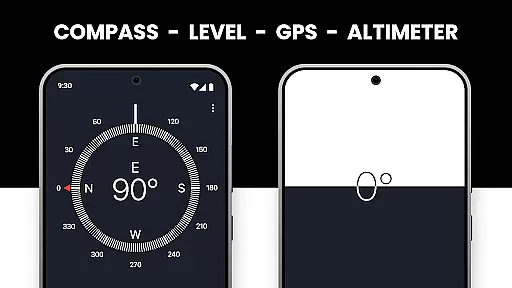
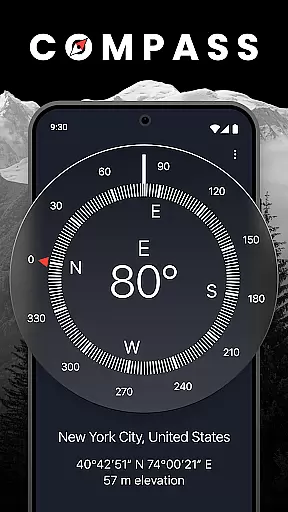
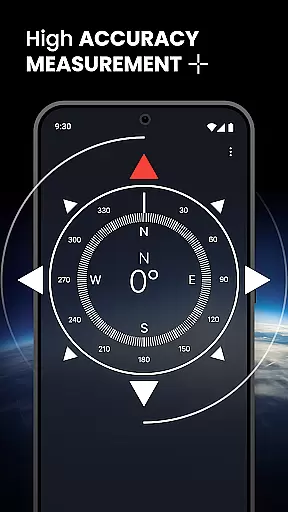

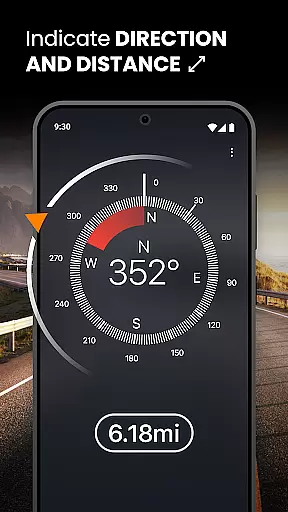
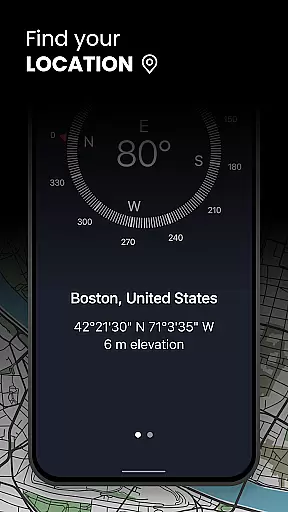
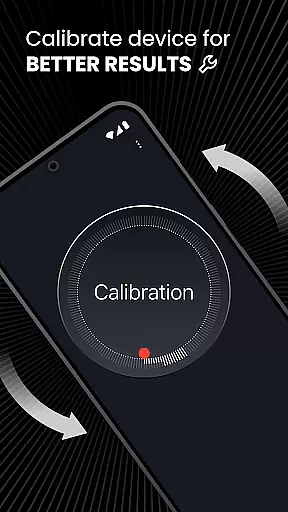
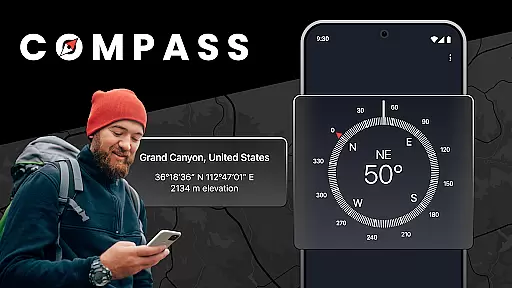
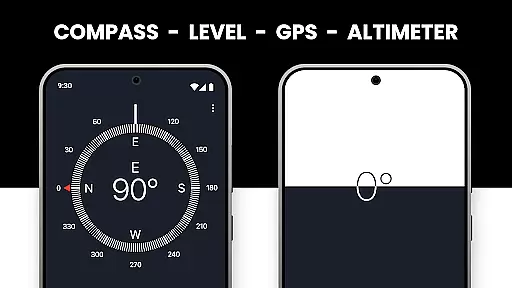
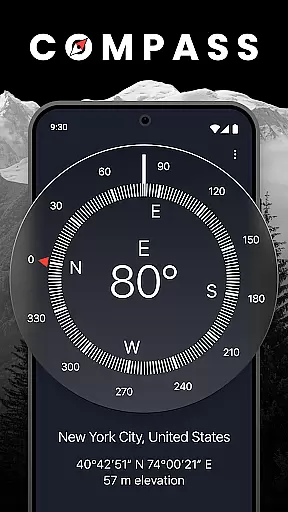
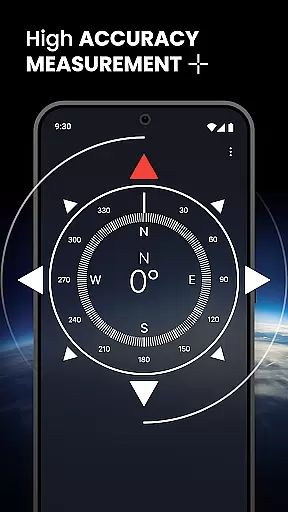

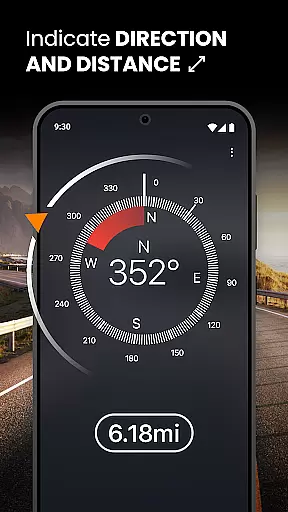
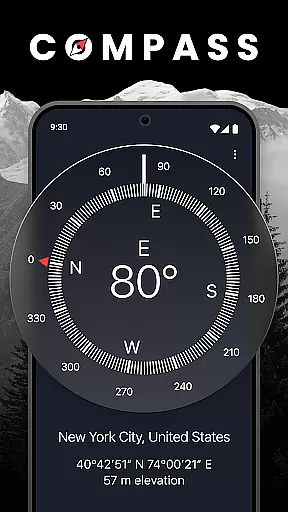
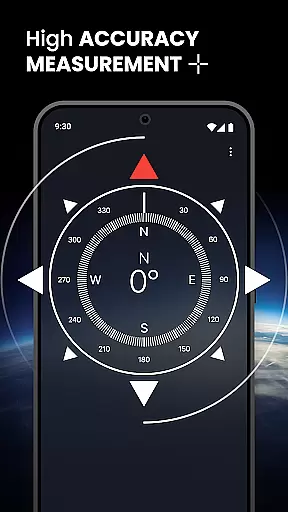

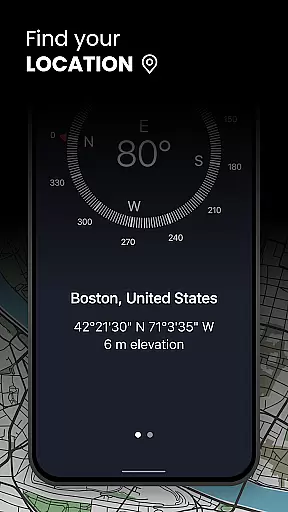
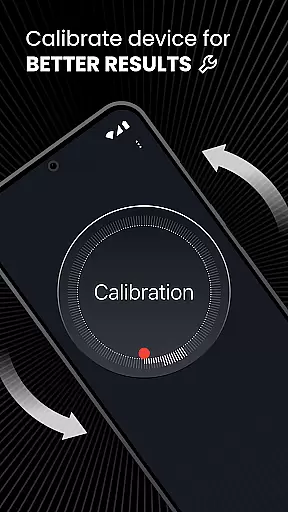
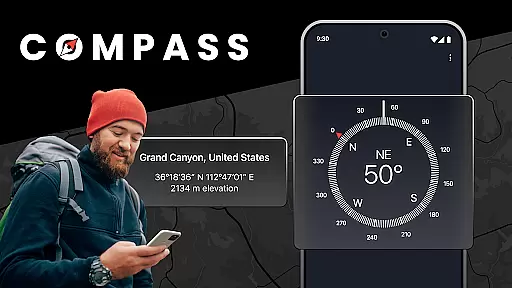
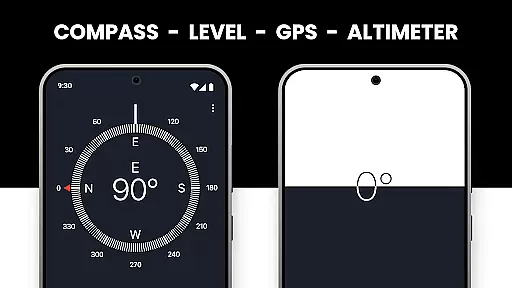
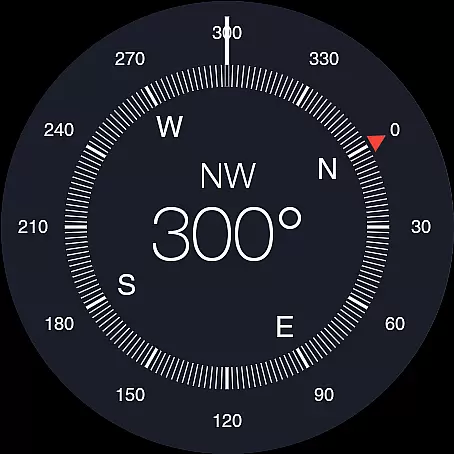

Compass: Accurate Compass is a premier navigation tool designed for Android users who require precision and reliability during their outdoor adventures. This app serves as your personal GPS navigator, combining an accurate compass, advanced altimeter, and essential coordinates display to ensure you're never lost.
The app's standout feature is its unmatched directional accuracy, offering both magnetic and true north readings. Whether you're trekking through remote wilderness or navigating urban landscapes, this compass app provides consistent and reliable direction guidance. The inclusion of comprehensive altimeter data further enhances your navigational capabilities, giving you precise altitude information crucial for hiking and climbing activities.
Beyond basic navigation, Compass: Accurate Compass offers practical offline functionality, making it indispensable in areas with limited cellular service. Its seamless integration with Android devices, including Wear OS support, ensures a smooth user experience across all your devices. This makes it the perfect companion for any explorer seeking a reliable and versatile navigation solution.
Compass: Accurate Compass distinguishes itself through a combination of innovative features and practical tools that cater to various navigation needs. At its core, the app provides exceptional directional accuracy with options for both magnetic and true north readings, ensuring users can navigate diverse terrains with confidence.
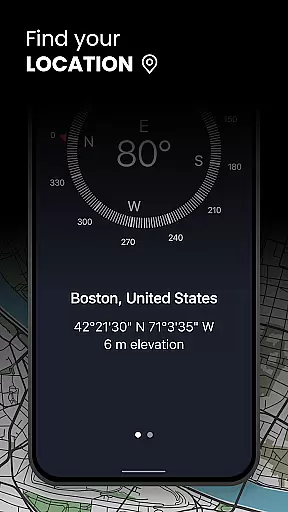
The app's comprehensive altimeter functionality delivers precise altitude measurements, which are displayed alongside essential coordinates information including longitude and latitude. This integrated approach to navigation enables users to maintain situational awareness in any environment. Furthermore, the app's offline capabilities allow users to access critical navigation tools without requiring an internet connection, proving invaluable in remote areas.
Additional notable features include seamless integration with Wear OS devices, providing users with flexible navigation options across multiple devices. The app's optimization for Android ensures smooth performance and reliability, while its intuitive interface makes navigation accessible to users of all experience levels. These combined features make Compass: Accurate Compass a complete navigation solution for modern explorers.
Map accuracy is a critical feature for any navigation app, and Compass: Accurate Compass excels in this area. This app provides precise directional data by offering both magnetic and true north options, ensuring users can navigate confidently in any environment. Whether you are trekking through remote wilderness or navigating busy urban streets, the app's accurate compass functionality ensures you stay on course.
The app employs advanced algorithms to deliver reliable location readings, even in areas with weak GPS signals. By combining high-precision tools such as an altimeter and detailed coordinates information, it guarantees that users have access to essential vertical and horizontal data. These features collectively enhance the overall accuracy of the map, making it easier for adventurers to plan routes effectively and reach their destinations without hassle.
For users who frequently explore off-the-grid locations, the offline navigation capabilities further boost the app's reliability. Even without an internet connection, the app continues to provide accurate mapping data, which is crucial when cellular service is unavailable. This ensures that no matter where your journey takes you, Compass: Accurate Compass remains a dependable tool for all your navigational needs.
Route planning is an essential aspect of any travel or outdoor adventure, and Compass: Accurate Compass offers robust features to support this function. The app allows users to determine their exact location using longitude and latitude coordinates, which is vital for plotting efficient and safe routes. With these precise details at hand, travelers can easily map out their journeys and make informed decisions about the best paths to take.
In addition to providing detailed coordinates, the app includes an advanced altimeter that helps users understand changes in elevation along their planned routes. This information is particularly useful for hikers and climbers who need to be aware of significant altitude variations. By having comprehensive altimeter data readily available, explorers can better prepare for physical challenges and adjust their plans accordingly.
Furthermore, the seamless integration with Android devices ensures that route planning is smooth and intuitive. Users benefit from a user-friendly interface that simplifies the process of setting waypoints and tracking progress. Overall, Compass: Accurate Compass transforms your device into a powerful navigation aid, equipping you with all the necessary tools to plan successful adventures with ease and confidence.
High-precision compass readings
Offline navigation capability
Advanced altimeter function
Wear OS compatibility
User-friendly interface
Limited iOS availability
Occasional calibration issues
Basic visual design
No augmented reality
Heavy battery usage

Discover over 800 points of interest along the canal.
 3.70
3.70
Instant diesel discounts - save big with each fill up!
4.40
Find radar maps, GPS coordinates, altitude, offline maps, location, travel route
4.40
Parcel map, property lines, owner, acres, land use, zoning and more from Regrid.
4.60
Phone Tracker and GPS Location Sharing
4.20
NJ TRANSIT information and ticketing at your fingertips
3.70
Explore offline maps with radar, satellite view, and real-time alerts.
3.60
Route Planner is travel map to get turn by turn navigation & driving directions
3.90
GPS phone tracker, family locator, secure location sharing app
4.20
Bolt is a ride-hailing app for requesting fast, safe, and affordable transport
4.80
Neshan: map & navigation app with 20M+ monthly active users
4.50
Explore a light pollution map to find suitable dark sky locations for observing.
4.30
Get matched with a nearby driver — you’ll be on your way in minutes.
4.30
Lets explore the world's famous places by using Live Cams, GPS & Satellite View.
4.20
Number locator, real connection map
4.10
TACNAV-X: Precision MGRS navigation, built specifically for the military.
4.00
Get real-time bus and train schedules for easy, hassle-free city transportation.
3.90
Live Satellite view app for find GPS navigation Direction and live location map
3.70
Compass is an accurate compass and a great tool for any outdoor activities
4.4


User Reviews