
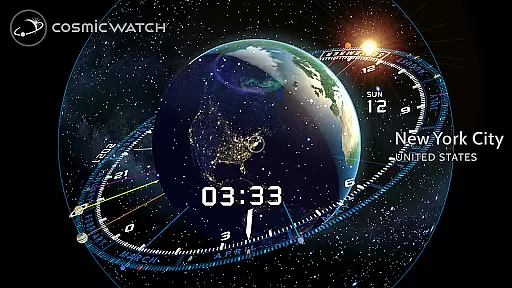
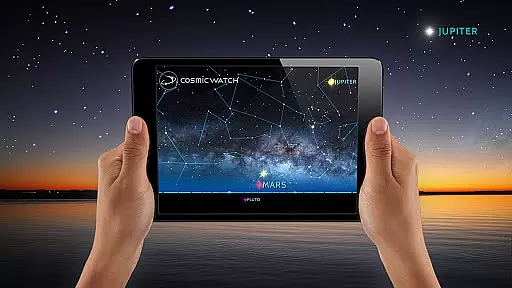
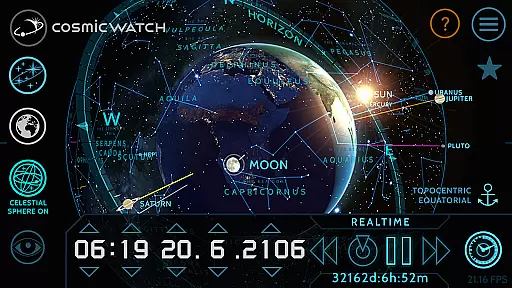
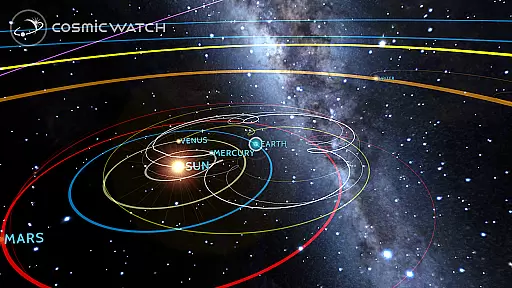
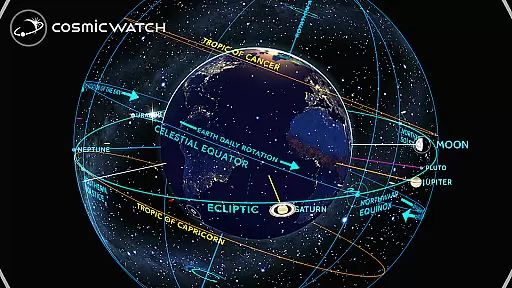
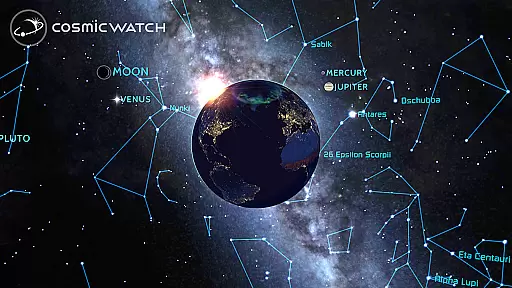
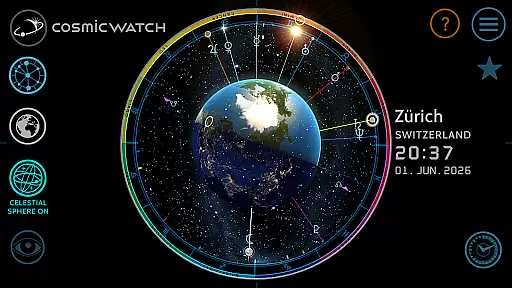
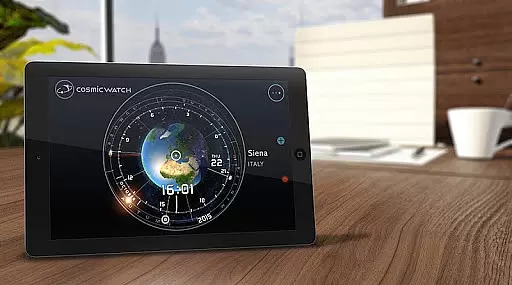
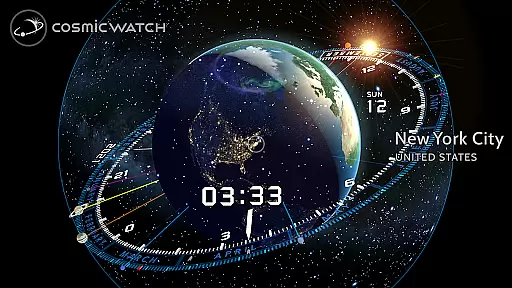
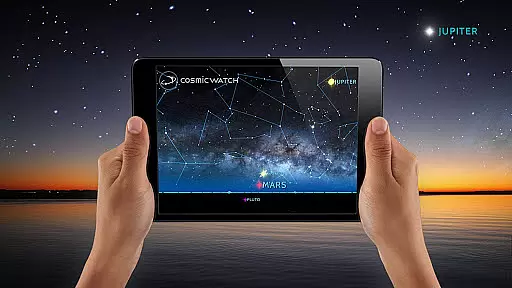
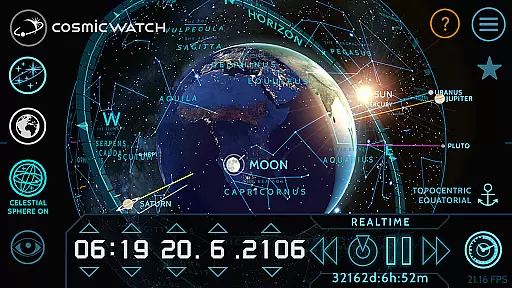
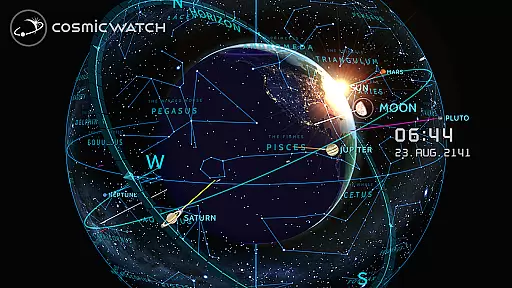
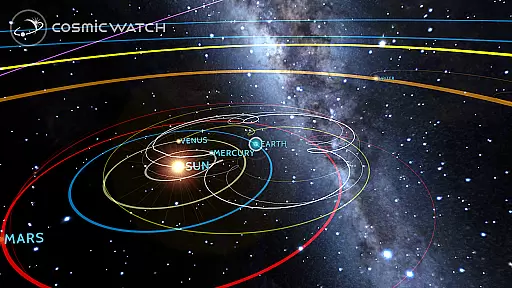
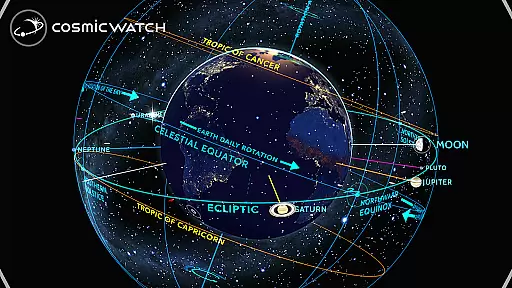
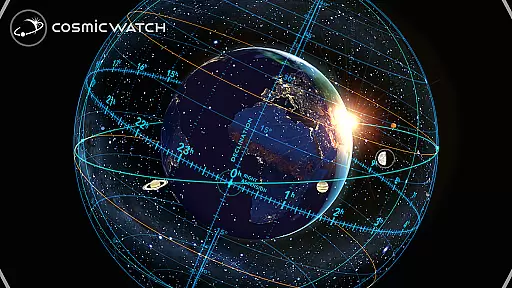
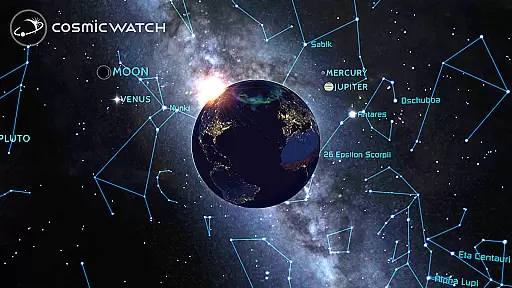
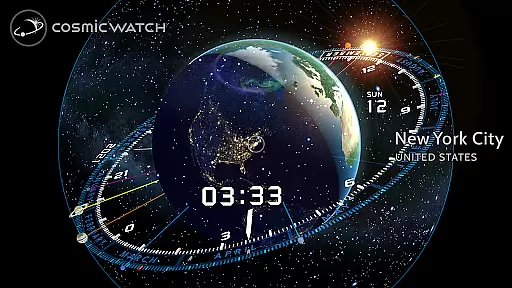
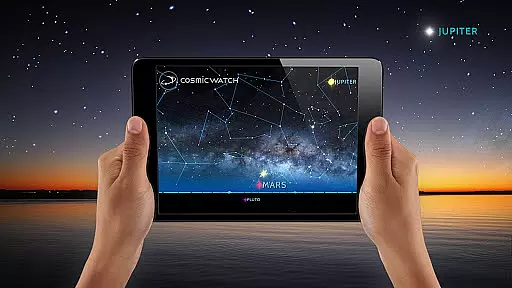
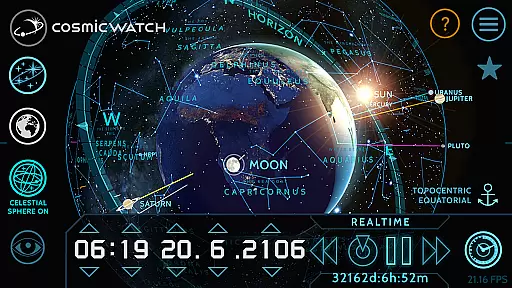
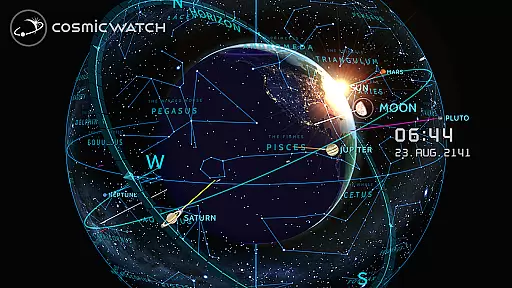
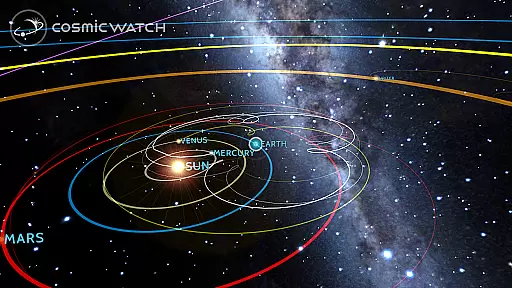
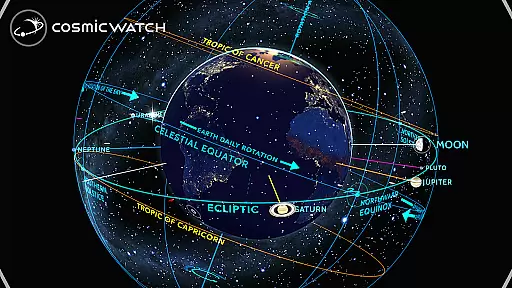
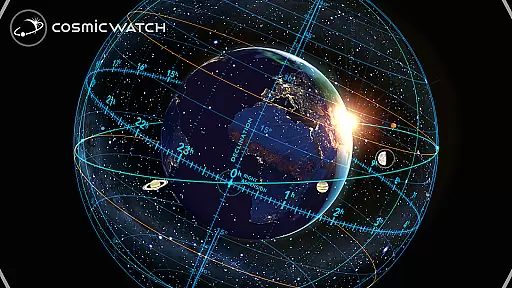
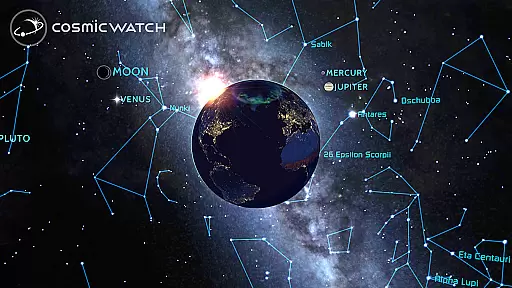
COSMIC WATCH is an innovative 3D planetarium and augmented reality sky guide that combines stunning graphics with real-time astronomical data. This educational tool allows users to explore the solar system, view constellations, stars, and planets, and understand the relationship between time and celestial movements. With its unique 3D celestial sphere, it provides a comprehensive overview of the entire sky.
The app's interactive features enable users to travel through time, switch between different views of the sky, earth, and solar system, and receive notifications about important astronomical events. Whether you're an amateur astronomer or simply someone who appreciates the beauty of the cosmos, COSMIC WATCH offers a captivating journey through space and time.
COSMIC WATCH stands out with its diverse range of features designed for astronomy enthusiasts. The app includes a detailed planetarium with star maps and constellation guides, an augmented reality function for immersive sky exploration, and an interactive astronomical clock. Users can switch between geocentric and heliocentric views, track planetary retrogrades, and utilize a digital compass for orientation.
Additional features include multiple informative layers that provide deeper insights into celestial phenomena. The app also serves as a world clock, making it practical for everyday use while offering advanced tools for stargazing. These features collectively create an engaging educational experience that appeals to both beginners and advanced users in astronomy.
In the realm of educational applications, content accuracy is paramount, especially for an app like COSMIC WATCH that delves into the complexities of astronomy. This app provides a 3D planetarium experience with real-time graphics and astronomical events, ensuring that users receive precise and current information about celestial bodies.
The app meticulously renders star maps, constellations, and planetary movements, offering an authentic representation of the cosmos. By integrating basic astronomical principles with time measurement, it delivers accurate visualizations that are crucial for both amateur stargazers and professional astronomers.
Users benefit from the app's dedication to factual correctness as they explore augmented reality features to understand their position in the universe. The Cosmic Watch not only imparts knowledge but also builds trust by maintaining high standards of content authority, making it a reliable tool for learning about our solar system.
COSMIC WATCH stands out in the Education category by providing personalized learning paths tailored to each user's exploration of space and time. Unlike traditional educational tools, this app allows individuals to chart their own journeys through the cosmos at their own pace, catering to diverse interests within astronomy.
With interactive features such as switching between sky, earth, and solar system views, users can customize their learning experience according to their curiosity and level of expertise. Whether tracking planet retrogrades or receiving astronomy notifications, learners have control over what they wish to study and when.
This flexibility fosters engagement and retention as users feel empowered by their unique cosmic discoveries. By adapting its rich informational layers to individual preferences, COSMIC WATCH ensures that every useru2019s journey through space is both informative and personally rewarding.
User-friendly interface
Stunning visual effects
Real-time astronomical data
Augmented reality feature
Educational and entertaining
High battery consumption
Complex for beginners
Limited offline functionality
Heavy app size
Occasional bugs

Grazing Risk Monitoring Service
 4.3
4.3
Astronomy app ? Discover the universe scope, explore solar system model in 3D.
4.20
Nighty Night Circus - Bedtime story for kids
4.10
Practice Casino Roulette Payouts for Table Game Dealers and Croupiers
4.40
Monkey Preschool Lunchbox: 7 exciting educational games for your preschooler.
4.30
Enrich the experience of your visit to the Pantheon with our audiotour.
1.60
THE ESTABLISHED "GO TO" ARMY BOARD PREPARATION APP!
4.30
Discover Your Place in the Universe
4.70
Adventures await with Spider-Man and other Marvel characters!
4.10
Guitar chord finder, analyzer, smartly visualized theory, progressions, quizzes.
4.70
Turn scrolling hours into improving your knowledge, communication, intelligence
4.50
An easy to use yet powerful and full-featured flashcard study app.
4.50
Latest TLC Practice Questions! Multiple languages available!
4.50
Stack the Countries makes learning world geography fun!
4.50
One of the most engaging and innovative ABC apps on the market.
4.30
The FE Clock is a way to track sun & moon around the circle of the earth.
4.30
An aviator’s preparation, study and test tool for FAA Knowledge Exams.
4.00
Quiz App to help case managers studying for CCMC Certification, 200+ Questions
3.40
Hasbro’s classic CANDY LAND game is now a gorgeous interactive storybook app.
2.30


User Reviews